How to Identify and Handle Dialogs in Puppeteer
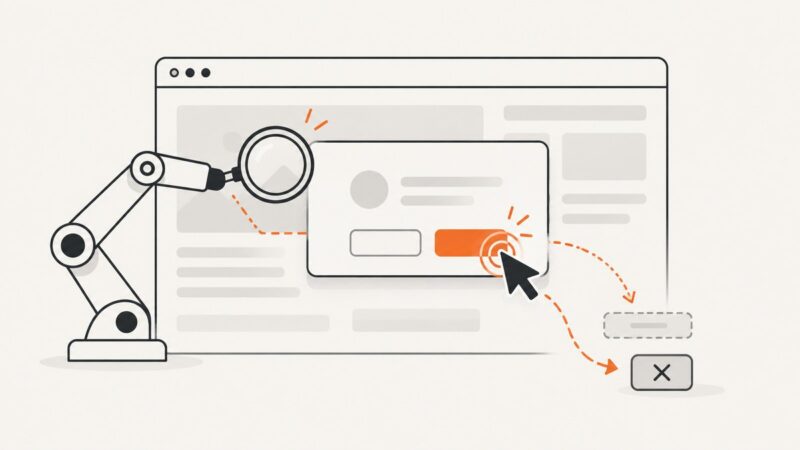
Listen for Puppeteer’s `dialog` event, inspect the dialog type and message, then explicitly accept or dismiss it. Here’s how to handle prompts, confirms, and DOM modals.
Blog
How to take clean screenshots, turn HTML into images and PDFs, run headless browsers, and give AI agents eyes. Written by the team that builds ScreenshotNeo.
Listen for Puppeteer’s `dialog` event, inspect the dialog type and message, then explicitly accept or dismiss it. Here’s how to handle prompts, confirms, and DOM modals.
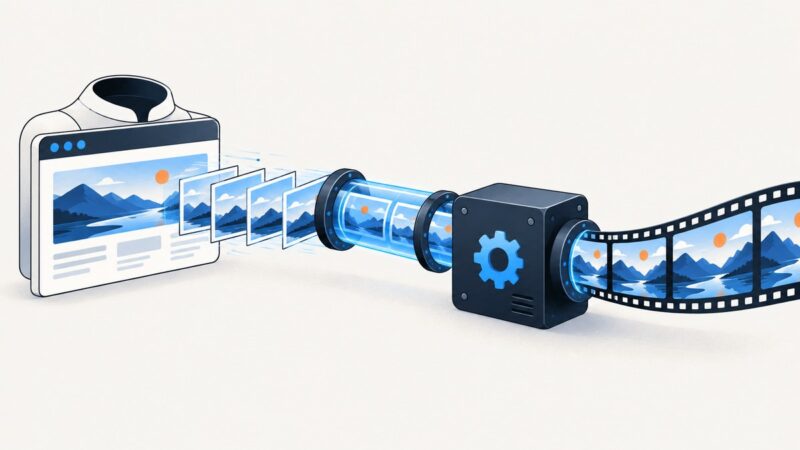
Capture Puppeteer screenshots, stream them safely into FFmpeg, and produce reliable MP4 video with correct timing, codecs, backpressure, and troubleshooting.
Render SVG reliably with wkhtmltopdf, fix blank or pixelated PDFs, handle local assets, and know when to use another renderer.
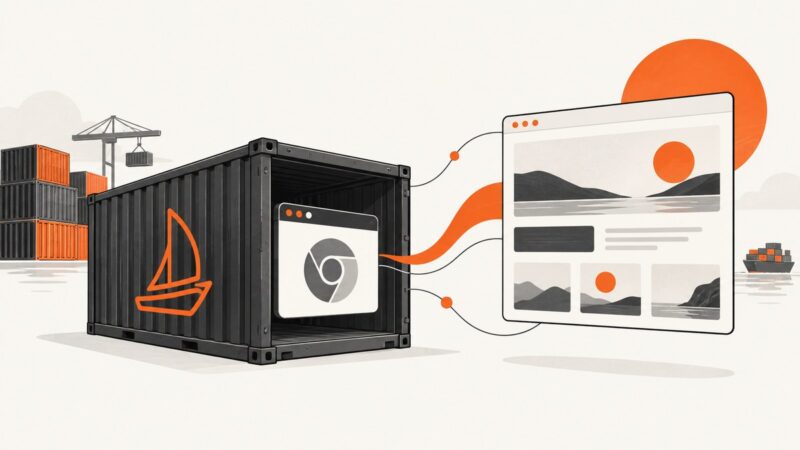
Install Puppeteer in Laravel Sail, choose its bundled Chrome or system Chromium, and fix Docker cache, library, permissions, and launch errors.
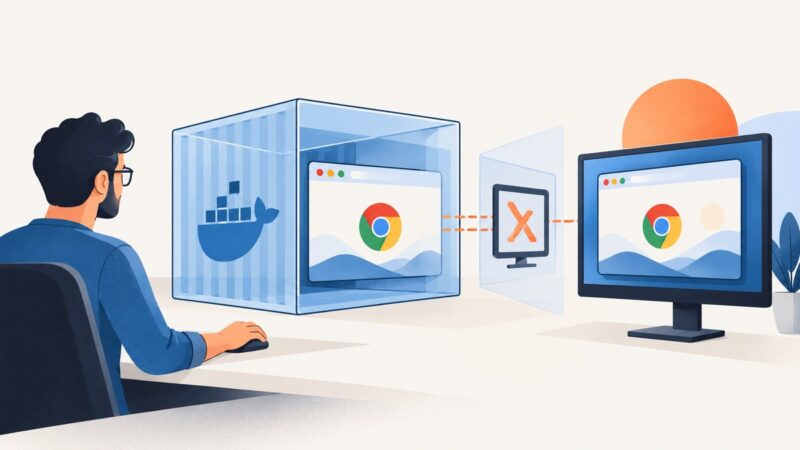
Run visible Chrome in Docker with Puppeteer, Xvfb, compatible browser dependencies, and a secure container setup.
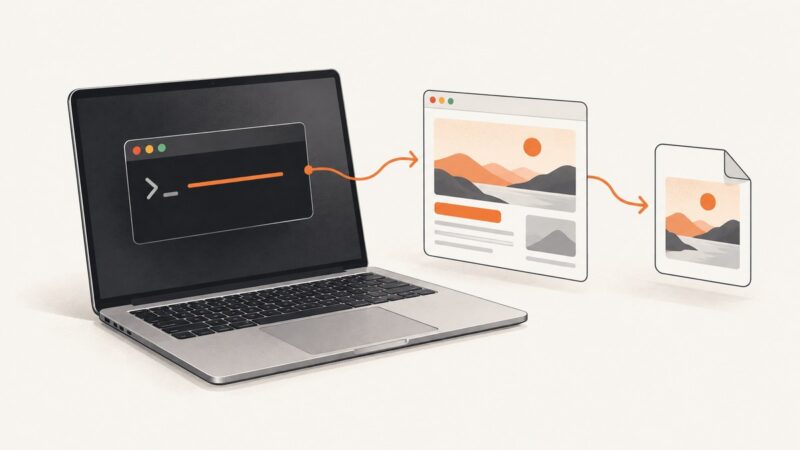
Install wkhtmltoimage on macOS from the official 64-bit package, verify it, troubleshoot compatibility, and learn when a hosted screenshot API is simpler.
Learn how to save Puppeteer screenshots to files, Uint8Arrays, buffers, or Base64, with complete options, examples, troubleshooting, and API alternatives.
Install IMGKit and wkhtmltoimage separately, then render a URL, file, or HTML string with Python. Includes options, headless setup, and fixes for common errors.
Learn how to capture a complete Twitter/X thread as one tall image, avoid missing tweets, and automate clean screenshots with ScreenshotNeo.
Build reliable Puppeteer flows for cookie prompts with resilient selectors, navigation waits, shadow DOM support, debugging, and production safeguards.
Disable page JavaScript before navigation with Puppeteer’s setJavaScriptEnabled(false). Learn the right timing, runnable capture code, and how to troubleshoot it.
Wait for the right Puppeteer response, parse its JSON body, and handle timing, matching, timeouts, errors, and validation.
Connect Browsershot to a running Chrome instance to generate multiple PDFs. Learn how to configure the endpoint, handle browser lifecycle, and troubleshoot failures.
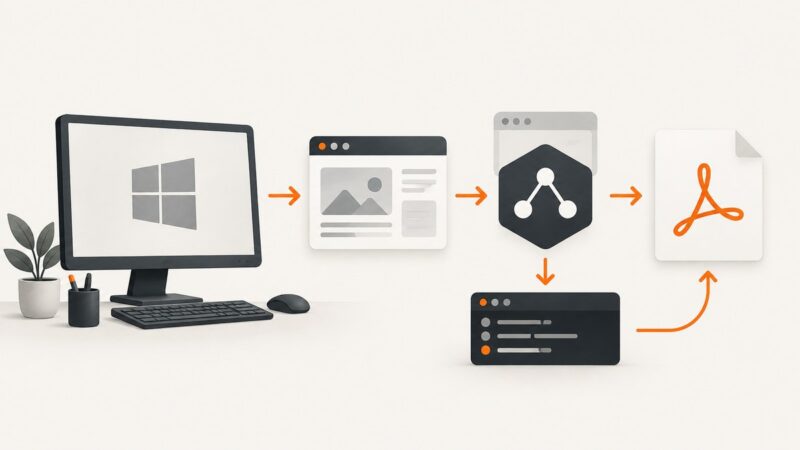
Fix missing Chrome, Windows sandbox errors, blank PDFs, fonts, paths, and layout problems in Puppeteer with tested configuration patterns.
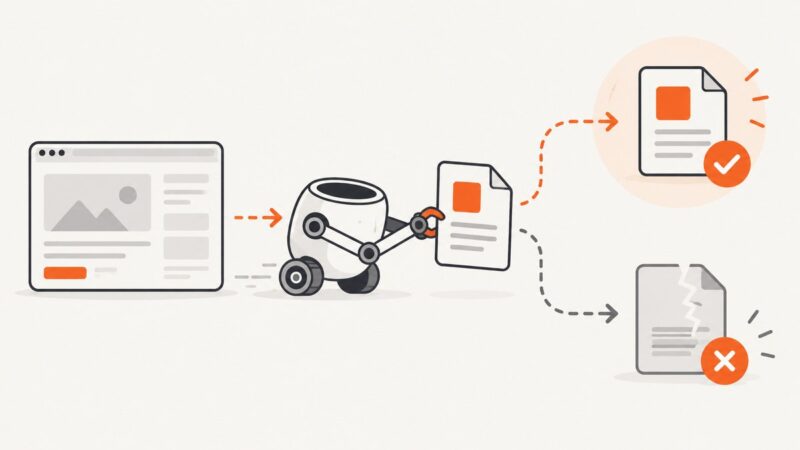
Learn why Puppeteer reports Page.captureScreenshot Target closed, how to diagnose lifecycle and browser failures, and safer screenshot alternatives.
Learn how to capture full pages, selected areas, PDFs, and annotations in Microsoft Edge, plus when an API is a better fit.
Fix viewport-only and incomplete Chrome screenshots by checking the capture workflow, Chrome version, and page behavior. Includes DevTools and CDP steps.
Learn why PDF navigation fails in Puppeteer headless mode, how to wait for PDF links safely, validate responses, and use reliable fallbacks.