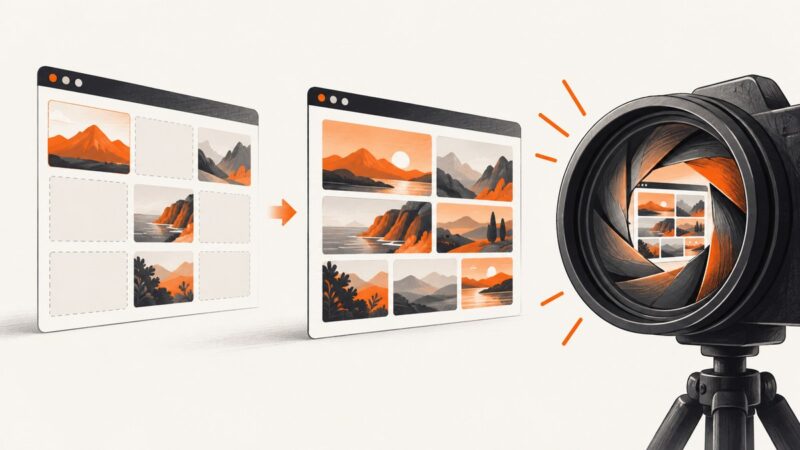
How to Wait for All Images to Load Before Taking a Puppeteer Screenshot
Wait for fonts, decode every image, handle lazy loading, detect failures, and capture reliable Puppeteer screenshots with complete code.
Blog
How to take clean screenshots, turn HTML into images and PDFs, run headless browsers, and give AI agents eyes. Written by the team that builds ScreenshotNeo.
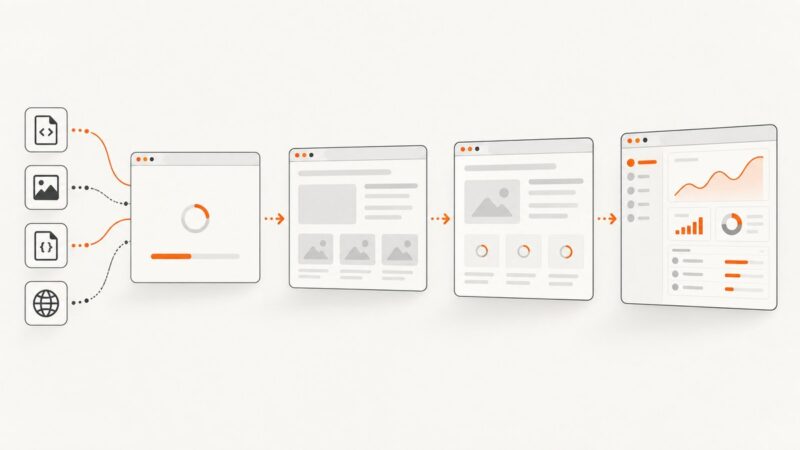
Wait for fonts, decode every image, handle lazy loading, detect failures, and capture reliable Puppeteer screenshots with complete code.
Remove every element matching a CSS class in Puppeteer, handle dynamic pages and Shadow DOM, and avoid common screenshot failures.
Save Selenium screenshots as PNG files in Python with viewport, element, in-memory, full-page, troubleshooting, and automation examples.
Speed up Puppeteer on AWS Lambda by measuring cold and warm startup separately, matching Chromium to your runtime, and reducing avoidable extraction and launch work.
Find out whether missing website images are caused by Edge, a site, or your network, then work through safe fixes in order.
Learn Greenshot’s Internet Explorer full-page workflow, current browser alternatives, troubleshooting, and an API option for automated captures.
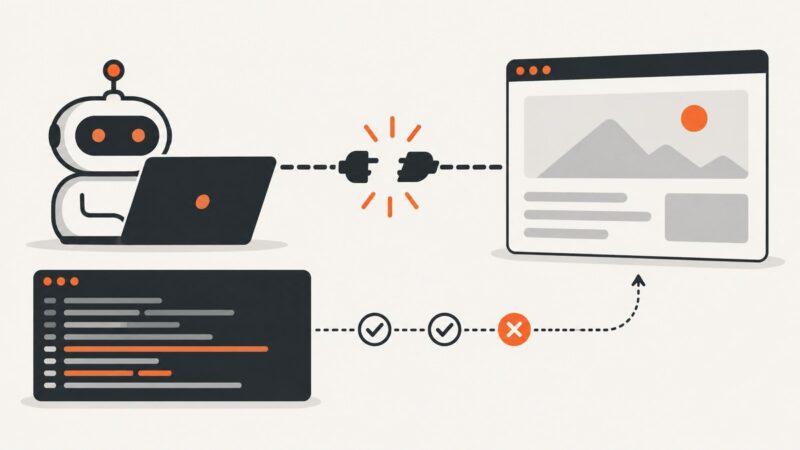
Diagnose Puppeteer’s “Navigation failed because browser has disconnected” error with lifecycle logs, minimal reproductions, deployment checks, and safer fixes.
Use Chromium’s SwiftShader software renderer to capture WebGL without a physical GPU, with explicit flags, runnable automation examples, and troubleshooting.
Capture a full webpage in desktop Chrome with DevTools, or save a long screenshot in Chrome for Android. Learn what each method captures and how to troubleshoot it.
Learn which Playwright load state to use, why networkidle can mislead, and how to wait for the UI state your test actually needs.
Get a YouTube video's thumbnail through the official Data API, choose an available image size, and save it in your browser. Includes runnable examples and reuse guidance.
Fix missing Playwright browsers, Linux dependencies, proxy and certificate errors, and CI or Docker setup problems with the right install commands.
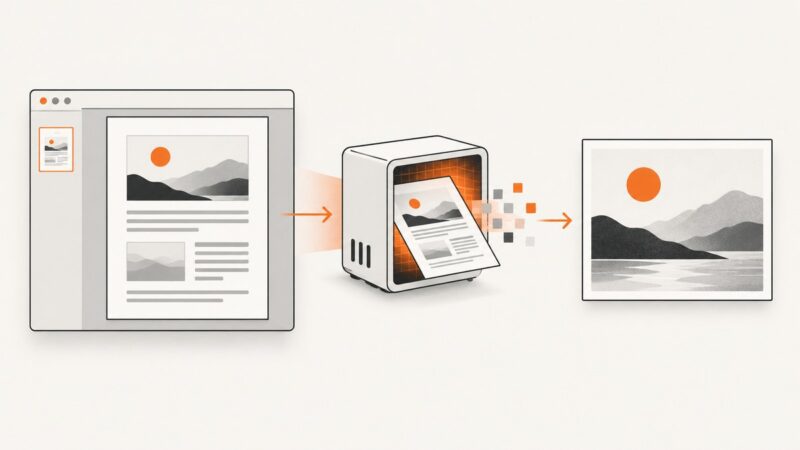
Save a whole PDF page as a PNG or JPG with Acrobat, macOS Preview, or a resolution-controlled Poppler render. Learn which method fits your needs.
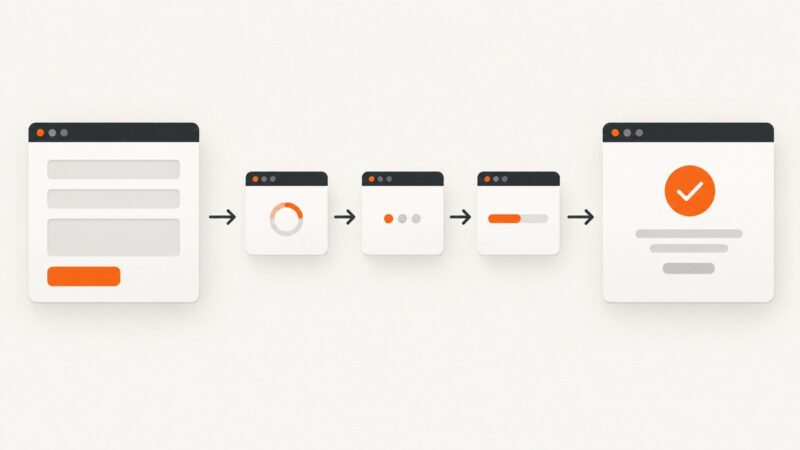
Use Promise.all with waitForNavigation for real navigations, or wait for a response or UI state when forms submit with AJAX.
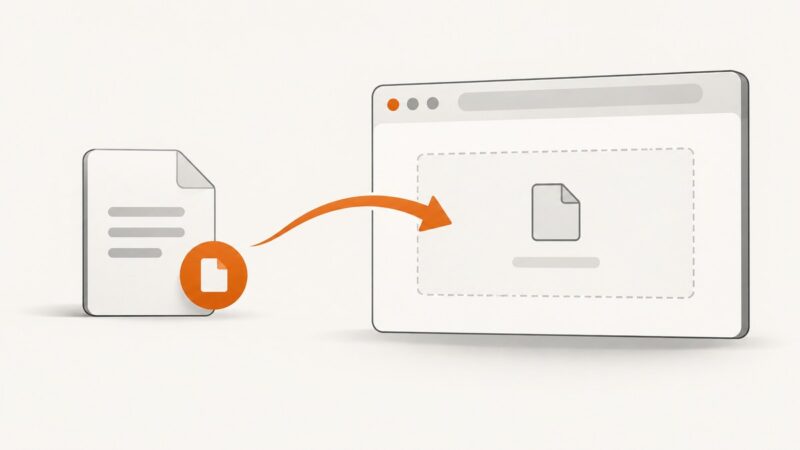
Fix Playwright file uploads with reliable locators, paths, file choosers, payloads, diagnostics, and CI-ready examples.
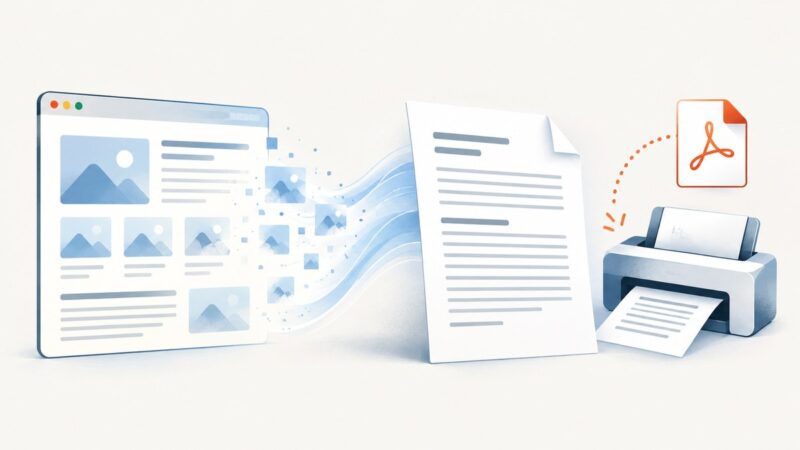
Remove webpage images for cleaner paper or PDF output with print CSS, Firefox and Edge settings, troubleshooting, and an API option.
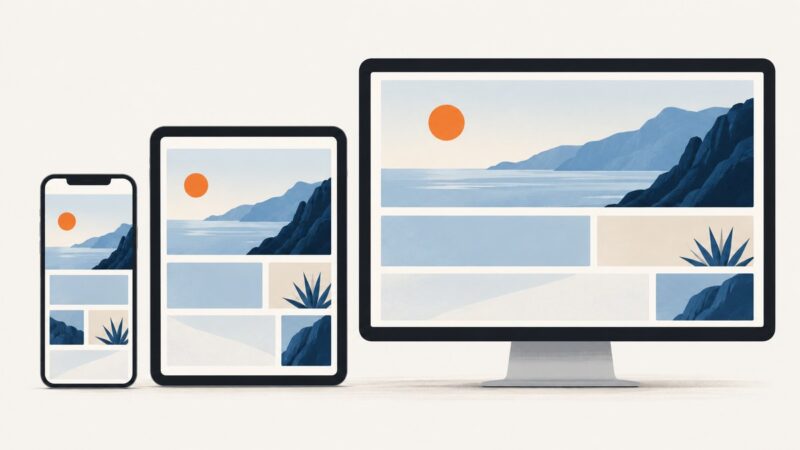
Build a website that adapts to phones, tablets, desktops, zoom and larger text with flexible layouts, content-led breakpoints and a repeatable test process.
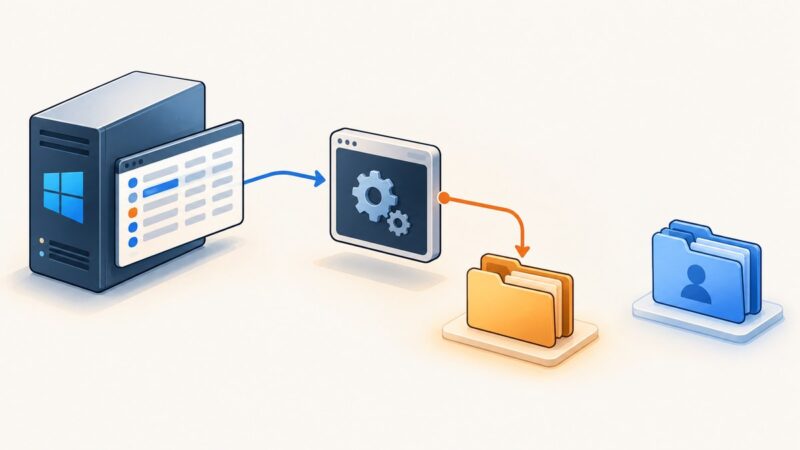
Set Puppeteer’s temporary directory for a PM2-managed Windows app with PUPPETEER_TMP_DIR, then apply it safely and distinguish temp files from Chrome profiles.