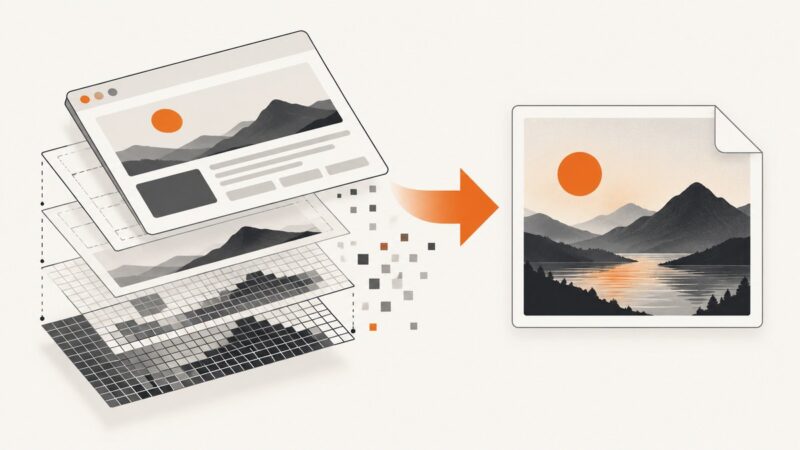
How to Convert a Website to a PDF Document
Save any webpage as a readable PDF on desktop, Android, or iPhone, then automate clean PDF captures with code.
Blog
How to take clean screenshots, turn HTML into images and PDFs, run headless browsers, and give AI agents eyes. Written by the team that builds ScreenshotNeo.
Save any webpage as a readable PDF on desktop, Android, or iPhone, then automate clean PDF captures with code.
Export sharp JPGs from HTML with html2canvas or Playwright. Control pixels, JPEG quality, cross-origin content, full-page captures, and automation.
A blank Puppeteer page can come from navigation, network, HTTP, browser, or content failures. Check the final URL, response, and expected page content to find the cause.
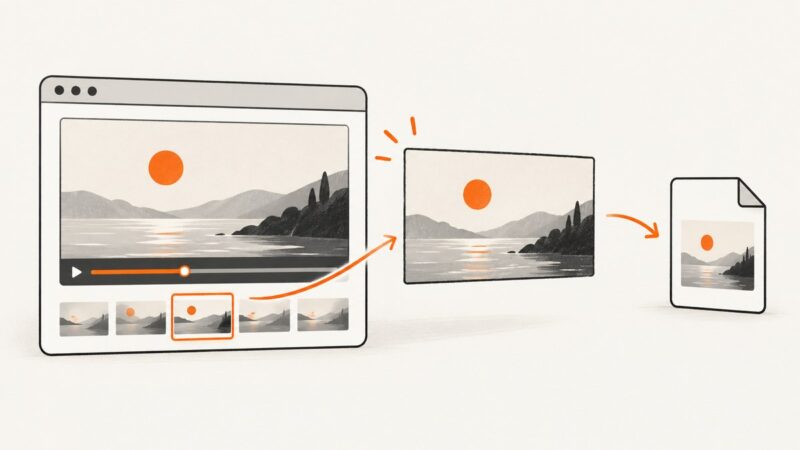
Learn how to capture exact frames from an HTML video as JPG files, handle seeking and CORS, and automate reliable frame extraction.
Capture a rendered webpage as a JPEG with a browser extension. Compare full-page tools, native Firefox options, format choices, privacy limits, and fixes.
Convert a browser element or full webpage to JPG with html2canvas or Puppeteer. Learn how to handle CORS, sizing, quality, and common capture failures.
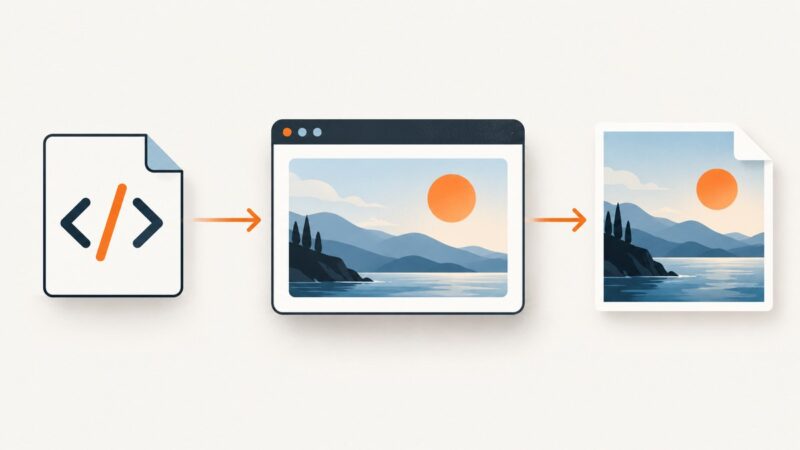
Learn when to export an SVG and when to screenshot a rendered HTML page, with Inkscape, rsvg-convert, Chrome, Playwright, and ScreenshotNeo.
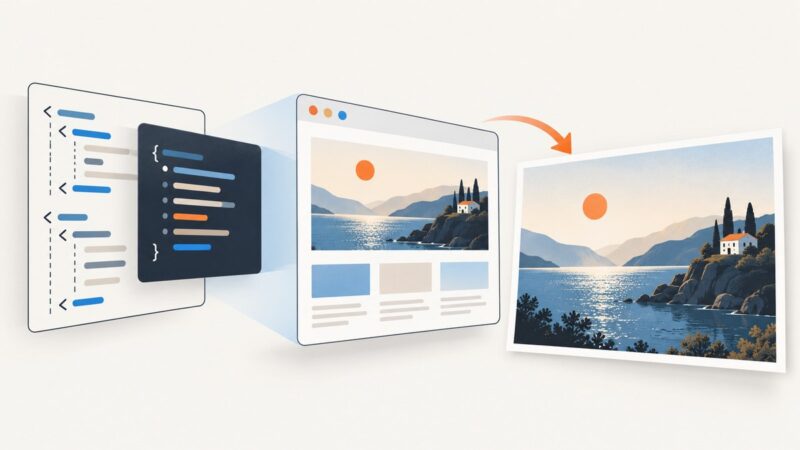
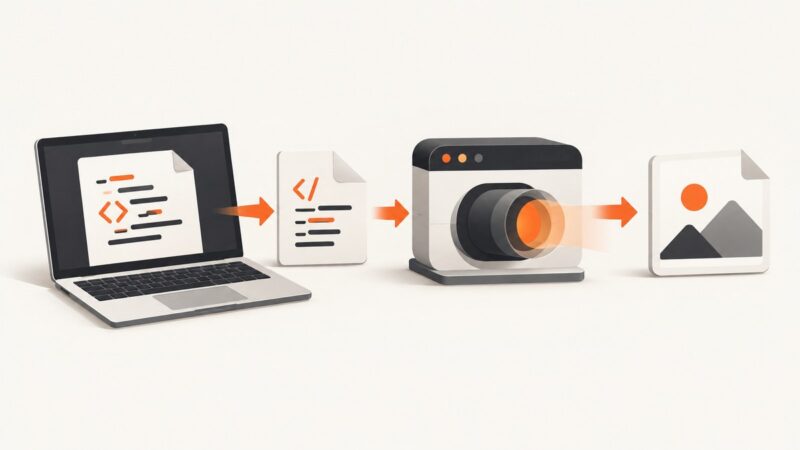
Convert HTML to JPG by rendering it in a browser, then capturing the viewport, full page, or a selected element. Compare local tools, PHP wrappers, and hosted APIs.
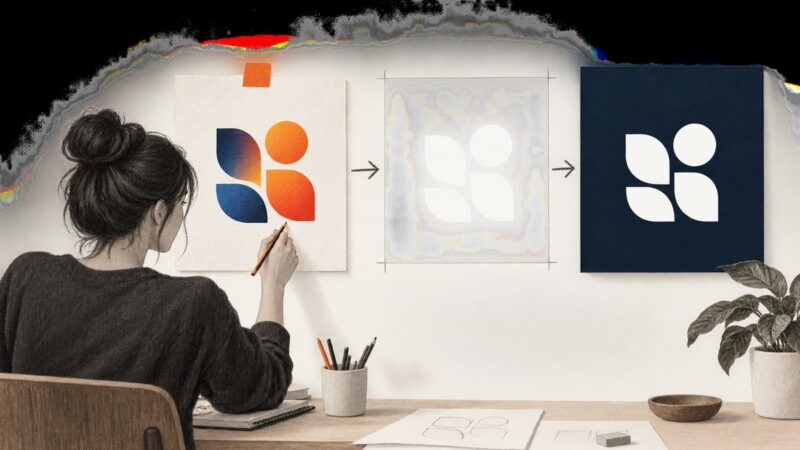
Turn a logo white, remove its background, export transparent PNG, and verify edges across light and dark designs.
Capture viewport, full-page, clipped, and element screenshots with Puppeteer, then automate reliable rendering and skip browser setup with ScreenshotNeo.
Render a selected DOM element as a JPEG in the browser with html2canvas, then export it safely with canvas.toBlob().
Remove an icon’s background, preserve alpha transparency, and export a clean PNG using Canva, GIMP, Photoshop, or code.
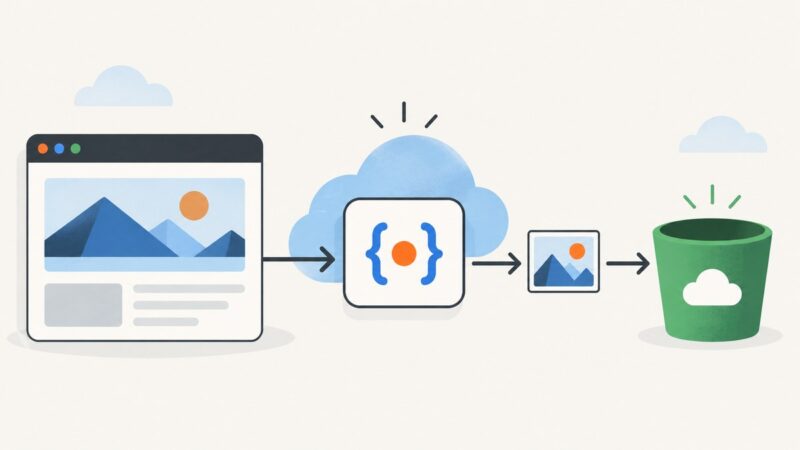
Capture a webpage with Puppeteer in a Node.js Cloud Run function and upload the image to Google Cloud Storage with the runtime service account.
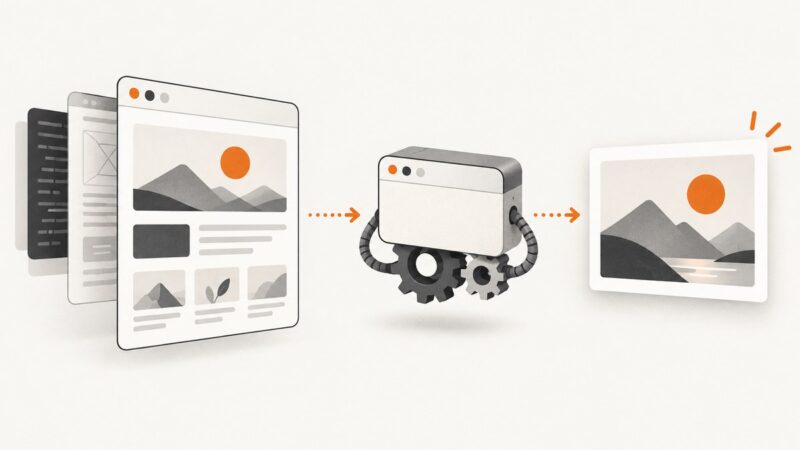
Render HTML in a browser, wait for fonts and images, then encode the pixels as JPEG with html2canvas, Puppeteer, wkhtmltoimage, or an API.
Build repeatable visual snapshots with Puppeteer, control page state, and compare captures against a baseline without confusing screenshots with accessibility snapshots.
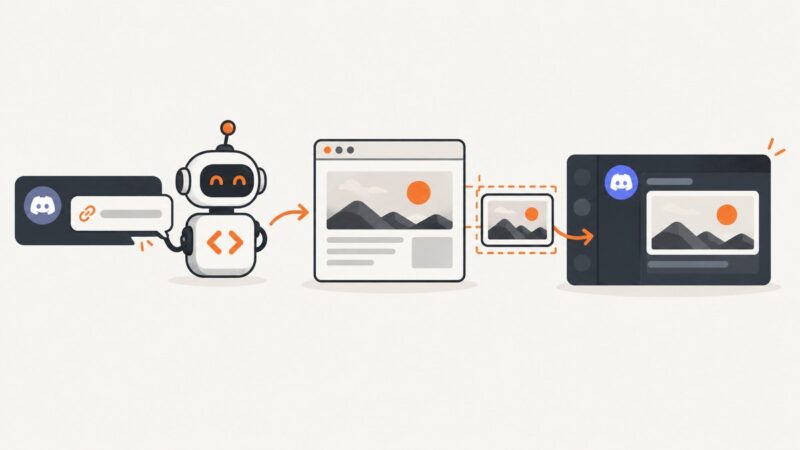
Capture any URL, upload the image in a discord.js interaction, and display it inside an embed with reliable deferred replies and troubleshooting.
Render local HTML in a headless browser and capture its pixels as PNG with Chrome, Playwright, or Puppeteer—without an internet connection.
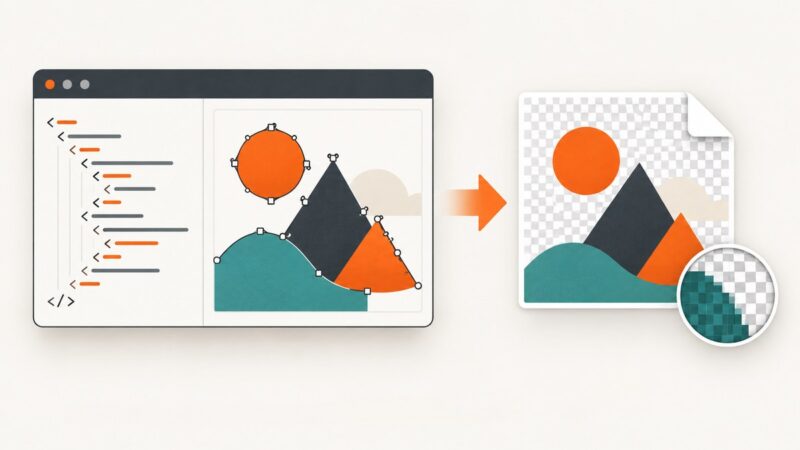
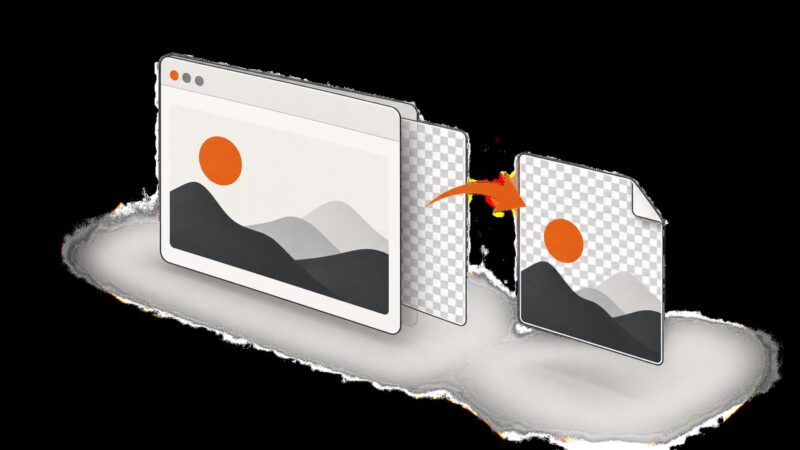
Learn why HTML screenshots turn transparent areas white, how to fix them in Playwright, Puppeteer and html2canvas, and how to verify the PNG alpha channel.