ScreenshotOne Full-Page Screenshot
Capture complete web pages with ScreenshotOne, trigger lazy-loaded content, tune scrolling, and fix incomplete full-page screenshots.
Blog
How to take clean screenshots, turn HTML into images and PDFs, run headless browsers, and give AI agents eyes. Written by the team that builds ScreenshotNeo.
Capture complete web pages with ScreenshotOne, trigger lazy-loaded content, tune scrolling, and fix incomplete full-page screenshots.
Save an entire webpage as a PNG in Microsoft Edge with Screenshot, plus reliable options for long, dynamic, or automated captures.
Use 1200×630 as your practical OG image canvas, add correct Open Graph metadata, protect safe areas, and validate previews before publishing.
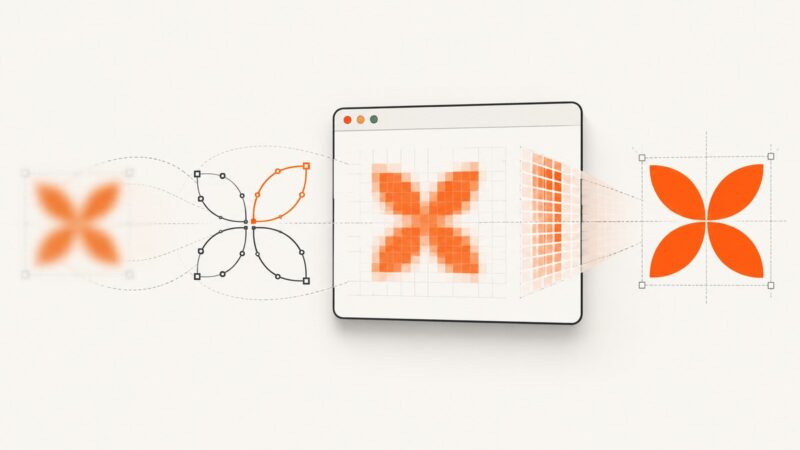
Fix blurry SVG screenshots in Puppeteer by controlling viewport density, SVG geometry, readiness, formats, and Chromium rasterization.
Capture any webpage in one click with Firefox, Edge, Chrome or an API. Get full-page steps, automation code, troubleshooting and reliable settings.
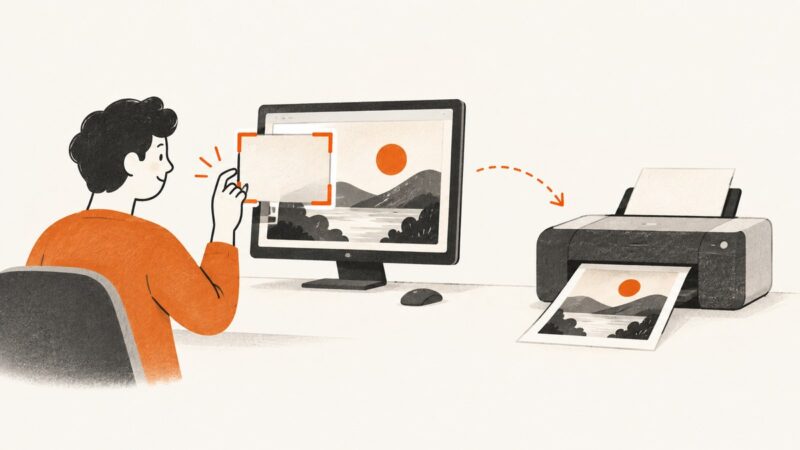
Capture your screen on Windows, Mac, iPhone, Android, or Chromebook, find the saved image, and print it with the right settings.
Change Facebook’s link preview image by updating your page’s Open Graph image, publishing it, and requesting a fresh scrape in Sharing Debugger.
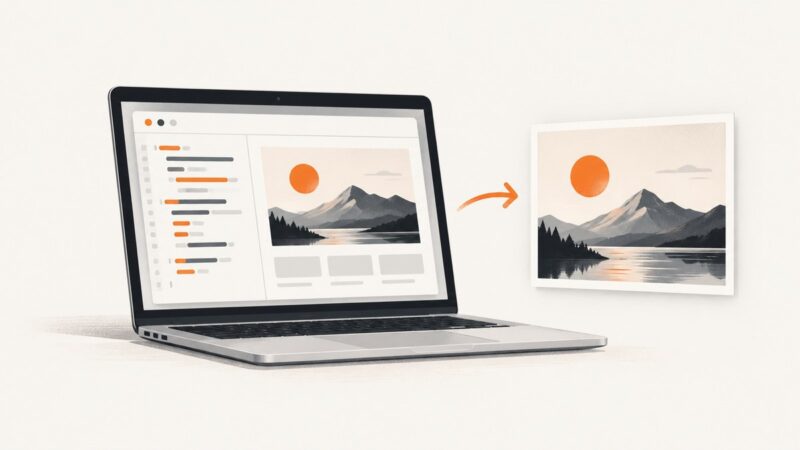
Render HTML in a browser and save a PNG on macOS. Compare Safari, Playwright, full-page captures, scaling, troubleshooting, and ScreenshotNeo.
Convert an HTML image to PNG Base64 with canvas, handle CORS and large files, and use cURL, Python, Node.js, or ScreenshotNeo.
Use Pixel’s built-in scrolling screenshot to save a long screen as one image. Here are the steps, support limits, troubleshooting tips, and a web-page alternative.
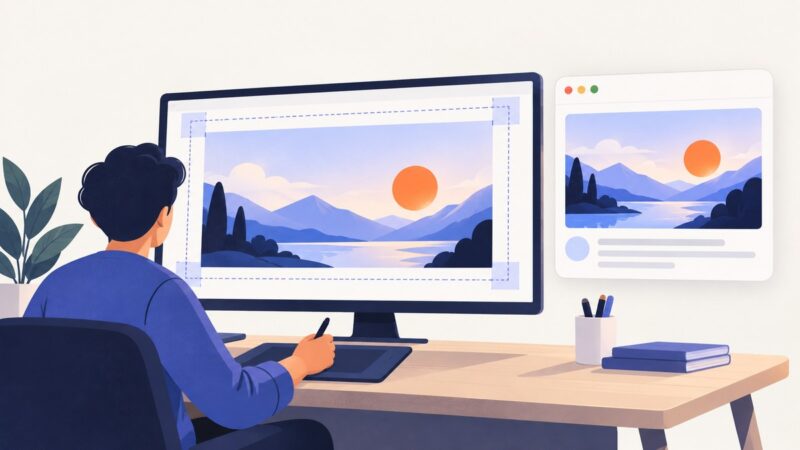
Build a reusable website thumbnail template with consistent dimensions, readable type, and channel-specific exports. Learn how to verify previews and fix unwanted crops.
Learn every reliable way to capture, edit, find, share, and troubleshoot screenshots on a OnePlus Nord, including three-finger and scrolling capture.
Capture the rendered page behind an HTML link as a PNG with a browser, Playwright, or one API request. Choose viewport, full-page, or element capture.
Quiet Pyppeteer without silencing your whole Python application: configure its logger, set launch or connect log levels, and handle Chromium output separately.
Capture an entire webpage on a MacBook with browser tools, Safari options, and an API workflow for reliable full-page screenshots.
Fix Puppeteer’s null innerText error with reliable waits, guards, locators, frame checks, shadow DOM debugging, and production patterns.
Learn how to open saved website screenshots and inspect Chrome’s page-load thumbnails, plus how to capture pages without setting up a browser.
Capture an entire scrolling page on a Samsung Galaxy with Scroll capture, fix missing controls, and automate screenshots when needed.