How to Capture a Screenshot of a Specific App Window with Puppeteer
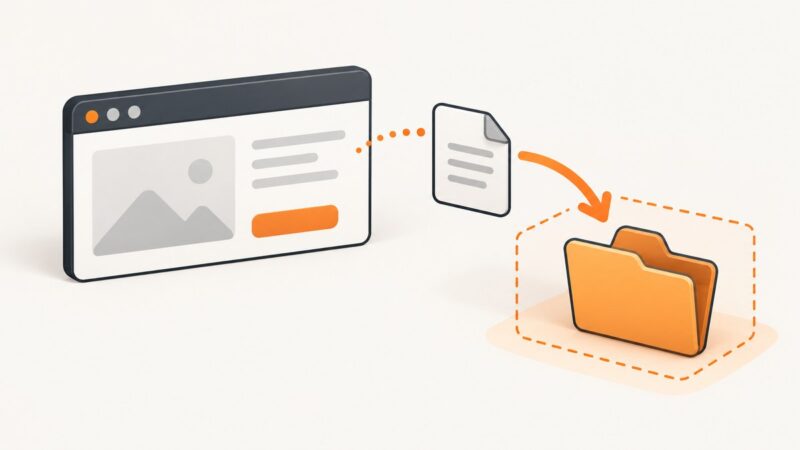
Puppeteer screenshots page content and elements, not arbitrary native app windows. Choose the right capture scope, configure the browser window, and troubleshoot reliable captures.
Blog
How to take clean screenshots, turn HTML into images and PDFs, run headless browsers, and give AI agents eyes. Written by the team that builds ScreenshotNeo.
Puppeteer screenshots page content and elements, not arbitrary native app windows. Choose the right capture scope, configure the browser window, and troubleshoot reliable captures.
Import website tables into Excel with Power Query, handle pages without tables, and troubleshoot refreshes when the data loads dynamically.
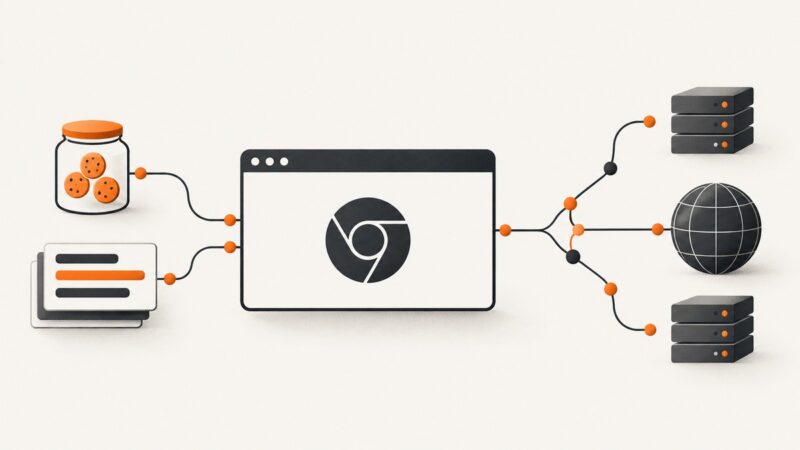
Capture transmitted headers and cookies from headless Chrome with CDP, Playwright, Puppeteer, and Python, plus fixes for common edge cases.
Learn how to capture a visible Notion page, save a whole page as PDF, handle long pages, and automate clean screenshots with ScreenshotNeo.
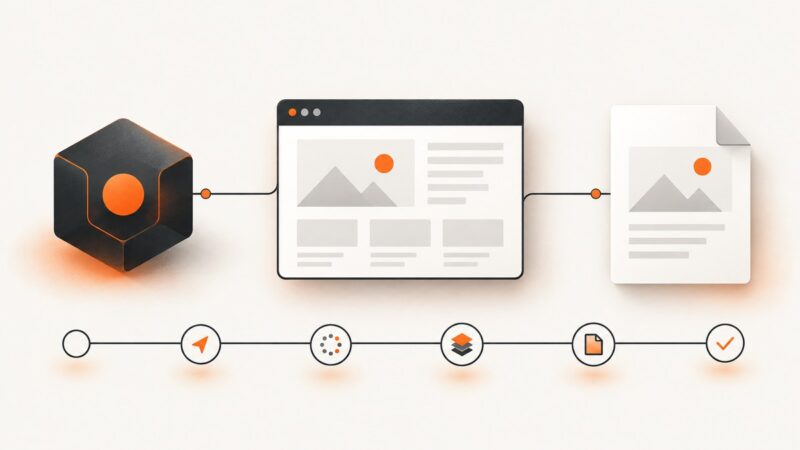
Convert raw HTML or a hosted page to a PNG with an online renderer, browser automation, or ScreenshotNeo. Covers sizing, JavaScript, full-page capture and troubleshooting.
Capture screenshots when Rails system tests fail, or record Capybara interactions as WebM or MP4. Configure headless Chrome locally and in CI.
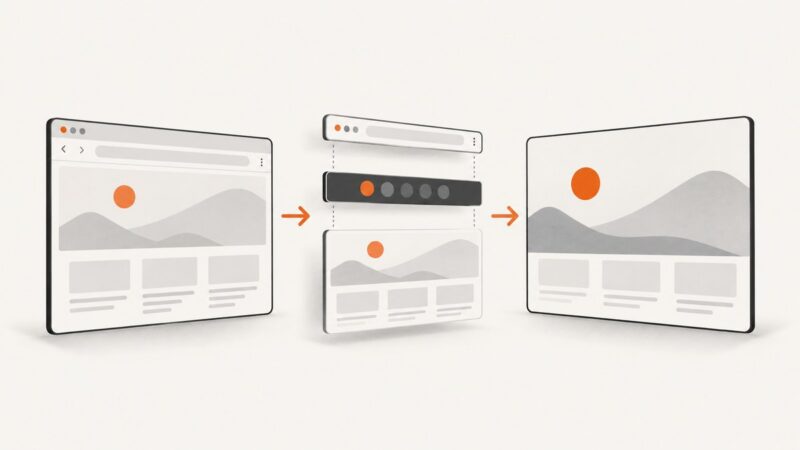
Use Puppeteer’s kiosk flag, verify the active command line, and diagnose whether the gray bar belongs to Chromium, your desktop, or the page.
Configure Selenium, ChromeDriver, Docker and remote browsers for Rails system tests, with troubleshooting, security guidance and a hosted screenshot alternative.
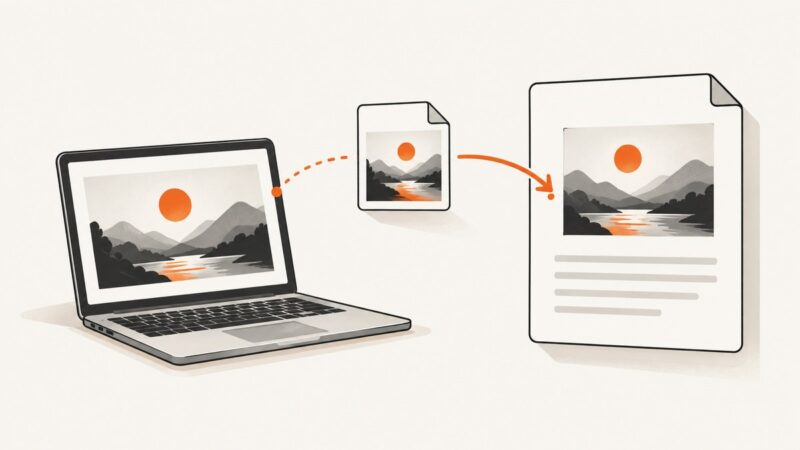
Insert a saved screenshot into Google Docs from your computer or Android, then resize, wrap, position, and troubleshoot it.
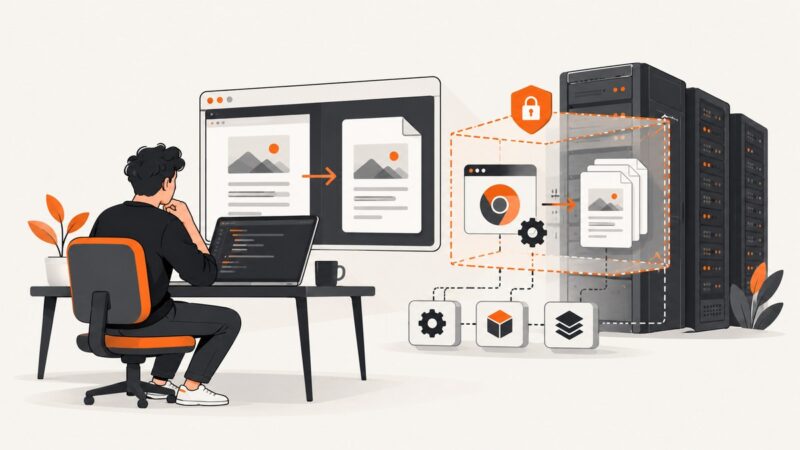
Puppeteer works locally but fails in production? Follow this diagnostic path for browser installs, Linux libraries, sandboxes, Docker, and PDF options.
Save Playwright downloads into a Python temporary directory with reliable sync and async patterns, cleanup rules, timeouts, and troubleshooting.
Find the exact Puppeteer stage that hangs, fix navigation, fonts, PDF timeouts, and cleanup with a production-ready Node.js workflow.
ImmoScout24 terms prohibit automated scraping. Learn the licensed API route, German database-right issues, compliant workflows, and practical code.
Keep headings with their content and add destination page numbers to a CSS-generated PDF table of contents. Learn the CSS, renderer requirements, and common fixes.
“Other element would receive the click” means the target’s center is covered or unreachable. Find the overlay, viewport mismatch, or scroll issue and fix the underlying state.
Wait for a reliable post-login signal and the report content before calling Playwright’s page.pdf() in Java. Includes runnable patterns, PDF options, and fixes for common failures.
Understand TLS supported_groups, key_share, elliptic curves, finite-field groups, negotiation flow, configuration, errors, and interoperability.
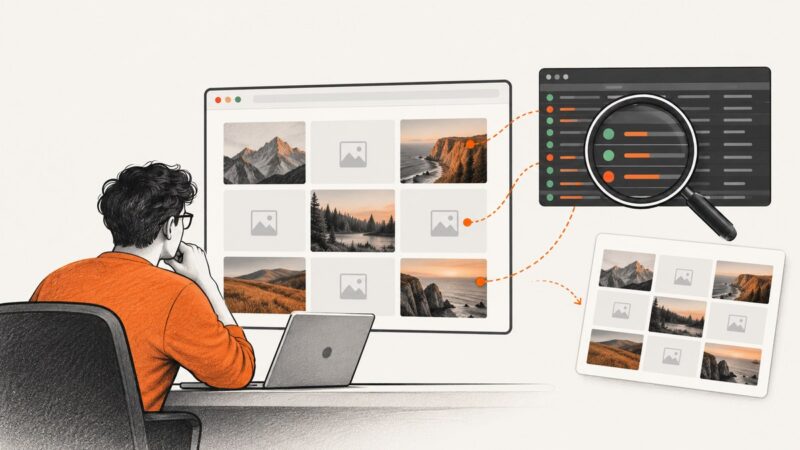
Find out why images disappear or break in Puppeteer screenshots and PDFs, then use targeted checks and waits to fix the specific cause.