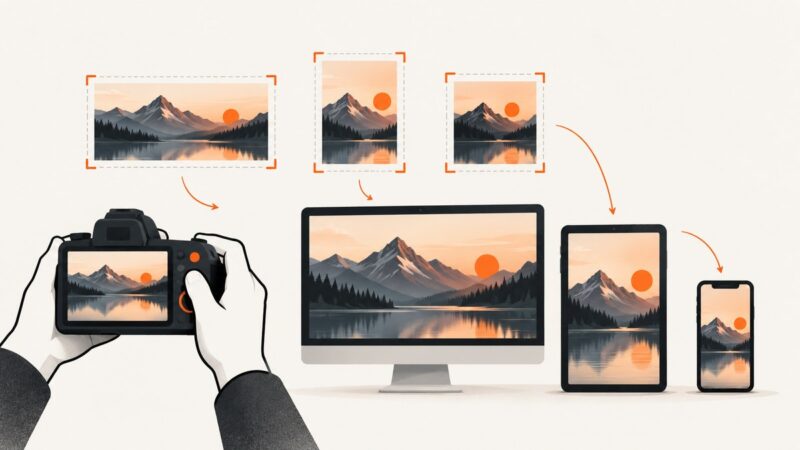
What Is the Ideal Image Size for a Website?
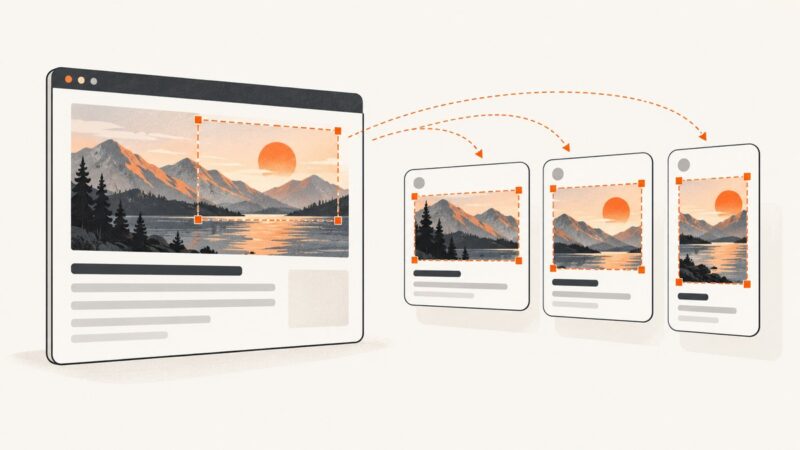
Learn how to choose image dimensions, responsive sources, crops and file sizes for every website layout without slowing pages down.
Step-by-step guides to capturing the web: screenshots, full pages, elements, devices and more.
Learn how to choose image dimensions, responsive sources, crops and file sizes for every website layout without slowing pages down.
Compare JPEG, PNG, WebP, and AVIF by quality, size, transparency, animation, browser support, and fallback strategy.
Use Firefox’s built-in screenshot tool for selections, visible areas, and full pages. Learn the Developer Tools options, troubleshooting steps, and a browser-free API alternative.
Compare browser extensions for bulk image downloads, lazy-loaded pages, and offline archiving, with practical fixes for common problems.
When website images are blank or slow on a Mac, use a few comparisons to locate the cause before changing settings or deleting data.
Use a 1200 × 630 px Open Graph image as your practical default, then verify platform limits, metadata, caching and crawler access.
Check an image for supported AI provenance signals with Google or OpenAI tools, and learn what a positive or negative result can—and cannot—tell you.
Learn every Puppeteer screenshot option, with runnable JavaScript, troubleshooting, performance guidance, and a browser-free ScreenshotNeo alternative.
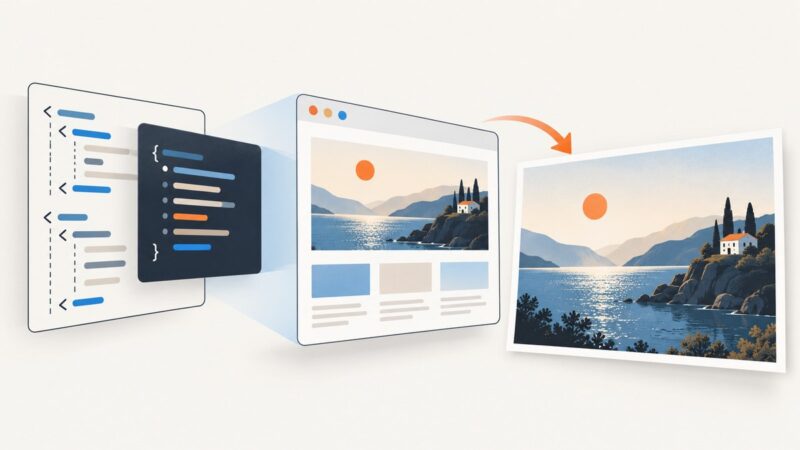
Choose between DOM reconstruction, browser automation, and a hosted API to turn HTML into JPG, with runnable examples and practical fixes.
Convert HTML to JPG by rendering it in a browser, then capturing the viewport, full page, or a selected element. Compare local tools, PHP wrappers, and hosted APIs.
Learn how API endpoint URLs and response links connect web apps to data and actions, with runnable Fetch, cURL, Python, and Node.js examples.
Use 1200×630 for Open Graph images, then check platform crops, file limits, metadata, and previews before publishing.
Choose an Open Graph image format and size that suits your design and target platforms. Use 1200 × 630 pixels as a practical starting point, then verify the preview.
Build a reusable website thumbnail template with consistent dimensions, readable type, and channel-specific exports. Learn how to verify previews and fix unwanted crops.
Use 1200 × 630 pixels for most website link previews, then protect the safe area and validate each platform’s crop before publishing.
Compare WordPress screenshot plugins by workflow, capture method, storage, privacy, collaboration, and reliability before installing one.
Use a 1200 × 627 pixel image for a LinkedIn website link preview. Set Open Graph metadata, keep the image under 5 MB, and make it publicly retrievable.
Google Docs does not normally notify collaborators when you take a screenshot. Learn what viewers can see, privacy caveats, and safer capture options.