Create YouTube Video Thumbnails
Learn YouTube thumbnail sizes, design a clear image, export it correctly, and upload custom thumbnails for videos and Shorts.
Learn YouTube thumbnail sizes, design a clear image, export it correctly, and upload custom thumbnails for videos and Shorts.
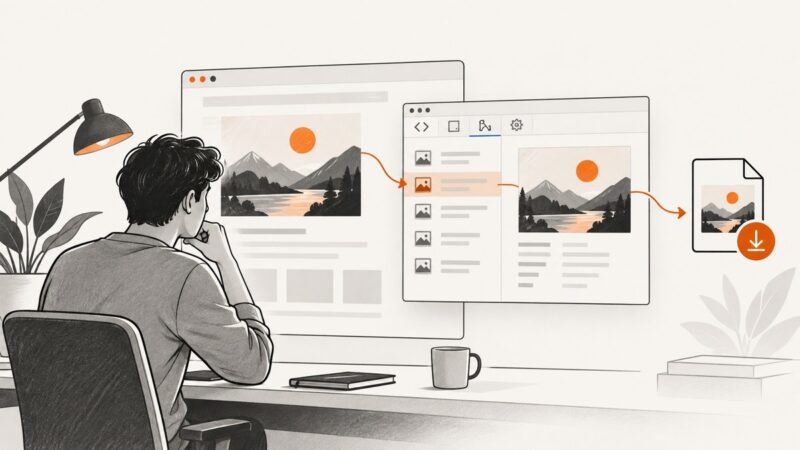
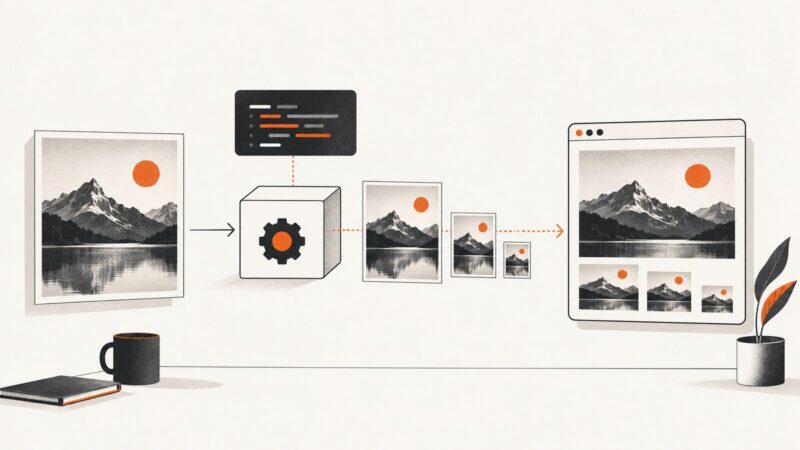
Use Chrome or Firefox Inspect, Network, and Sources tools to find an image URL, preview it, and save an authorized copy.
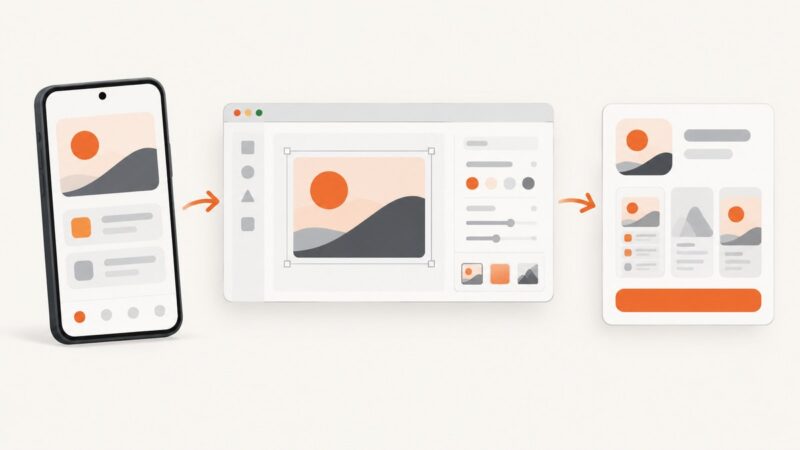
Create compliant Google Play screenshots without Photoshop: capture real app screens, format them online, and upload them correctly.
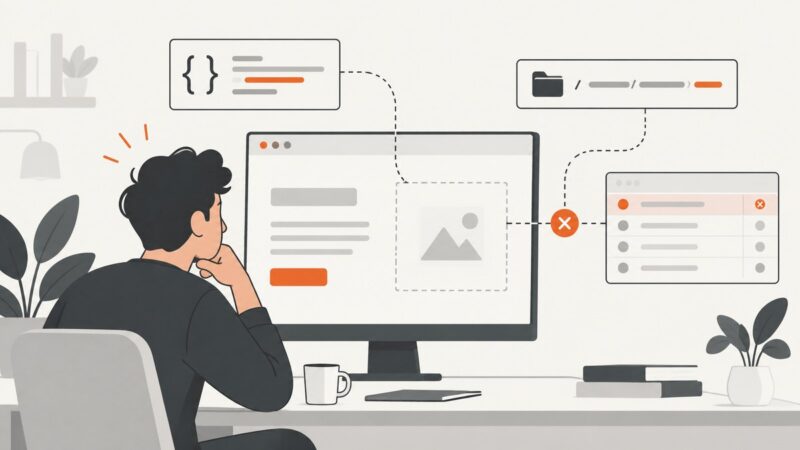
Find why a CSS background image is missing, then fix URLs, cascade conflicts, element sizing, layers, loading, and responsive cropping.
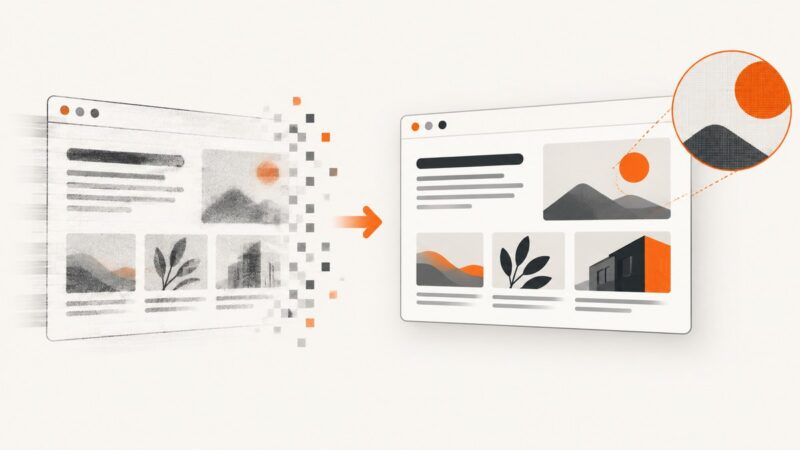
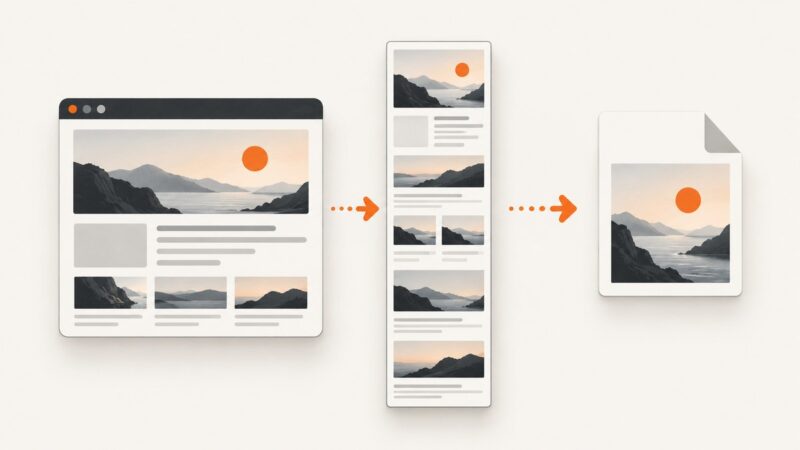
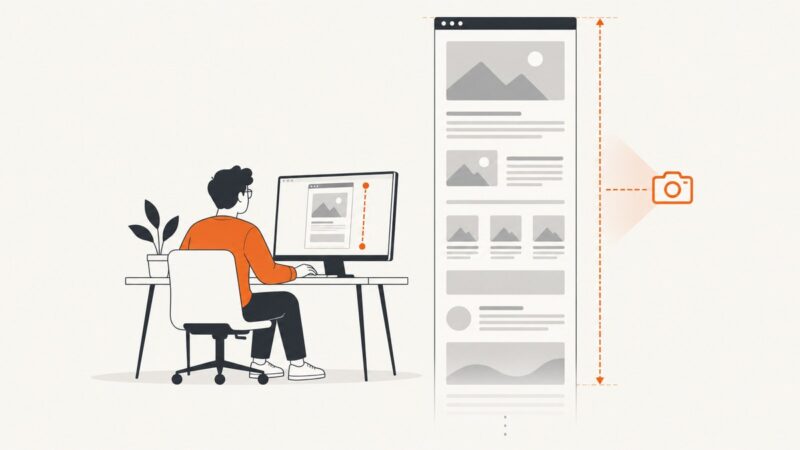
Capture sharp, high-resolution website screenshots with the right viewport, DPR, rendering state, full-page mode, and lossless output.
Turn screenshot pixels into editable text with OneNote, Acrobat, or Lens, plus quality checks, troubleshooting, and a clean capture workflow.
Add reliable SEO and social preview metadata with complete HTML examples, crawler rules, testing steps, troubleshooting, and ScreenshotNeo captures.
Learn why Android blocks screenshots, how to identify the cause, and which supported fixes work for protected apps and managed devices.
Learn what Xamarin.Forms can capture, how Android and Apple handle full-page screenshots, and when to use a controlled rendering pipeline.
Capture a full Edge page, verify the file type, and export a true JPG when needed—with automation options for repeatable screenshots.
Check Open Graph metadata, image access, and platform caching to diagnose wrong or missing link previews.
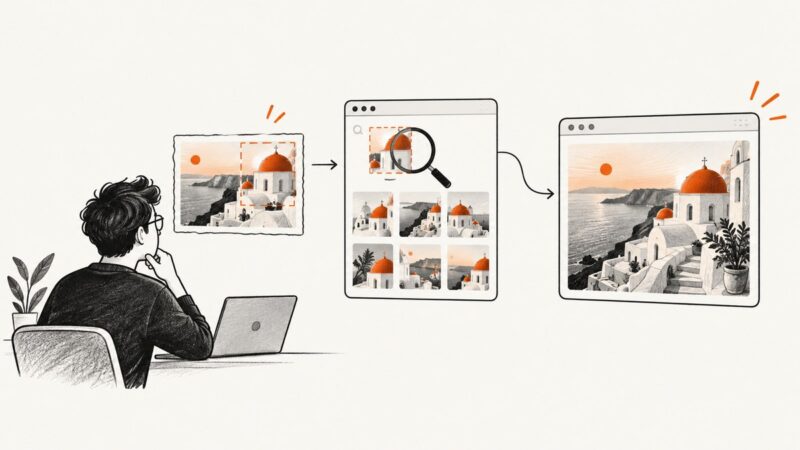
Find the original page behind a screenshot with Google Lens, TinEye, text searches, metadata checks, and manual URL verification.
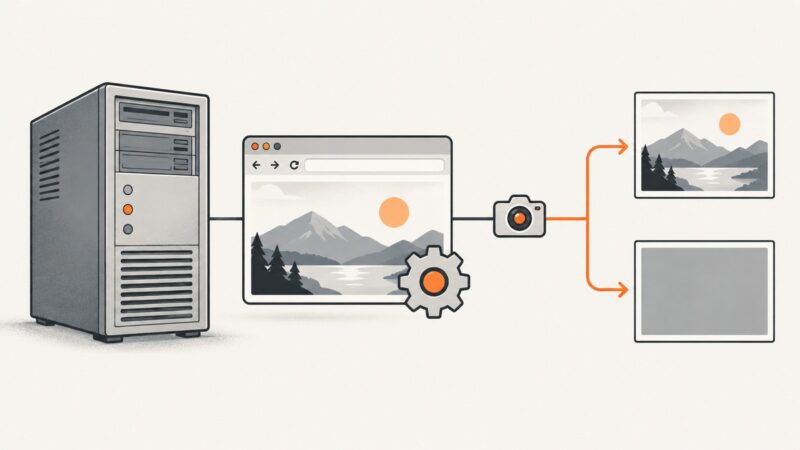
Diagnose blank Selenium RC screenshots by separating truncated client responses from missing interactive Windows desktops, then apply the right fix.
Fix blurry Next.js images by checking the source, responsive candidates, sizing, quality, formats, and remote-image configuration.
Find an older website version, save a dated capture, and preserve reliable visual evidence with the Wayback Machine and ScreenshotNeo.
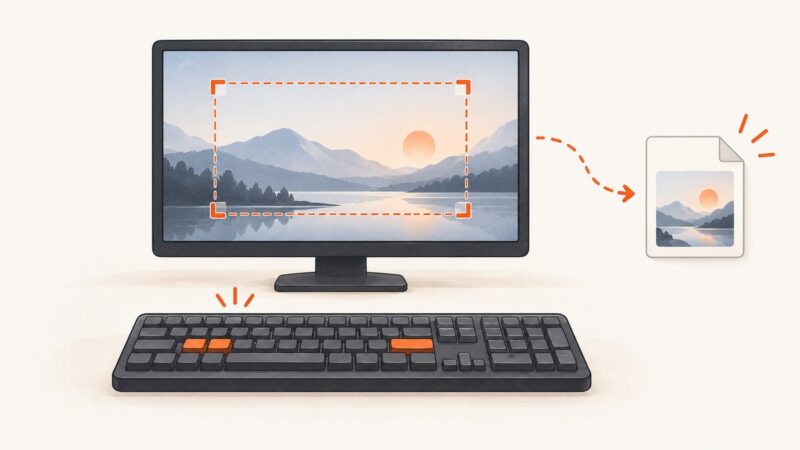
Use Windows keyboard shortcuts to save the full screen, capture a window, or copy an image without opening Snipping Tool.
Learn how to add offline support with service workers, caching, fallbacks, data rules, updates, testing, and a practical implementation you can ship.
Make Nightmare.js capture the entire page by measuring rendered content, handling nested scroll containers, and avoiding viewport and image-size traps.