How to Intercept Requests Across Multiple Puppeteer Pages
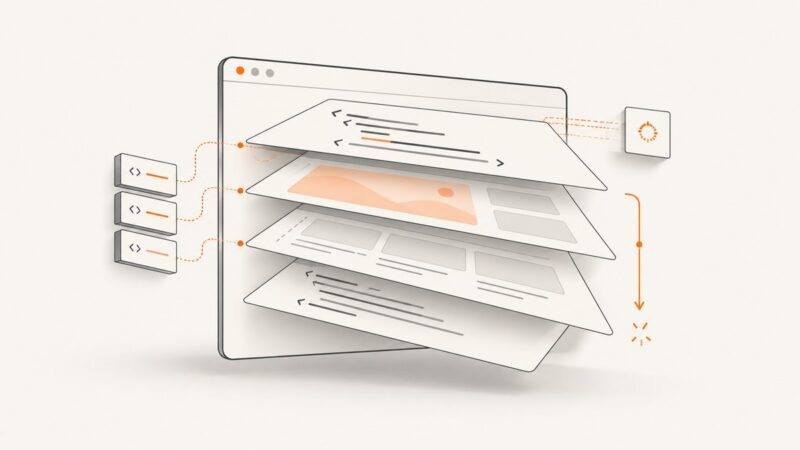
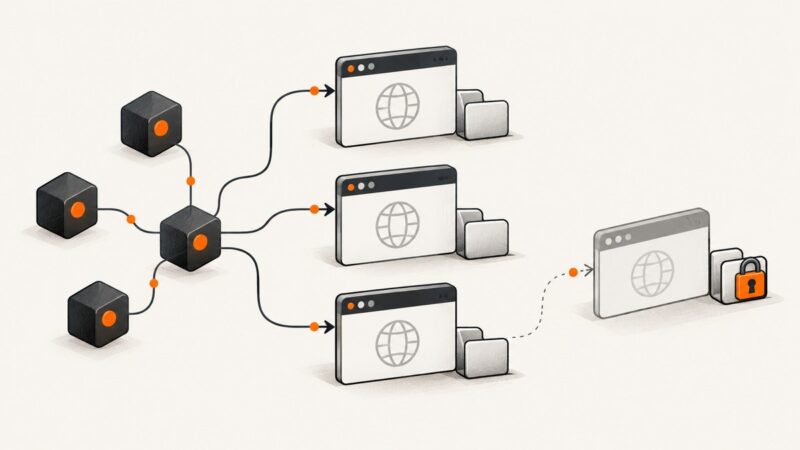
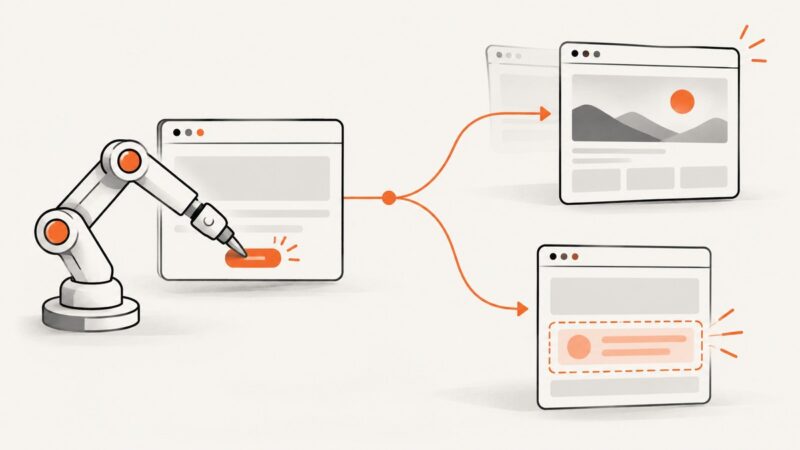
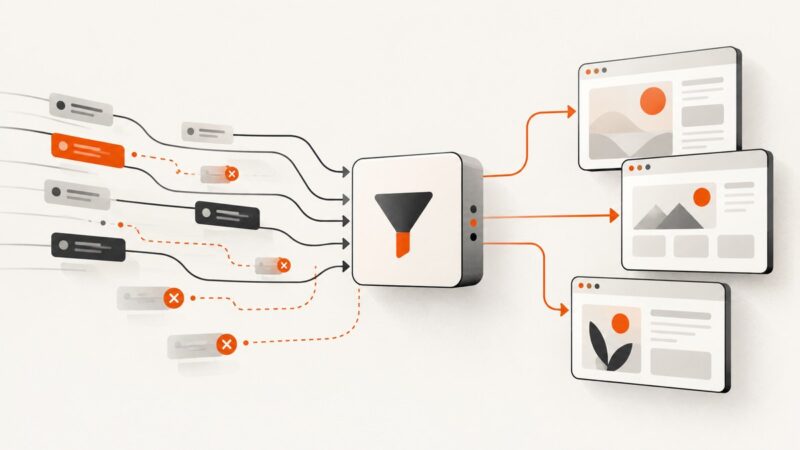
Configure Puppeteer request interception for existing tabs, popups, and new pages without stalled requests or duplicate handlers.
Configure Puppeteer request interception for existing tabs, popups, and new pages without stalled requests or duplicate handlers.
Use a Protractor locator to find an element, then capture its visible bounds with Selenium’s element screenshot API. Here’s the version-aware code and troubleshooting guide.
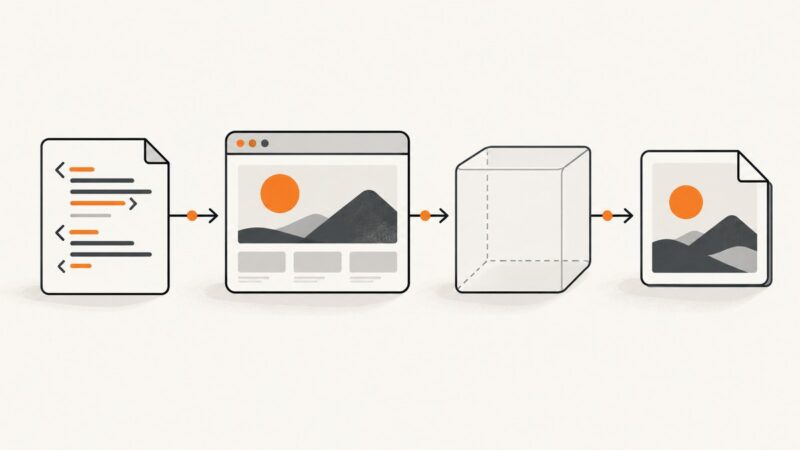
Learn how to make wkhtmltoimage screenshots look sharper by fixing capture size, choosing the right format, and applying careful post-processing.
Embed Selenium screenshots directly in ExtentReports with Base64, including test-level attachments, failure logs, troubleshooting, and reusable Java helpers.
Fix tiny text in wkhtmltoimage by matching viewport CSS, tuning FlowType, and using width, zoom, and minimum-font-size correctly.
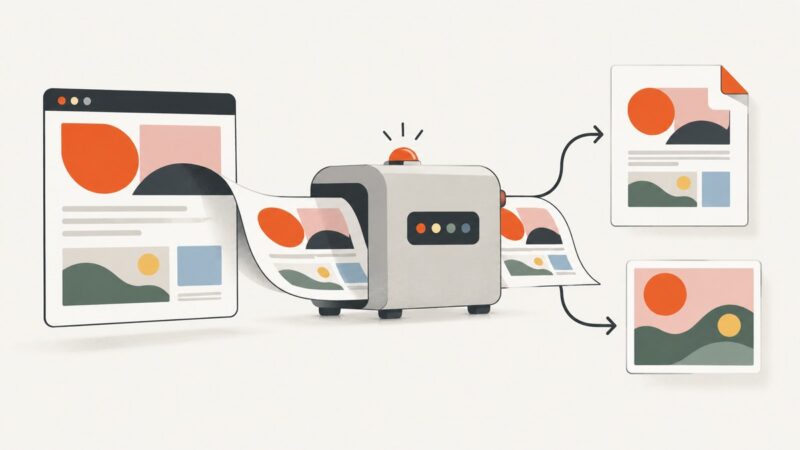
Capture a list of web pages with Puppeteer, save one image per URL, and control readiness, concurrency, formats, and failure handling.
Fix Puppeteer pagination loops by matching the wait to full navigation or in-place updates, then verify every page advanced before scraping.
Use Puppeteer’s `page.content()` to read a page’s current HTML, including the DOCTYPE. Learn when to wait, how to handle dynamic pages, and how to troubleshoot incomplete markup.
Run Puppeteer in Firebase Functions by packaging a compatible browser, configuring the function, and validating the deployed runtime. Includes runnable code and fixes for common launch errors.
Build a bounded Puppeteer loop that clicks View more, verifies new content, handles navigation and retries, and stops safely when results end.
Diagnose Puppeteer hangs under concurrent Node.js workloads by locating the stalled operation, checking profile locks and resource limits, and managing browser ownership.
Save JavaScript charts as PNG, JPEG, WebP, or SVG with Plotly, Highcharts, or Chart.js. Choose browser export or server-side rendering.
Make custom fonts and background colors render reliably in wkhtmltopdf and wkhtmltoimage with practical CSS, flags, diagnostics, and alternatives.
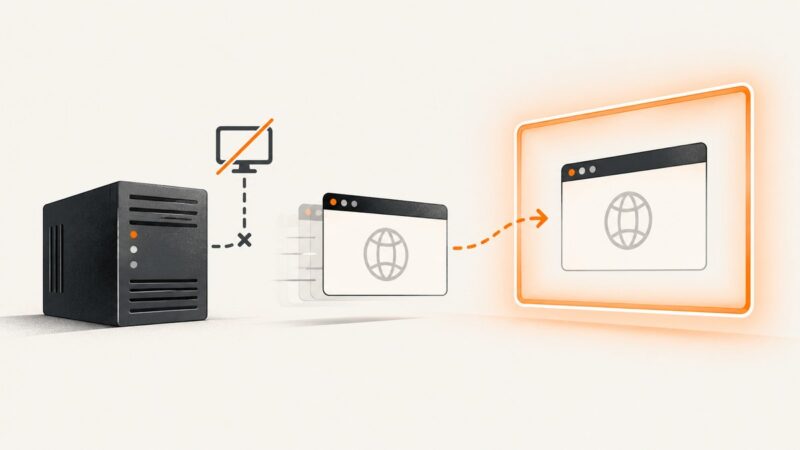
Fix Selenium’s “no display specified” error with native headless mode, Xvfb, or a real X11 display. Includes runnable Python, JavaScript, and CI examples.
Learn how to distinguish real navigation from JavaScript DOM updates in Puppeteer, avoid waitForNavigation timeouts, and choose reliable waits.
wkhtmltoimage “NULL output” can mean a failed conversion, empty buffer, missing file, or blank image. Identify the failing layer before changing settings.
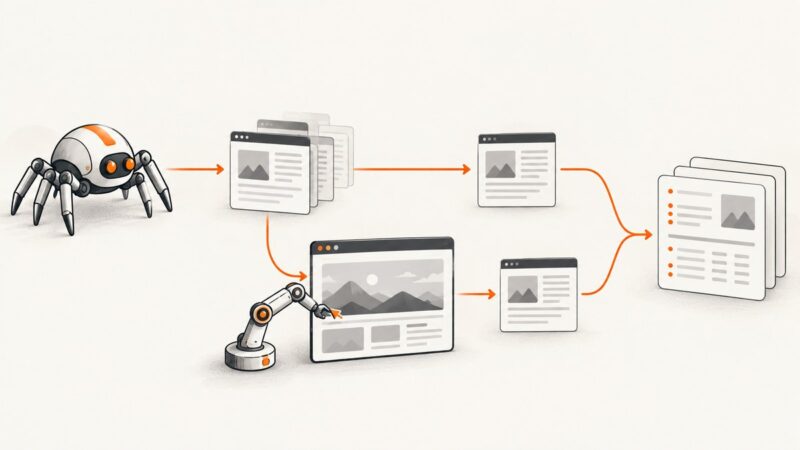
Use Scrapy for crawling and Selenium for JavaScript rendering, waits, clicks, and dynamic pages with a production-ready setup.
Fix blank Selenium and Codeception pages by checking modules, URLs, browser sessions, rendering waits, and logs in a practical diagnostic sequence.