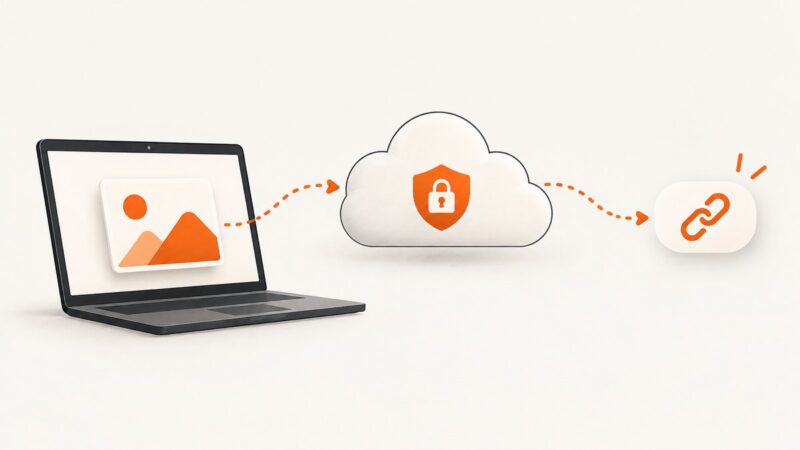
How to Create a Shareable Image URL
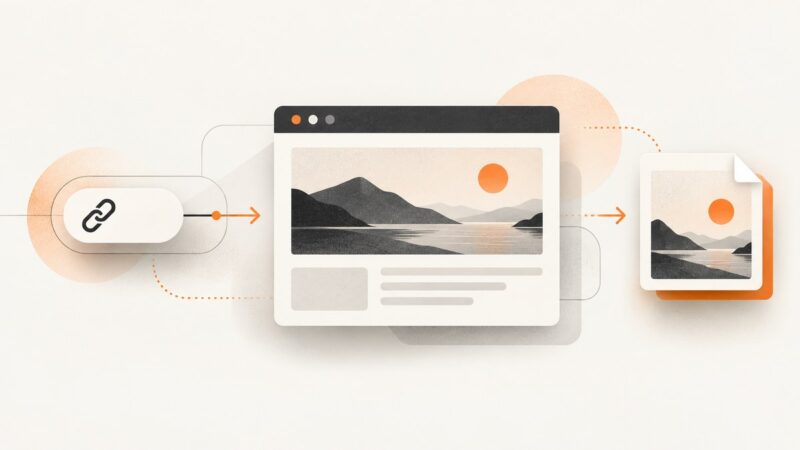
Learn how to create a direct image URL, choose the right host, control access, test links, and avoid preview-page and permission errors.
Learn how to create a direct image URL, choose the right host, control access, test links, and avoid preview-page and permission errors.
Diagnose empty Nightmare.js screenshot buffers by checking promise results, Electron visibility, window occlusion, rendering state, and platform-specific behavior.
Capture complete scrolling pages in C# with Playwright or Selenium, handle lazy loading and sticky elements, and automate reliable image output.
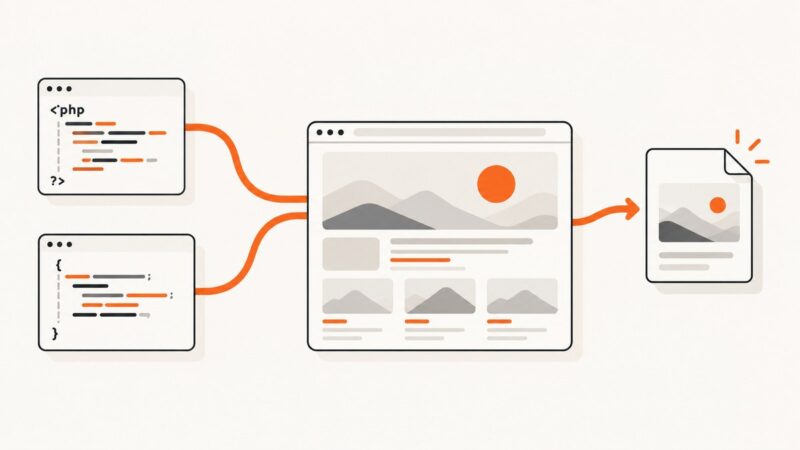
Capture rendered web pages with PHP or JavaScript using Playwright, Puppeteer, and a production-ready ScreenshotNeo API workflow.
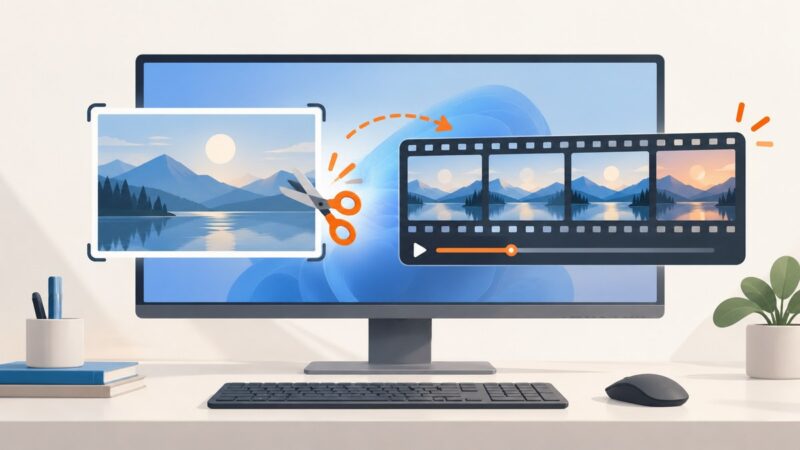
Snipping Tool can capture video as well as still images. Use the recording shortcut or Record mode, then follow these steps if recording is missing or fails.
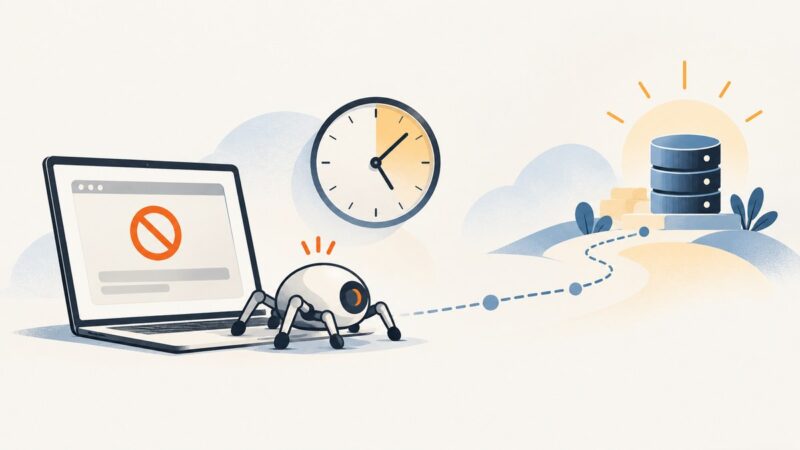
Cloudflare Error 1015 means the site has temporarily rate-limited your requests. Learn how to pause, handle Retry-After, adjust a permitted crawler, and choose an authorized data source.
Cloudflare Error 1006 means the site has banned your client IP. Learn how to diagnose it, request an authorized fix, and prevent legitimate crawlers from being blocked.
Fix clipped html2canvas captures by sizing the render window to the content, then check crops, scrolling, canvas limits, CORS, CSS, and iframes.
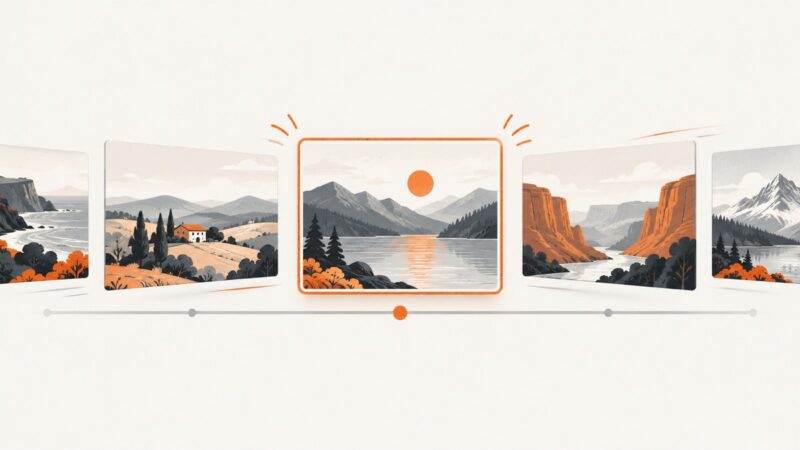
Build a responsive, keyboard-friendly image slider with semantic HTML and CSS scroll snap, with complete code, accessibility notes, and troubleshooting.
Build an n8n workflow that generates images from prompts, returns a URL or binary file, and passes the result to storage or later steps.
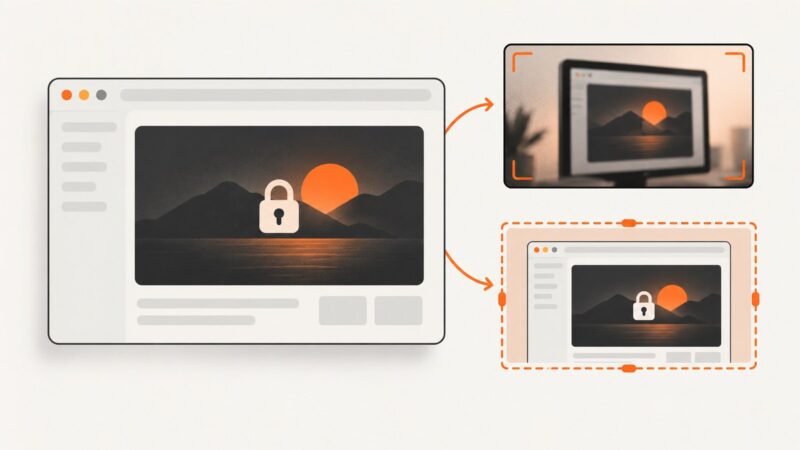
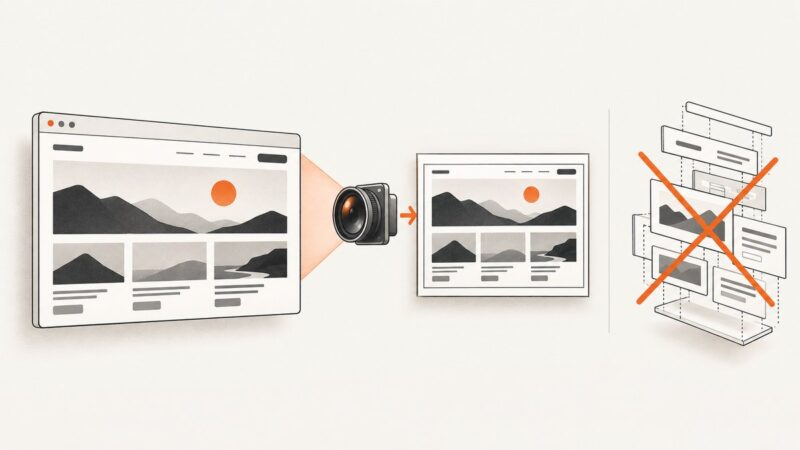
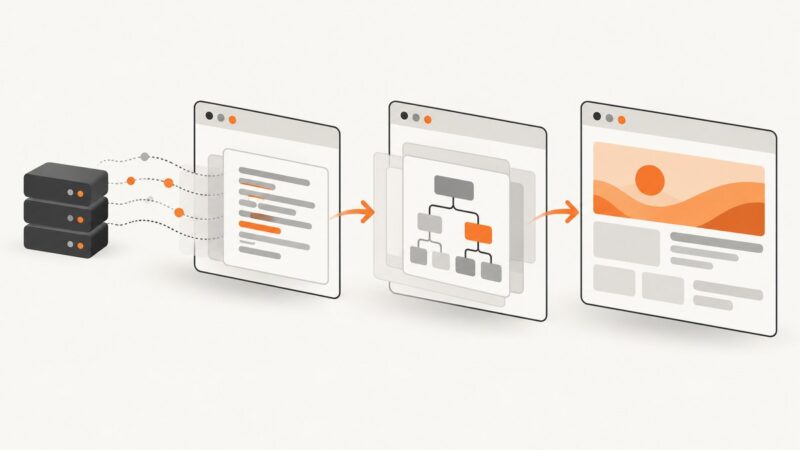
Capture the browser’s rendered page with Playwright, Puppeteer, CDP, extensions, or ScreenshotNeo instead of rebuilding it in a JavaScript canvas.
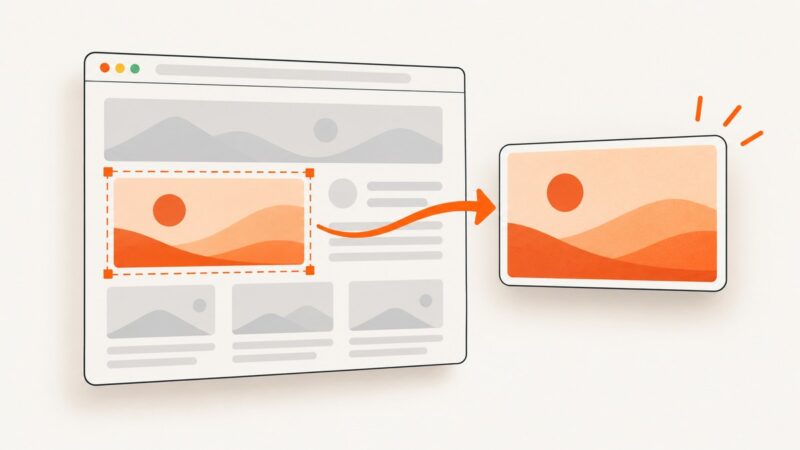
Capture one DOM element with Selenium Python, save it as PNG or bytes, and troubleshoot waits, scrolling, file paths, and common failures.
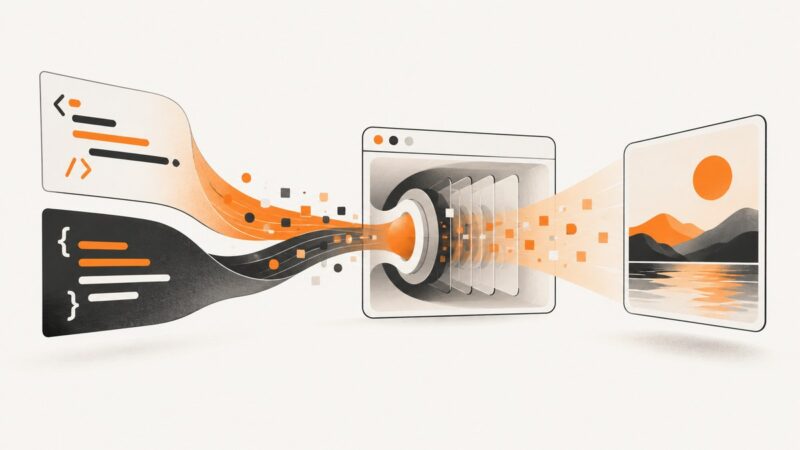
Convert HTML to JPG with html2canvas, Playwright, or an API. Complete code, cross-origin fixes, quality controls, troubleshooting, and production guidance.
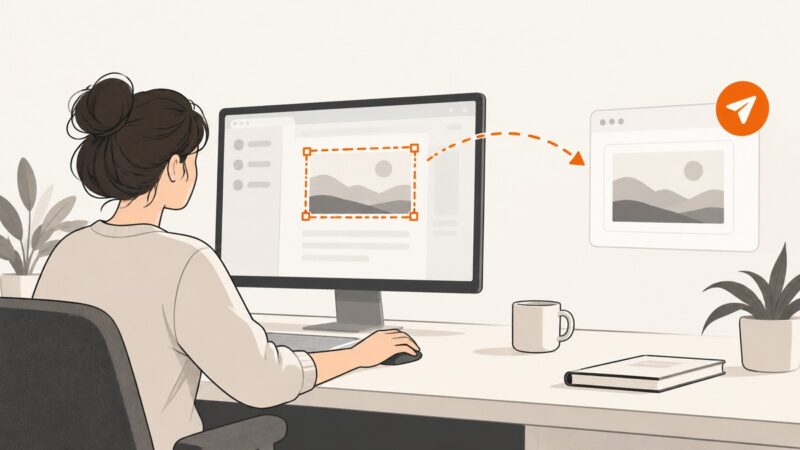
Capture the right part of your screen on Windows, Mac, or Chromebook, then attach it to an email or share it safely with a link.
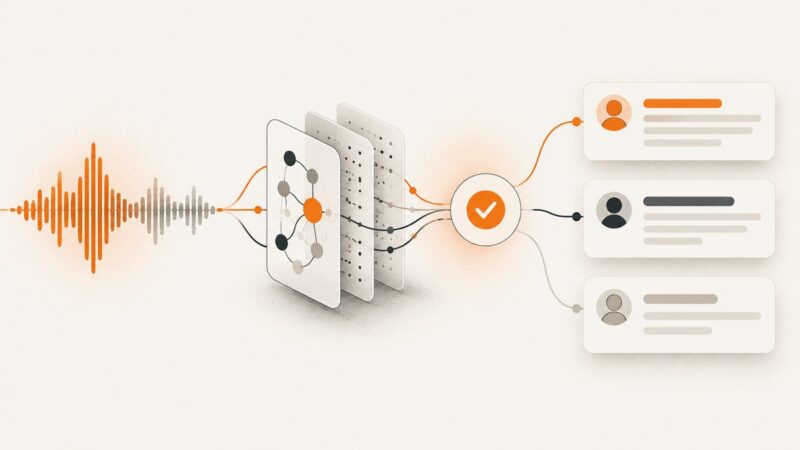
Build a reliable AI transcription workflow for recordings and live audio, with code, formats, speaker labels, review steps, retries, and cost guidance.
Capture viewport, full-page, or element screenshots with Playwright, Puppeteer, CDP, or ScreenshotNeo using production-ready code and troubleshooting tips.
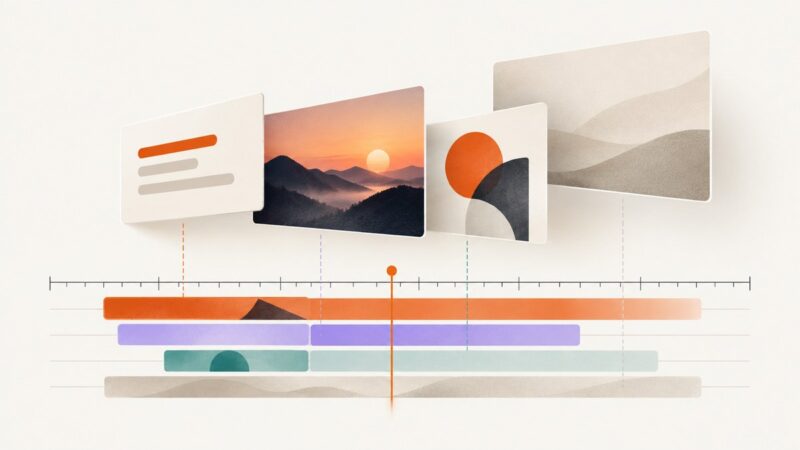
Learn when to trim layer timing, when to use keyframes, and how to animate position, opacity, scale, and rotation in popular template editors.
Choose the right navigation lifecycle boundary in Puppeteer or Playwright, with runnable examples, timeout guidance, and fixes for common waitUntil errors.