Web Scraping to SQL: Store and Analyze Data with Python
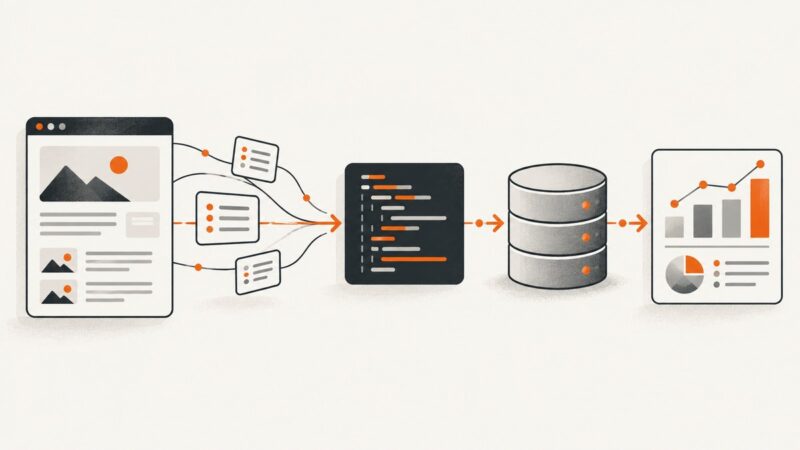
Learn how to fetch web pages with Python, extract and normalize data, store it in SQLite, and analyze it with pandas and SQL.
Learn how to fetch web pages with Python, extract and normalize data, store it in SQLite, and analyze it with pandas and SQL.
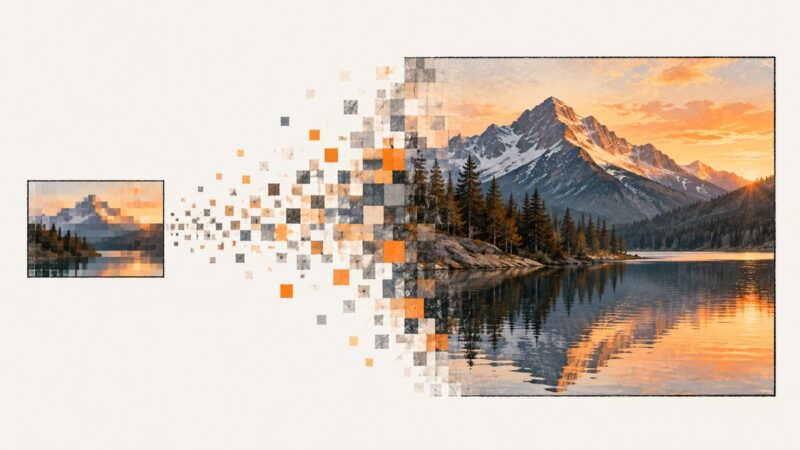
Learn how pixel dimensions, print size, and resampling work, then choose a practical way to enlarge an image for screens or print.
Make a picture clickable in Word, PowerPoint, HTML, or Markdown. Follow the right steps for your destination, accessible link text, and reliable sharing.
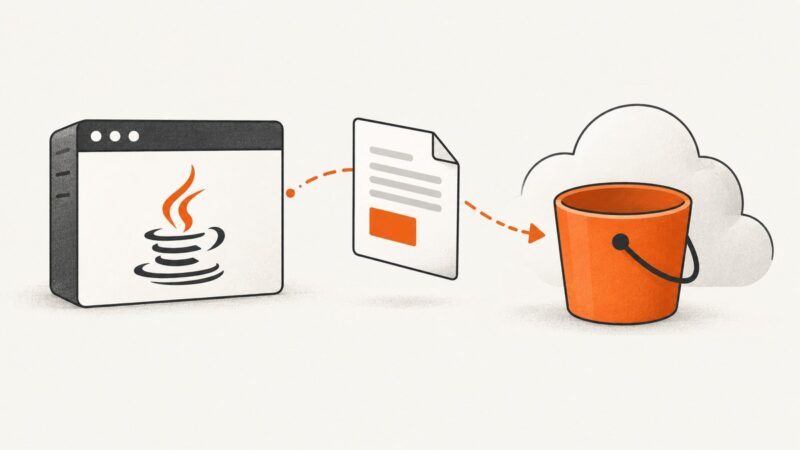
Upload a generated PDF to Amazon S3 with Java SDK 2.x, streams, metadata, encryption, retries, multipart strategy, and troubleshooting.
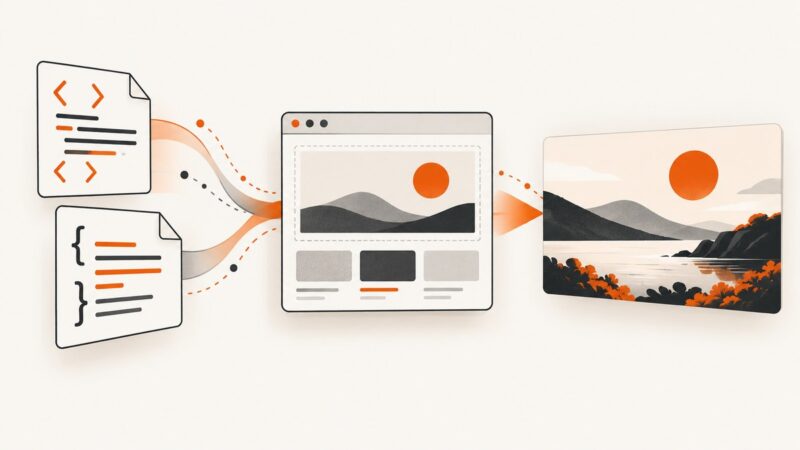
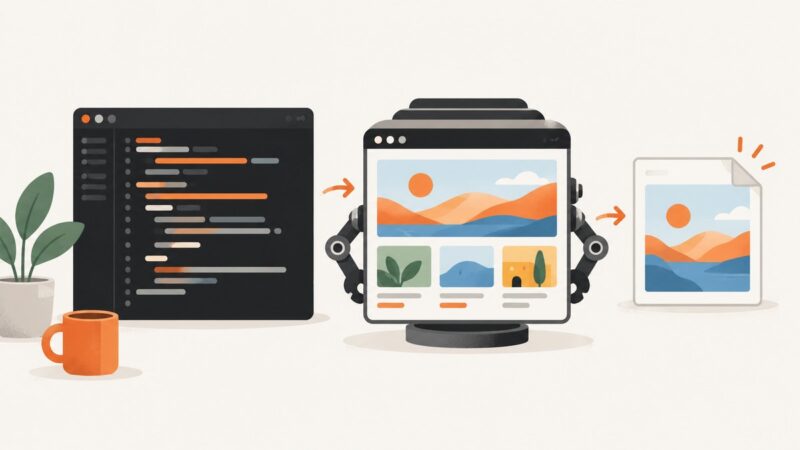
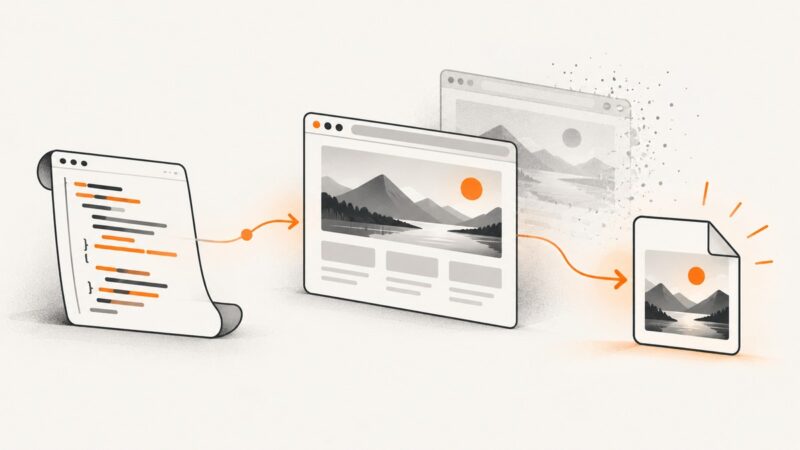
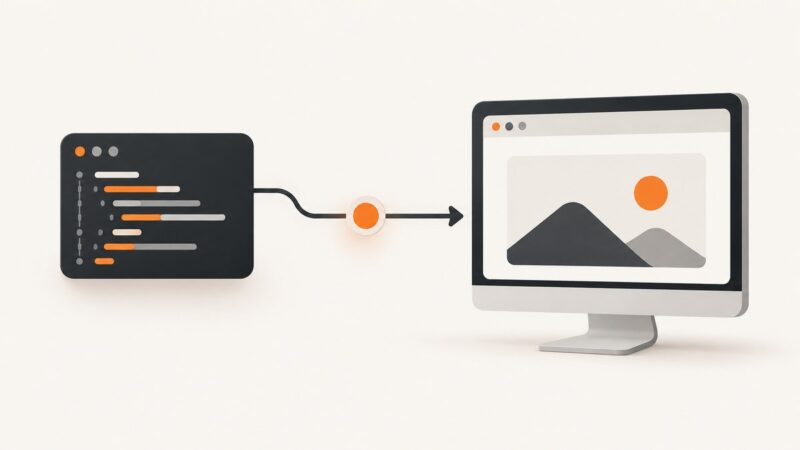
Render HTML and CSS in a real browser, wait for assets, then capture the viewport, an element, or the full page as PNG, JPEG, or WebP.
Capture rendered websites in Perl with headless Chrome, save PNGs, handle full pages and failures, or use ScreenshotNeo’s API.
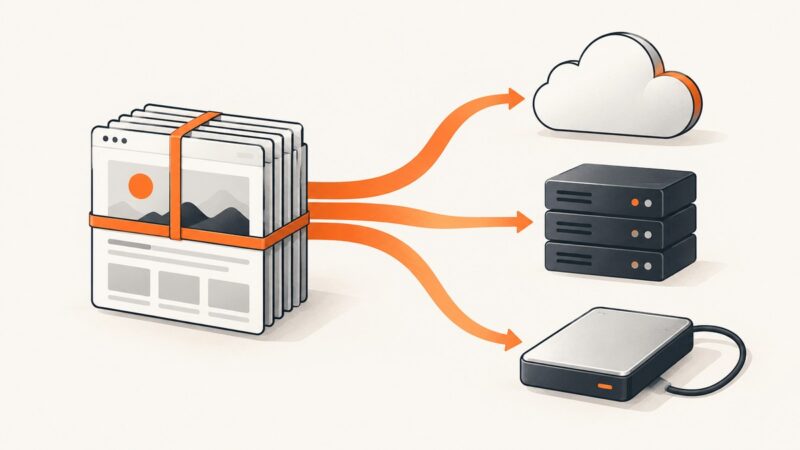
Choose a capture format, move it safely to S3, FTP/SFTP, or local storage, and verify the result. Includes runnable upload workflows and format guidance.
Fix Selenium screenshot failures by checking return values, paths, page state, and PhantomJS compatibility, then migrate to maintained headless browsers.
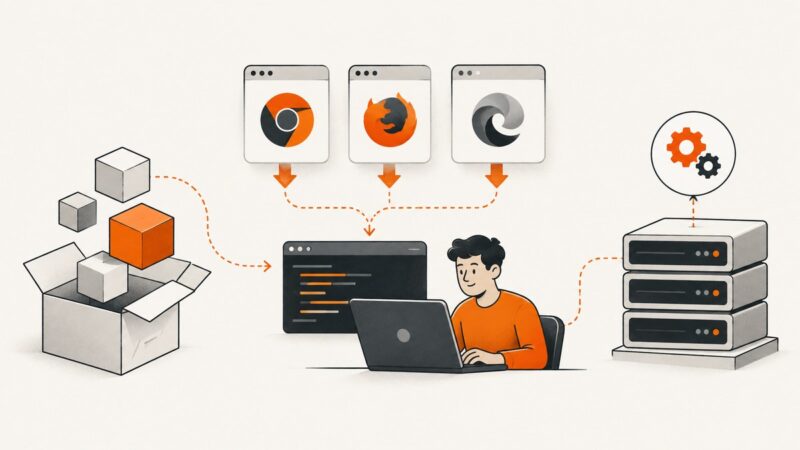
Install Playwright packages and matching browsers manually in Node.js, Python, Java, and .NET, including CI, proxies, caches, and Docker.
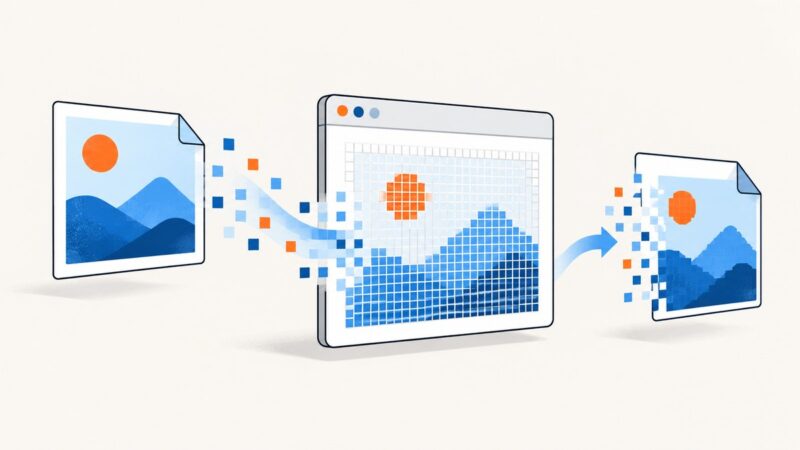
Convert rendered HTML images to JPEG in the browser, with Blob downloads, CORS fixes, ImageMagick automation, and a ScreenshotNeo API option.
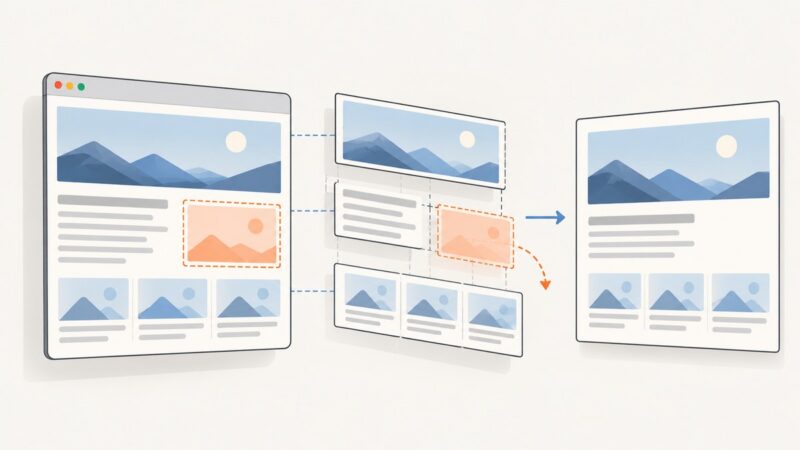
Use html2canvas’s ignore attribute, ignoreElements option, or onclone callback to omit an iframe from a JavaScript screenshot.
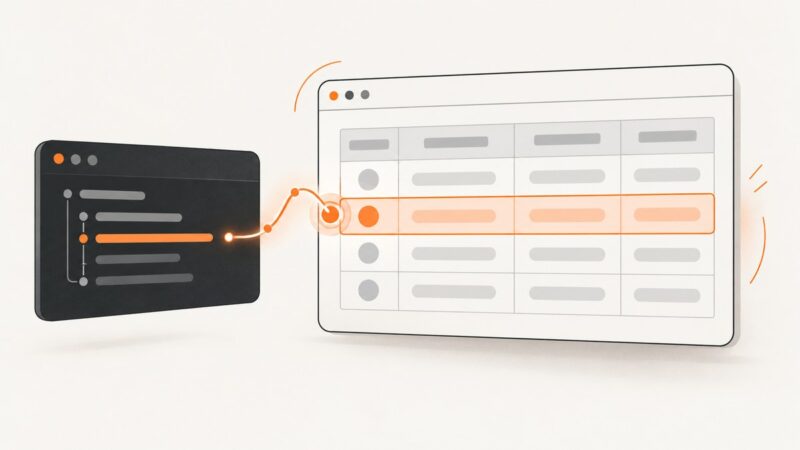
Select, read, click, and debug the second table row in Puppeteer with robust CSS selectors, dynamic waits, Shadow DOM guidance, and runnable examples.
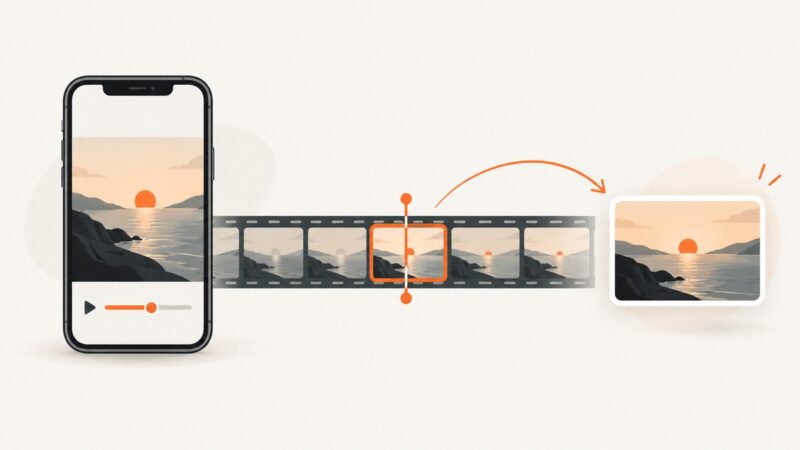
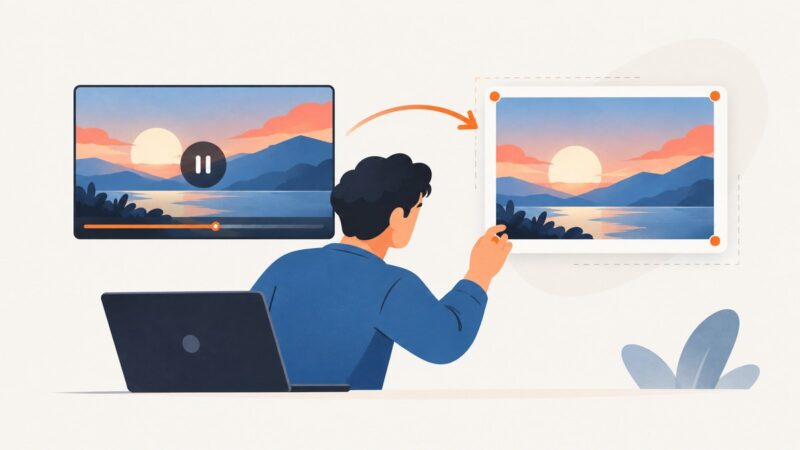
Extract a video frame in Flutter with video_thumbnail, handle files, URLs and assets, and avoid common platform and codec problems.
Record browser actions with Playwright Codegen, then add stable viewport, full-page, element, and visual-regression screenshots.
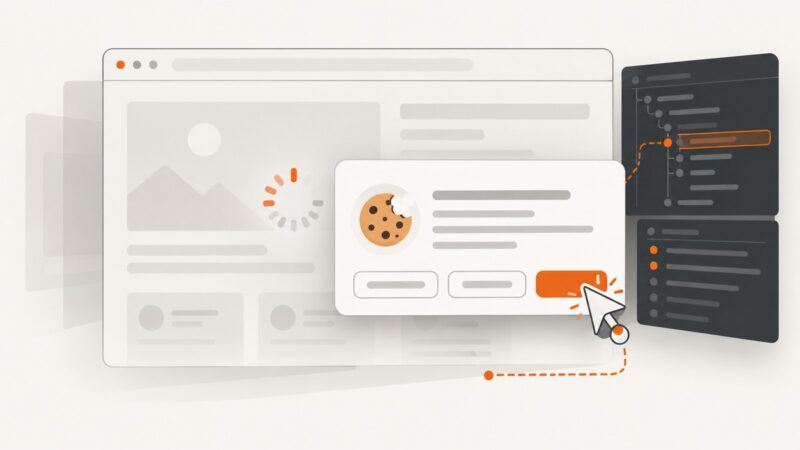
When a Playwright cookie banner stays open after a click, check its locator, frame, timing, and consent state. Use these patterns to diagnose and fix it.
Generate a video thumbnail in the browser by seeking an HTML video to a valid frame, drawing it to canvas, and exporting an image.
Set a custom browser executable in Playwright, configure Playwright Test, and troubleshoot path, compatibility, and browser installation problems.
Capture Selenium screenshots reliably when tests fail, with pytest hooks, CI artifacts, troubleshooting, and a hosted ScreenshotNeo option.