How to Configure Puppeteer Downloads Instead of the PDF Viewer
Configure Puppeteer and Chrome to save PDF downloads to a known directory. Learn how to handle viewer navigation, detect completed files, and troubleshoot common failures.
Configure Puppeteer and Chrome to save PDF downloads to a known directory. Learn how to handle viewer navigation, detect completed files, and troubleshoot common failures.
Capture a rendered YouTube page headlessly with Python, understand the R limitations, and choose between full-page screenshots and thumbnail retrieval.
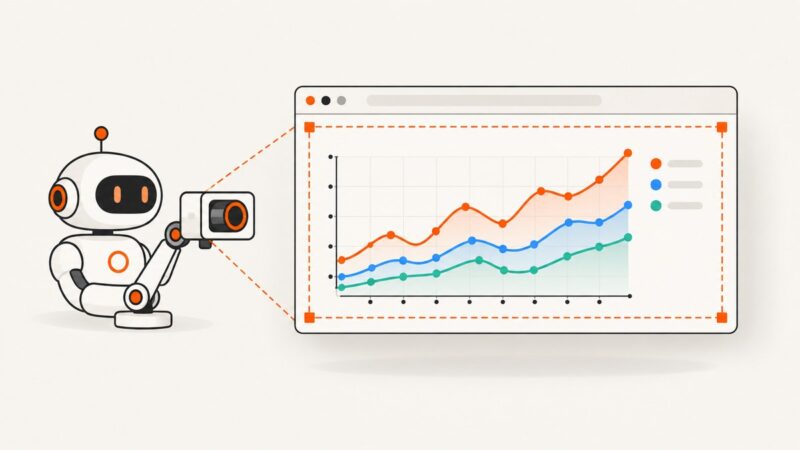
Capture complete SVG charts with Puppeteer without clipped labels, legends, strokes, or lazy-rendered data. Includes element, full-page, and clip workflows.
Open native and JavaScript dropdowns with Selenium, wait for the menu to render, and save reliable Python screenshots with troubleshooting tips.
You cannot remove WebRTC’s screen picker, but you can hide monitor choices, express preferences, and handle selection safely.
A Puppeteer selector timeout means the requested condition was not met in time. Find the real cause, then choose the right fix for selectors, visibility, frames, and slow rendering.
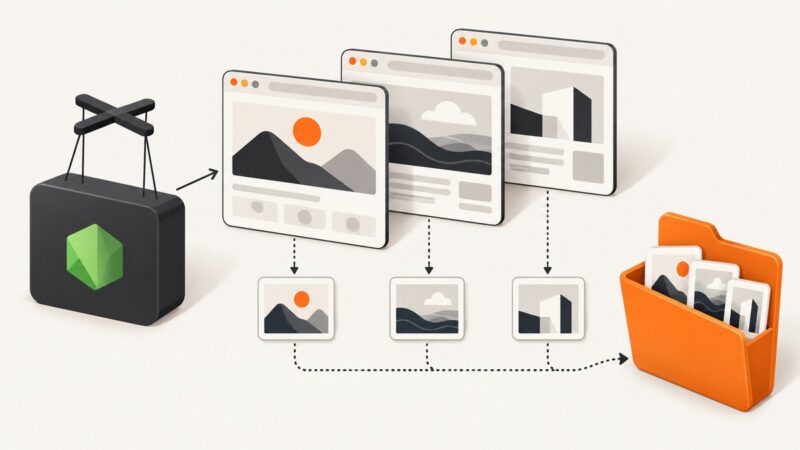
Give every Puppeteer screenshot a unique, collision-safe filename with counters, run IDs, URL slugs, and exclusive file creation.
Learn how to click Puppeteer navigation tabs, wait for page loads, handle popups, and verify same-page tab changes with reliable code.
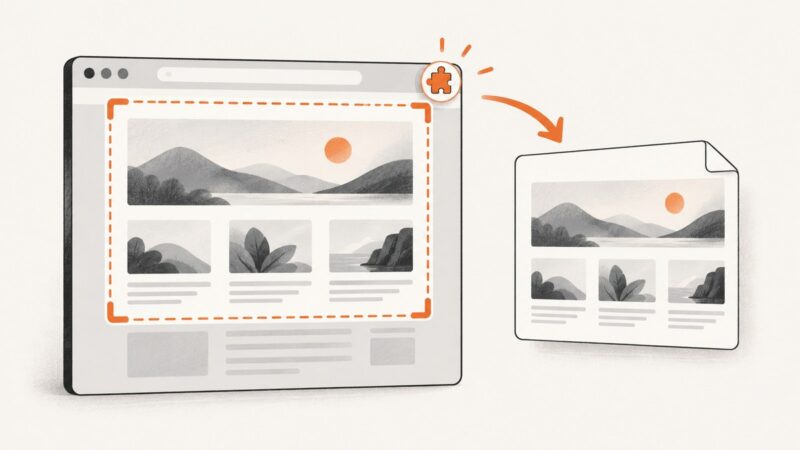
Capture visible, selected, or full webpages with a free AI browser extension, then fix common failures and automate screenshots with ScreenshotNeo.
Capture website screenshots with ApiFlash using full-page, viewport, wait, authentication, and output options, with runnable examples and fixes for common errors.
Capture the active tab’s visible area in a Chrome extension, then save it with the Downloads API. Learn the permissions, rate limits and URL handling to check.
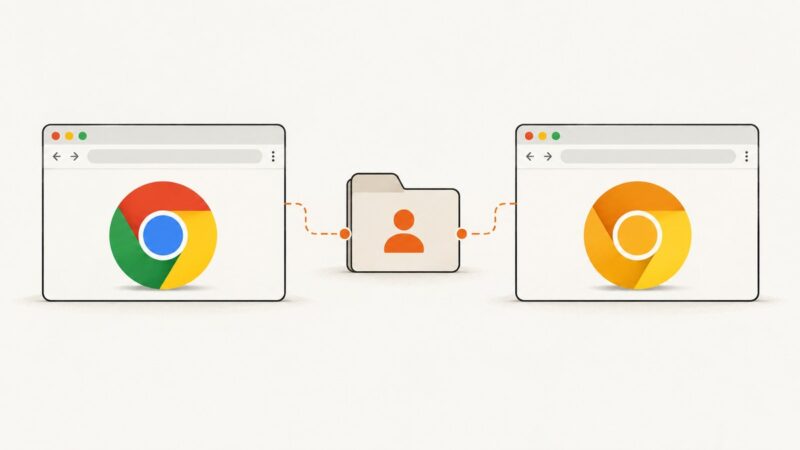
Use Puppeteer’s channel and userDataDir options to launch Chrome Canary with a chosen profile. Learn when to connect, what profile sharing does, and how to avoid common failures.
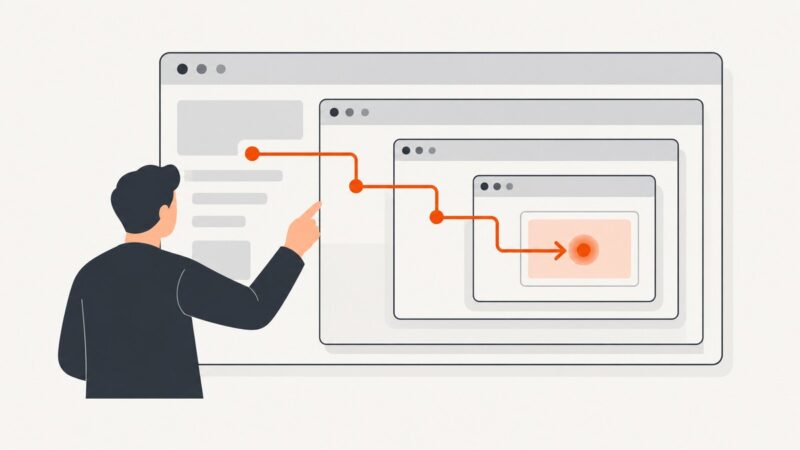
Find iframe documents as Puppeteer Frame objects, wait for dynamic content, and interact with controls inside nested frames.
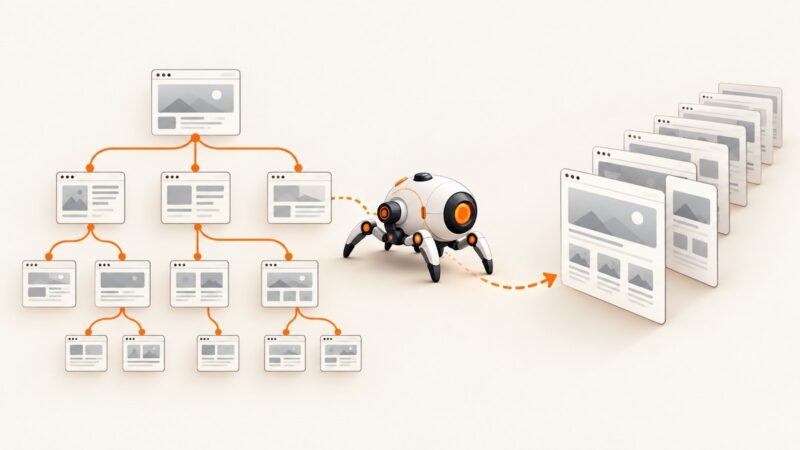
Build an auditable crawler with sitemap and link discovery, Playwright screenshots, retries, manifests, and accurate coverage reporting.
Capture viewport, full-page, element, area, loading, and performance screenshots in Chrome DevTools with exact steps and troubleshooting.
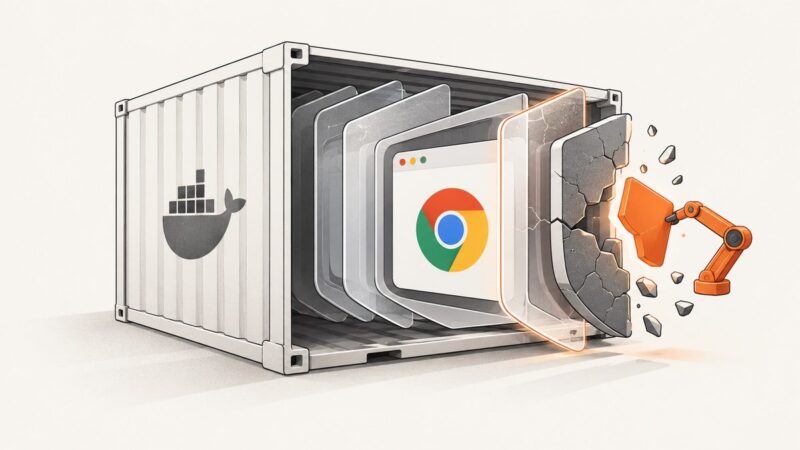
Fix Puppeteer’s “No usable sandbox!” error in Docker with the official image, custom-image checks, secure fallbacks, troubleshooting, and runnable code.
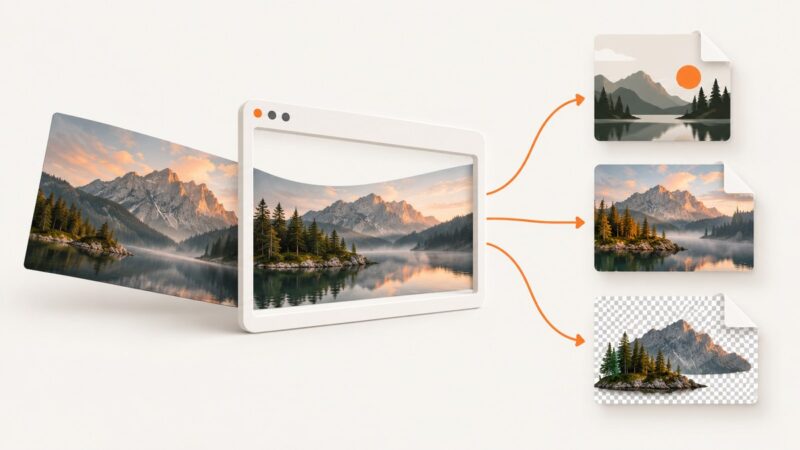
Images often save as WebP because websites deliver an efficient web format. Learn how to identify, convert, or download an image as JPG or PNG.
A null result means Puppeteer found no matching node in the queried frame at that moment. Learn how to check selector timing, frames, lazy images, and image load state.