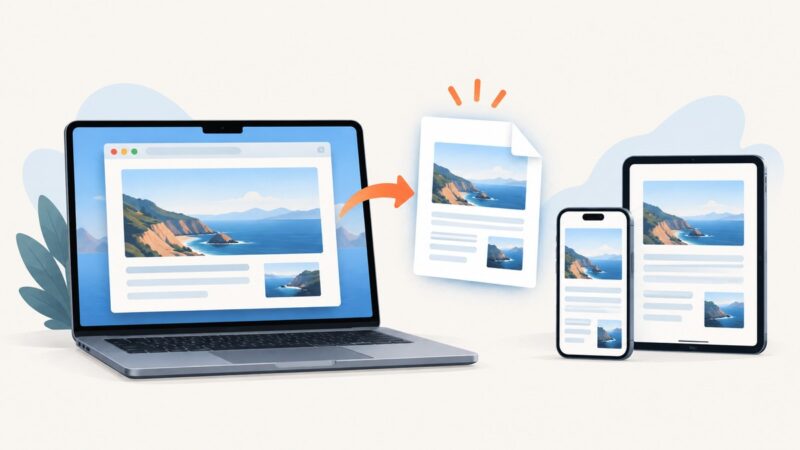
How to Capture a Website’s HTML With Browser Automation
Capture the live HTML after JavaScript renders with Playwright or Selenium. Learn when to wait, how to handle frames and shadow DOM, and how to save a portable archive.
Capture the live HTML after JavaScript renders with Playwright or Selenium. Learn when to wait, how to handle frames and shadow DOM, and how to save a portable archive.
Save a visible or full Safari webpage on iPhone, understand Mac’s limits, export PDFs correctly, and automate clean captures with ScreenshotNeo.
Save a rendered webpage as a PNG with Firefox, Playwright, cURL, Python, Node.js, and ScreenshotNeo—with full-page, element, and troubleshooting guidance.
Diagnose Puppeteer navigation timeouts, eliminate click races, choose the right wait condition, and make browser automation reliable.
Type punctuation, Unicode, modifiers and named keys reliably in Puppeteer with runnable JavaScript examples, debugging steps and production guidance.
Record a website as a video while scrolling, or capture the whole page as a still image. Choose the right method, follow the steps, and fix common problems.
Save any Safari webpage as a PDF on Mac, iPhone, or iPad, with optional annotations, passwords, sharing, troubleshooting, and an API alternative.
Full Page missing on iPhone? Follow Apple’s Safari workflow, save the page as a PDF, troubleshoot the control, or capture it with an API.
Save a rendered webpage as a JPG in Chrome. Choose a capture extension, set full-page or visible-area mode, check permissions, and troubleshoot common issues.
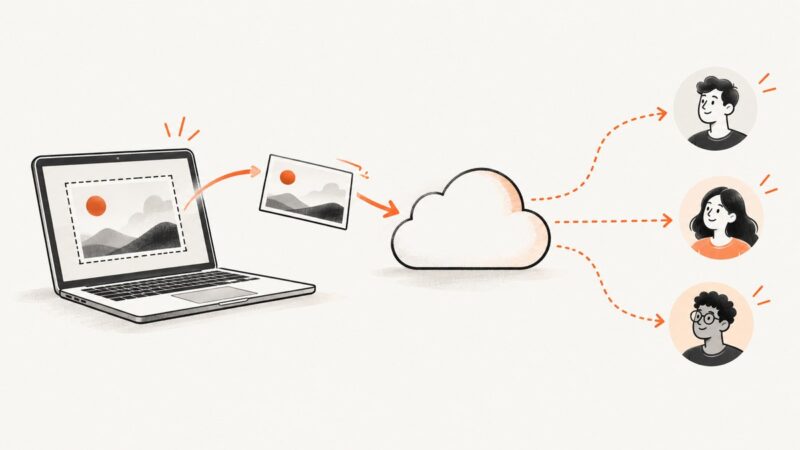
Upload a screenshot to a service that fits your audience and privacy needs, then copy its link. Here are practical steps for Drive, Imgur, Dropbox, and GitHub.
Fix Jenkins visibility failures by checking headless mode, waits, element state, browser setup, and screenshots. Use this step-by-step CodeceptJS Puppeteer guide to find the cause.
Save a webpage as a PDF in Firefox on desktop, Android, or iOS. Learn which print settings to use and how to fix common layout problems.
Render an HTML string or web page to PNG with Playwright in Python. Learn full-page and element capture, byte output, troubleshooting, and a no-browser API option.
Capture complete web pages in Robot Framework with SeleniumLibrary, browser APIs, JavaScript sizing, stitching, CI tips, and a no-setup API option.
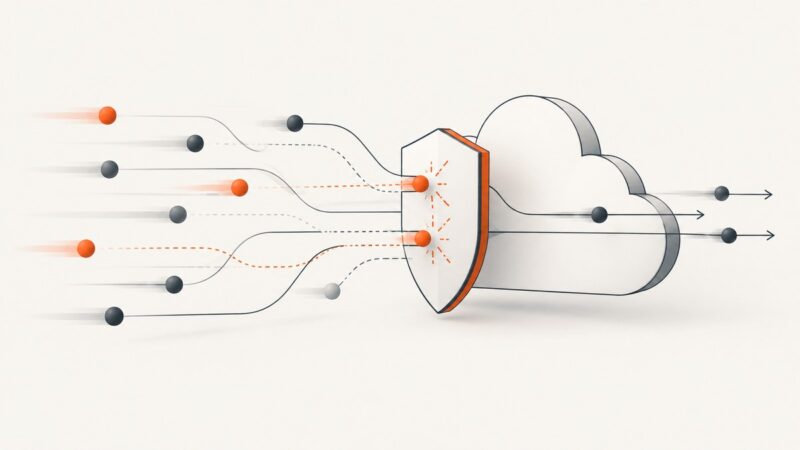
Learn why Cloudflare blocks requests, what Errors 1020 and 1015 mean, and the exact troubleshooting steps for visitors and site owners.
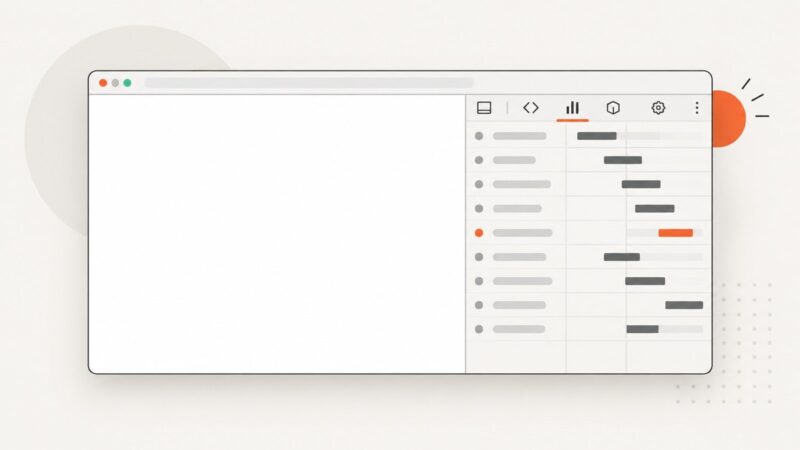
Capture a blank web page in Chrome or Firefox, diagnose white screenshots, and preserve reliable evidence when a page fails to load.
Build an n8n workflow that captures reliable webpage screenshots with HTTP APIs, community nodes, bulk jobs, and ScreenshotNeo.
Capture a rendered webpage as a PNG with a browser extension. Choose full-page or visible-area capture, check the result, and troubleshoot common limits.