How to Remove Redundant Chromium Arguments in PuppeteerSharp Containers
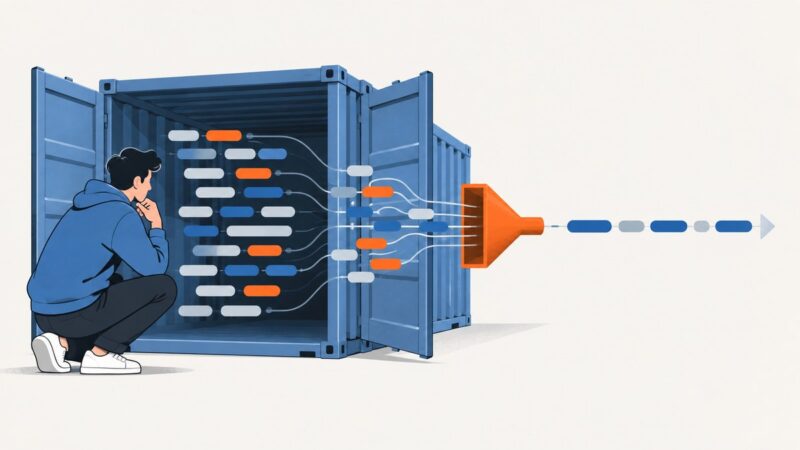
Learn how to inspect PuppeteerSharp’s generated Chromium flags, remove selected defaults safely, and troubleshoot Docker launch failures.
Learn how to inspect PuppeteerSharp’s generated Chromium flags, remove selected defaults safely, and troubleshoot Docker launch failures.
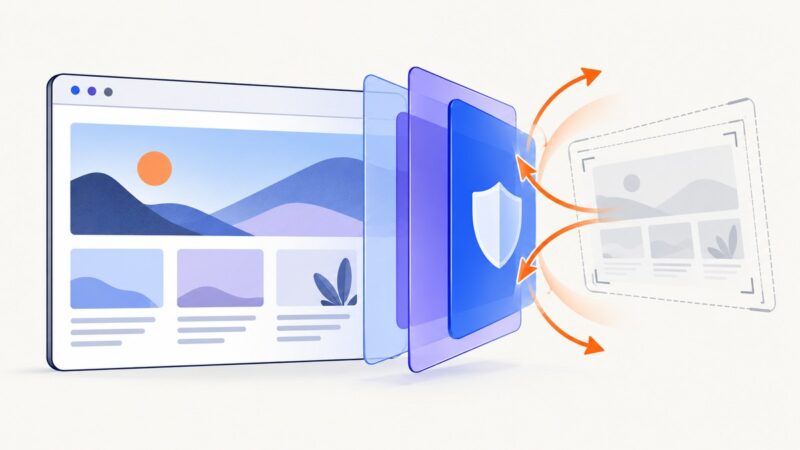
WordPress cannot guarantee screenshot prevention. Learn the practical deterrents, their limits, directory asset rules, and a cleaner ScreenshotNeo workflow.
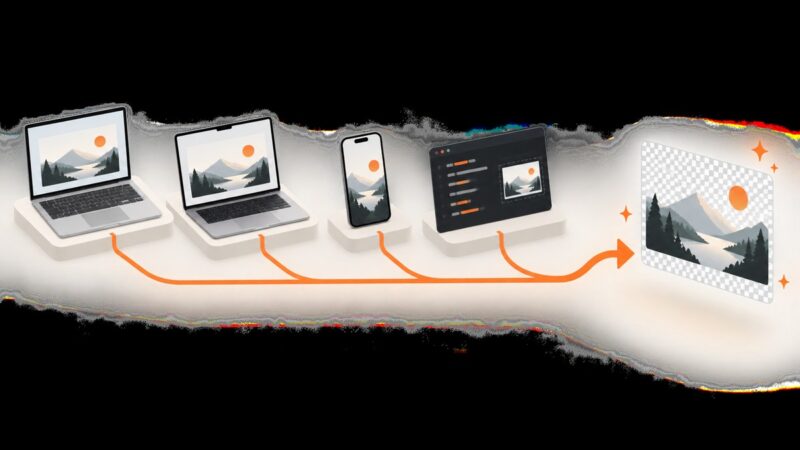
Convert screenshots to PNG on Windows, Mac, iPhone, and in code. Learn when screenshots are already PNG, how to convert HEIF/JPG files, and why renaming fails.
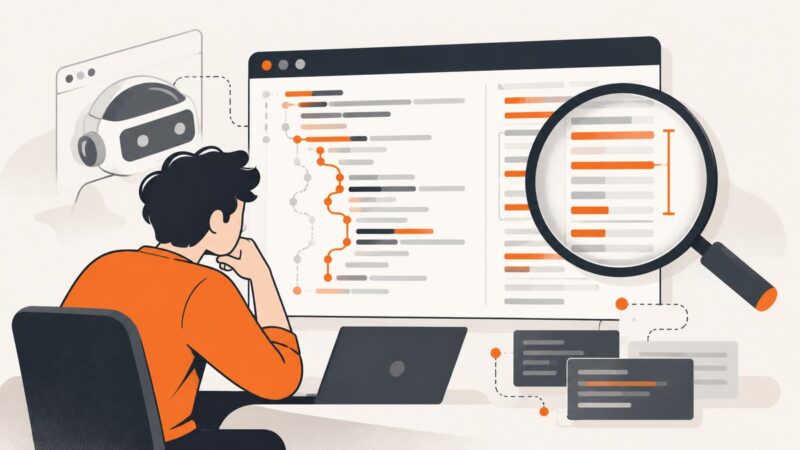
Diagnose missing or misleading Pyppeteer JavaScript coverage by checking timing, navigation resets, anonymous scripts, ranges, and browser versions.
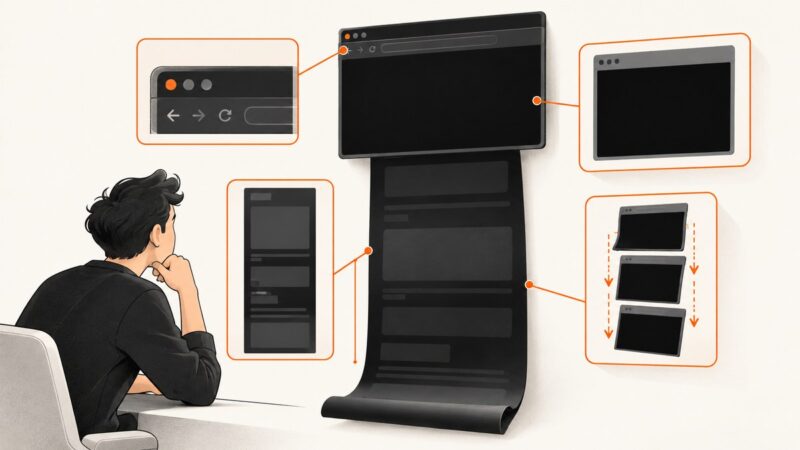
A black full-page screenshot has several possible causes. Use this step-by-step process to find whether the problem is the page, browser, capture scope, or automation setup.
WordPress.org sets no pixel size for plugin screenshots. Follow its 10 MB, naming, SVN, and readme rules, then optimize dimensions for clarity.
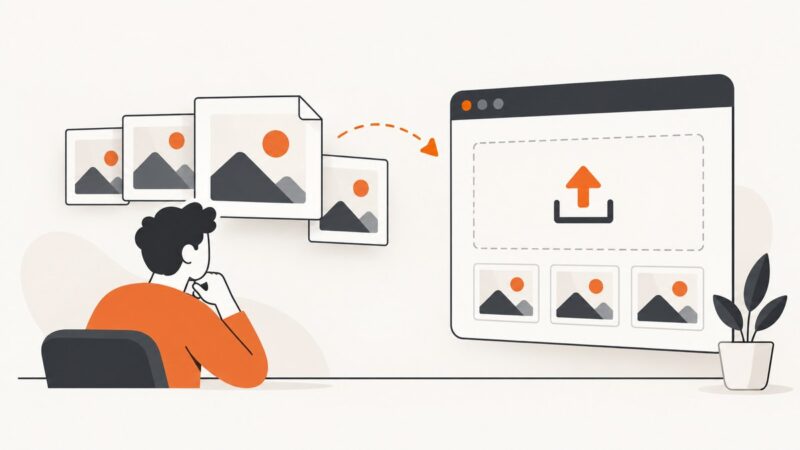
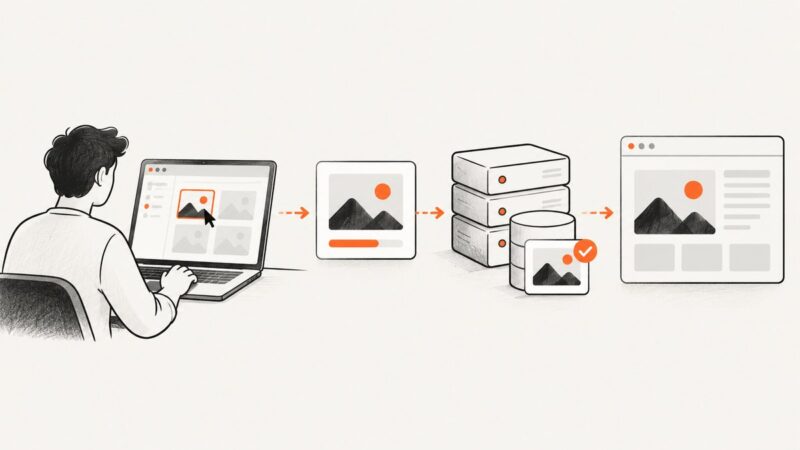
Learn how browser file uploads work, build a secure HTML upload endpoint, use WordPress, and troubleshoot image storage and delivery.
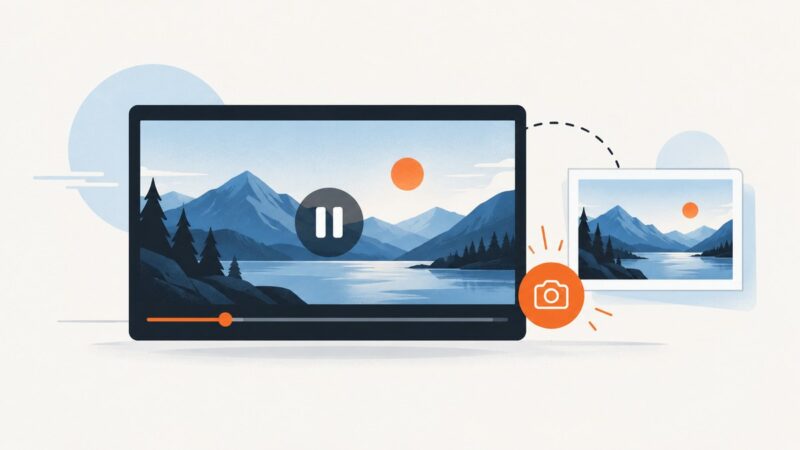
Pause a YouTube video on the frame you want, capture it with your browser or operating system, and troubleshoot common shortcut and image-quality issues.
Capture a selected area on Windows or Mac, or save one section or a full page in your browser. Here are the shortcuts, steps, and fixes.
Xbox browser screenshot support isn’t confirmed. Here’s what to check in Edge, what Xbox capture guidance actually covers, and how to save a webpage another way.
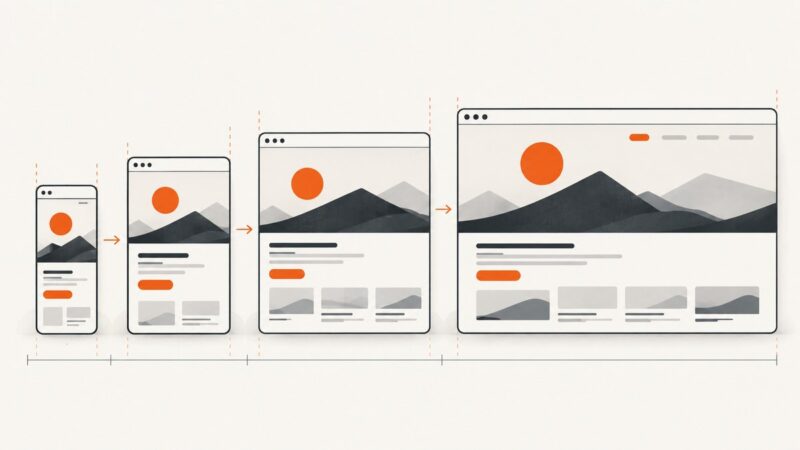
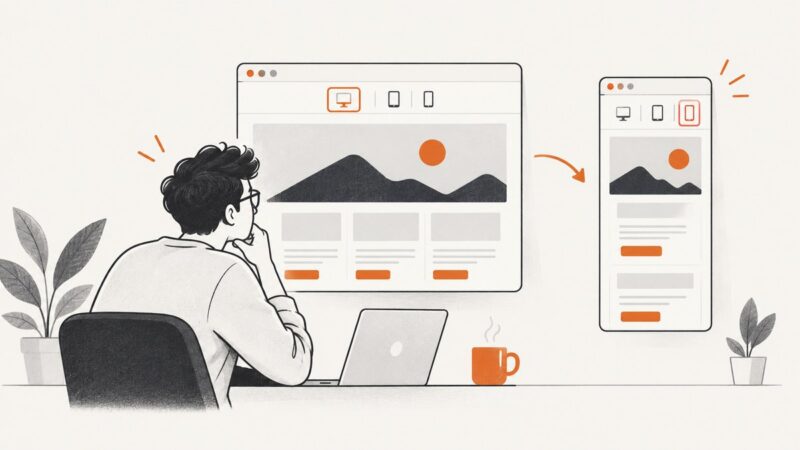
Preview and capture a website at mobile, tablet, and desktop sizes with Chrome or Edge DevTools. Learn when emulation is enough and when to test on real hardware.
Learn a practical, mobile-first CSS workflow with fluid layouts, Flexbox, Grid, responsive media, breakpoints, accessibility, and testing.
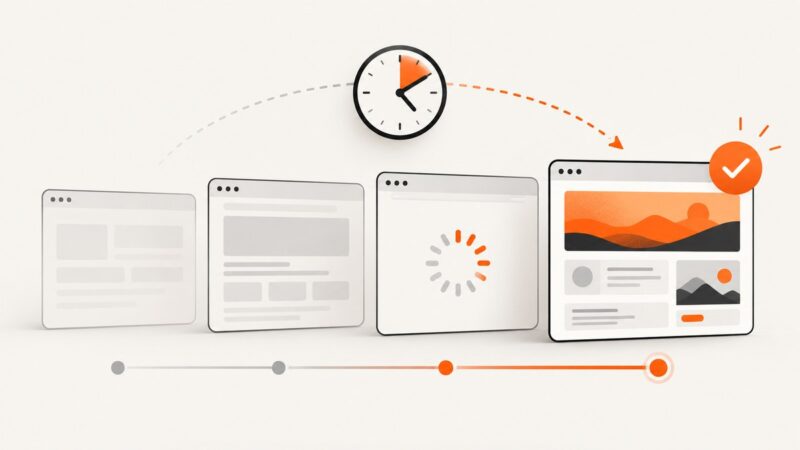
Learn when and how to delay screenshots with Puppeteer, Playwright, readiness checks, lazy-loading strategies, troubleshooting, and a hosted API option.
Set wider Percy viewports with snapshot.widths, keep responsive baselines stable, and troubleshoot configuration issues step by step.
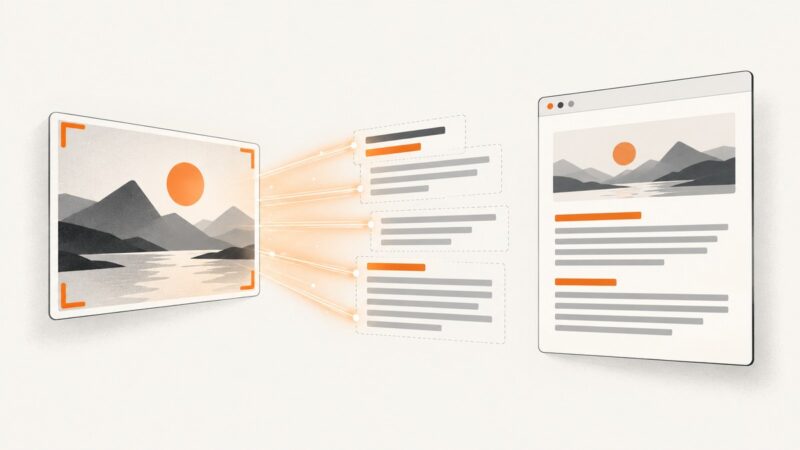
Use OCR to turn screenshot pixels into editable text, with complete OneNote, Acrobat, Lens, quality-control, and ScreenshotNeo workflows.
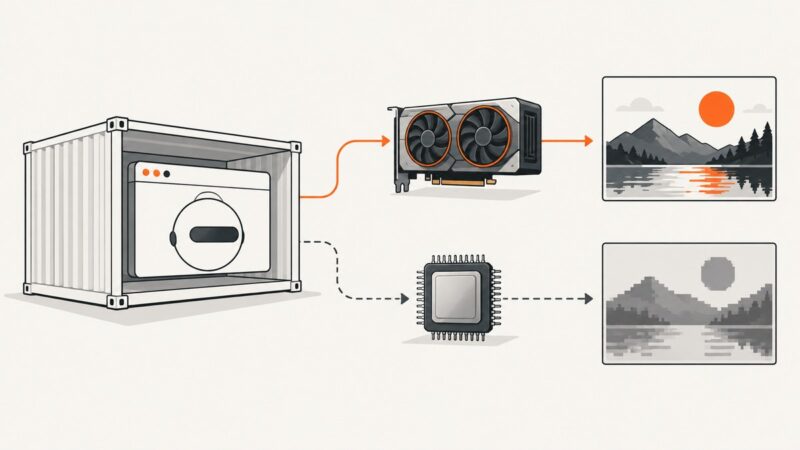
Diagnose WebGL failures in Docker by checking GPU exposure, NVIDIA graphics capabilities, and Chromium’s renderer—then choose hardware or SwiftShader deliberately.
Puppeteer usually captures a mobile layout because of viewport or device emulation settings. Find the exact setting and fix it with runnable examples.
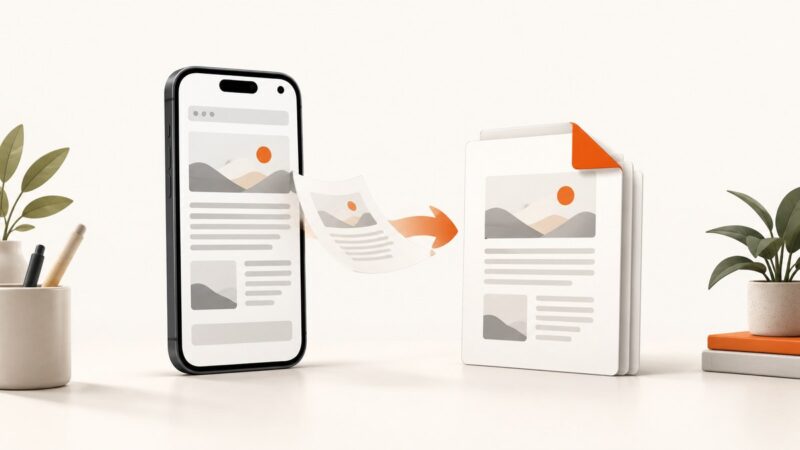
Save any webpage as a PDF on iPhone or Android with clear steps, file checks, troubleshooting, and an API option for developers.