How to Save a Webpage as a JPEG Image
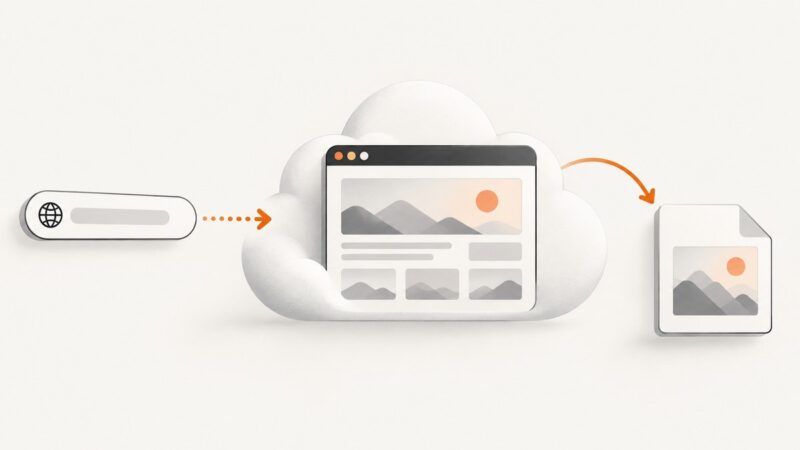
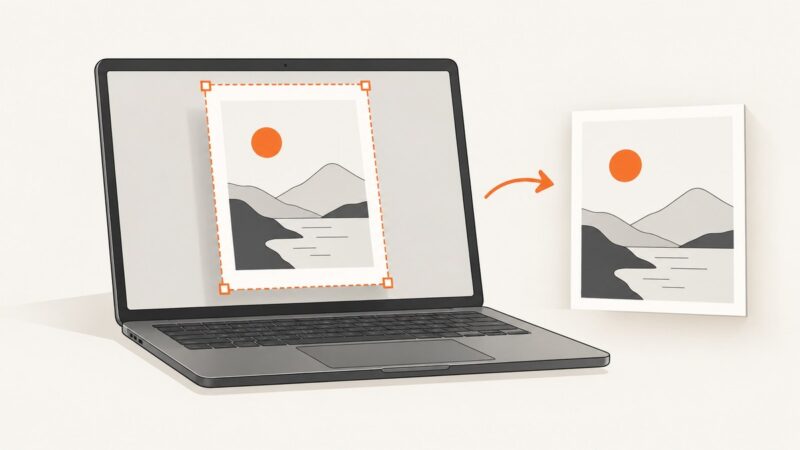
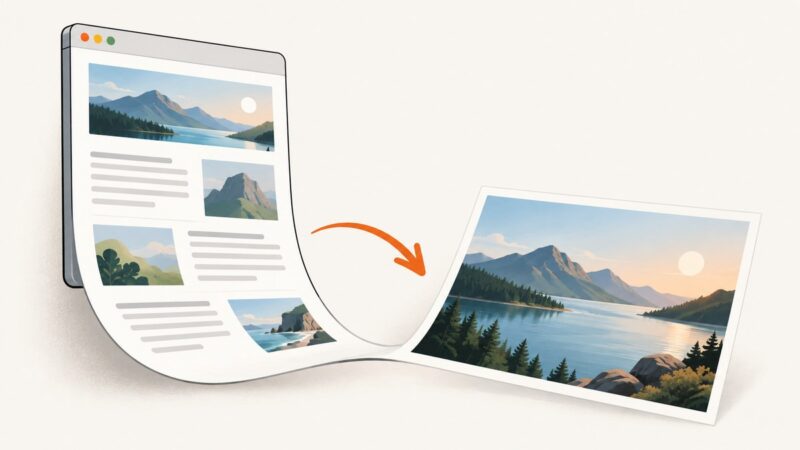
Save a webpage as a JPEG by capturing its rendered appearance and choosing a JPEG export option. Compare browser tools, extensions, and a screenshot API.
Save a webpage as a JPEG by capturing its rendered appearance and choosing a JPEG export option. Compare browser tools, extensions, and a screenshot API.
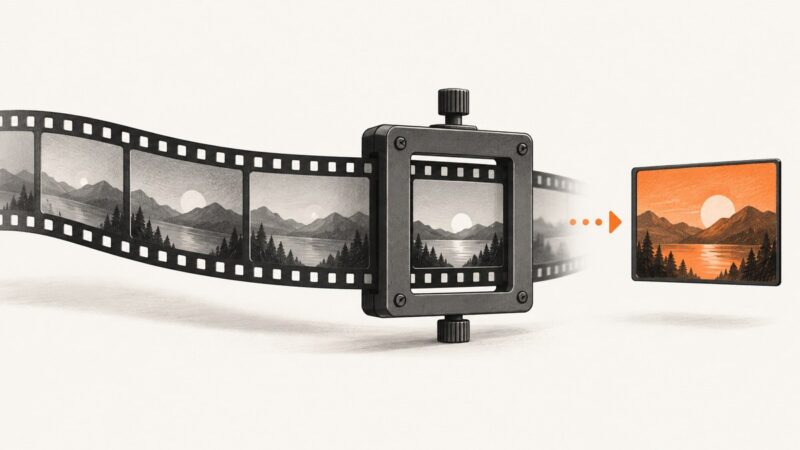
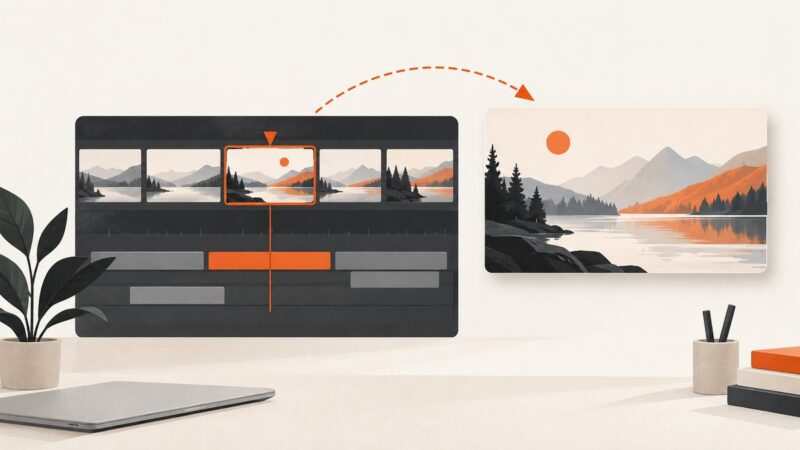
Use FFmpeg to save a video frame as a thumbnail, then learn how to find the right timestamp, export candidates, resize the image, and fix common errors.
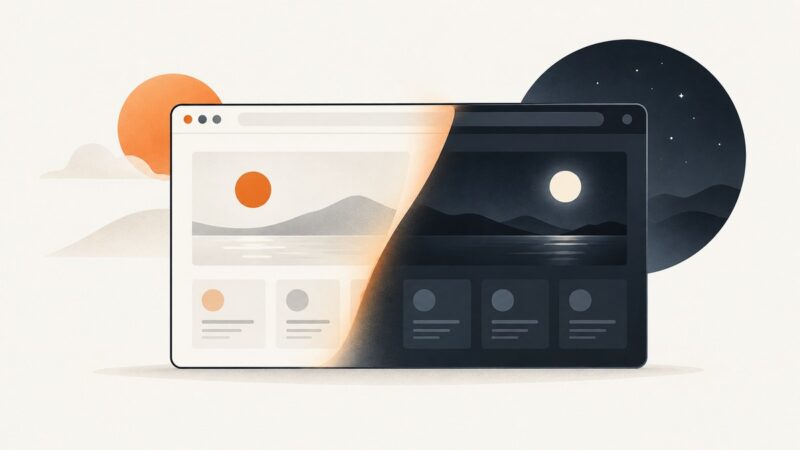
Enable dark mode with a site’s own controls, browser settings, or a browser extension. Learn why some pages stay light and how to inspect their behavior.
Capture webpages with Cloudflare’s Browser Run Screenshot Quick Action. Learn the current endpoint, runnable examples, capture options, waits, limits, pricing, and fixes for common errors.
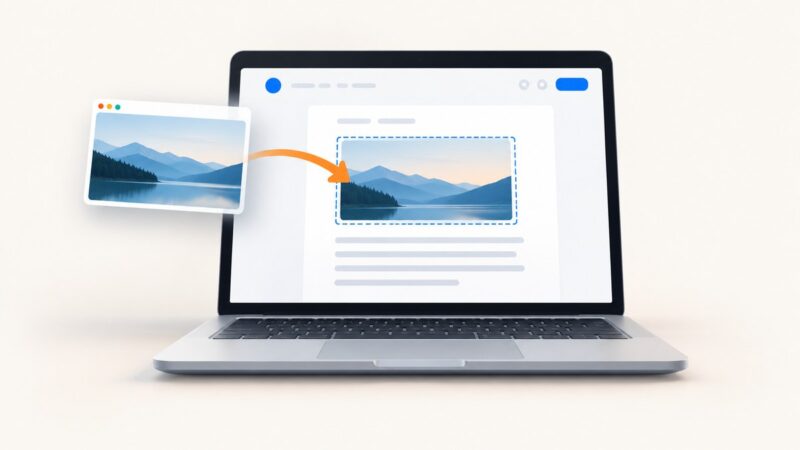
Capture your screen, insert it into Google Docs, format it, add alt text, and automate clean screenshots with a practical developer guide.
A practical responsive-testing workflow covering viewports, browsers, accessibility, real devices, automation, and repeatable screenshots.
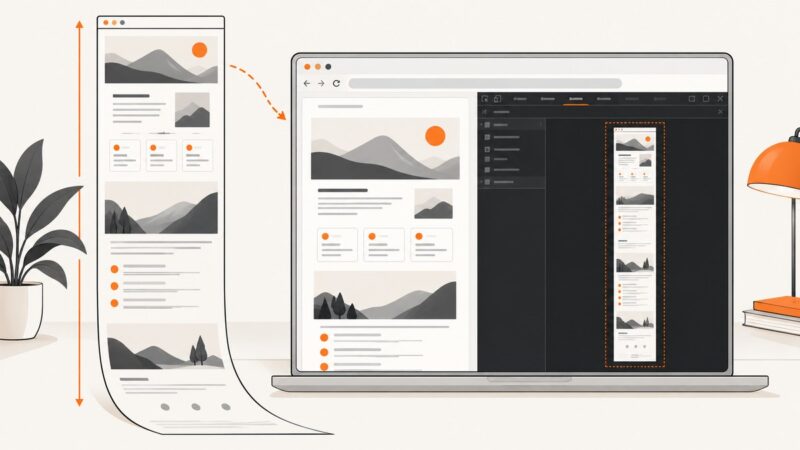
Capture an entire webpage in Chrome with DevTools, troubleshoot dynamic pages, and automate screenshots with ScreenshotNeo.
Convert pasted HTML or an .html file into a JPG, or capture a hosted page by URL. Choose the right workflow and fix common rendering issues.
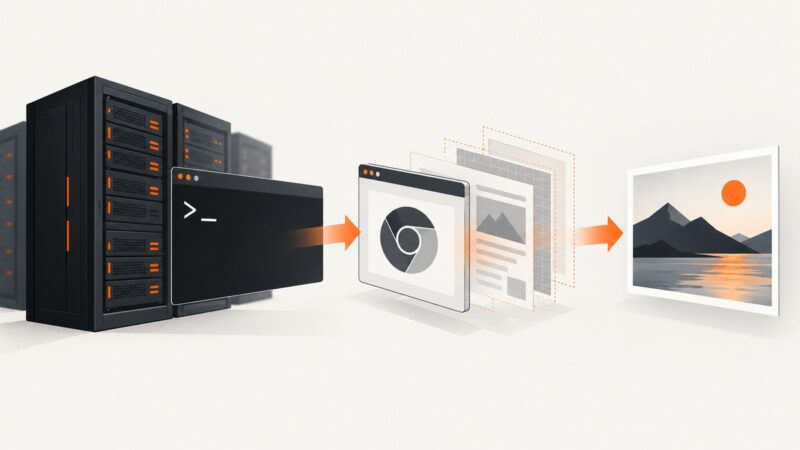
A compatibility-first guide to running Chromium headless on Windows Server Core, with validation steps, commands, troubleshooting, and a managed API option.
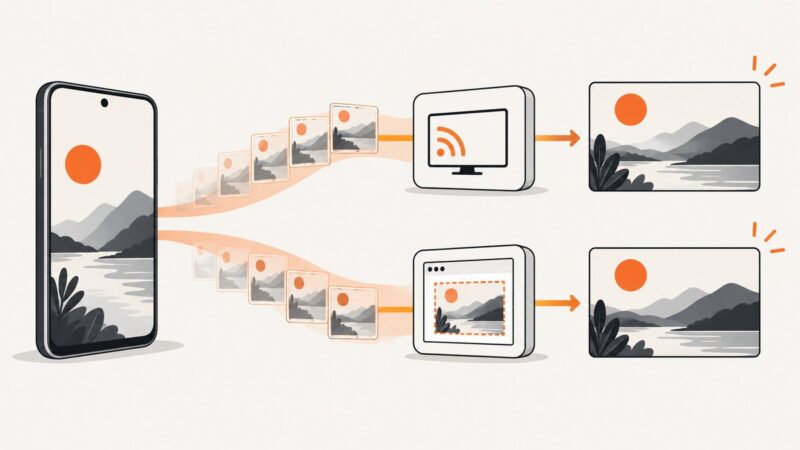
Learn when to use MediaProjection or PixelCopy on Android, with complete Kotlin code, Android 14 rules, troubleshooting, and an API alternative.
Turn a clear video frame into a custom YouTube thumbnail, export it to the right size, and upload it in YouTube Studio. Includes guidance for Shorts and vertical videos.
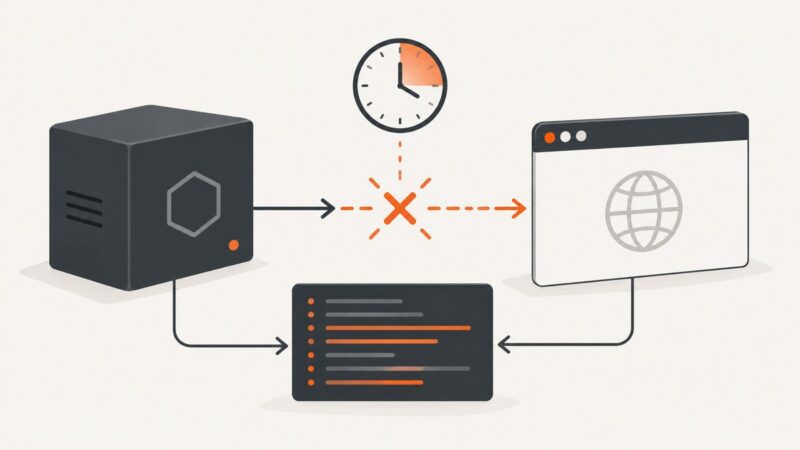
Find whether Puppeteer times out at launch, connection, or CDP, then apply the right diagnostic and configuration fix.
Learn what a Cloudflare screenshot can show, how to document a challenge safely, troubleshoot challenge loops, and capture authorized pages.
Capture one PDF page as a PNG or JPEG on Windows, Mac, or iPhone, and learn when exporting the page is better than a screenshot.
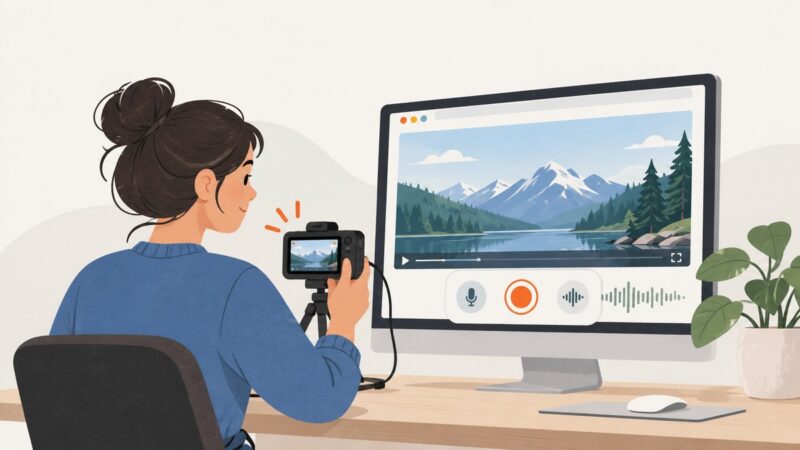
Record a webpage video for free with OBS, browser capture APIs, or ChromeOS Screencast. Learn how to capture sound, troubleshoot problems, and choose the right method.
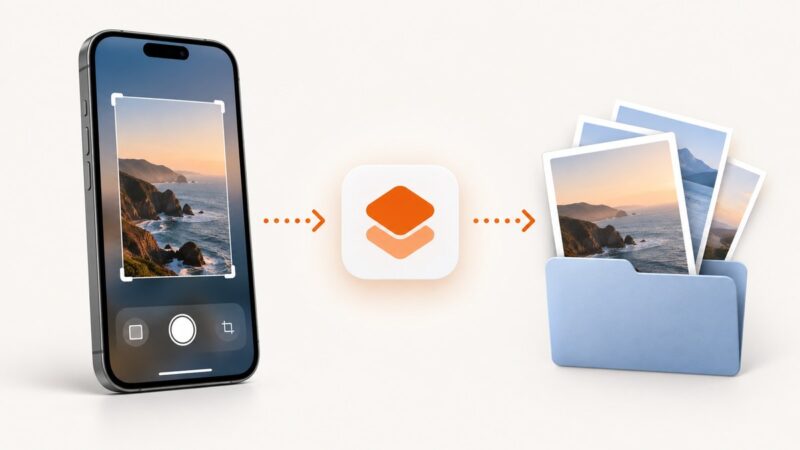
Create an iPhone Shortcut for repeatable screenshots, or use Xcode and XCTest for app testing. This guide covers setup, limits, and automation options.
Learn how to capture website screenshots on a recurring schedule with Playwright and GitHub Actions, plus a managed ScreenshotNeo option.
Turn on dark mode in Windows, macOS, iPhone, iPad, and Chrome, set a schedule, and troubleshoot apps and sites that stay light.