How to Wait for Client-Side Images to Load Before a Puppeteer Screenshot
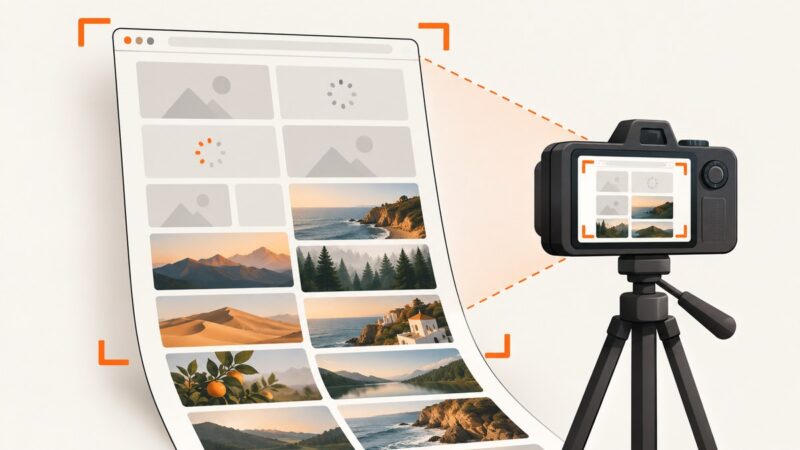
Wait for Puppeteer images to load and decode before capture. Handle lazy loading, broken images, dynamic pages, and timeouts with a reliable readiness check.
Wait for Puppeteer images to load and decode before capture. Handle lazy loading, broken images, dynamic pages, and timeouts with a reliable readiness check.
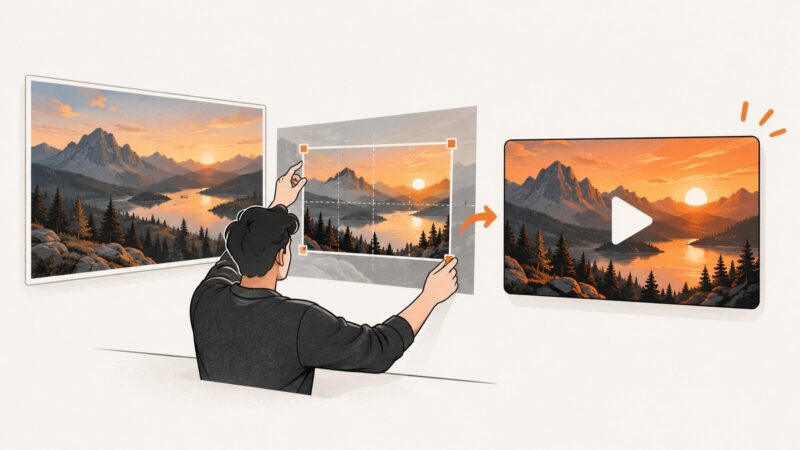
Turn any photo into a YouTube thumbnail: choose the right canvas, crop for small screens, export within limits, and upload in YouTube Studio.
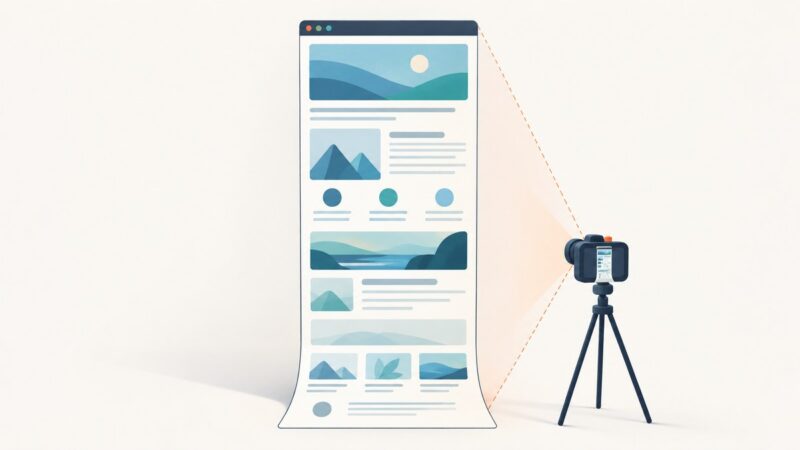
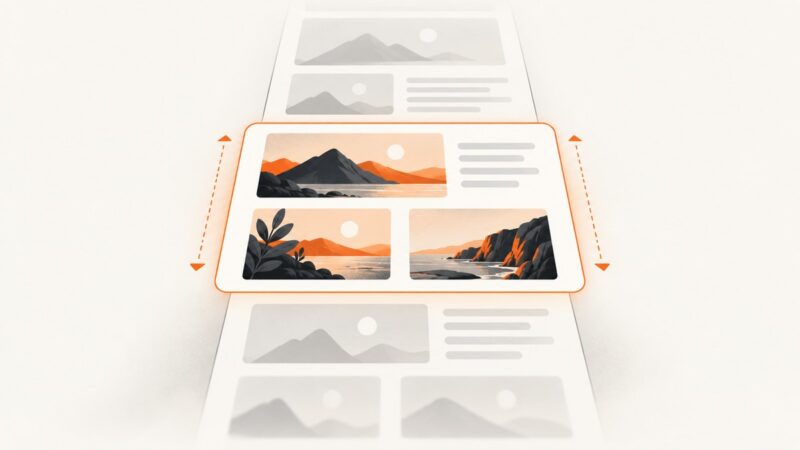
Capture a complete single-page app with Puppeteer. Set a stable viewport, wait for app-specific readiness, handle lazy content, and troubleshoot missing sections.
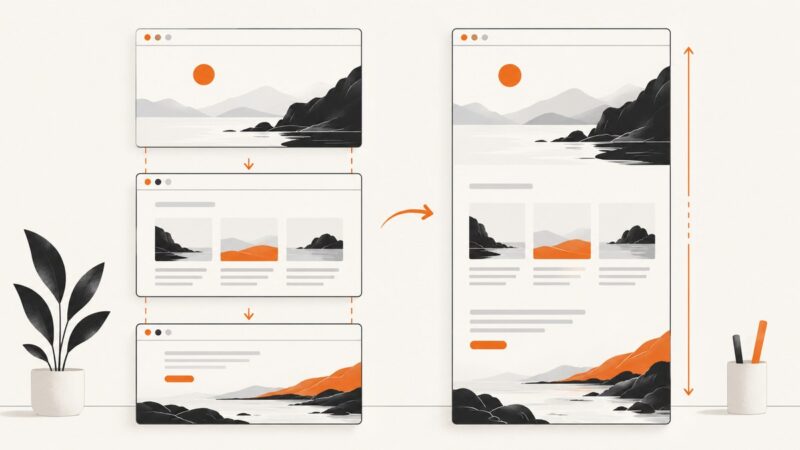
Learn when to use native full-page capture, how to stitch screenshots manually, and how to avoid seams, repeated headers, and missing content.
Learn how to add or change a video thumbnail on YouTube and Vimeo, choose the right image, fix upload errors, and automate thumbnail capture.
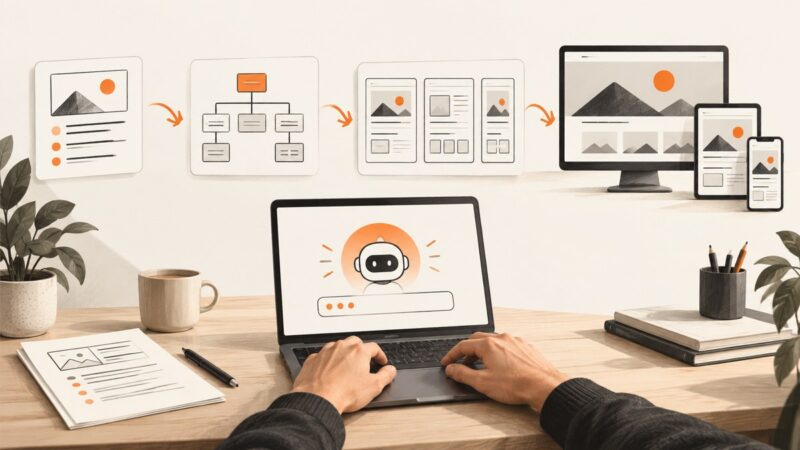
Use an LLM to plan, design, build, and review a website with practical prompts, tool choices, accessibility checks, and launch guidance.
A practical, code-first guide to using LLMs for website planning, generation, testing, deployment, security, and maintenance.
Save an entire webpage with Firefox, Edge, Chrome extensions, or one ScreenshotNeo API call. Includes full-page tips, code, troubleshooting, and format options.
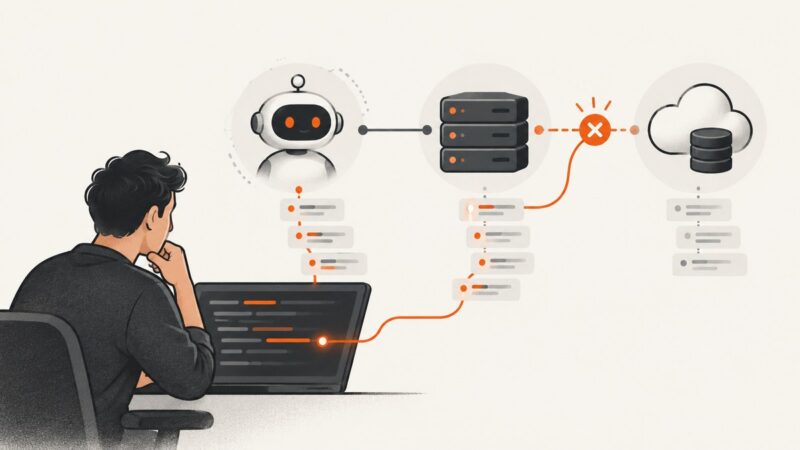
“Could not attach to MCP server” has no single cause. Use the client log to tell whether the server failed to launch or cannot reach its upstream service.
Open your browser’s History view, capture the entries you need, and check sync and privacy details before sharing the image.
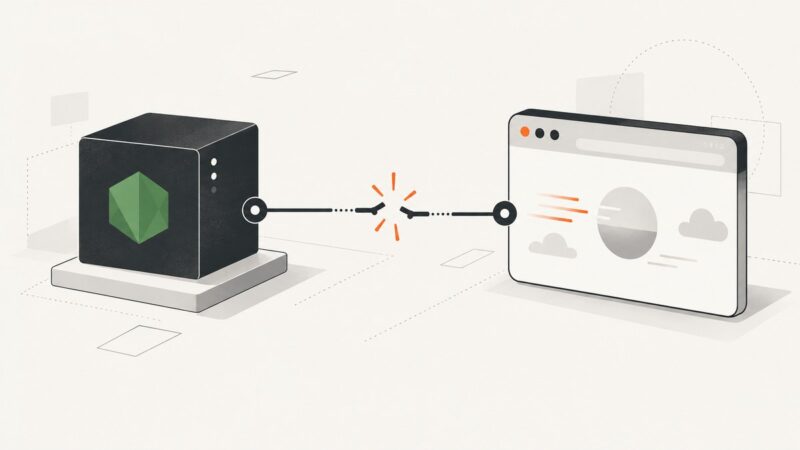
Diagnose Puppeteer’s “Protocol error (Page.navigate): Target closed” with lifecycle checks, browser logs, synchronization patterns, and reliable fixes.
Verify lazy loading with DevTools, rendered HTML, and repeatable tests. Find failed requests, SEO problems, layout shifts, and LCP mistakes.
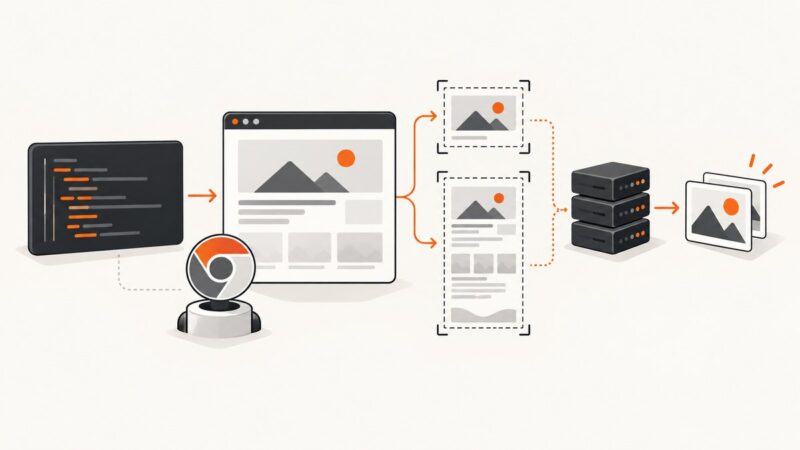
Automate Chrome screenshots with Puppeteer, Playwright, CDP, and CI-ready patterns for full pages, elements, PDFs, and reliable output.
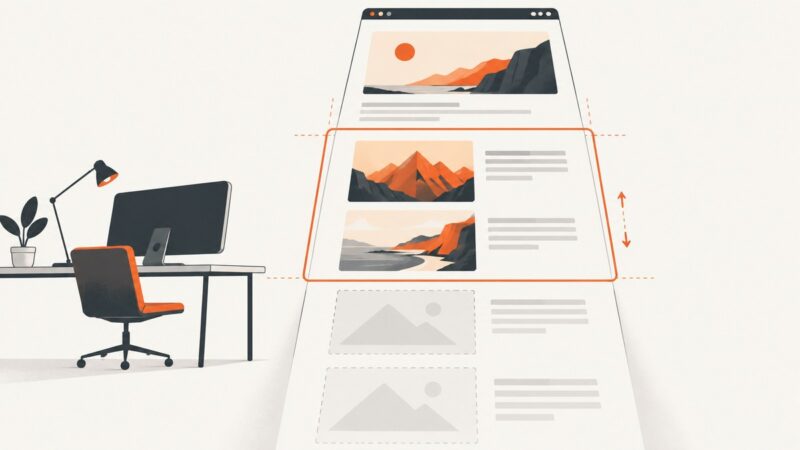
Use HTML’s native `loading="lazy"` attribute to defer off-screen images. Learn when to use it, how it works with responsive images, and how to avoid common pitfalls.
Capture an X (formerly Twitter) post on iPhone, Android, Mac, or the web while keeping its author, text, and context visible.
Learn fast, repeatable screenshot workflows on Windows, Mac, iPhone, Android and the web, plus an API method for batch captures.
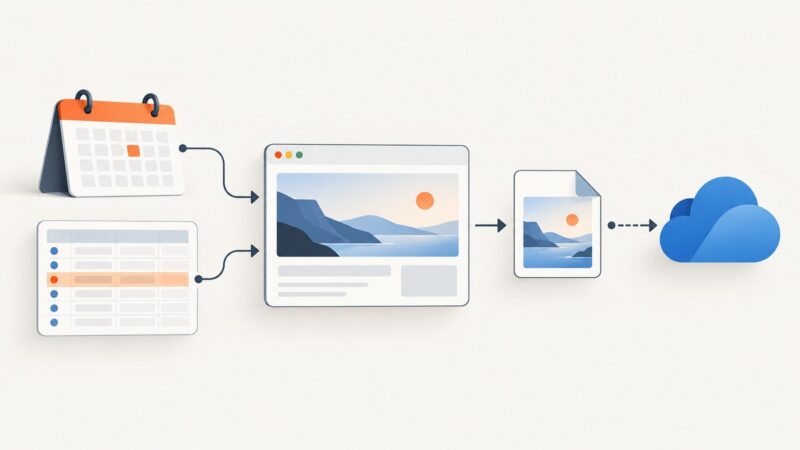
Set up a Zap that captures a webpage from a schedule or event, then sends the image or PDF to storage or another app.
Fix IMGKit’s “No wkhtmltoimage executable found” error on Linux, macOS, Windows, containers, and serverless deployments.