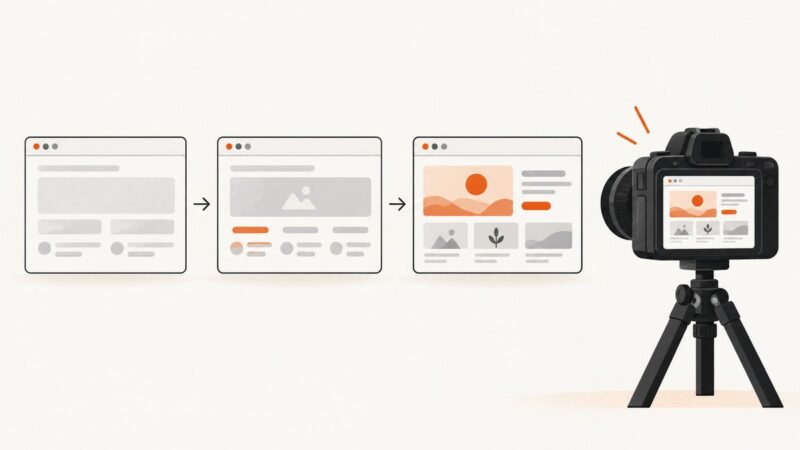
How to Capture a Full-Page Screenshot in Chrome on Mac
Capture an entire webpage in Chrome on Mac with DevTools, troubleshoot long pages, and automate screenshots when you need repeatable results.
Capture an entire webpage in Chrome on Mac with DevTools, troubleshoot long pages, and automate screenshots when you need repeatable results.
Learn how to capture viewport, full-page, and element screenshots with Playwright, configure output and stability, and automate visual checks.
Set Playwright screenshot filenames with path, snapshot names, output helpers, templates, or the CLI filename flag.
Learn when to wait for UI state, how to avoid flaky screenshots, and when to use assertions, load states, or ScreenshotNeo.
Attach Playwright screenshots to HTML reports, capture failures automatically, preserve CI artifacts, merge shards, and troubleshoot missing images.
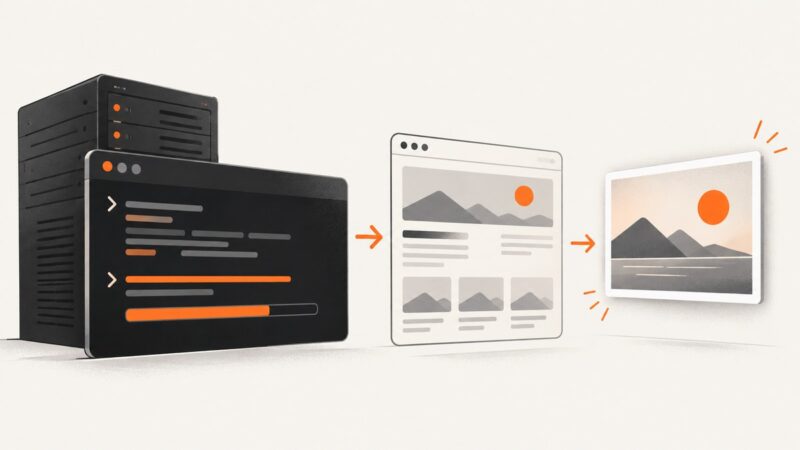
Install wkhtmltoimage on Ubuntu 22.04 or 24.04, verify it, fix headless-server errors, and choose between Ubuntu packages and upstream builds.
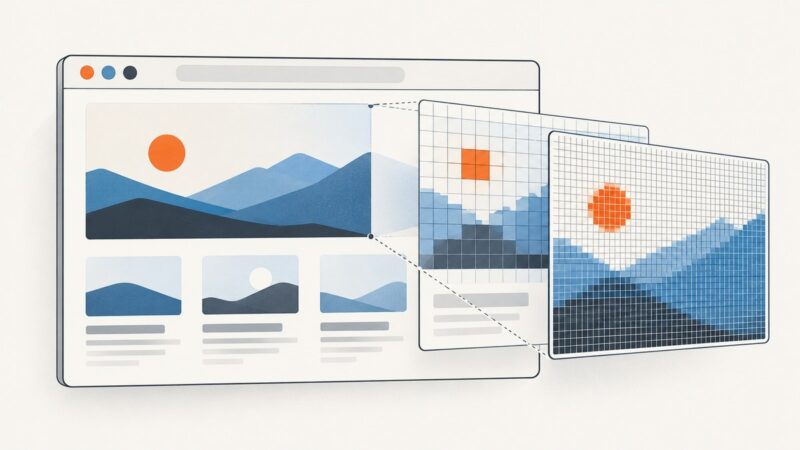
Control Playwright screenshot dimensions by setting the CSS-pixel viewport and output scale separately. See runnable examples, common fixes, and high-DPI guidance.
Hide dynamic elements in Playwright screenshots with capture-time CSS, or cover them with a locator mask. Includes runnable JavaScript examples and fixes for common errors.
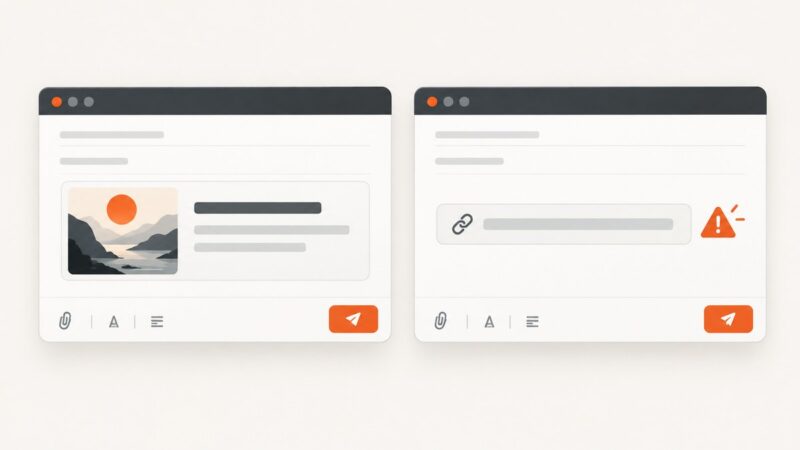
Fix missing Outlook link previews by identifying your app, checking the right setting, and separating rich cards from blocked or plain-text links.
Run your website from Visual Studio, choose a browser, and refresh changes. Learn how ASP.NET Core preview, Browser Link, and Web Live Preview differ.
Capture deliberate Playwright step evidence with attachments, or record every browser action automatically with tracing and Trace Viewer.
Choose `clip.height` to crop a screenshot, viewport height to change the page layout, or `fullPage: true` to capture all scrollable content.
Preview a link with search snippets, chat unfurls, metadata APIs, or a rendered screenshot—then check the destination safely before visiting.
Set Playwright screenshot quality with the right image format, then tune dimensions and capture options for your use case.
Translate a tweet screenshot on Android, iPhone, or computer, handle unclear text, and check the original post before sharing.
Fix Puppeteer’s “Could not find Chrome” error by repairing browser installation, cache paths, executable settings, and Linux dependencies.
Capture a tweet on Windows, Mac, iPhone, or with an API, then preserve context, privacy, and the original post URL.
Save Playwright screenshots exactly where you need them with path, testInfo.outputPath(), snapshotPathTemplate, and reliable folder patterns.