How to Change Screen Size in Cypress
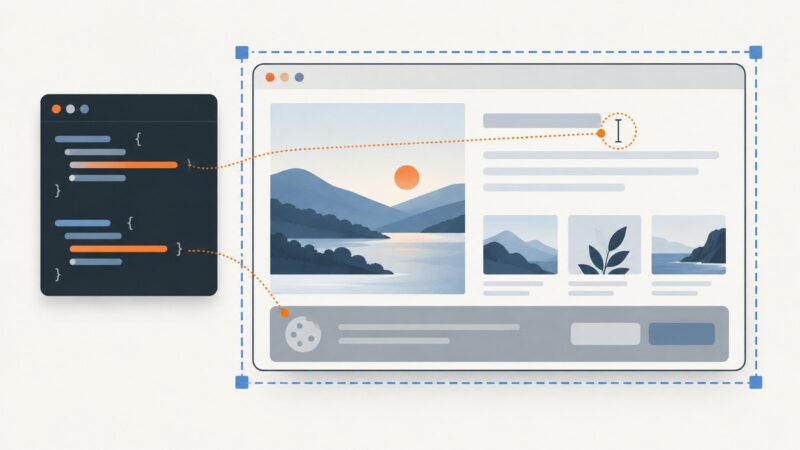
Use cy.viewport() to change Cypress’s application viewport, or configure defaults for a suite, project, or CI run. Learn how to test responsive layouts and distinguish app size from browser display size.
Use cy.viewport() to change Cypress’s application viewport, or configure defaults for a suite, project, or CI run. Learn how to test responsive layouts and distinguish app size from browser display size.
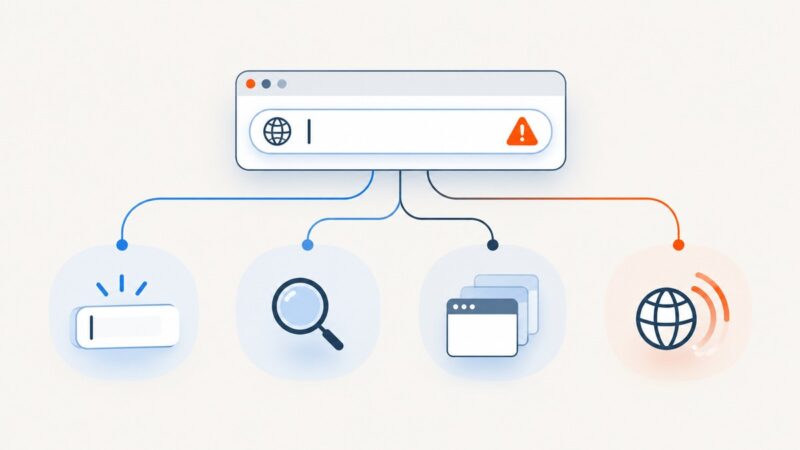
Diagnose an address bar that will not type, search, navigate, or load pages with a browser-by-browser troubleshooting flow.
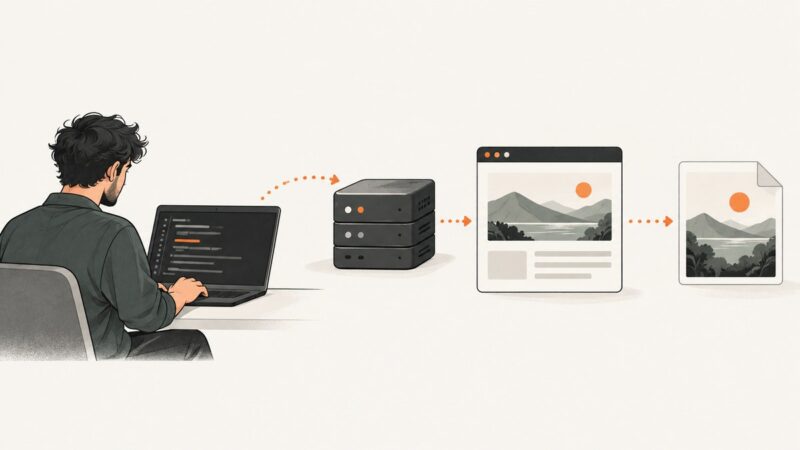
Create a screenshots folder, save Selenium PNGs to predictable paths, and handle element captures, CI artifacts, and common file errors in Python.
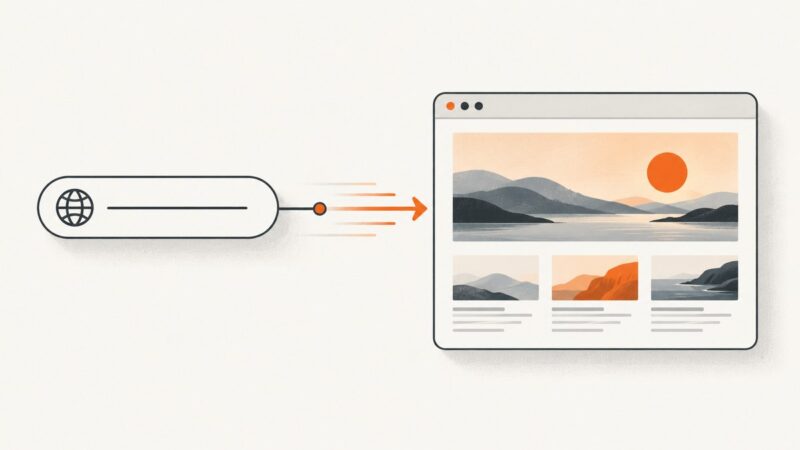
Learn browser, command-line, and API methods to capture any URL as a viewport, full-page, or element screenshot.
Use document.fonts.ready and explicit font loads to make Playwright screenshots consistent, with runnable code, debugging steps, and production guidance.
Run reliable headless browser tests with Playwright or Puppeteer, CI setup, assertions, screenshots, debugging, and practical fixes.
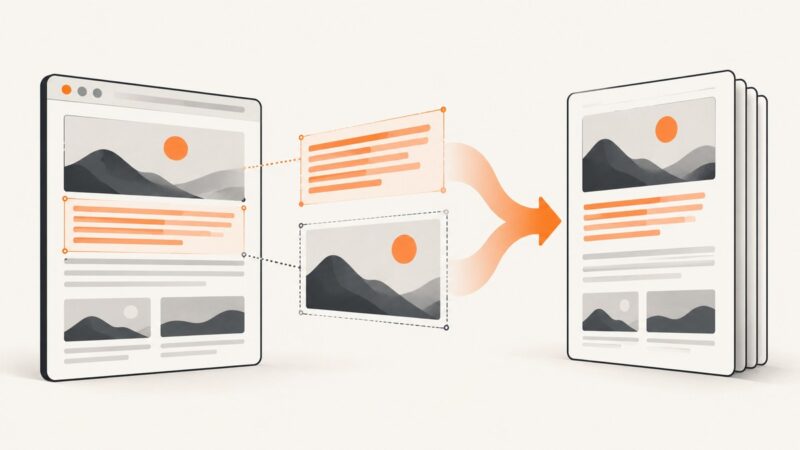
Use screenshot-time CSS, an injected stylesheet, or Playwright Test’s stylePath to hide volatile elements and make captures more repeatable.
Use Playwright’s Chromium PDF API for selectable text, or turn a screenshot into an image-based PDF when you need visual fidelity. Includes runnable code, options, and fixes for common export problems.
Configure where Playwright stores ARIA snapshot YAML, choose matching and update behavior, and keep baselines organized across projects.
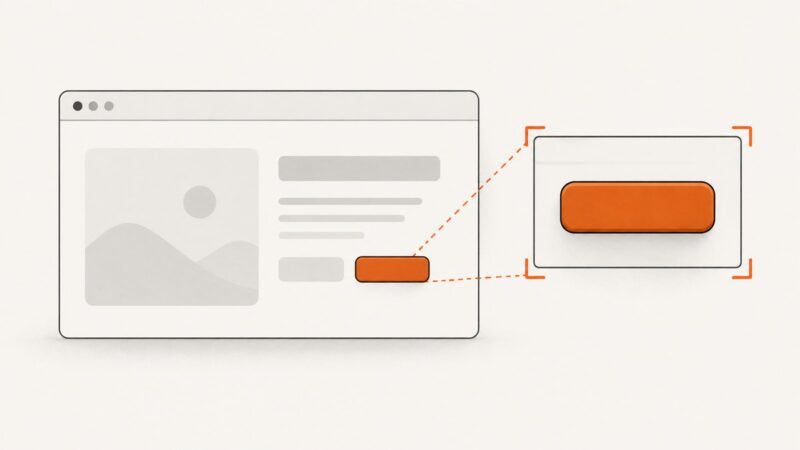
Use a Playwright locator to capture a button as an image file or Buffer. Learn how to choose the button, stabilize output, and fix common capture problems.
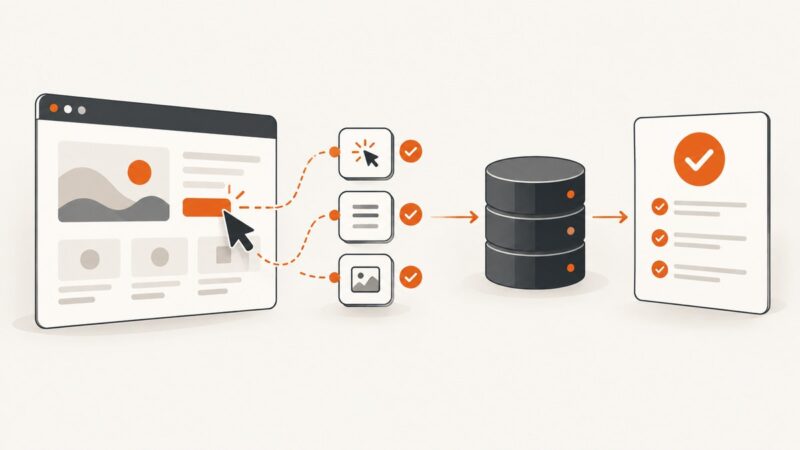
When a Playwright button click fails or appears to do nothing, diagnose the locator, actionability, page readiness, and dialogs in order.
Capture a visible region with your operating system, or select webpage content with Firefox or Edge. Learn which method fits and how developers can automate captures.
Capture a visible Ubuntu screen, a browser window, or an entire webpage. Learn the built-in shortcuts, Firefox and command-line options, and how to automate captures.
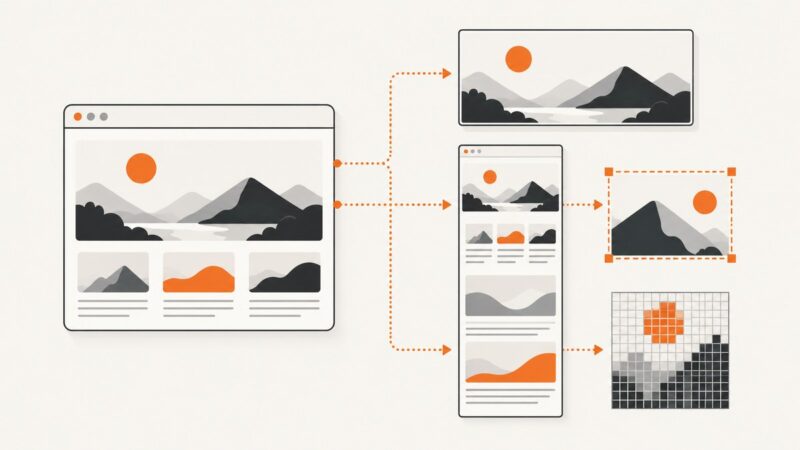
Set Playwright screenshot dimensions correctly with viewport, full-page, clip, scale, and element capture examples.
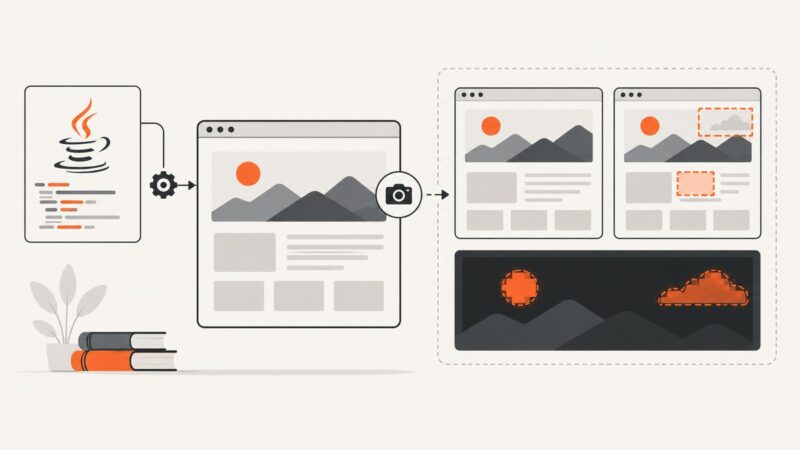
Capture stable screenshots with Playwright Java, compare them to reviewed baselines, diagnose diffs, and automate visual regression safely.
Use iPad’s Full Page screenshot tool to capture an entire webpage, save it as an image, or export it as a PDF.
Write a runnable JavaScript Playwright script from installation through browser cleanup, with reliable locators, assertions, debugging tips, and a screenshot API option.
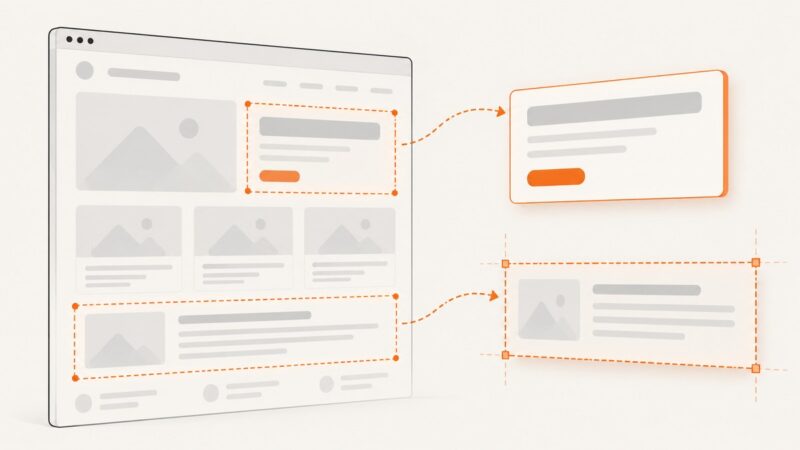
Capture a DOM element or a coordinate-defined region with Playwright. Get runnable JavaScript examples, stability tips, and fixes for common screenshot problems.