How to Capture an Iframe Screenshot in Playwright
Capture an element inside an iframe with Playwright’s frame-aware locators, or screenshot the iframe box, viewport, or full page.
Capture an element inside an iframe with Playwright’s frame-aware locators, or screenshot the iframe box, viewport, or full page.
Save Playwright screenshots as JPG with the right API options, quality settings, buffers, full-page captures, troubleshooting, and production tips.
Change the Open Graph image in your page’s HTML, verify the live metadata, and refresh social previews when they still show the old image.
Capture an entire webpage in Chrome DevTools, understand Inspect mode, fix common problems, and automate screenshots with ScreenshotNeo.
Capture a website as a viewport, full-page, or element screenshot. Learn the browser workflow, runnable Playwright code, settings, fixes, and a hosted API option.
Save a whole webpage as an image in Firefox, increase its capture scale, and choose the right settings when you need a larger or automated screenshot.
Learn when inline snapshots help in Playwright tests, how to review expected-value changes, and when a focused assertion or another snapshot type is clearer.
Capture an iframe’s visible rectangle or an element inside it with Puppeteer. Learn how to select the right frame, wait for content, and fix blank or clipped screenshots.
Use Playwright’s locator highlight for live debugging, or add a persistent outline to a screenshot. Here are complete TypeScript, Python, and API workflows.
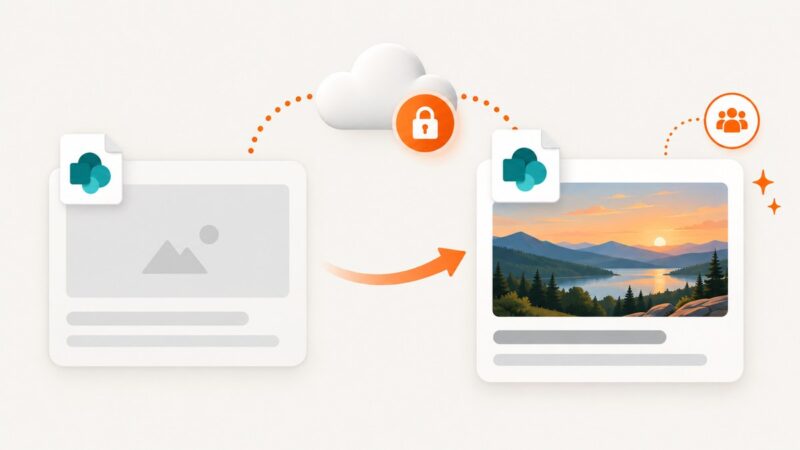
Fix blank SharePoint link previews by checking thumbnails, publishing, permissions, image limits, sharing policies, and cached cards.
Build reliable Storybook visual regression tests with Playwright, versioned baselines, CI review, and a hosted screenshot option.
Learn how to set up Puppeteer Core, choose a compatible browser, and capture viewport, full-page, clipped, and transparent screenshots.
Save any webpage as a PDF in Firefox using built-in print tools, extensions, or an automated API workflow for repeatable captures.
Convert HTML images to JPG with browser canvas, ImageMagick, or an API. Handle quality, transparency, CORS, batch jobs, and common errors.
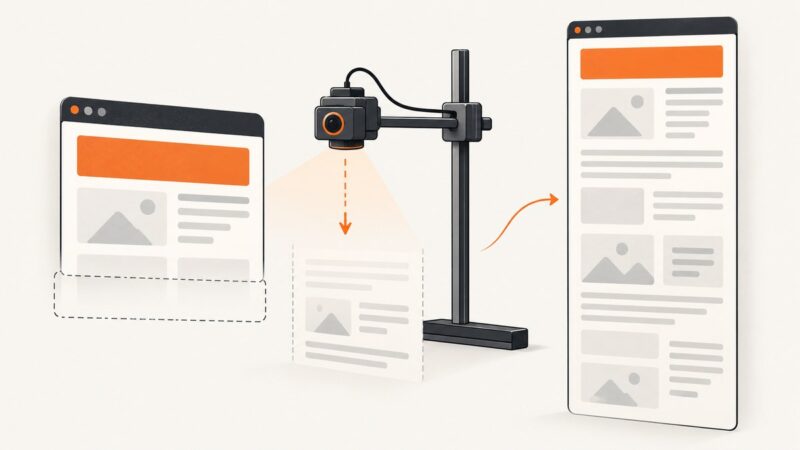
Fix Playwright screenshots that miss content by choosing fullPage, correcting clip and nested scroll containers, stabilizing viewports, and handling animations.
Learn where Playwright saves screenshots and how to configure folders for page captures, test artifacts, visual snapshots, and parallel runs.
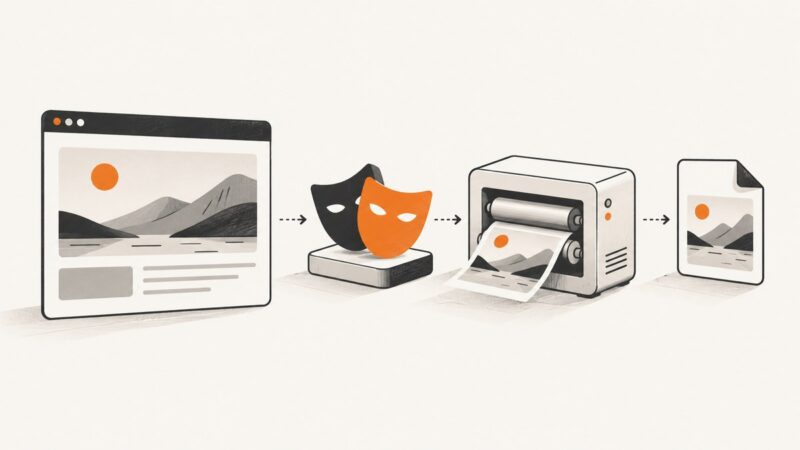
Render HTML in a real browser and save a PNG with transparency. Learn how to capture a viewport, full page, or single element with Puppeteer or Playwright.
Fix Puppeteer postinstall hangs, blocked browser downloads, missing Chrome errors, cache problems, CI failures, and WSL or Docker issues.