How to View a Website’s Snapshot History
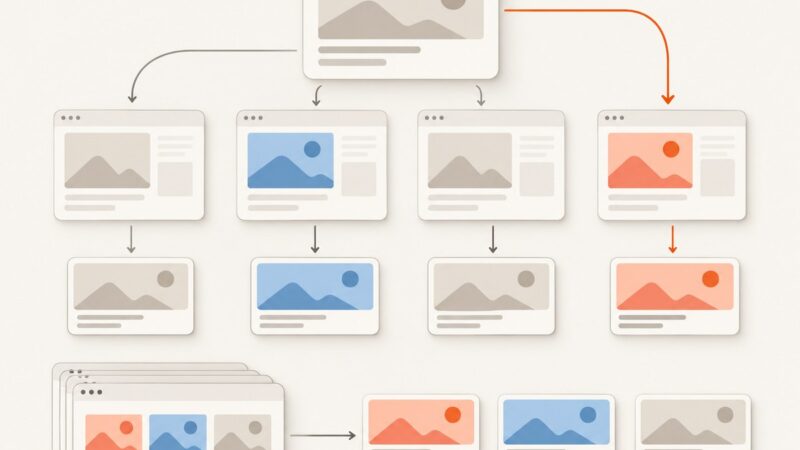
Learn how to find old website versions with the Wayback Machine, Save Page Now, Archive.today, and your own reliable screenshot archive.
Learn how to find old website versions with the Wayback Machine, Save Page Now, Archive.today, and your own reliable screenshot archive.
Save website images on desktop or mobile, find downloads, fix missing options, and automate clean captures when browser controls are not enough.
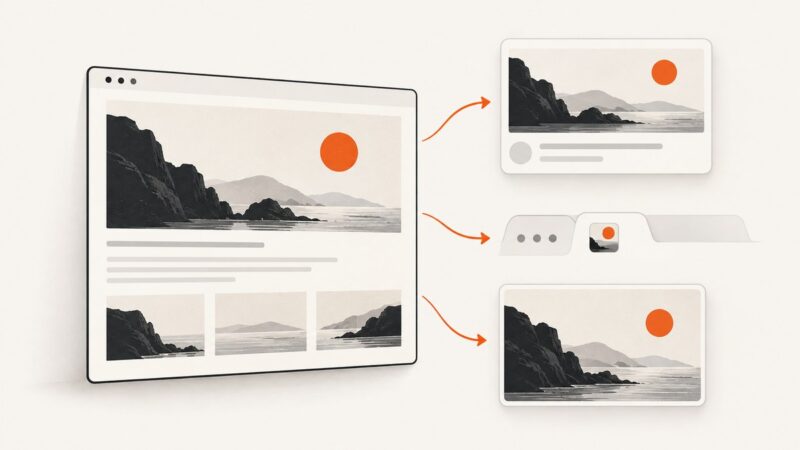
Change the social preview image for a Framer site, one page, or each CMS item, then check why old thumbnails may still appear.
Change your Squarespace social sharing image, favicon, or featured image, then fix caching and preview problems with this complete guide.
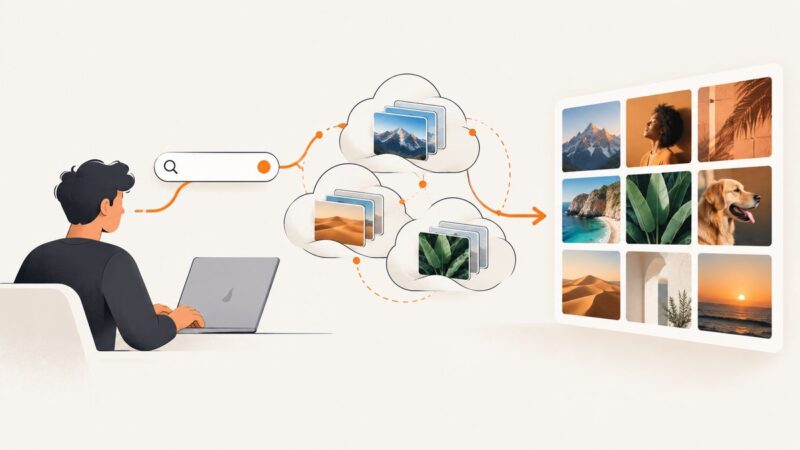
Search Unsplash, Pexels, and Pixabay from code with secure keys, pagination, attribution, quotas, and production-ready error handling.
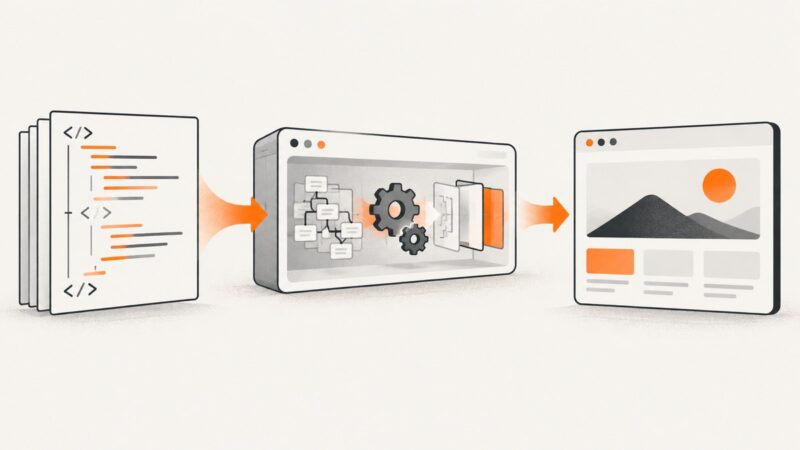
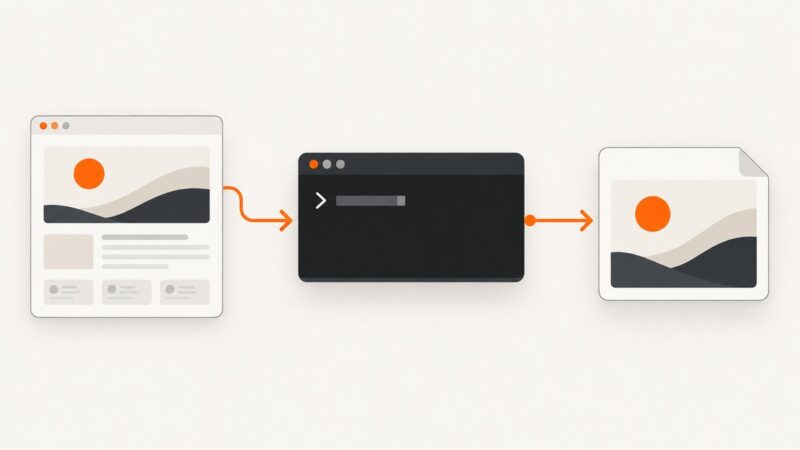
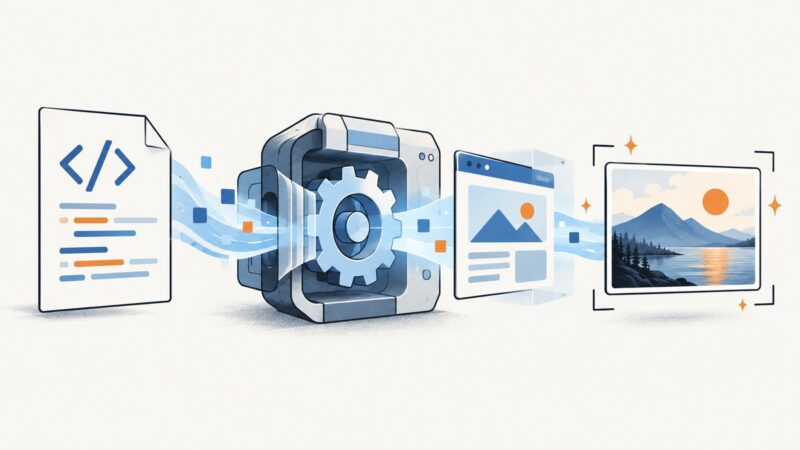
Render HTML in a real browser, wait for content, and save reliable thumbnails with Playwright, Puppeteer, or ScreenshotNeo.
Get a URL’s existing Open Graph image or generate a fresh website thumbnail with a screenshot API. Includes runnable cURL, Python, and Node.js examples.
Install wkhtmltoimage on Windows, convert web pages or local HTML, tune output, fix common errors, and understand its security limits.
A Cloudflare challenge screenshot usually shows the security gate, not the page. Learn how legitimate visitors can troubleshoot it and how site owners can capture authorized QA screenshots.
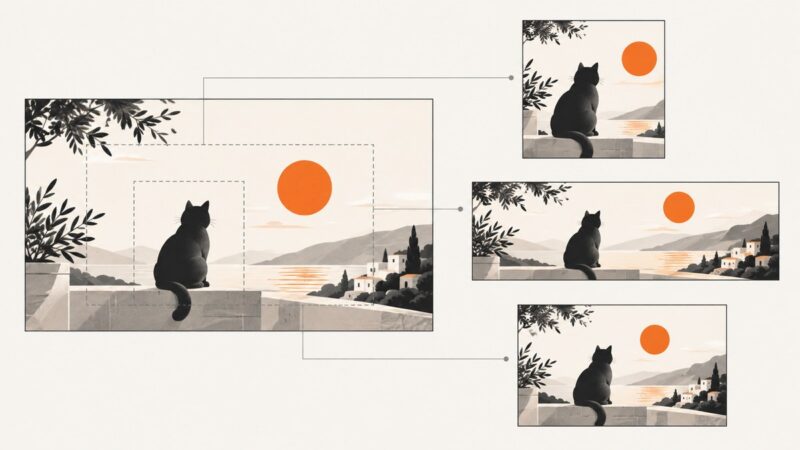
Create an article thumbnail that fits its destination, stays sharp, and works in WordPress and search previews. Follow this practical crop, publish, and check workflow.
Convert HTML to PNG by rendering it in a browser-like tool. Choose a free online converter, set the viewport, check assets and preview the result.
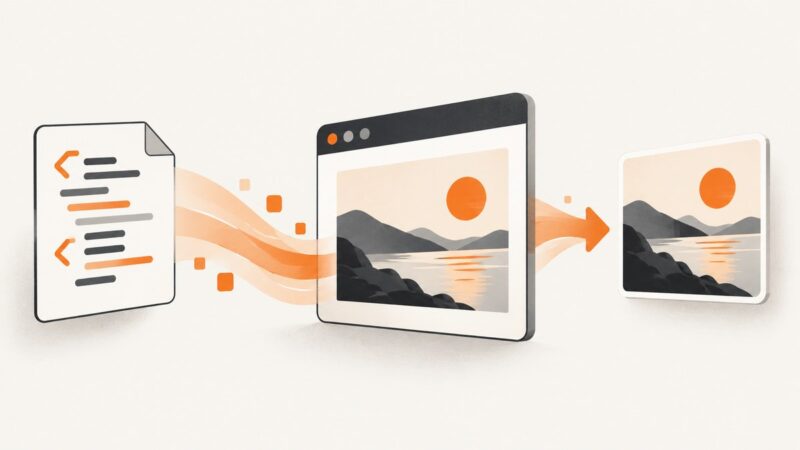
Render HTML in a browser, wait for fonts and data, then capture the page as a JPEG with the right viewport, quality, and full-page settings.
Save a page with Wayback, understand what gets archived, troubleshoot missing assets, and automate clean screenshots when you need your own copy.
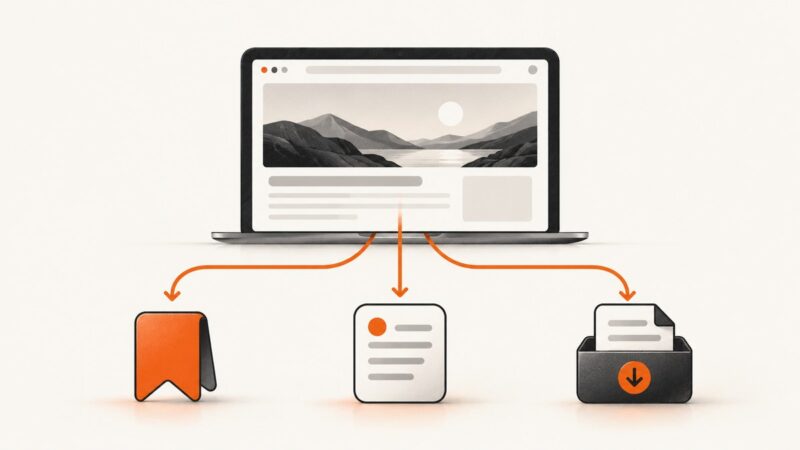
Learn when to use Safari bookmarks, Reading List, offline saving, Books, iCloud sync, or a screenshot—and how each option works on iPhone, iPad, and Mac.
Save one image or every image from an HTML page using browser tools, srcset inspection, DevTools, and free automation—plus a screenshot API option.
Turn on dark mode in Windows, macOS, GNOME, or KDE Plasma, fix apps that stay light, and understand scheduling and theme settings.
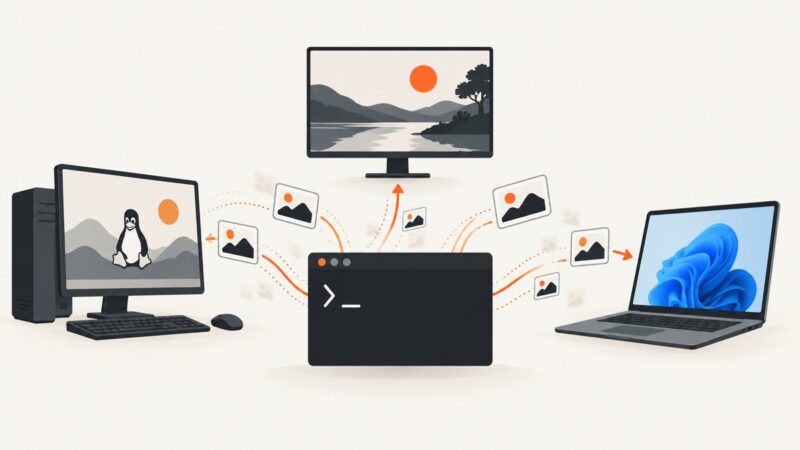
Use the right Linux, Wayland, or Windows command for reliable screenshots, then automate website captures without display-server headaches.
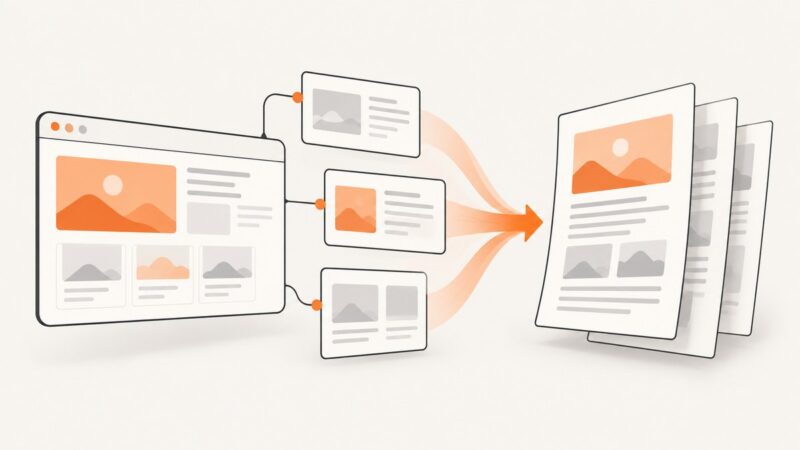
Learn when to use browser printing, Acrobat’s multi-level capture, complete HTML saves, or an API for reliable website-to-PDF workflows.