How to Fix c.getComputedStyle Is Not a Function in Angular 12
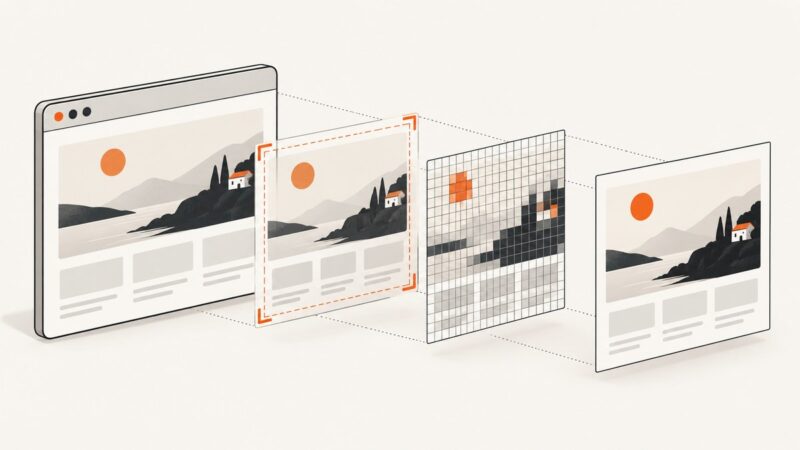
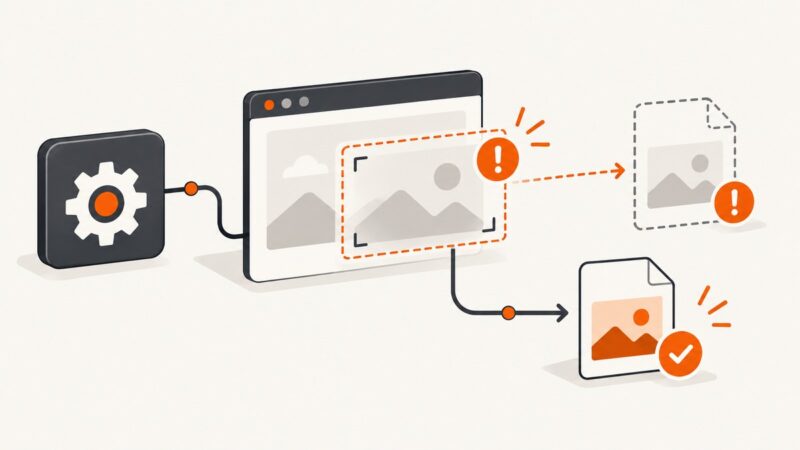
Fix Angular 12's c.getComputedStyle error by checking the DOM element, browser-only execution, and dom-to-image-more version.
Fix Angular 12's c.getComputedStyle error by checking the DOM element, browser-only execution, and dom-to-image-more version.
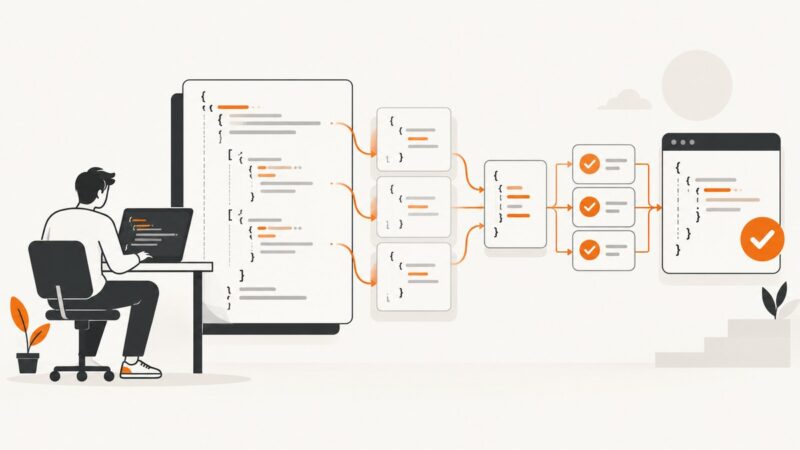
Validate stable fields and response shape in large Cypress JSON bodies without brittle full-object assertions.
Use cy.contains() to find Cypress buttons by visible text, match exact labels, scope duplicates, handle retries, and avoid flaky selectors.
Capture every incoming WebSocket frame in Pyppeteer with Chrome DevTools Protocol, decode text and binary payloads, and troubleshoot missed events.
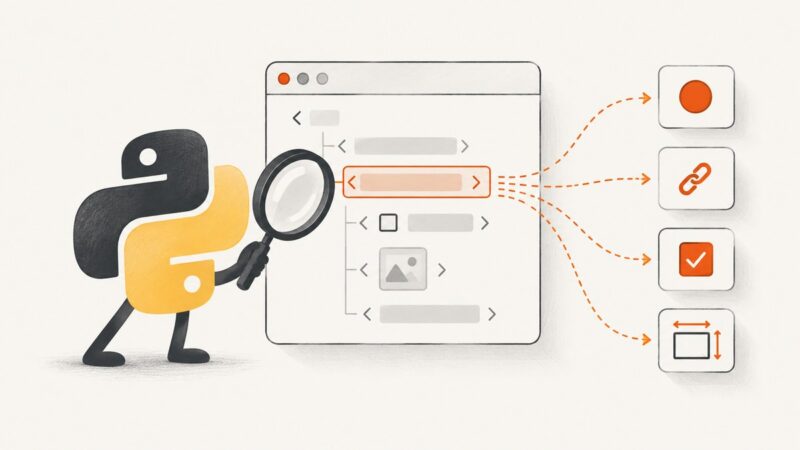
Read live DOM properties such as value, href, checked, dataset, and dimensions with Pyppeteer, plus attributes, lists, errors, and fixes.
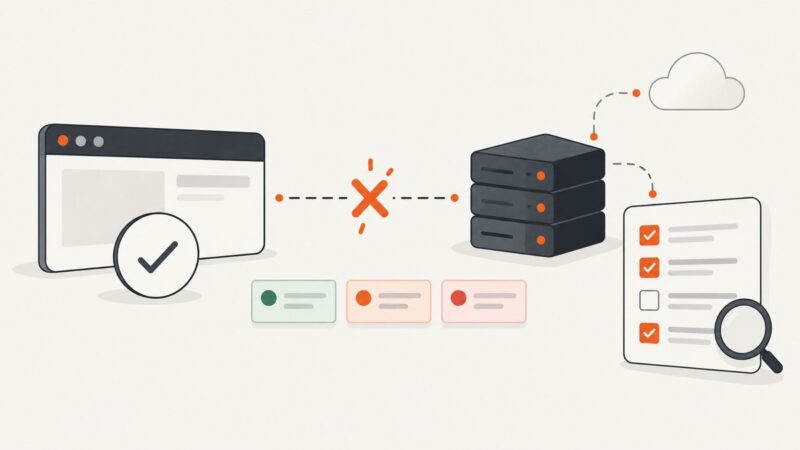
Diagnose Cypress HTTP failures by separating network errors, status codes, browser traffic, retries, timeouts, and test data—then apply the right fix.
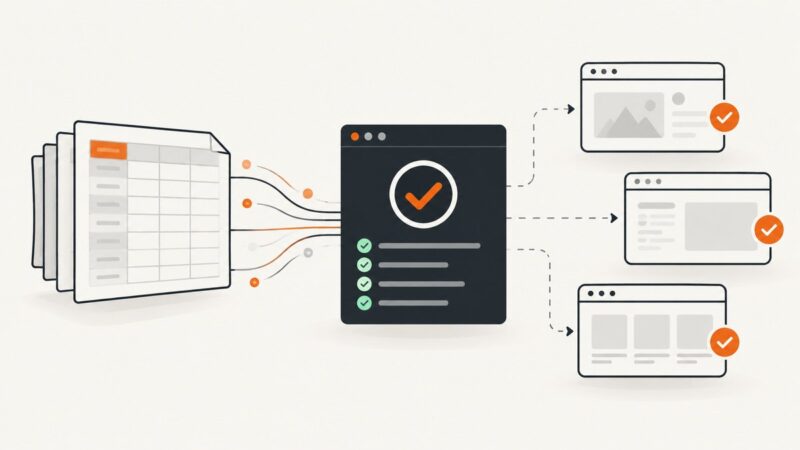
Parse Excel in Cypress’s Node setup, expose validated rows, and generate reliable tests synchronously— with fixes for timing, fixtures, secrets, and scale.
Configure Chrome’s window size and device scale factor, set the Cypress viewport, and verify the pixels your screenshot actually contains.
Fix Selenium screenshot failures by checking return values, paths, permissions, driver state, timing, and full-page requirements.
Fix Pyppeteer’s “Failed to Connect to Browser Port” by separating launch problems from WebSocket connection problems.
Learn why Pyppeteer’s networkidle0 waits forever or finishes too early, and how to use selectors, functions, navigation events, and timeouts reliably.
Capture a screenshot on iPhone, Android, Windows, or Mac, check it for private details, then share it safely on Instagram, Facebook, X, or another app.
Choose HttpClient for server HTML and Playwright for JavaScript-rendered pages, screenshots, interaction, and network inspection in ASP.NET.
A 20-second Pyppeteer NetworkError is not automatically a timeout. Identify the failing await, inspect requests, then apply the matching fix.
Configure Pyppeteer downloads, wait for CSV or Excel exports to finish, validate files, troubleshoot failures, and compare Playwright.
Capture a browser page, full document, DOM element, or desktop region in Java with Playwright, Selenium, or Robot—and choose the right scope.
Fix Java Selenium screenshot failures with reliable code, output handling, diagnostics, and a browser-free API option.
Diagnose Serenity screenshot and video delays with a measured workflow, safer waits, browser restarts, and recorder checks.