How to Fix Cypress cy.request() Not Working
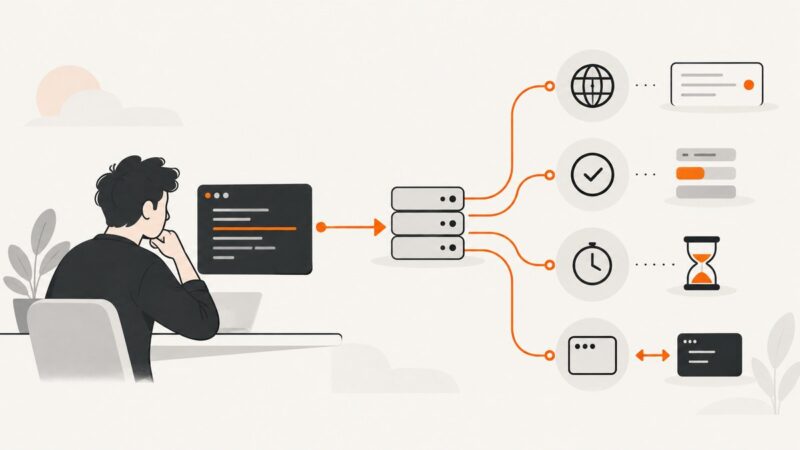
Fix Cypress cy.request() failures by checking URL resolution, baseUrl, status handling, timeouts, retries, and Node-versus-browser behavior.
Fix Cypress cy.request() failures by checking URL resolution, baseUrl, status handling, timeouts, retries, and Node-versus-browser behavior.
Open, isolate, find, control, and close multiple Pyppeteer tabs with practical Python patterns, popup handling, troubleshooting, and production advice.
Resize Pyppeteer’s page viewport correctly, emulate mobile devices, verify dimensions, troubleshoot layout issues, and capture reliable screenshots.
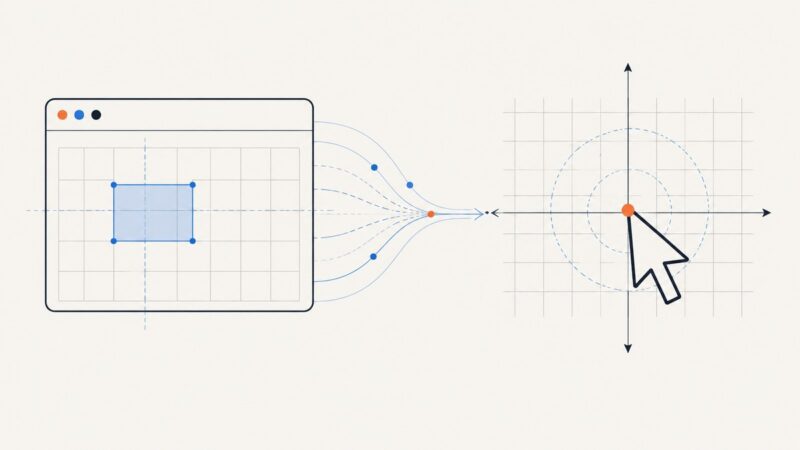
Convert viewport CSS coordinates into reliable PyAutoGUI screen clicks by measuring the browser viewport origin and calibrating scale.
Install Pyppeteer behind a proxy, route Chromium traffic correctly, handle downloads, credentials, debugging, and common proxy errors.
Install a fresh Vuex store in Cypress component tests, support Options and Composition APIs, keyed stores, isolation, and common fixes.
Configure Cypress and the Cucumber preprocessor so failed-run screenshots appear as attachments in your BDD HTML report.
Run Cypress end-to-end tests headlessly with reliable CLI commands, browser selection, CI reporting, debugging, and failure fixes.
Use Pyppeteer to wait for rendered map data or network responses, extract only authorized fields, and avoid brittle selectors and timing errors.
Use Playwright locators to capture one live page element in Python, with reliable waits, formats, troubleshooting, and a no-browser API option.
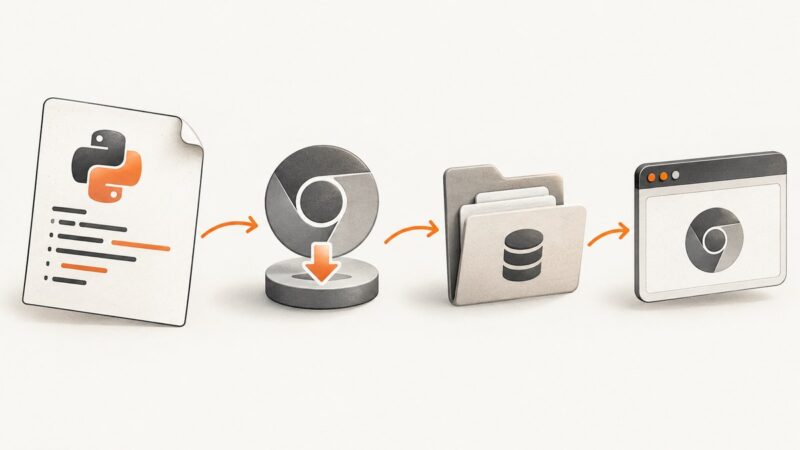
Diagnose requests-html Chromium errors by separating download, cache, and launch failures, with fixes for local, CI, container, and notebook setups.
Fix repeated Selenium screenshots by changing browser state, waiting for the transition, re-locating elements, and saving unique filenames.
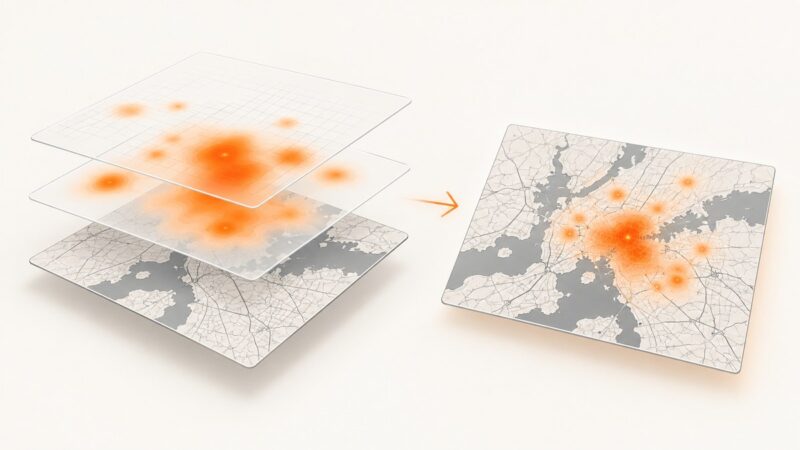
Capture a Leaflet WebGL heatmap reliably by exporting its canvas, handling CORS, waiting for rendering, and compositing the final image.
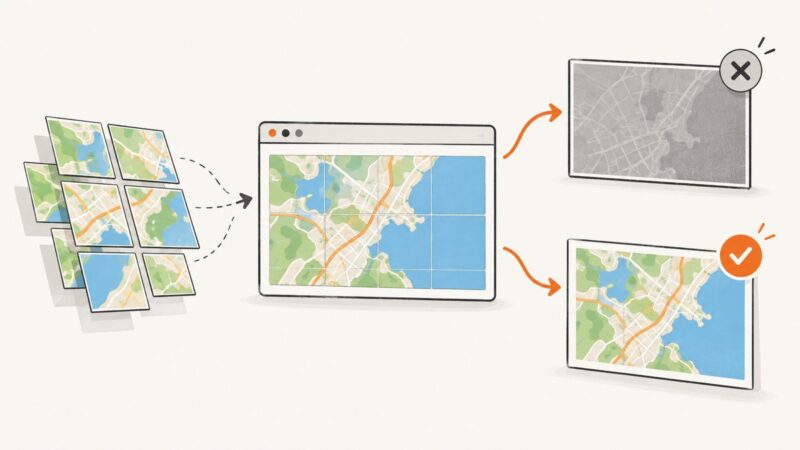
Fix grey Leaflet exports by checking tile CORS, capture timing, and library limits. Includes dom-to-image code, diagnostics, proxies, and ScreenshotNeo.
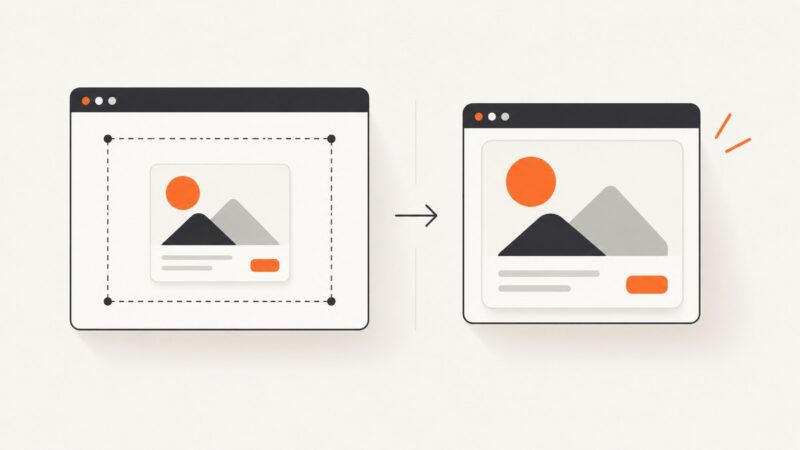
Remove blank space from dom-to-image screenshots by correcting CSS bounds, cloned styles, overflow, and device-pixel-ratio mismatches.
Capture a Pyppeteer popup reliably with targetcreated, wait for navigation, and read the final page URL without guessing from open tabs.
Fix blank LibreNMS dashboard screenshots by checking lazy loading, image URLs, authentication, readiness waits, and Chrome runtime dependencies.
Fix Pyppeteer hangs in pytest-asyncio by using one event loop, matching fixture scopes, closing browsers, and diagnosing Chromium stalls.