How to Generate Images Dynamically in PHP
Create PNG, JPEG, or WebP images in PHP with GD or Imagick, return them from an endpoint, add text and templates, and handle errors safely.
Create PNG, JPEG, or WebP images in PHP with GD or Imagick, return them from an endpoint, add text and templates, and handle errors safely.
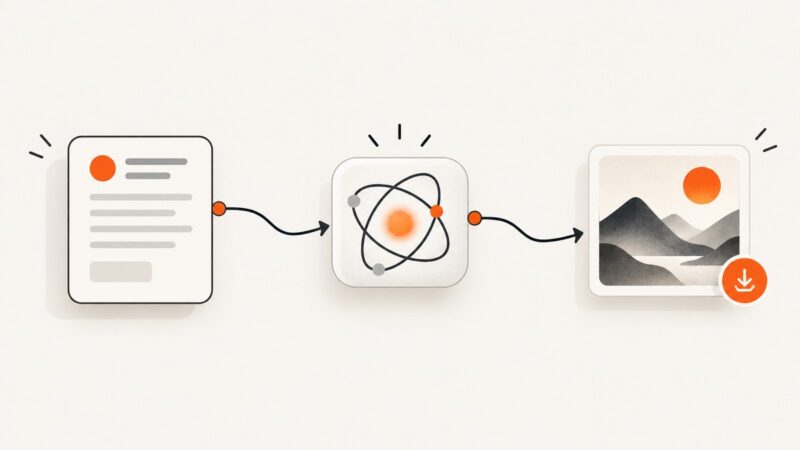
Connect a Zapier trigger to an image-generation provider, test its returned output, and route the image to the right destination.
Find out why an external image is missing, read the exact browser error, and fix URLs, HTTPS, CSP, CORS, server, and network problems.
Learn how to extract, normalize, filter, and crawl website links with Python, Scrapy, cURL, and Node.js—including dynamic pages and robots.txt.
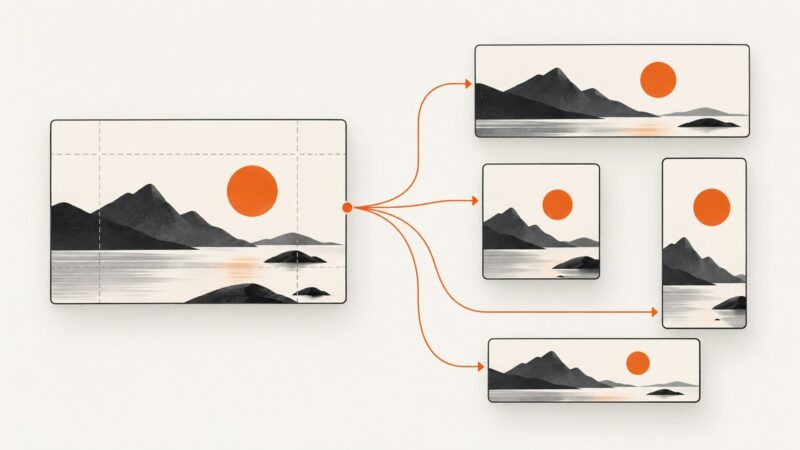
Learn how to create reliable image variants from one template with Photoshop, Canva, or an API—and how to check every export before delivery.
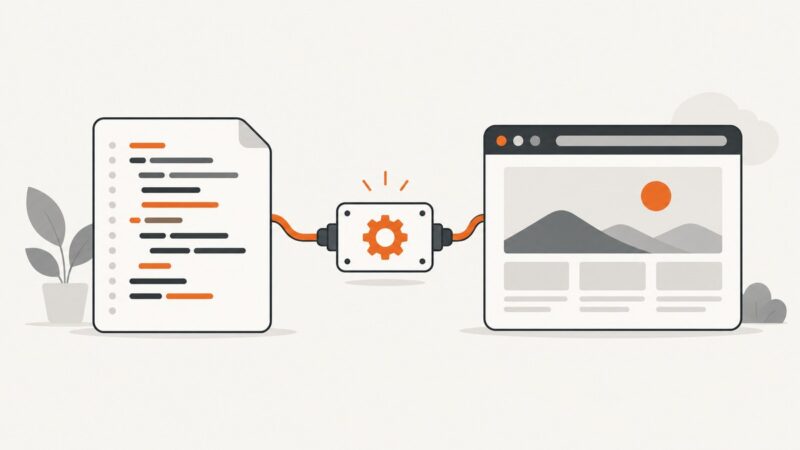
Build reliable Make scenarios that turn Google Docs, Sheets, HTML, or JSON into stored and delivered PDFs.
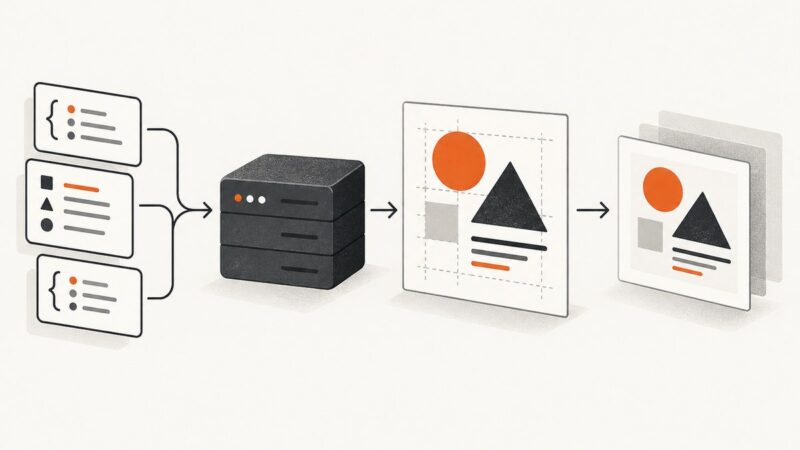
Generate dynamic PNG, JPEG, and WebP images in PHP with GD, Imagick, or Imagine, including runnable code, security checks, and troubleshooting.
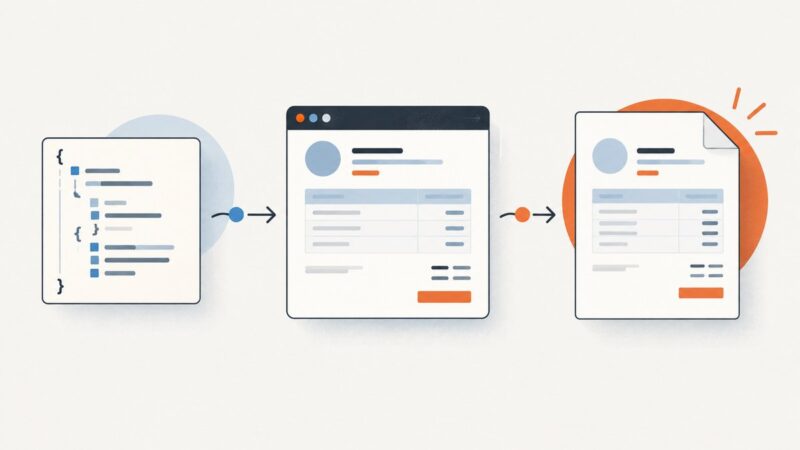
Build invoice and receipt HTML from structured data, apply print CSS, and render reliable PDFs with Puppeteer or a hosted API.
Deploy a version-pinned Playwright browser on a Google Cloud VM with Docker, startup scripts, firewall controls, remote access, and production troubleshooting.
Learn Playwright web scraping in Python with installation, locators, waits, async code, extraction patterns, troubleshooting, and production tips.
Capture a rendered Next.js page for Open Graph previews with Playwright, metadata routes, caching, troubleshooting, and a no-browser ScreenshotNeo option.
Build a reusable YouTube thumbnail system with clear layouts, correct exports, accurate promises, and a practical testing workflow.
Generate a welcome image from each form response and email it automatically. Choose a workflow, map fields, and handle delivery failures safely.
Embed a full design editor with Adobe Express or give users a secure, template-scoped Bannerbear session. Compare the trade-offs, see runnable integration examples, and plan for security and production.
Install Puppeteer, launch Chrome, automate pages, take screenshots, handle browser lifecycle, and troubleshoot common Node.js setup errors.
Install Pyppeteer, automate Chromium, capture screenshots, evaluate JavaScript, troubleshoot failures, and decide when Playwright or ScreenshotNeo fits better.
Learn to draw, composite, and export raster images in the browser with Canvas, including CORS, performance, accessibility, and downloads.
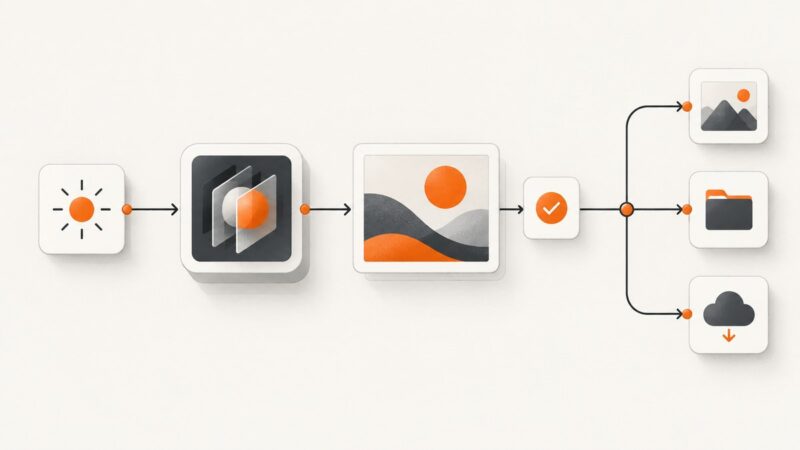
Save original generated images, preserve provenance, and build a reliable cloud-plus-offline backup workflow.