How to Speed Up Python ImageGrab.grab()
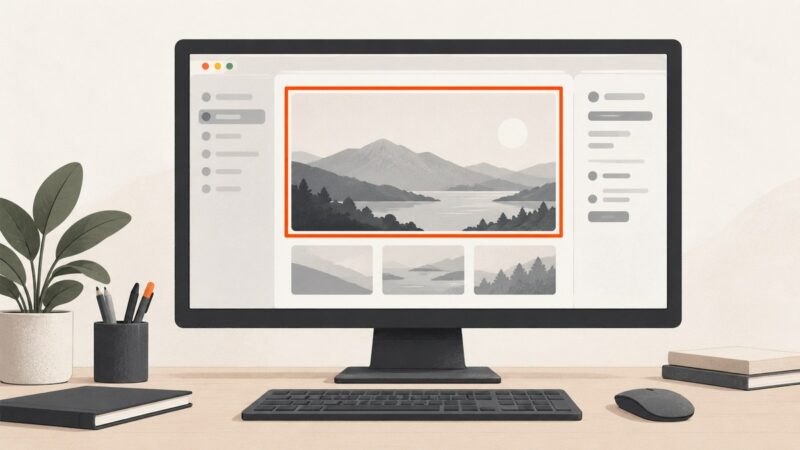
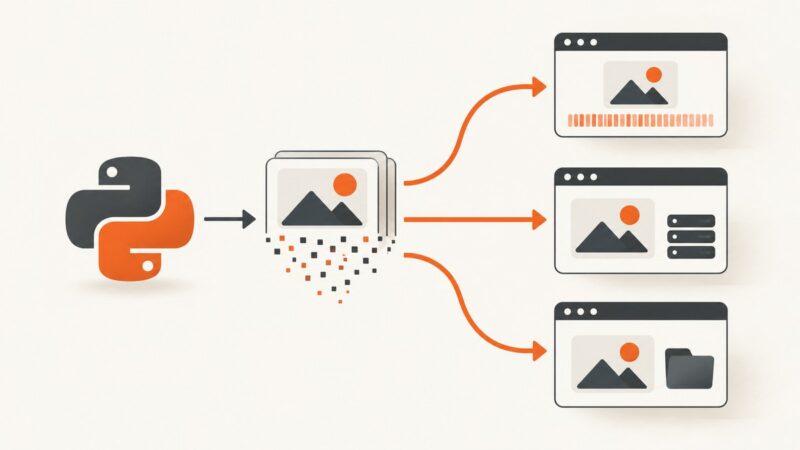
Speed up Pillow ImageGrab.grab() by capturing fewer pixels, choosing the right platform options, and measuring capture separately from processing.
Speed up Pillow ImageGrab.grab() by capturing fewer pixels, choosing the right platform options, and measuring capture separately from processing.
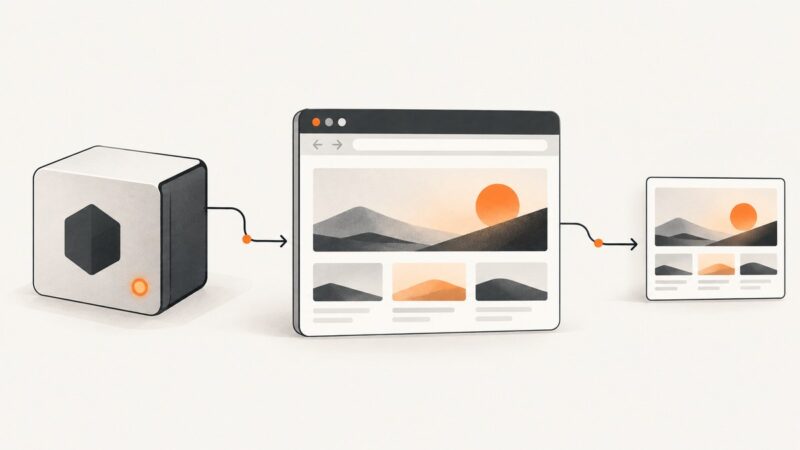
Use Playwright or Puppeteer to wait for a page's real content, then capture its rendered screenshot or data with Node.js.
Draw, fill, and save rectangles on screenshots in C# with System.Drawing, plus desktop capture, coordinates, troubleshooting, and automation options.
Fix hanging Selenium PhantomJS login pages with explicit waits, bounded navigation, TLS and proxy diagnostics, and a migration path to modern drivers.
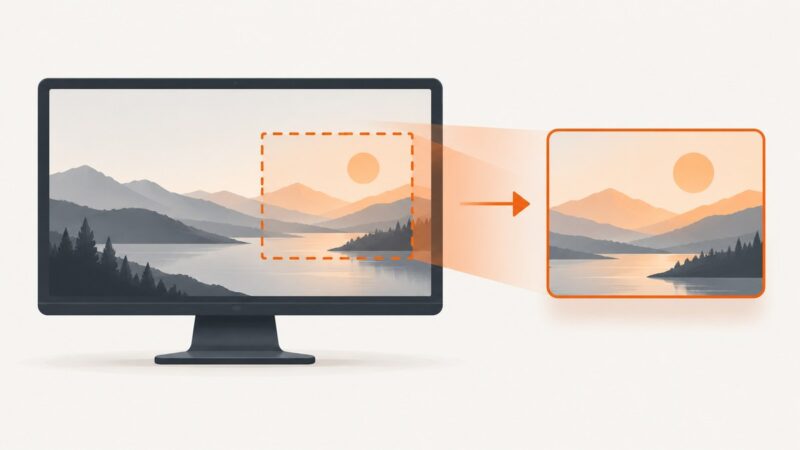
Capture one element, crop a fixed rectangle, or extract selected HTML with PhantomJS and CasperJS, with timing, troubleshooting, and modern alternatives.
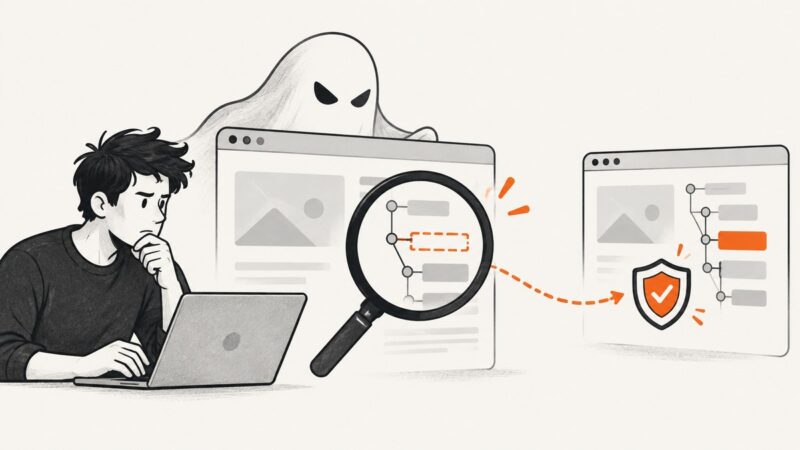
Fix PhantomJS “null is not an object” errors by checking selectors, load status, timing, frames, and page context with defensive code.
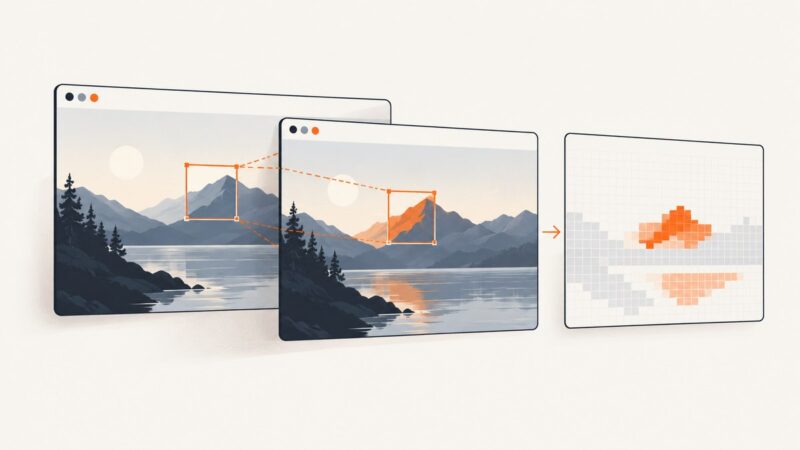
Compare C# images pixel by pixel, add tolerance, create diff files, handle dimensions and platform limits, and automate screenshot regression checks.
Embed web fonts in html-to-image SVG exports with getFontEmbedCSS, custom font CSS, format selection, debugging steps, and reusable code.
Learn when Codeception captures failure screenshots, how to enable Recorder, save images manually, and diagnose missing artifacts.
Learn when to use Base64 data URLs, Django static files, or ImageField media URLs to display generated images safely in HTML.
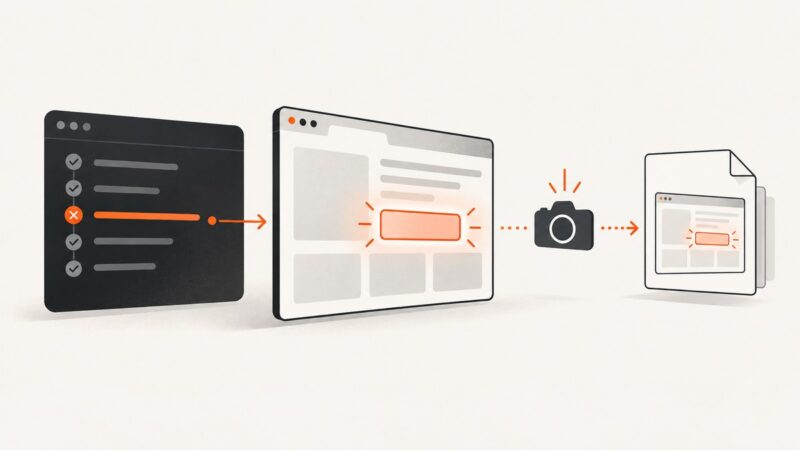
Capture failed-test screenshots reliably in Cypress, Playwright, and pytest, preserve them in CI, troubleshoot timing issues, and automate evidence collection.
Capture a Nuxt component in the browser with html-to-image, download PNG, JPEG, SVG or Blob output, and troubleshoot fonts, assets and canvas issues.
Use getDisplayMedia() to capture a user-selected screen, save a still frame, preview or record the stream, and share it with WebRTC.
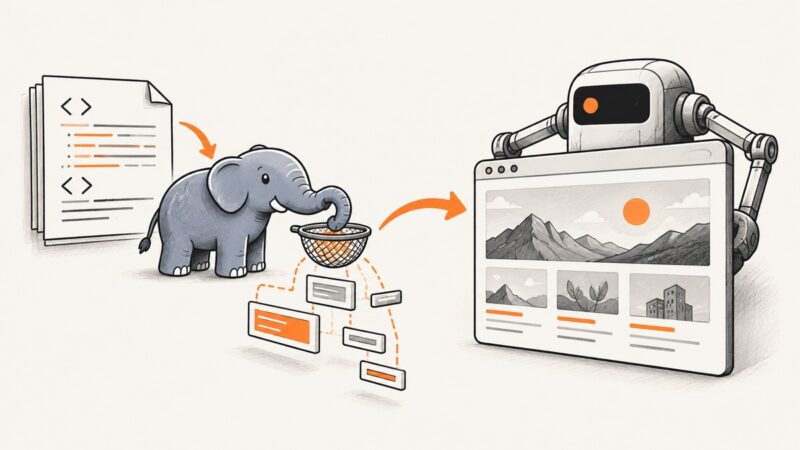
Simple HTML DOM parses HTML but cannot render screenshots. Learn how to add Chrome, Playwright, or an API to save reliable page images.
Fix blurry or tiny CasperJS captureSelector screenshots by controlling the viewport, waiting for layout, choosing the right format, and checking versions.
Measure each screenshot stage, capture only what you need, and tune waits, viewports and Base64 handling for faster Selenium screenshots in Node.js.
Learn how to capture webpage screenshots with Playwright, Puppeteer, Chrome Headless, cURL, Python, and Node.js—including full-page and element shots.
Capture document pages, nested horizontal panels, virtualized tables, and canvases reliably with Playwright, CDP, and a verified stitching workflow.