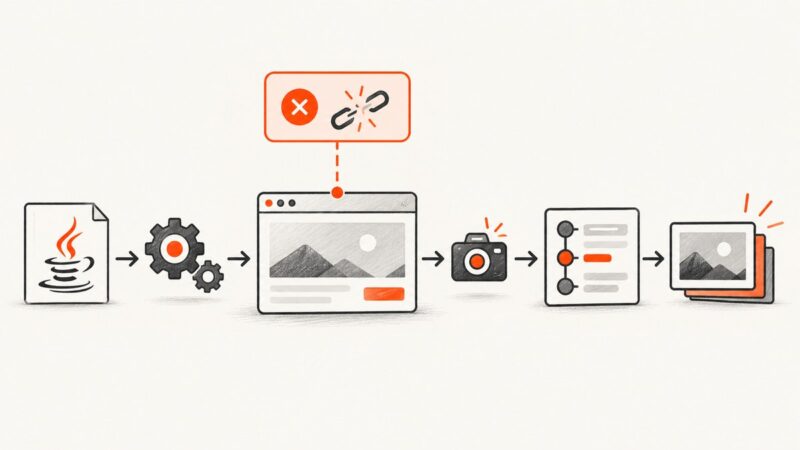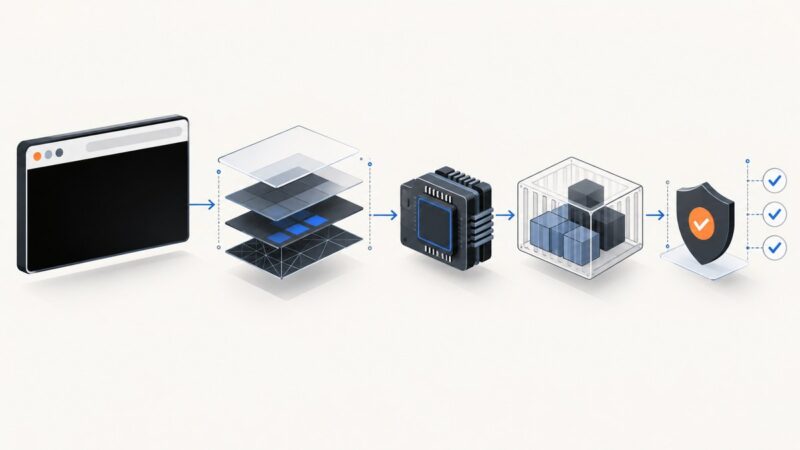
How to Capture PhantomJS Page State with Selenium Screenshots
Capture HTML, evaluated state, viewport or full-page images with PhantomJS and Selenium, with runnable Python and JavaScript examples.
Capture HTML, evaluated state, viewport or full-page images with PhantomJS and Selenium, with runnable Python and JavaScript examples.
Use Playwright from a Linux terminal to capture viewport, full-page, and element screenshots, then automate reliable website images.
Capture Vue-rendered elements with html2canvas using refs, async rendering, CORS-safe images, export options, troubleshooting, and a server alternative.
Use Splash’s render.png endpoint for a URL screenshot, then add Lua for waits, full-page captures, regions, or element screenshots.
ActiveX is unnecessary for JavaScript screenshots. Use Playwright or Puppeteer for rendered pages, html2canvas for in-page DOM images, or ScreenshotNeo for an API.
Fix blurry html-to-image exports by controlling pixelRatio, checking bitmap size, waiting for resources, and avoiding canvas limits.
A white full-page screenshot can come from readiness, geometry, rendering, browser, or transparency problems. Diagnose and fix each cause.
Learn legacy Selenium PhantomJS techniques for full-page screenshots, scroll-and-stitch fallbacks, troubleshooting, and modern alternatives.
Fix missing or distorted fi, ff, and fl ligatures in html2canvas by disabling the font’s liga feature and validating the cloned render.
Capture viewport and element screenshots from remote C# Selenium Grid sessions, save reliable client-side artifacts, and troubleshoot Grid-specific failures.
Fix Selenium screenshot NullPointerException errors by tracing the null driver, listener scope, teardown order, and screenshot API call.
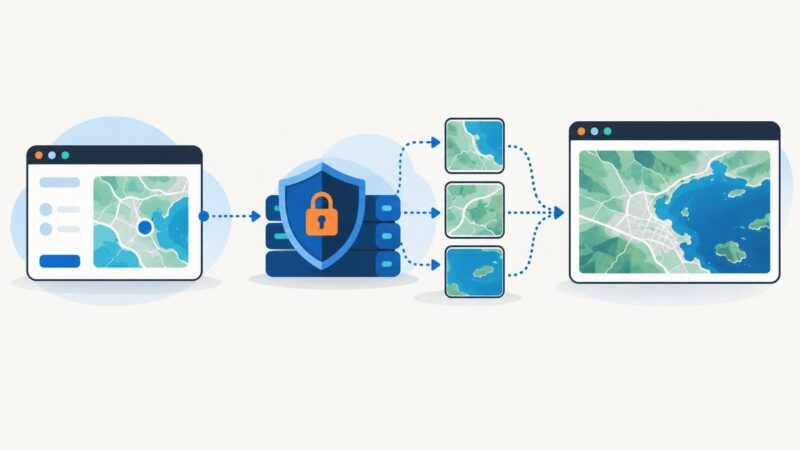
Configure an Esri proxy in Angular 7, capture ArcGIS maps with html2canvas, and switch to server-side export when browser rendering fails.
Learn when Selenium captures only the viewport, how to take a full-page Firefox screenshot, and how to stitch or switch tools safely.
Why html2canvas wrapping differs from the browser, how to fix long tokens with overflow-wrap, and when to use a screenshot API.
Use Android’s visual-state callback and WKWebView’s asynchronous snapshot API to capture rendered HTML reliably, including dynamic pages.
Diagnose missing, blank, stale, or failed CloudWatch Synthetics screenshots using run artifacts, logs, IAM, timeouts, and visual baselines.
Diagnose blank, corrupt, or zero-byte PDFs from PHP converters with a practical checklist for mPDF, Dompdf, TCPDF, assets, and runtime errors.
Diagnose black browser screenshots by checking capture policy, rendering mode, GPU, containers, output options, and protected content.