How to Prevent html2canvas From Duplicating Google Charts Text When Cropping
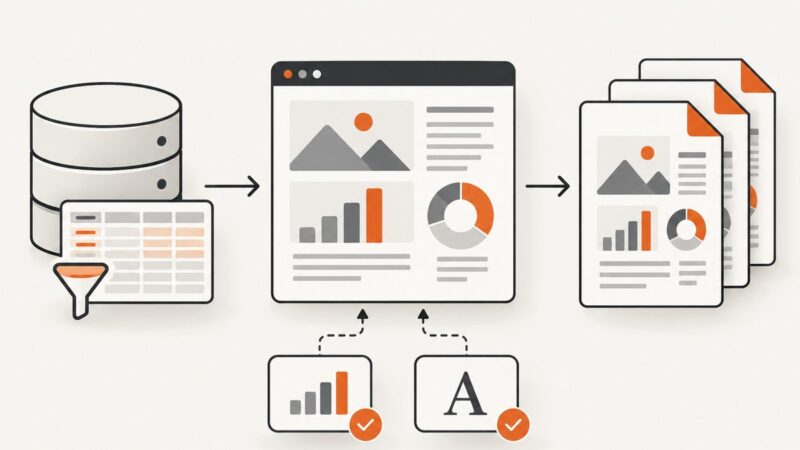
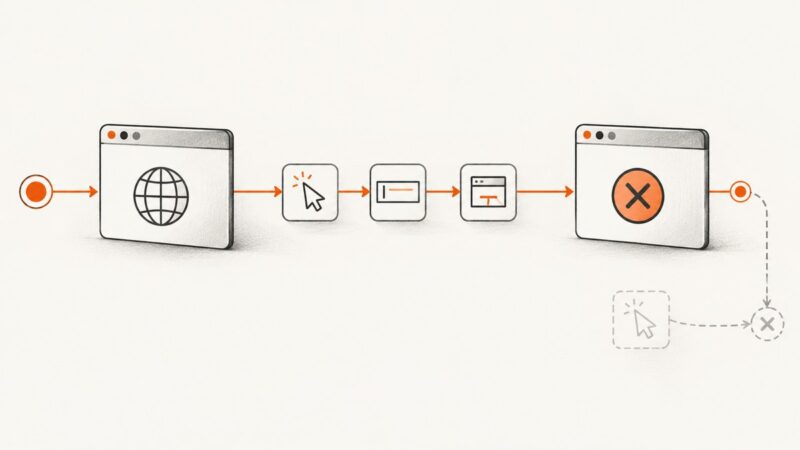
Fix duplicated Google Charts text in html2canvas captures by separating crop settings from rendering and exporting a chart PNG when supported.
Fix duplicated Google Charts text in html2canvas captures by separating crop settings from rendering and exporting a chart PNG when supported.
Fix missing CDN images in html2canvas by checking the final response, configuring CORS, or using a controlled same-origin proxy. Learn why allowTaint does not fix exports.
Blurry Chart.js screenshots usually come from a low-resolution canvas backing store. Set the chart’s pixel ratio, size its container, and capture after redraw.
Capture a Selenium WebDriver screenshot as a PNG file, element image, bytes, or Base64 string, with reliable waits, paths, and troubleshooting.
Convert top, left, bottom, and right edges into html2canvas crop options with runnable code, scaling guidance, CORS fixes, and troubleshooting.
Trace PhantomJS `page.open` failures through navigation status, requests, JavaScript errors, timeouts, TLS, and process settings with runnable diagnostics.
Make SVG web fonts reliable in html2canvas with a version-aware workflow, minimal repro, renderer comparison, fixes, and production alternatives.
Learn how to download, convert, upload, and troubleshoot html2canvas screenshots with practical browser code and a server-side alternative.
Find the slow stage in Selenium screenshots, measure it correctly, and choose faster workflows without changing the image you need.
Learn how to render same-origin iframes into canvas, handle cross-origin limits, avoid tainted canvases, and use a screenshot API when browser access is blocked.
Learn how to detect html2canvas completion with Promises, handle failures, wait for dynamic content, and export reliable screenshots.
Find out why PhantomJS screenshots fall back to system fonts, how to inspect font requests and wait before rendering, and when to change renderers.
Capture one DOM element in Ruby with Selenium, Ferrum, Cuprite, or Playwright, including selectors, waits, sizing, troubleshooting, and an API option.
Shrink html2canvas images by controlling pixel dimensions, choosing the right format, and avoiding oversized canvases without sacrificing needed detail.
Run PhantomJS screenshots from a scheduled job with explicit paths, bounded waits, useful logs, and clear failure handling. Includes a legacy-runtime checklist and a no-browser-setup option.
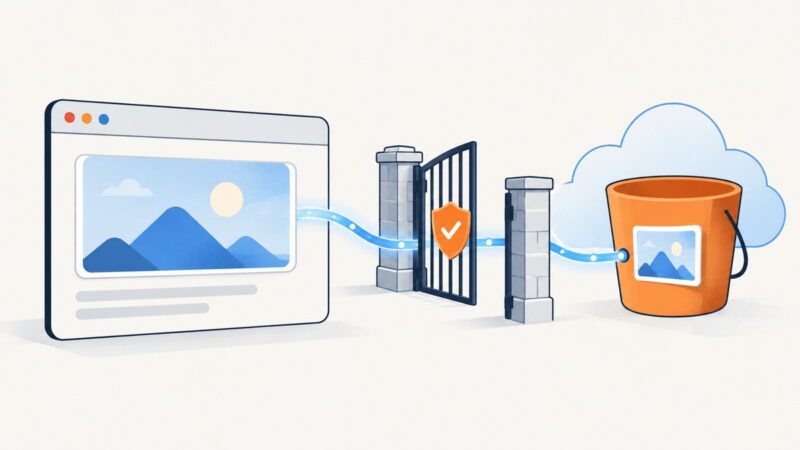
Fix missing S3 images and tainted-canvas errors by matching your bucket’s CORS rule to the page origin and enabling html2canvas useCORS.
An “unknown session id” means WebDriver no longer recognizes the session. Trace where it ended, then create and clean up sessions predictably.
Learn when to use Selenium print-to-PDF, when to download an existing PDF, and how to save reliable files in local and CI environments.