How to Convert a Local Web Page to PDF
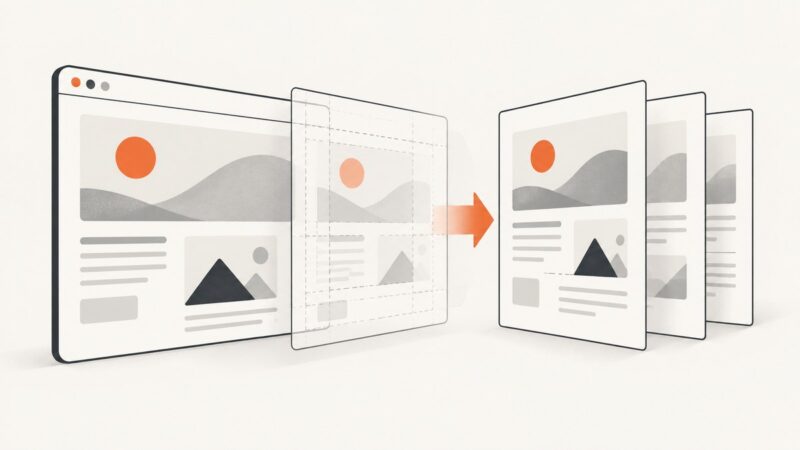
Convert an HTML file to PDF using browser print preview, Chrome Headless, or repeatable scripts—with fixes for missing assets and layout problems.
Convert an HTML file to PDF using browser print preview, Chrome Headless, or repeatable scripts—with fixes for missing assets and layout problems.
Generate PDFs with headless Chrome, then serve them as inline browser documents or downloads with the right HTTP headers.
An empty Chrome PDF usually means the page was captured before it rendered or print CSS hid its content. Diagnose the cause and fix CLI and Puppeteer captures.
Keep jsPDF images and HTML proportional with aspect-ratio math, correct html2canvas sizing, and fixes for blurry, blank, or cut-off PDFs.
Fix Firebase image CORS errors in html2canvas and jsPDF with bucket configuration, browser code, proxy options, diagnostics, and reliable PDF patterns.
Generate a reliable one-page PDF with PuppeteerSharp by controlling page size, CSS, margins, fonts, media, and deployment settings.
Fix missing, clipped, blurry, or differently styled Chart.js canvases in Puppeteer PDFs with deterministic sizing, media, readiness, and DPI controls.
Convert HTML to PDF with ES6, jsPDF, and html2canvas. Learn imports, images, long pages, pagination, troubleshooting, and a hosted API option.
Missing images in an html2pdf.js PDF usually fail during html2canvas rendering. Diagnose CORS, loading races, cloned DOM, unsupported content, and canvas limits.
Remove Chrome PDF headers, footers, and unwanted gray backgrounds with current CLI flags, Puppeteer options, print CSS, and troubleshooting.
Make jsPDF-AutoTable tables easier to read with predictable styles, wrapped text, controlled widths and reliable pagination.
Keep jsPDF images whole, split tall screenshots deliberately, and control HTML page breaks with reliable pagination patterns.
Wait for page JavaScript to finish, choose the right readiness signal, then print a reliable PDF with Puppeteer and Headless Chromium.
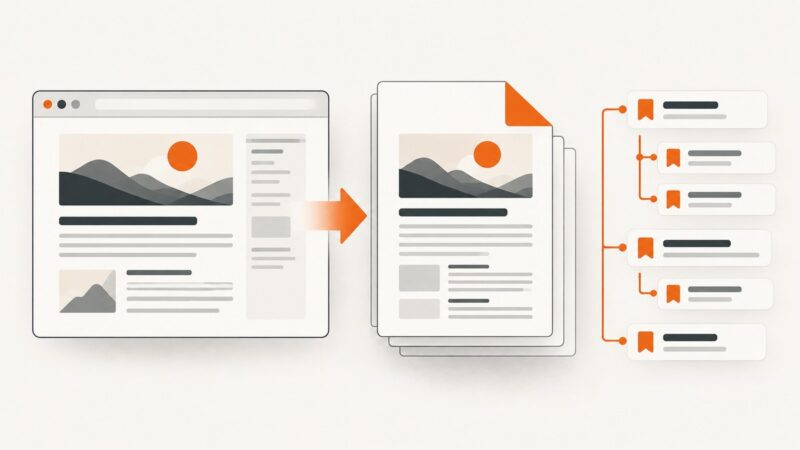
Yes. Headless Chrome can add a navigable PDF outline through the DevTools Protocol, with a version-sensitive option. Here’s how to request it and verify the result.
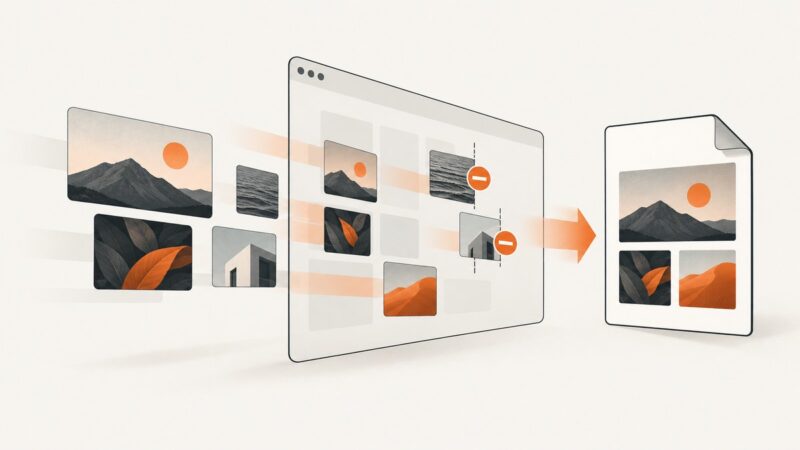
When images disappear from a jsPDF export, find out whether html2canvas skipped them, the canvas is unreadable, or the PDF handoff is invalid—and how to fix each cause.
Add page numbers with Chrome printToPDF placeholders, and run custom JavaScript before generating reliable PDFs.
Reduce html2canvas work, tune scale, avoid canvas limits, and measure jsPDF output so PDF downloads stay usable on mobile browsers.
Remove unwanted PDF whitespace in Headless Chrome with Java CDP by controlling margins, CSS page size, headers, footers, and print layout.