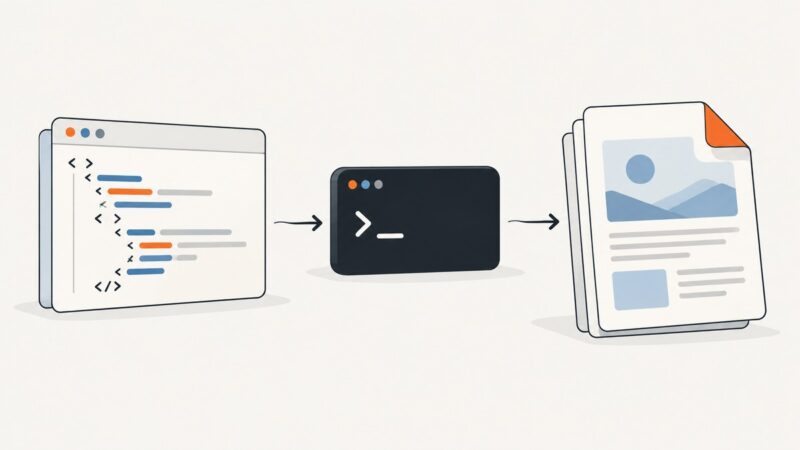
How to Fix Cross-Domain Images in jsPDF addHTML
Fix missing cross-domain images in jsPDF HTML-to-PDF exports with CORS, proxies, redirect checks, working code, and a practical troubleshooting guide.
Fix missing cross-domain images in jsPDF HTML-to-PDF exports with CORS, proxies, redirect checks, working code, and a practical troubleshooting guide.
Fix blurry jsPDF and html2canvas PDFs by matching canvas pixels to PDF size, and learn when scaling, CORS, or canvas limits are the real issue.
Fix missing images in Puppeteer PDFs by triggering lazy content, checking image loads and decoding, and accounting for print CSS and backgrounds.
Use one aspect-ratio-safe scale to center any image in a jsPDF box, with complete code, cropping options, troubleshooting, and automation tips.
Learn how to put several HTML canvases into one jsPDF file, one canvas per page, with sizing, formats, troubleshooting, and automation options.
Repeat addImage on each jsPDF page to place the same image throughout a PDF. Learn how to size, center, reuse, and troubleshoot it.
Set a predictable top margin on every wkhtmltopdf page by separating the page inset from repeated-header spacing, then troubleshoot common sources of drift.
Compare wkhtmltopdf builds, options, fonts, inputs, and resource access to find why development and production PDFs differ—and isolate the smallest reproducible cause.
Embed Google Fonts in PDFKit by loading the real font file, registering it, and selecting the correct style in Node.js or the browser.
Fix awkward wkhtmltopdf page breaks by checking your Qt build, testing print CSS on representative content, and validating columns in the generated PDF.
Fix blank gaps in wkhtmltopdf PDFs by checking break rules, tables, margins, headers, and smart shrinking with a repeatable workflow.
Diagnose missing SVGs in Heroku PDFs by checking asset URLs, the deployed wkhtmltopdf build, and SVG feature compatibility.
Install wkhtmltopdf and its Node.js wrapper, then convert URLs, HTML strings, or streams to PDF with practical options, error handling, and security guidance.
Render data-driven HTML with wkhtmltopdf, wait for JavaScript correctly, fix missing assets, secure untrusted input, and know when to use a browser renderer.
Wait for AJAX results before printing with Puppeteer: use network idle as a starting point, then wait for the application’s actual ready state.
Convert UTF-8 HTML held in memory into a PDF with wkhtmltox, retrieve bytes or write a file, handle resources, errors, and lifecycle safely.
There is no universal fastest HTML-to-PDF tool. Choose Puppeteer, Playwright, or WeasyPrint based on rendering needs, then measure your real workload.
Learn how CSS counters work in wkhtmltopdf, number nested headings, avoid scope bugs, and add reliable Page X of Y footers.