How to Compile Handlebars Templates With CSS and Images for Puppeteer
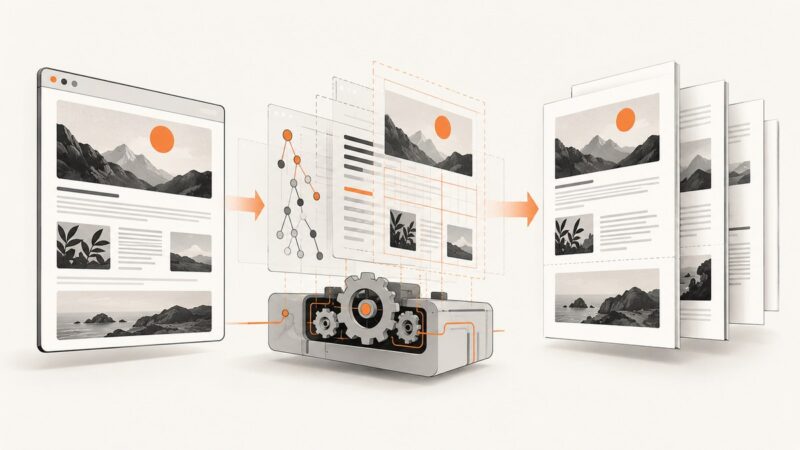
Compile Handlebars into complete HTML, load CSS and images reliably in Puppeteer, then tune print styles, page size, and PDF output.
Compile Handlebars into complete HTML, load CSS and images reliably in Puppeteer, then tune print styles, page size, and PDF output.
Use PuppeteerSharp to create a PDF in .NET, save it to a path, and control its output as a file, byte array, or stream.
Wait for your canvas to finish drawing, choose print or screen styles, and generate sharp, reliable Puppeteer PDFs.
Learn how to convert modern HTML to reliable PDFs with Playwright, Puppeteer, Python options, print CSS, deployment guidance, troubleshooting, and an API shortcut.
Use print CSS, @page margins, and a fixed frame to repeat a clean border on every HTML-generated PDF page.
Puppeteer and Chrome both use Chromium printing, but different versions, fonts, print settings, and PDF structure can change the output size.
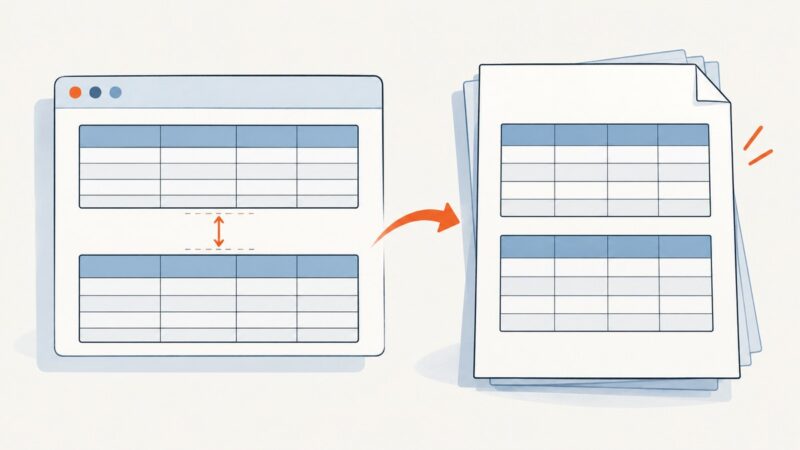
Find the real cause of whitespace between tables in Puppeteer PDFs and fix margins, print CSS, page breaks, and PDF geometry safely.
Create a Puppeteer page, render a URL or HTML, and generate a reliable PDF with the right media, layout, fonts, ranges, and troubleshooting settings.
When Puppeteer creates a PDF with missing or unreadable text, compare print and screen styles first. Then check color handling, backgrounds, fonts, and the exact browser options.
Build a linked table of contents with accurate printed page numbers in Puppeteer. Learn the two-pass workflow, PDF bookmarks, and common pagination fixes.
Wait for MathJax typesetting, fonts, and print styles before calling Puppeteer’s PDF API. This guide covers reliable code, debugging, and production options.
Migrate PhantomJS PDFs by identifying the settings that shape page geometry and making Puppeteer’s print behavior explicit.
Convert a form’s displayed contents into a downloadable PDF with JavaScript. Learn the browser workflow, configure pages, handle rendering limits, and troubleshoot common failures.
Measure settled HTML, set explicit margins, and pass the real content height to Puppeteer or wkhtmltopdf for blank-space-free PDFs.
Replace PhantomJS readPdf() with Chrome’s headless PDF mode or Puppeteer. Map paper settings, preserve rendering behavior, and handle failures safely.
Embed local or remote images reliably in Pug-generated PDFs with Puppeteer, including waits, print options, troubleshooting, and a ScreenshotNeo shortcut.
Make table borders render reliably in Puppeteer PDFs by fixing print CSS, collapsed-border conflicts, media emulation, and PDF options.
Puppeteer prints a browser page, not a React component object. Render your component to HTML or load a dedicated route, then control print styles, page size, and readiness before calling page.pdf().