How to Print a Webpage Without Pictures in Chrome and Firefox
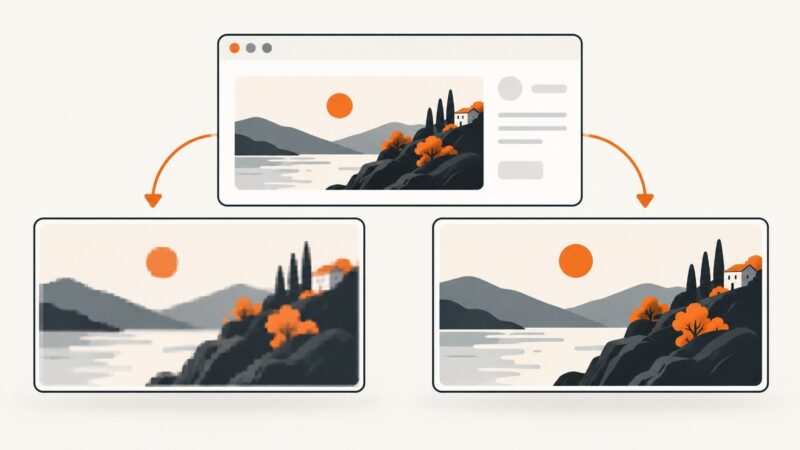
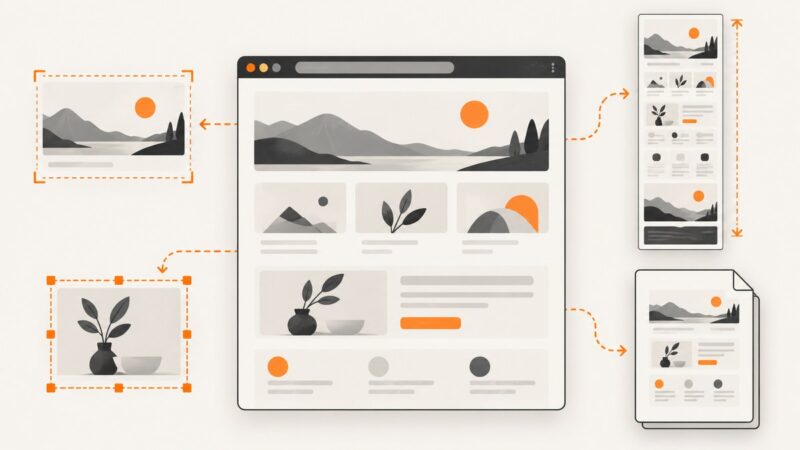
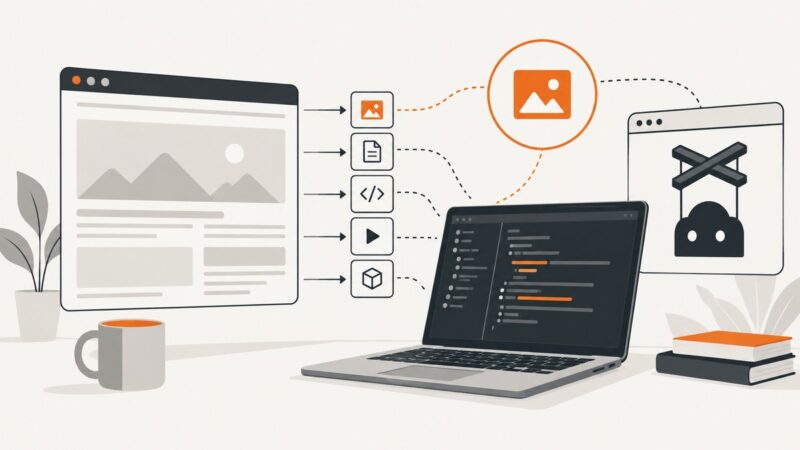
Learn what Chrome and Firefox can remove before printing, how to save a clean PDF, and what to try when inline images remain.
Blog
How to take clean screenshots, turn HTML into images and PDFs, run headless browsers, and give AI agents eyes. Written by the team that builds ScreenshotNeo.
Learn what Chrome and Firefox can remove before printing, how to save a clean PDF, and what to try when inline images remain.
Block image requests in Chrome DevTools or Playwright with reliable rules, verification steps, service-worker caveats, and runnable code.
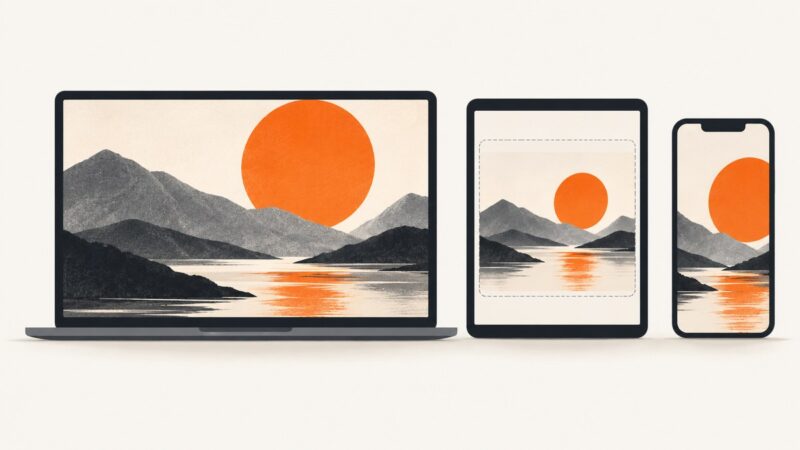
Choose CSS or device pixels in Playwright, understand DPR, align assertions, and avoid unexpectedly large or mismatched screenshot files.
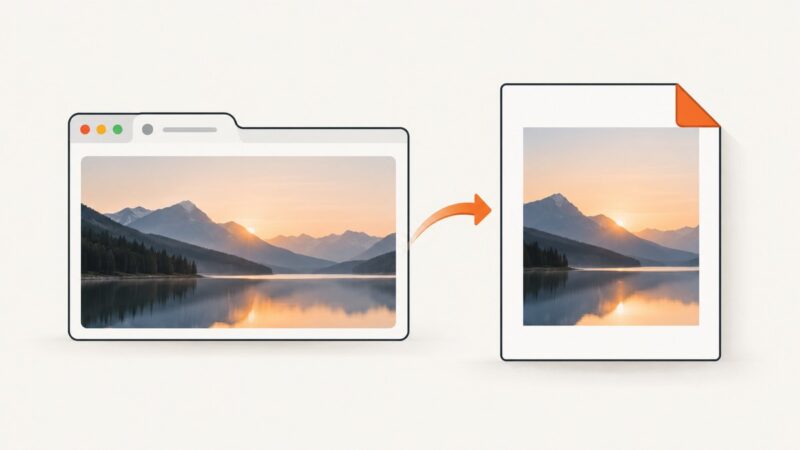
Save one image from a webpage as a PDF without including the surrounding page. Choose a browser, desktop, or code-based method that fits your workflow.
Add page numbers to Puppeteer PDFs with footer templates, or use CSS page-margin counters when your Chromium version supports them.
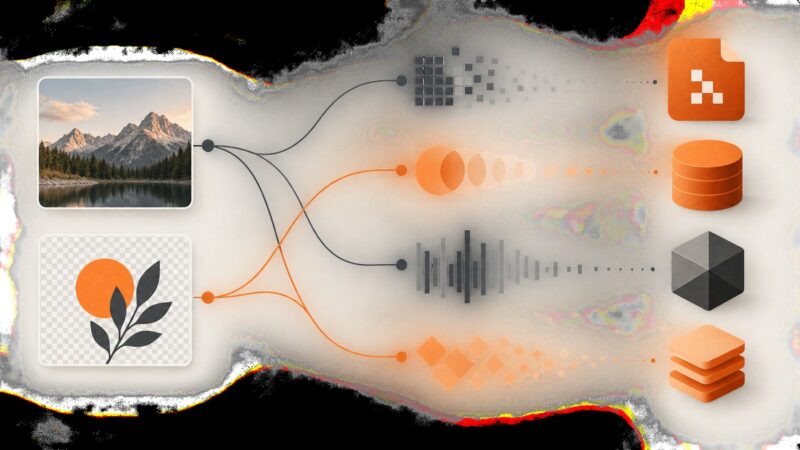
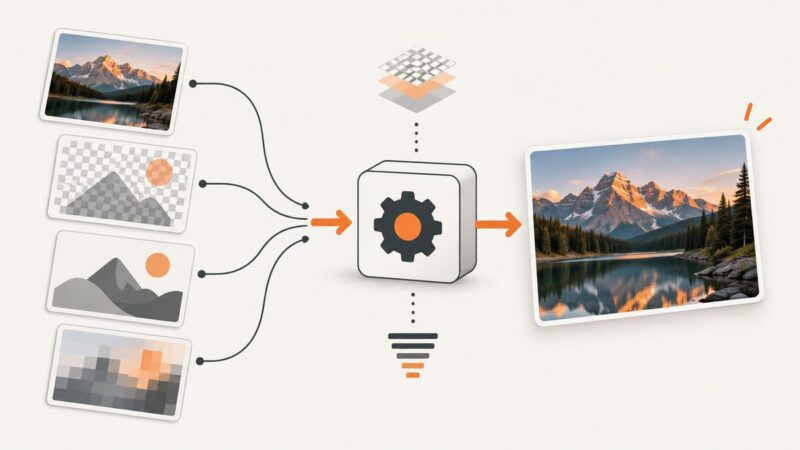
Compare JPEG, PNG, WebP, and AVIF by quality, size, transparency, animation, browser support, and fallback strategy.
Compare Chrome’s native screenshot tools and leading extensions, then choose the right workflow for full pages, elements, PDFs, batch capture and automation.
Use Firefox’s built-in screenshot tool for selections, visible areas, and full pages. Learn the Developer Tools options, troubleshooting steps, and a browser-free API alternative.
Learn how to cite a website image in APA, MLA, or Chicago style, find the original source, record metadata, and check reuse rights.
Fix Puppeteer ResourceType errors with lowercase literals, aligned TypeScript and dependency versions, safe interception, and a browser-free API option.
Convert a downloaded web image to JPG with ImageMagick or an image editor. Learn what happens to transparency, animation, image quality, and file size.
Find the right full-page screenshot shortcut for Edge, Firefox, Chrome and iPhone Safari, plus reliable automation options.
Use CSS background-size to control cover, contain, fixed dimensions, cropping, responsive layouts, and reliable background image rendering.
Capture viewport, full-page, and element screenshots with Playwright for Node.js. Learn the options, reliable patterns, troubleshooting, and a browser-free API alternative.
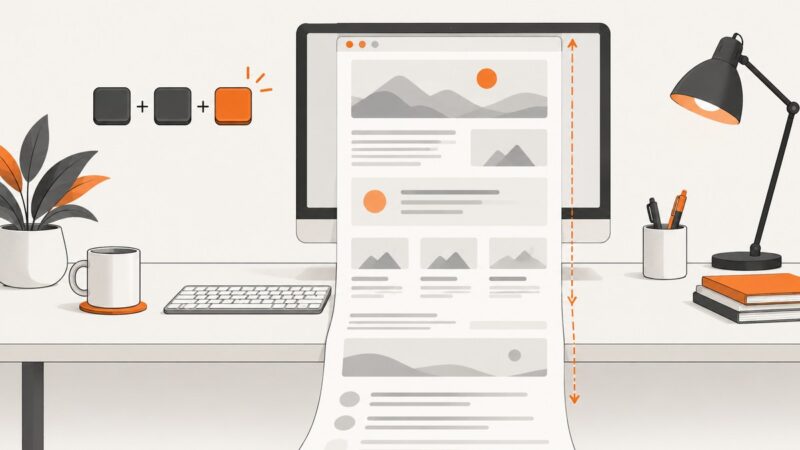
Capture an entire webpage in Chrome, save it as PNG or PDF, fix common problems, and automate reliable screenshots with ScreenshotNeo.
Pass serializable data into a Puppeteer page safely with evaluate, evaluateOnNewDocument, and the right timing for navigations and frames.
Compare browser extensions for bulk image downloads, lazy-loaded pages, and offline archiving, with practical fixes for common problems.
Build reliable Playwright visual tests with image snapshots, stable baselines, noise controls, diff diagnosis, and CI practices.