How to Take Screenshots with Playwright for .NET
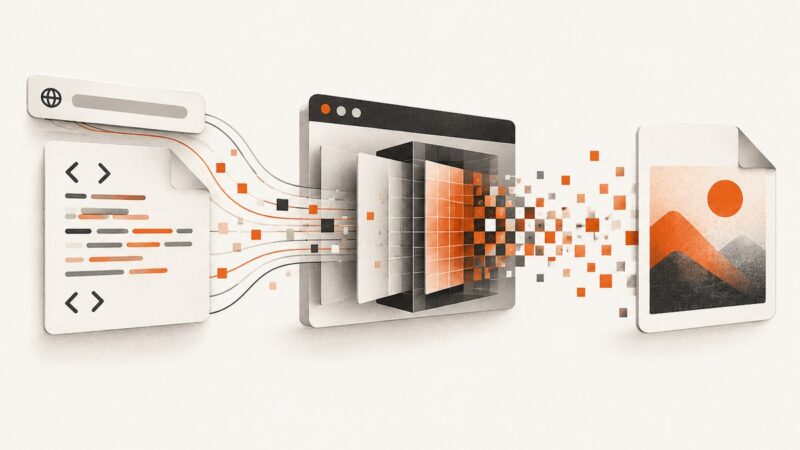
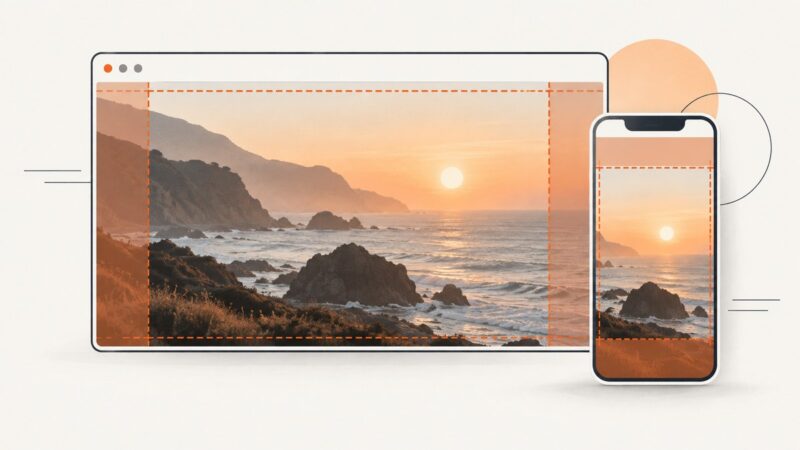
Capture viewport, full-page, and element screenshots in Playwright for .NET with runnable C# examples, visual controls, troubleshooting, and an API alternative.
Blog
How to take clean screenshots, turn HTML into images and PDFs, run headless browsers, and give AI agents eyes. Written by the team that builds ScreenshotNeo.
Capture viewport, full-page, and element screenshots in Playwright for .NET with runnable C# examples, visual controls, troubleshooting, and an API alternative.
Save a webpage as a PDF, convert it to an editable Word document, and check the result. Learn what to do with scanned pages and layout problems.
When website images are blank or slow on a Mac, use a few comparisons to locate the cause before changing settings or deleting data.
Learn how to pixelate a whole image or selected area online, with CSS and Canvas code, export checks, troubleshooting, and privacy guidance.
Learn when a URL imports an image versus merely previewing it, with runnable Cloudinary examples, security guidance, troubleshooting, and a screenshot alternative.
Set Puppeteer PDF width correctly with custom units, standard formats, CSS @page rules, and fixes for ignored width settings.
Puppeteer 16.1.1 and chrome-aws-lambda 10.1.0 are from different compatibility lines. Align the versions or select a browser package using Puppeteer’s support guidance.
Fix missing content, clipped pages, lazy loading, scroll containers, flaky assertions, and timeout errors in Playwright full-page screenshots.
Find out why images are missing in Safari and follow a safe, step-by-step fix for iPhone, iPad, or Mac.
Convert a URL, HTML string, or local file into a JPG with Playwright, Puppeteer, Chrome, wkhtmltoimage, or ScreenshotNeo.
Puppeteer does not expose PDF title or author options. Generate the PDF, then set metadata with pdf-lib and verify the saved file.
Save any webpage as a clean PDF on desktop, Android, or iPhone, fix layout problems, and automate reliable PDF capture with ScreenshotNeo.
Learn how to save an entire webpage as one long image in Firefox, Chrome, iPhone, or with a screenshot API.
Catch the Puppeteer popup before clicking, identify whether it points to a PDF or HTML, then download the file while preserving authentication.
Set CSS background images correctly with cover, responsive sizing, overlays, accessibility guidance, troubleshooting, and complete examples.
Save images to files or streams in C# with format and JPEG quality control, plus WPF and cross-platform options, troubleshooting, and a browser screenshot alternative.
Use a 1200 × 630 px Open Graph image as your practical default, then verify platform limits, metadata, caching and crawler access.
Set a deterministic Playwright viewport in headless mode, understand viewport vs. screen, and configure sizes in tests, contexts, and individual pages.