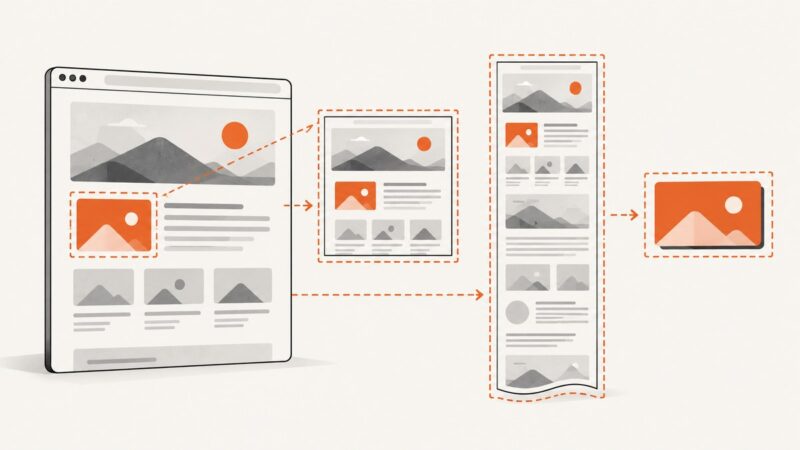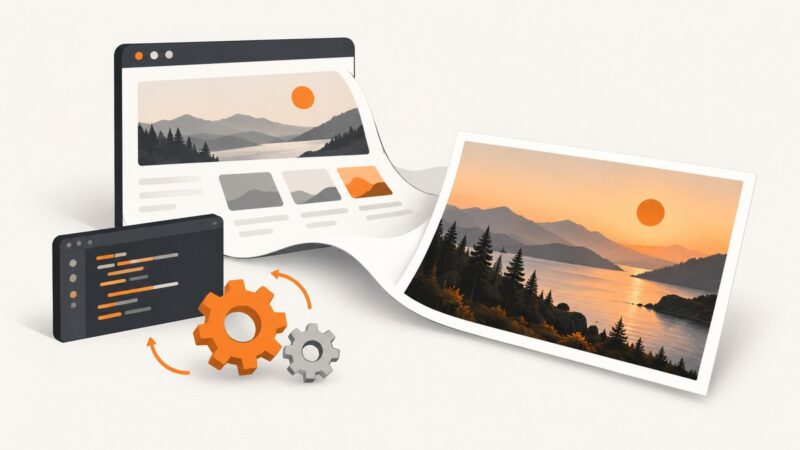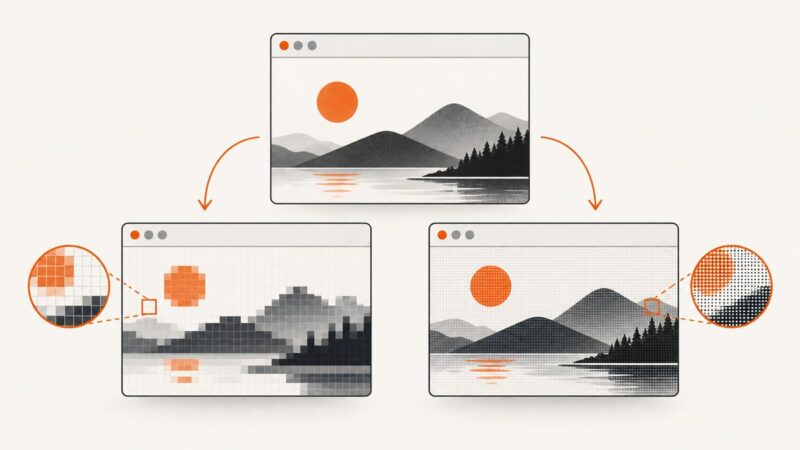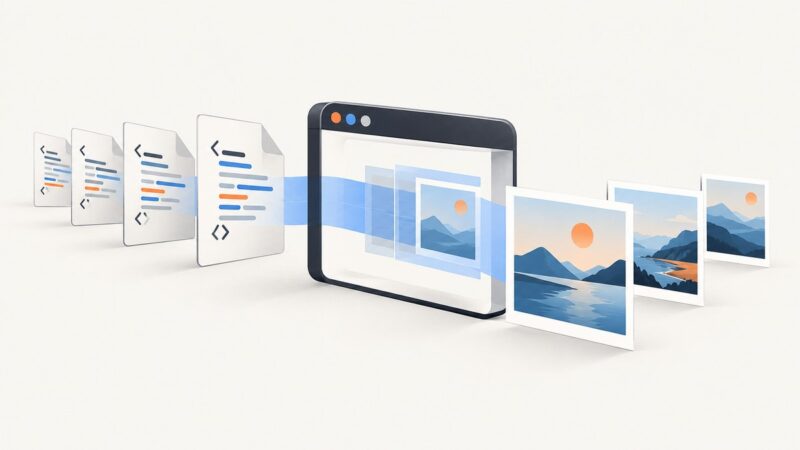
How to Convert PDF Pages to Images Online
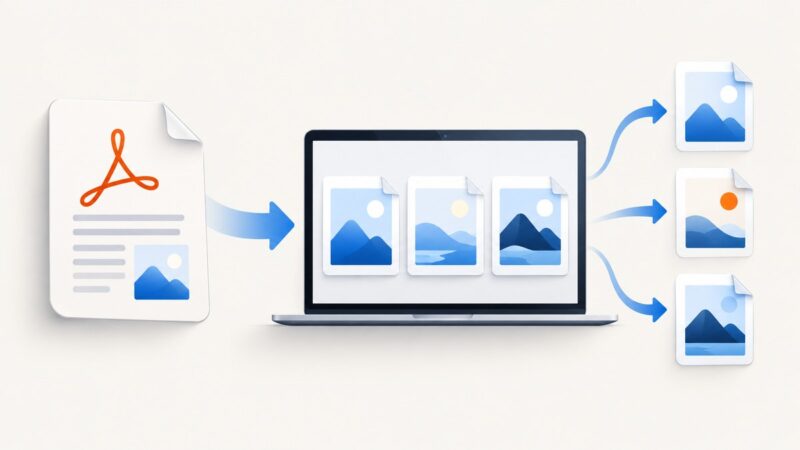
Convert every PDF page to JPG, PNG, or TIFF online, choose the right format, protect sensitive files, and troubleshoot quality and download problems.
Blog
How to take clean screenshots, turn HTML into images and PDFs, run headless browsers, and give AI agents eyes. Written by the team that builds ScreenshotNeo.
Convert every PDF page to JPG, PNG, or TIFF online, choose the right format, protect sensitive files, and troubleshoot quality and download problems.
Save any web page as a clean PDF with Chrome, Firefox, or Edge, fix layout problems, automate captures, and avoid browser setup with ScreenshotNeo.
Capture viewport, full-page, element, and clipped screenshots with Playwright. Learn how to save or process images and make visual captures more repeatable.
Check an image for supported AI provenance signals with Google or OpenAI tools, and learn what a positive or negative result can—and cannot—tell you.
Learn where Playwright saves screenshots and configure reliable paths for page screenshots, visual baselines, and test artifacts.
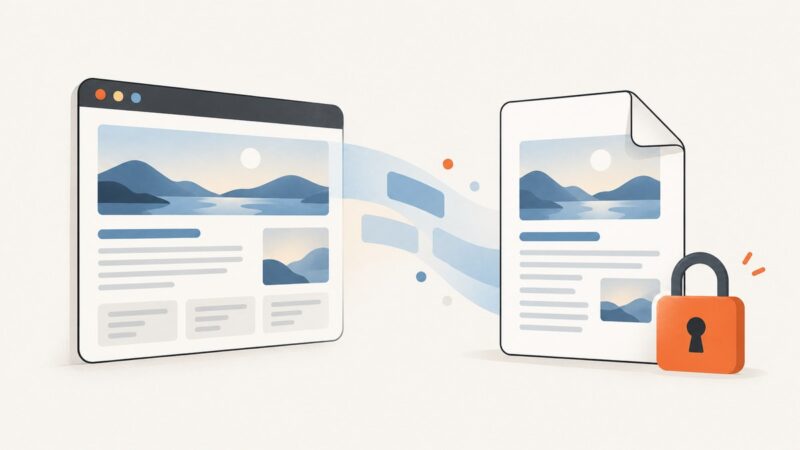
Save an accessible webpage as a PDF with your browser’s print dialog. Learn what “protected” can mean, what to do when printing is disabled, and how to capture a page you’re authorized to access.
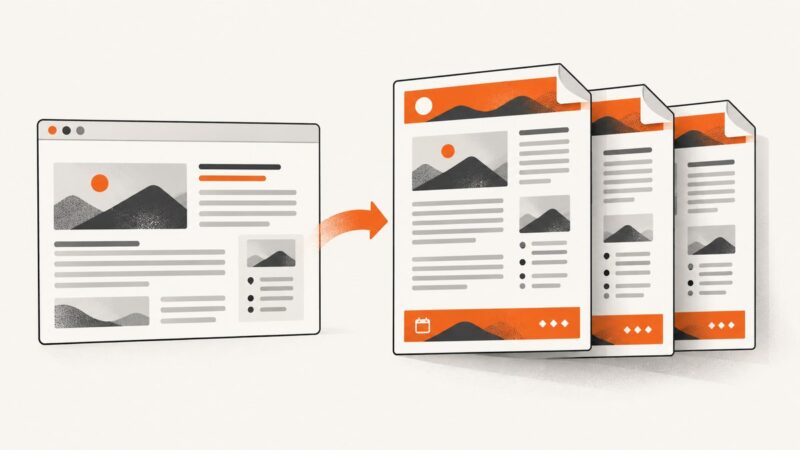
Add repeating headers, footers, page numbers, dates and URLs to Puppeteer PDFs with templates, margins, print CSS and troubleshooting.
Render a webpage URL and save it as a JPG using Playwright, Puppeteer, or a screenshot API. Choose viewport or full-page capture, set quality, and troubleshoot common failures.
Learn how Playwright screenshot scale and deviceScaleFactor determine image pixels, output size, and visual fidelity—with runnable examples and fixes.
Puppeteer has no documented first-page header/footer switch. Learn reliable options, CSS caveats, PDF merging, and a ScreenshotNeo alternative.
Convert local HTML files or web pages into separate JPG images with Playwright. Learn full-page capture, batch naming, quality settings, and troubleshooting.
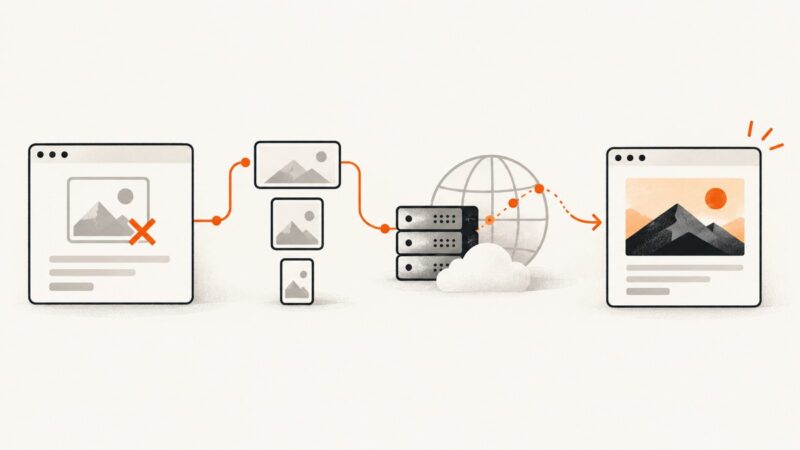
Find the exact image URL that fails, identify whether markup or delivery caused it, and verify the repair for visitors and search crawlers.
ERR_BLOCKED_BY_ORB comes from Chromium’s response checks, not Puppeteer itself. Find the exact request, inspect its response, and fix the underlying cause.
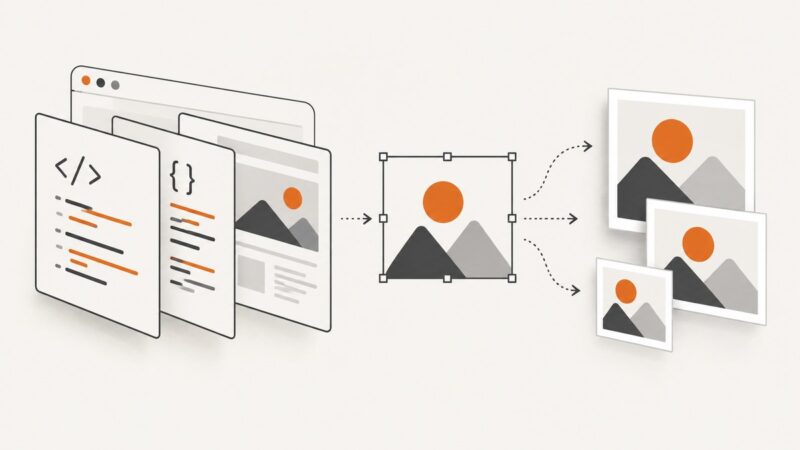
Render HTML in a browser before saving it as JPG, or rasterize SVG at the dimensions you need. Choose the right method, settings, and fixes for your workflow.
Convert any web page link to a PDF with Chrome, Firefox, Edge, Acrobat, scripts, or ScreenshotNeo—and fix common layout problems.
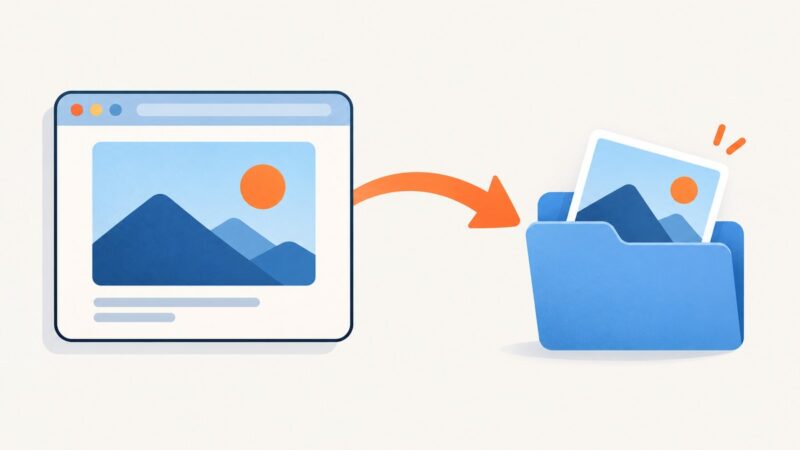
Learn how to make an image clickable, request downloads, suggest filenames, handle cross-origin limits, and troubleshoot browser behavior.
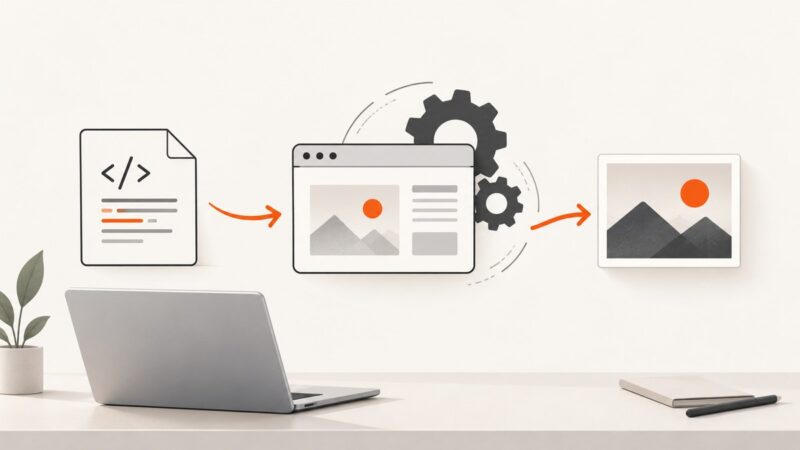
Render a local HTML file as a JPG without uploading it. Use Playwright or wkhtmltoimage, handle offline assets, and choose dimensions and quality.
Batch-render HTML files as JPG with Playwright, reliable waits, full-page capture, JPEG quality controls, and a no-browser-setup API option.