How to Capture a Java JPanel Screenshot with Robot
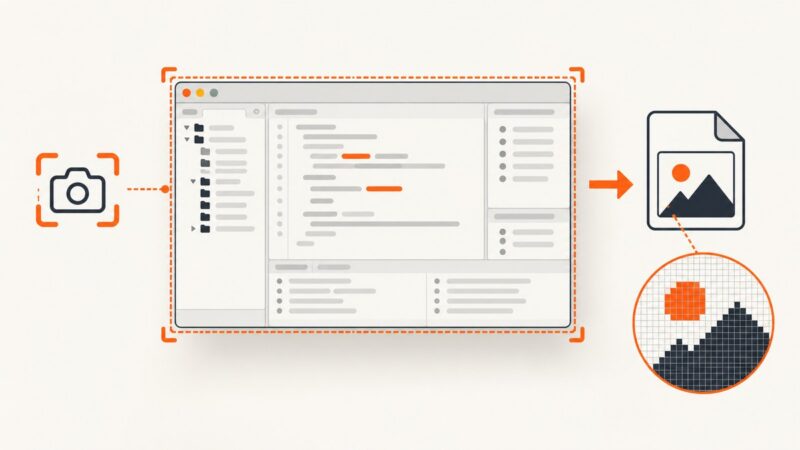
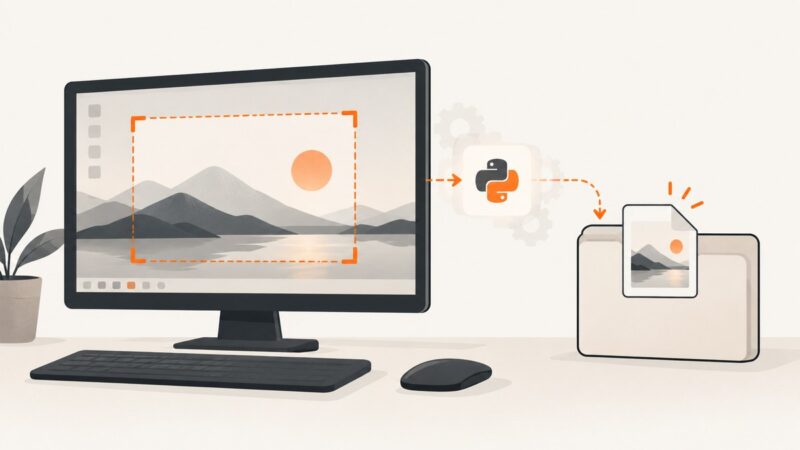
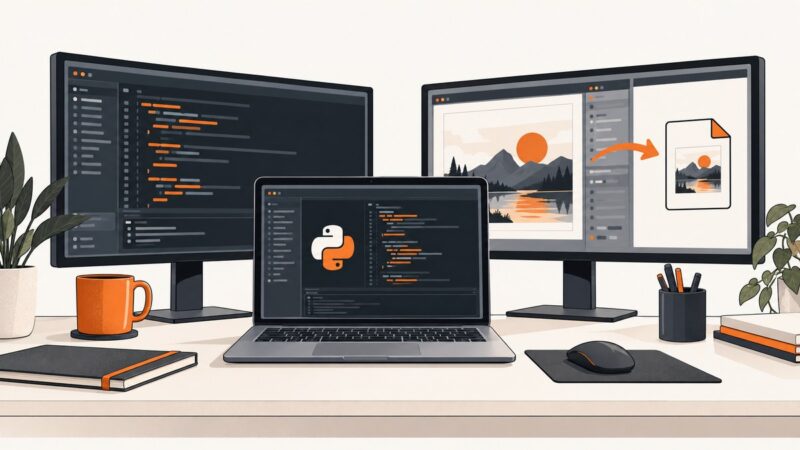
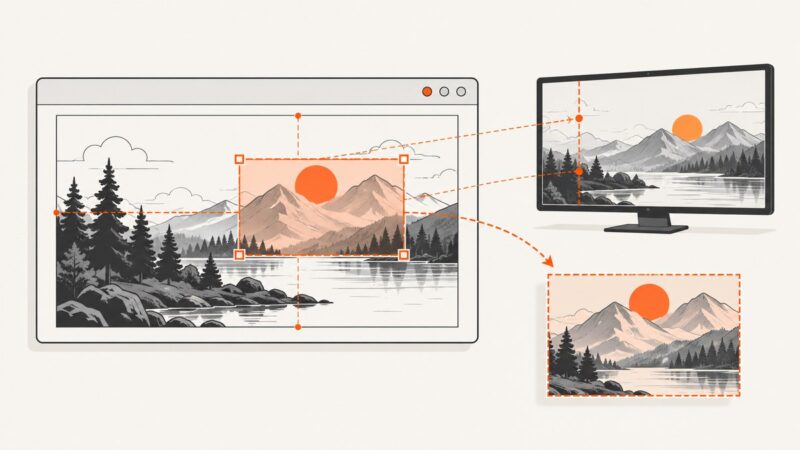
Capture a visible Java JPanel with Robot, convert Swing coordinates correctly, handle high-DPI and headless cases, and save a reliable PNG.
Taking screenshots on Windows, Mac, iPhone, Android and in the browser.
Capture a visible Java JPanel with Robot, convert Swing coordinates correctly, handle high-DPI and headless cases, and save a reliable PNG.
pythonw.exe can change Tkinter and Pillow screenshot dimensions because Windows applies DPI awareness per executable. Diagnose and fix it.
Capture a Windows window in Java with JNA, handle HWND and GDI errors, save PNGs, and understand when direct BitBlt code is necessary.
Use Java Robot to capture visible desktop pixels, hide your window first, and handle permissions, monitors, scaling, and repaint timing.
A 72 ppi PNG tag does not mean your SWT screenshot lost detail. Learn how to capture the active Eclipse shell and verify its real pixel size.
Call the freedesktop Screenshot portal from Python over D-Bus, handle its async response, and safely use the returned screenshot URI.
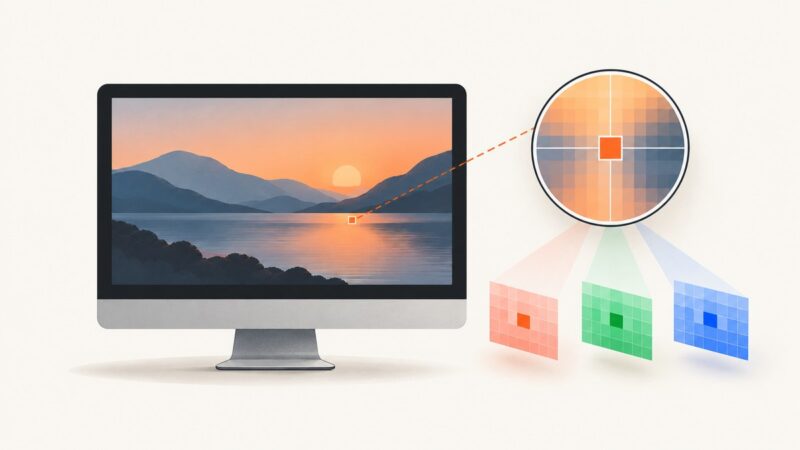
Capture a screen pixel with Pillow, handle RGB and RGBA modes, bounding boxes, palette images, Retina scaling, and common errors.
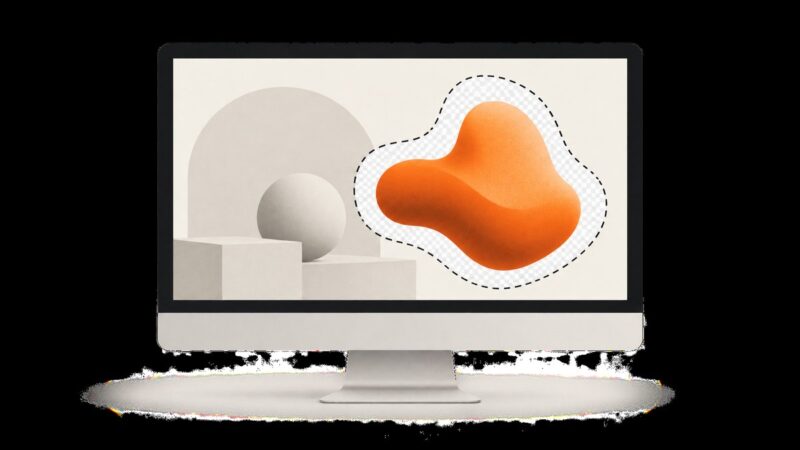
Capture an irregular area on Windows, understand Mac limits, preserve transparency, automate web captures, and avoid common freeform screenshot errors.
Fix black pyscreenshot images on Fedora by matching the capture backend to X11 or Wayland, testing Pillow and portals, and checking common failures.
Run PyAutoGUI screenshots silently on Windows with pythonw, .pyw files, or PyInstaller—and keep errors diagnosable without a console.
Export a Swing JFrame as PNG, JPG, or BMP by painting it into a BufferedImage, or capture its visible screen pixels with Robot.
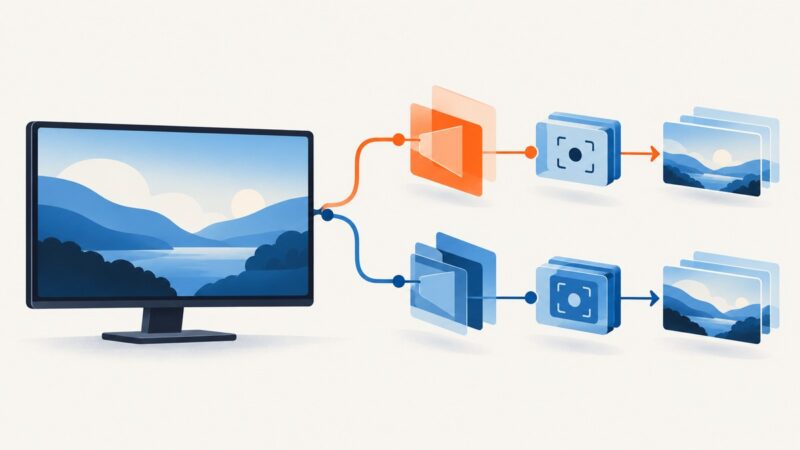
Capture your primary display, every monitor, or a virtual desktop in Python with PyAutoGUI, Pillow, and MSS—including setup and fixes.
Capture the exact Tkinter Canvas region you need by choosing screen pixels or Canvas PostScript, then translating coordinates correctly.
Fix zoomed PrintWindow captures by aligning DPI awareness, window bounds, and bitmap pixels across mixed-DPI monitors.
Capture a visible WinForms form, client area, or screen rectangle in C# with CopyFromScreen, save PNG files, and handle DPI and disposal safely.
Capture WPF controls or windows as PNG files with RenderTargetBitmap, handle layout and D3DImage edge cases, and choose desktop capture when needed.
Safely call Graphics.CopyFromScreen from two C# threads with locking, separate resources, disposal rules, errors, and performance guidance.
WebBrowser.DrawToBitmap is unsupported. Capture the native control with BitBlt, handle timing and DPI, or use WebView2 for new WinForms apps.