How to Capture a Webpage Screenshot in Windows 11
Capture any webpage in Windows 11 with Snipping Tool, keyboard shortcuts, or Edge’s full-page Screenshot feature.
Taking screenshots on Windows, Mac, iPhone, Android and in the browser.
Capture any webpage in Windows 11 with Snipping Tool, keyboard shortcuts, or Edge’s full-page Screenshot feature.
Capture a complete, scrolling webpage on Mac with Chrome DevTools, understand Safari’s save options, and automate screenshots with ScreenshotNeo.
Capture an entire webpage, including content below the fold, with Firefox, Edge, DevTools, or ScreenshotNeo.
Learn what Jam.dev captures, how replay and technical context help reproduce bugs, and where browser-state restoration has limits.
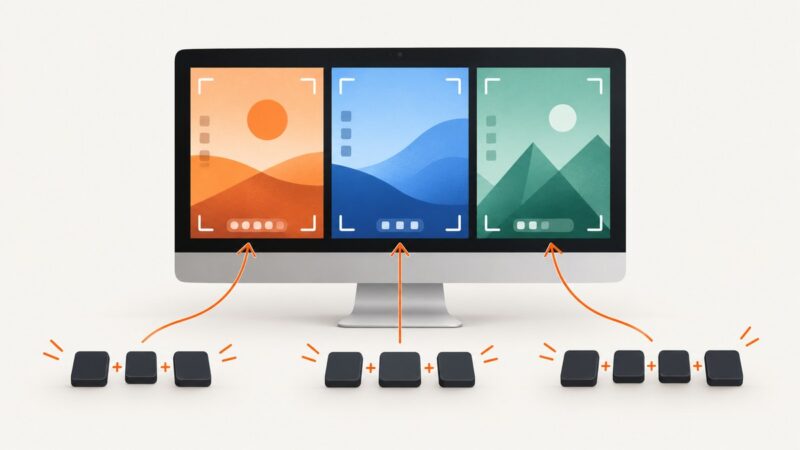
Find the full-screen screenshot shortcut for Windows, macOS and Linux, including clipboard, file-saving, laptop-key fixes and alternatives.
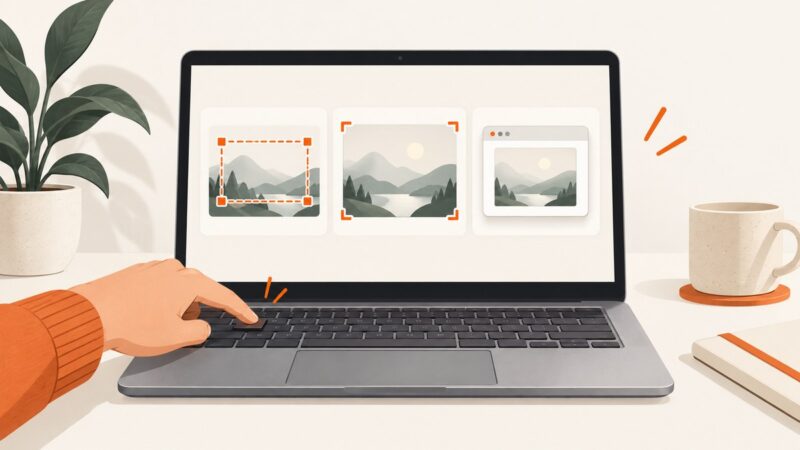
Capture part of a webpage, the entire screen, or a long scrolling page on Windows 10 with shortcuts, Edge, troubleshooting, and automation.
Capture an entire webpage with Firefox, Edge, or iPhone Safari shortcuts, then automate full-page screenshots with ScreenshotNeo.
Snipping Tool captures what is visible; use Microsoft Edge’s Capture full page for a scrolling webpage, or ScreenshotNeo for automated screenshots.
Use the right shortcut for Windows, Mac, or Chromebook, find the saved image, capture part of the screen, and troubleshoot common problems.
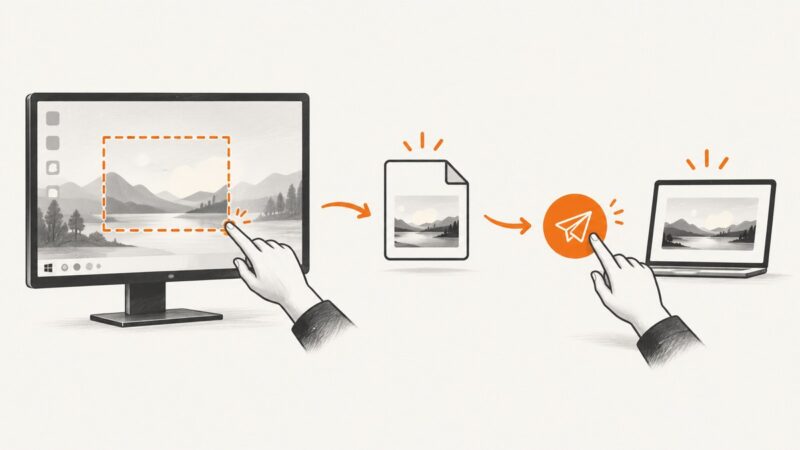
Use Windows shortcuts and Snipping Tool to capture, edit, save, and send screenshots, with fixes for common problems.
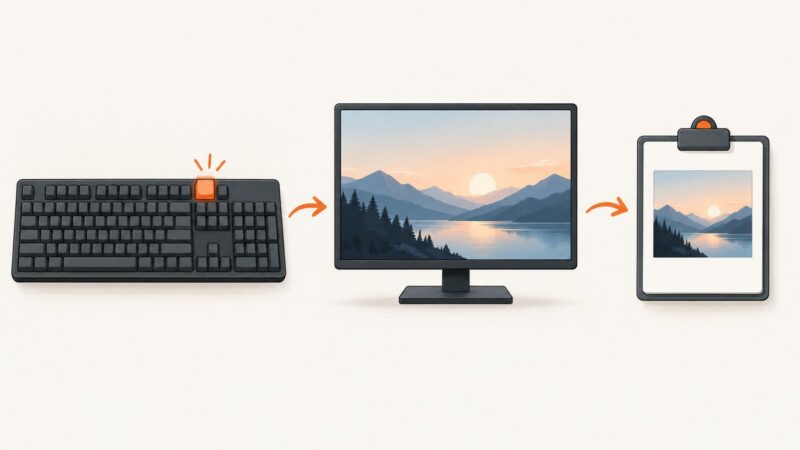
Press Print Screen to copy your full PC screen, then paste it with Ctrl+V. Learn shortcuts for windows, files, regions, and troubleshooting.
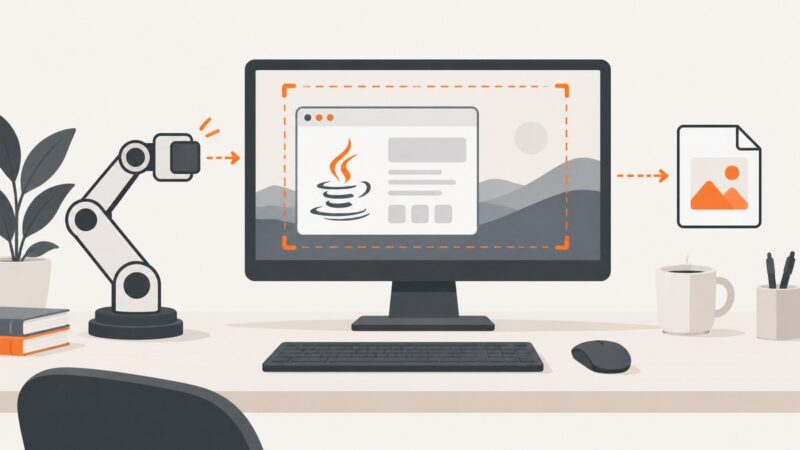
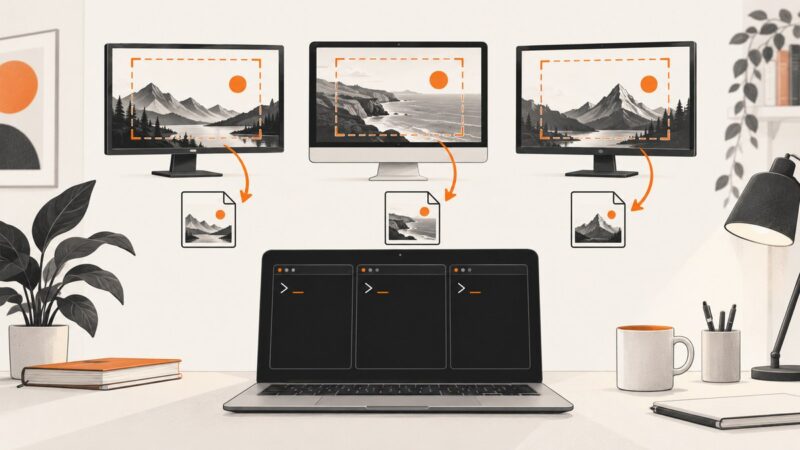
Capture authorized desktop screenshots with Java Robot, handle permissions and multi-monitor setups, and learn when a screenshot API is simpler.
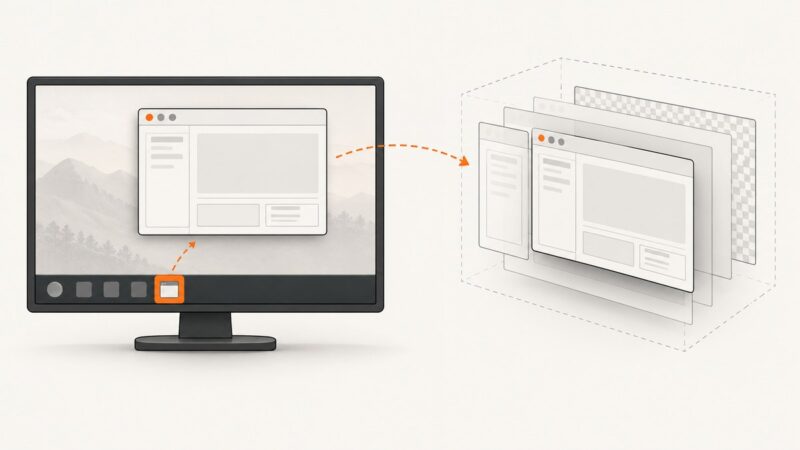
Java Robot captures visible screen pixels, not hidden minimized windows. Restore the window or render owned Swing components offscreen with printAll().
Learn the right screenshot command for Windows, macOS, and Linux, with file-saving examples, troubleshooting, and an API option for remote pages.
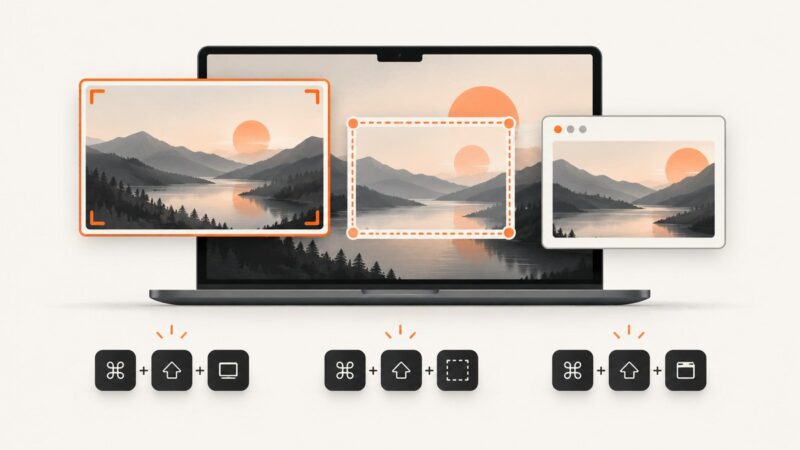
Use Mac screenshot shortcuts to capture the whole screen, a region, a window, or a recording—and control where each capture goes.
Use the right screenshot shortcut on Windows, Mac, or Chromebook, find your files, fix common problems, and automate captures with ScreenshotNeo.
Capture only a Chrome window in OBS on Windows, macOS, or Linux, with platform-specific settings, troubleshooting, and recording tips.
Record browser video on a Mac with Screenshot or QuickTime, capture sound, fix black or silent recordings, and understand app restrictions and usage rights.