How to Convert HTML to JPEG on a Mac
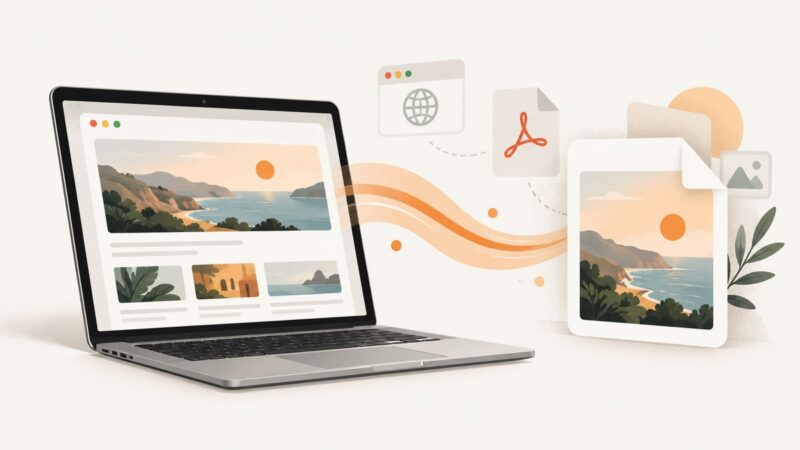
Convert a rendered HTML page to JPEG on macOS using screenshots, PDF export, Preview, automation, or ScreenshotNeo.
Taking screenshots on Windows, Mac, iPhone, Android and in the browser.
Convert a rendered HTML page to JPEG on macOS using screenshots, PDF export, Preview, automation, or ScreenshotNeo.
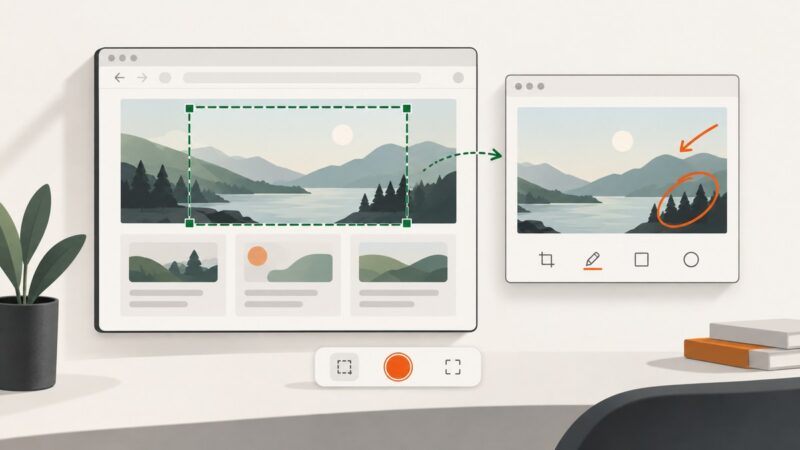
Capture just the window you’re using on Windows, macOS or GNOME Linux, save it correctly, fix shortcut issues, and automate web captures.
Fix Windows screenshot problems by checking the right shortcut, clipboard path, save location, Print Screen setting, and device-specific issues.
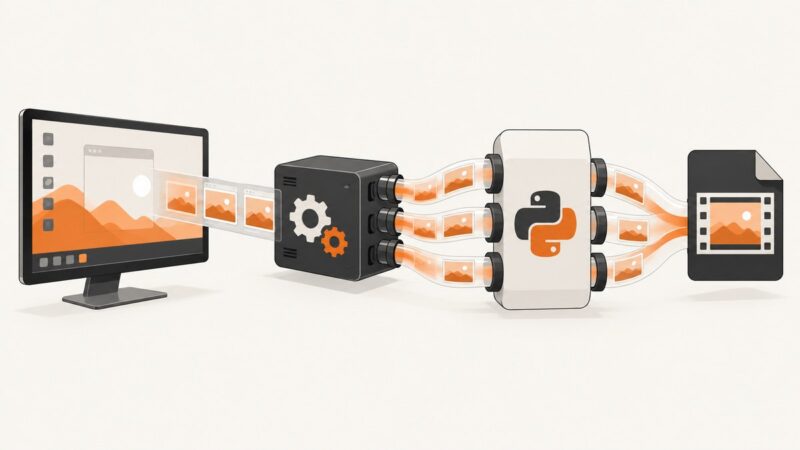
Capture Windows screens with FFmpeg's gdigrab and Python pipes: file-first recording, raw-frame processing, safe shutdown, troubleshooting, and options.
Capture the whole screen, an active window, or a selected area on Windows 8.1, then find, save, and troubleshoot your screenshot.
Capture a specific macOS window with Python and ScreenCaptureKit, even when it is behind another window or offscreen.
Capture an entire webpage beyond the visible screen using Firefox, Edge, Chrome DevTools, or ScreenshotNeo’s API.
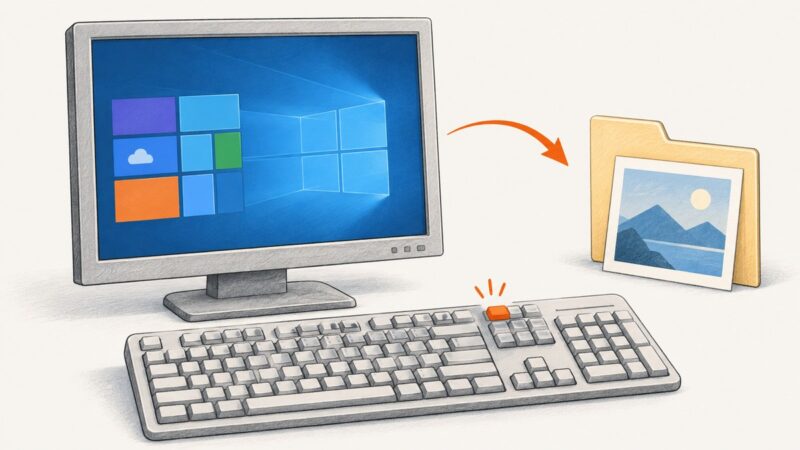
Use Windows+Shift+S, PrtSc, Alt+PrtSc, or Windows+PrtScn to capture your screen in Windows 10—even when your keyboard uses Fn.
Capture a decoded Electron video frame by drawing it to canvas, then export PNG, JPEG, WebP, or a file with reliable cleanup and timing.
Learn Greenshot’s shortcuts for regions, windows, full screens and menus, then edit, annotate and export your capture on Windows.
Use the right Fn shortcut for your Windows device, save the capture, and fix common keyboard issues when Print Screen is missing.
Learn how to capture your screen, a window, a region, or an entire scrolling webpage in Google Chrome—and where Chrome saves the file.
Use Power Automate Desktop’s screenshot actions to capture a screen, window, UI element, or webpage and save it to a file or clipboard.
Capture a visible section or a full scrolling webpage on Windows with Snipping Tool, Edge Screenshot, or ScreenshotNeo.
Capture an entire scrolling webpage on a Chromebook with Chrome DevTools, extensions, or ScreenshotNeo, including troubleshooting and automation options.
Learn how to capture, edit, save, and share what is on your screen on Windows, Mac, iPhone, Chromebook, Android, and the web.
The shortcut depends on your operating system. Use this Windows, Mac, Chromebook, or Ubuntu guide to capture and find a full-screen screenshot.
Find saved screenshots, Snipping Tool captures, clipboard images, and Recall snapshots on Windows 10 or 11—even when the Screenshots folder is empty.