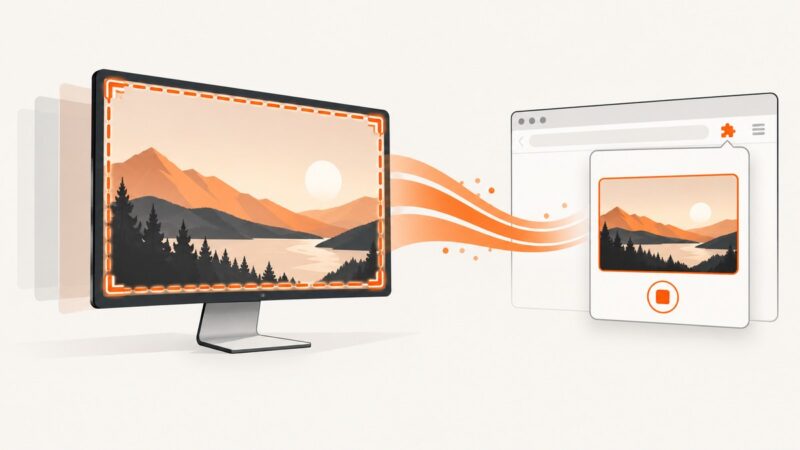
How to Capture Video From a Website With a Chrome Extension
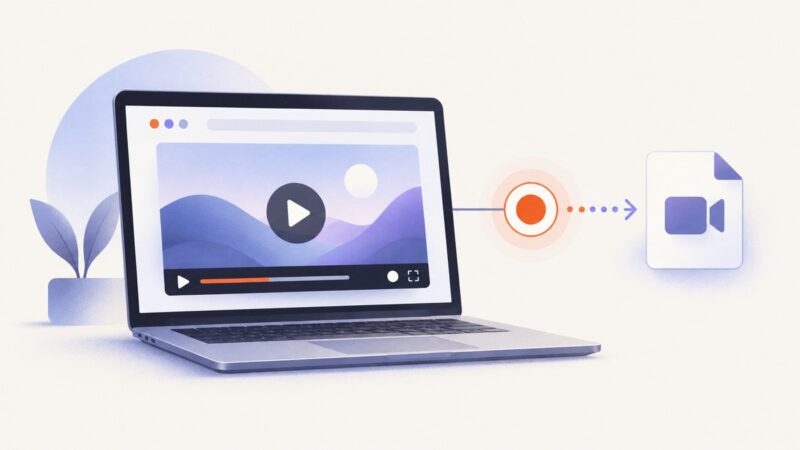
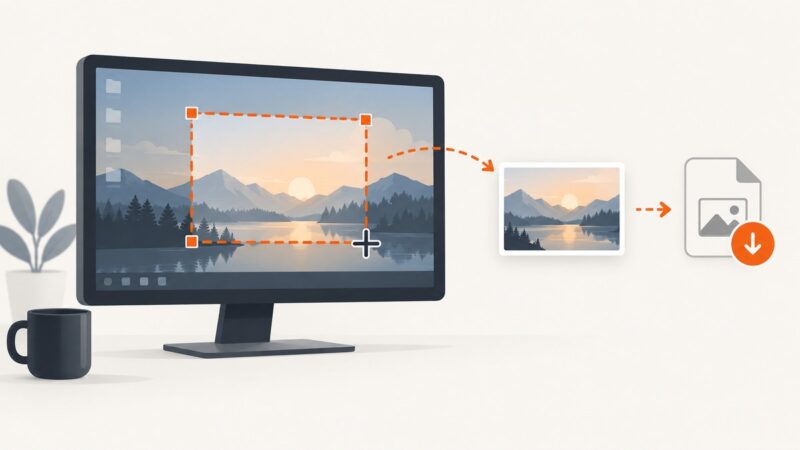
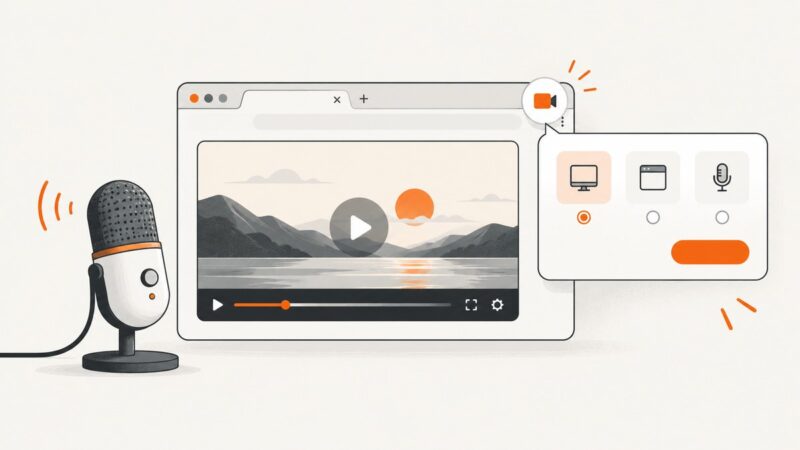
Record a website tab, window, or full screen in Chrome, include audio, avoid common capture failures, and export a usable video.
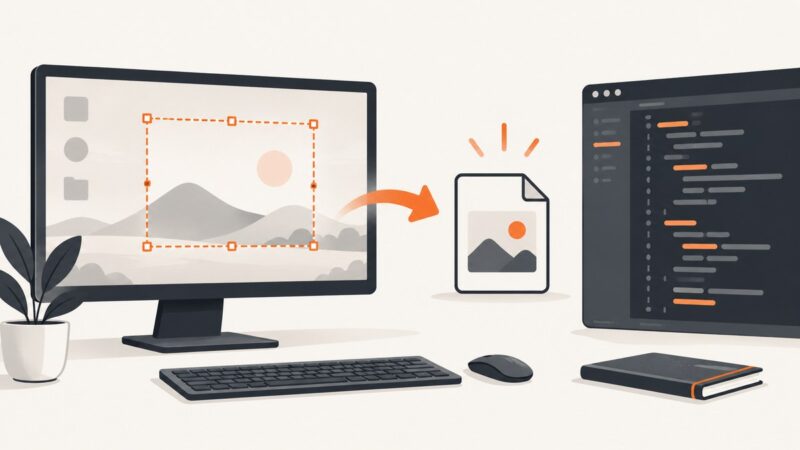
Taking screenshots on Windows, Mac, iPhone, Android and in the browser.
Record a website tab, window, or full screen in Chrome, include audio, avoid common capture failures, and export a usable video.
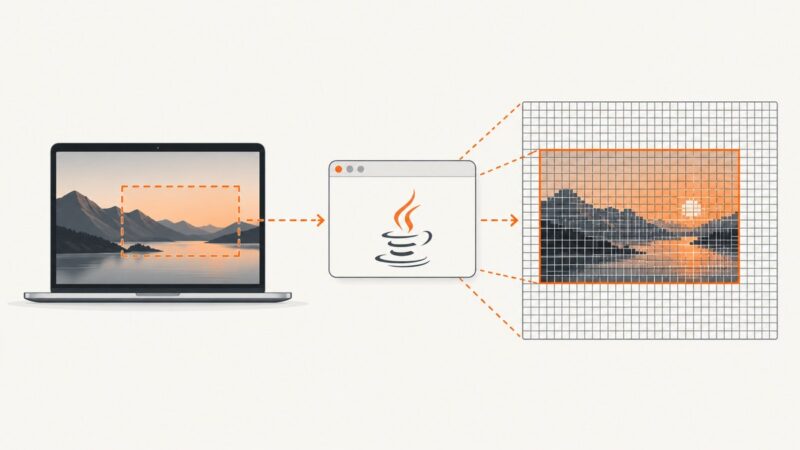
Fix wrong-size JavaFX screenshots on Retina Macs by choosing the right scaling mode, coordinates, thread, and capture API.
Record a browser video with Windows, macOS, OBS, or JavaScript. Learn how to capture tab audio, fix black screens, and handle permissions.
Edge full-page screenshots can stop at nested scroll areas, policies, protected content, or platform limits. Learn the cause and reliable fixes.
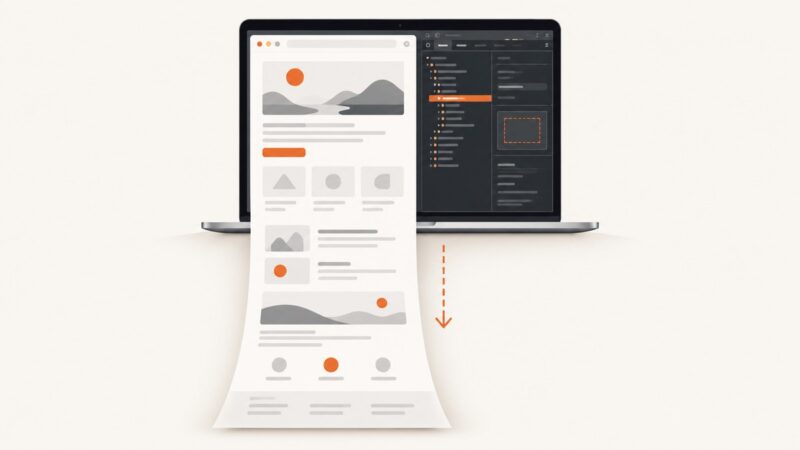
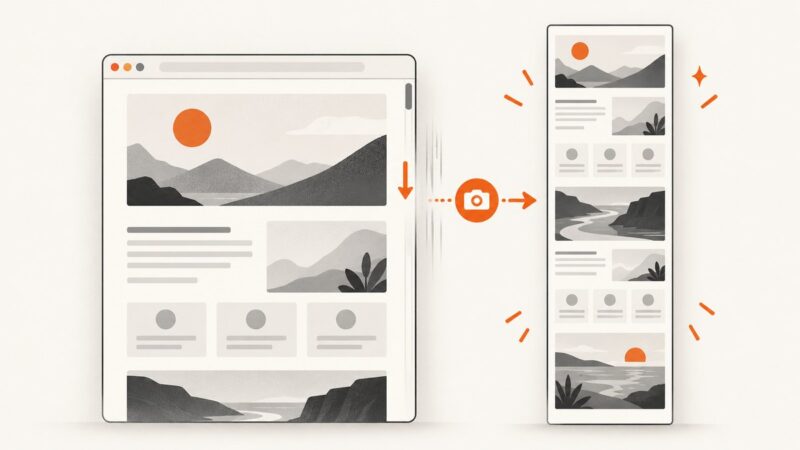
Capture an entire webpage in Chrome on Mac with DevTools, troubleshoot missing options, and automate full-page shots with ScreenshotNeo.
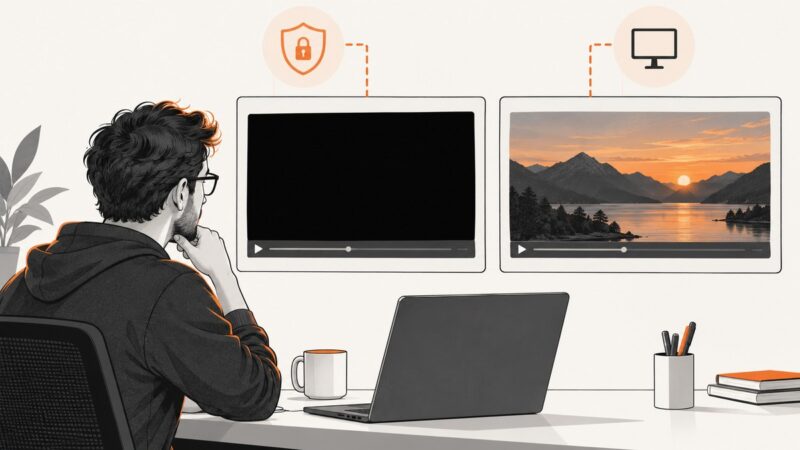
A black video rectangle can be intentional protection or a capture-path bug. Learn how to diagnose both and fix C# capture issues safely.
Fix missing, truncated, or misplaced Vivaldi full-page screenshots on desktop and Android, including the 30,000-pixel limit and storage settings.
Capture a full webpage in Chrome with DevTools, PDF, headless mode, MHTML, extensions, troubleshooting, and an API option.
Capture a complete app window with its title bar on Windows or Mac, troubleshoot missing chrome, and automate web screenshots with ScreenshotNeo.
Capture a precise rectangle of the Windows desktop in C# with CopyFromScreen, handle DPI and errors, or use ScreenshotNeo for web pages.
Snipping Tool captures visible screens, windows and full screens, but Microsoft does not document automatic scrolling capture. Here are your options.
Stop CopyFromScreen memory growth by disposing GDI+ resources, transferring image ownership safely, and bounding capture size, rate, and retention.
Build a Chrome extension that lets users select a display, window, or tab, then turns the one-use stream ID into a MediaStream.
Capture a WPF visual, desktop region, window, or monitor with the right Windows API, complete C# examples, troubleshooting, and a hosted option.
Yes. Use Firefox for a full-page image, Safari Web Archive for a saved page, or ScreenshotNeo for automated captures.
PrintWindow can succeed yet return black or cropped pixels. Diagnose flags, DPI, protected windows, and renderer limits with a complete C# fix.
Capture a Windows desktop region with Screenshot.NET in C#, encode the BitmapSource as PNG or JPEG, and save it safely to disk.
Learn the best way to capture a full webpage in Firefox, Edge, or Chrome, plus an automated API workflow for reliable screenshots.