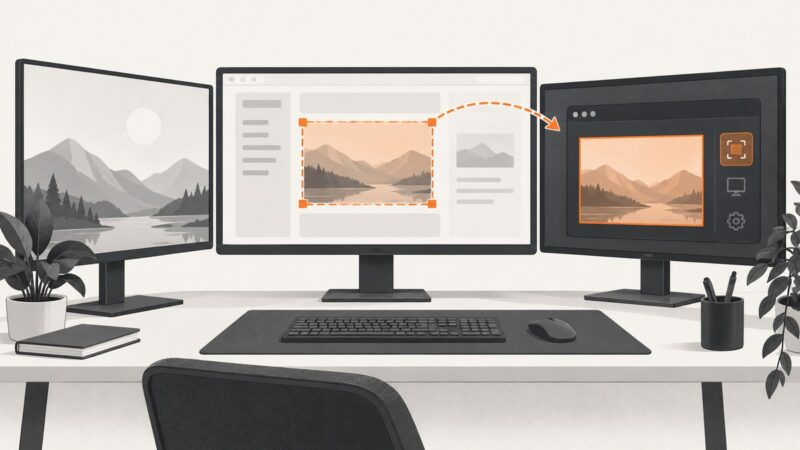
How to Capture a Specific Screen Area With PyQt
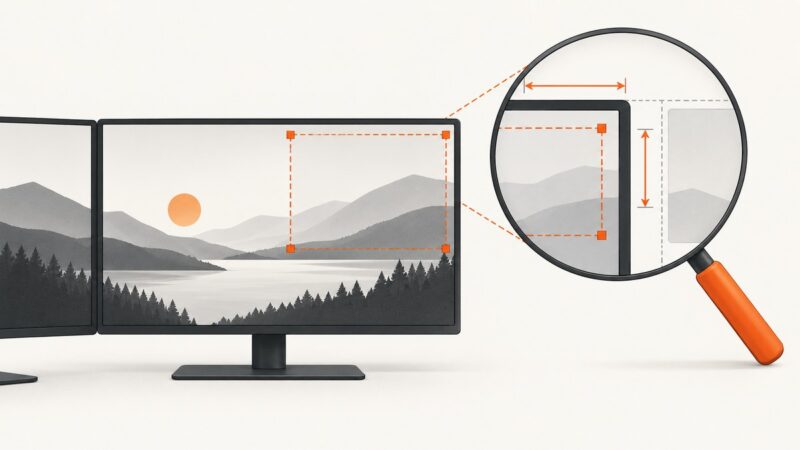
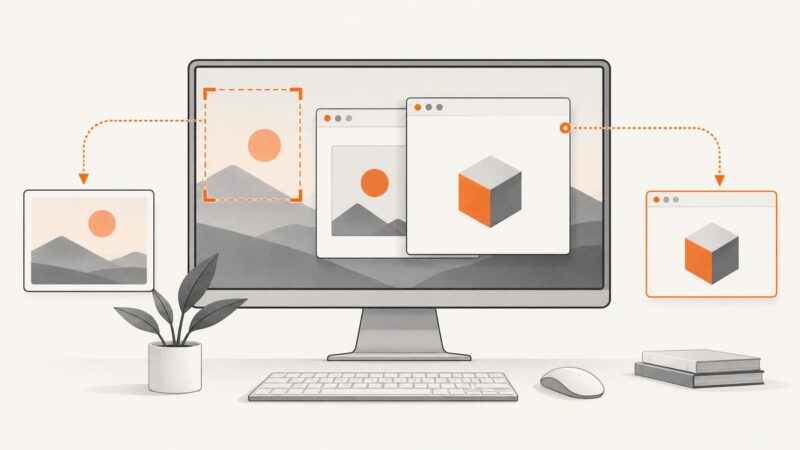
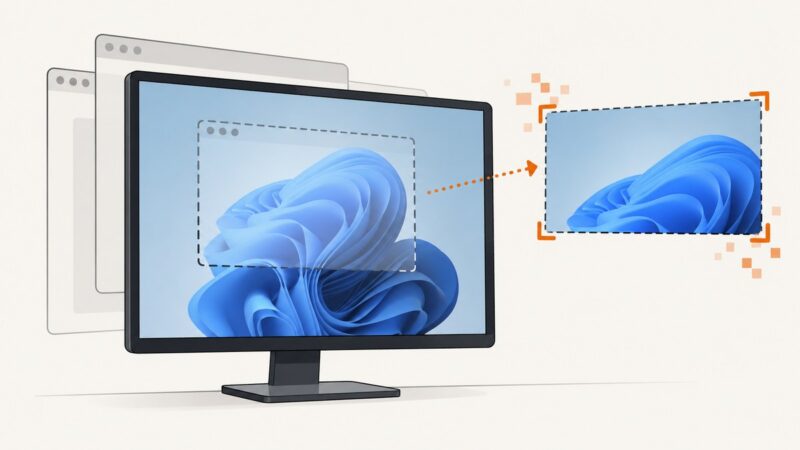
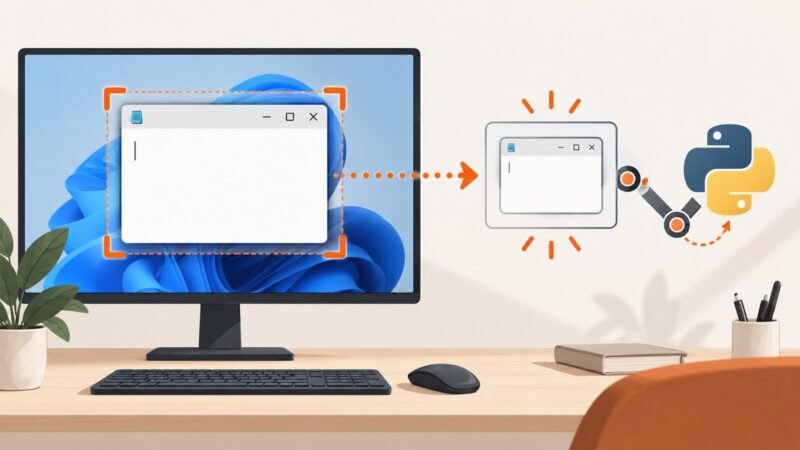
Capture a precise desktop rectangle in PyQt with QScreen.grabWindow(), including coordinates, high-DPI scaling, multi-monitor layouts, and troubleshooting.
Taking screenshots on Windows, Mac, iPhone, Android and in the browser.
Capture a precise desktop rectangle in PyQt with QScreen.grabWindow(), including coordinates, high-DPI scaling, multi-monitor layouts, and troubleshooting.
Screenshots often work but stay in the clipboard. Learn the correct Windows, Mac, and Chromebook shortcuts, save locations, and fixes for blocked captures.
Fix cropped screenshots by choosing the right full-screen or scrolling capture method on Windows, Mac, iPhone, Android, and browsers.
Learn every built-in Windows 11 screenshot and recording shortcut, where files are saved, how to edit captures, and which method fits each task.
Find out why PyAutoGUI captures only part of your screen and fix region, monitor, DPI-scaling, and Pillow issues with runnable checks.
Start with Windows 11’s built-in Snipping Tool, then consider ShareX or ScreenshotNeo when your workflow needs scrolling, automation, or browser capture.
Diagnose black, blank, or failed remote screenshots by separating network, session, display, permission, and camera runtime problems.
Use Edge’s built-in Screenshot for full-page captures, then choose an extension only when you need recording, annotation, PDF, or sharing.
Use CEF off-screen rendering in DCEF3 to capture browser pixels in Delphi, handle resizing and timing, and distinguish viewport shots from full-page images.
Capture a Tkinter window even when another window covers it, using Pillow, PyAutoGUI, temporary topmost mode, or Windows PrintWindow.
Capture Delphi XE2 FireMonkey Chromium pages with CEF off-screen rendering, pixel-safe code, troubleshooting, and a hosted API alternative.
Use ScreenCaptureKit for modern macOS screenshots. This guide covers stills, streams, permissions, window selection, Swift code, errors, and a browser API alternative.
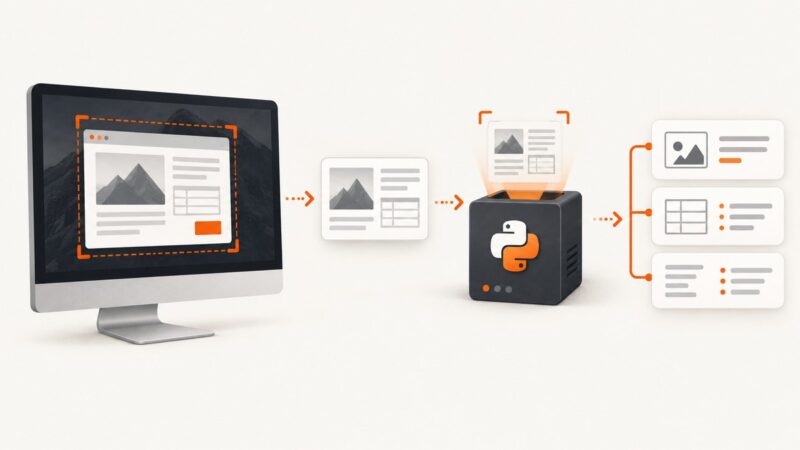
Capture a screen or region with PyAutoGUI, extract text with Tesseract, and turn OCR output into structured Python data.
Fix Windows screenshots that show only the desktop: choose the right target, include layered windows, check display affinity, and diagnose BitBlt failures.
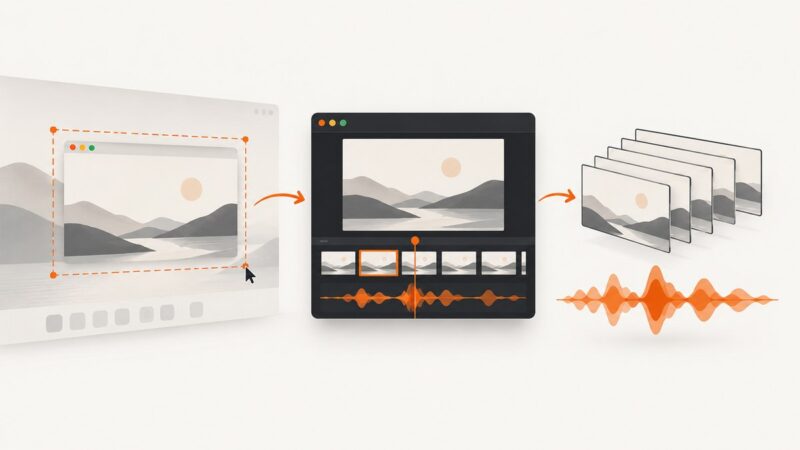
Build a macOS screen recorder with Apple’s ScreenCaptureKit: permissions, displays, windows, audio, buffering, troubleshooting, and code.
Capture one visible Notepad window in Python with Pillow, find its HWND, handle common errors, and compare screen, region, and native Windows methods.
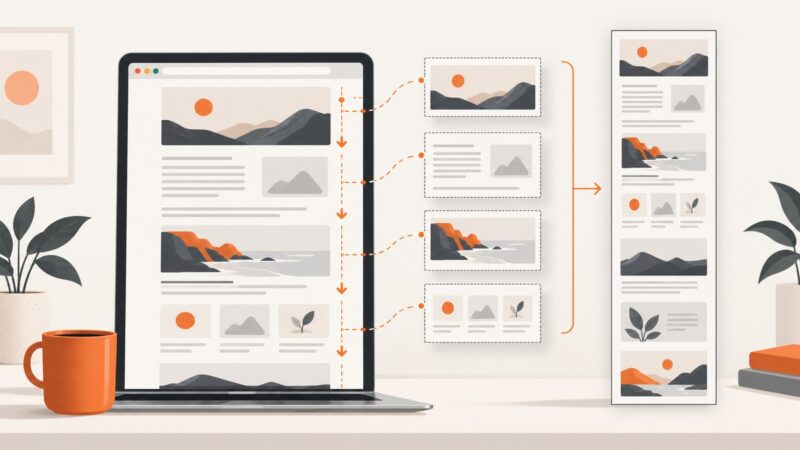
Capture an entire webpage in Chrome with DevTools or an auto-scrolling extension, fix lazy loading and sticky elements, and automate captures with ScreenshotNeo.
Capture a rendered Tkinter window or Canvas and save it as PNG, JPEG, or PostScript with reliable Python examples and troubleshooting.