How to Configure the wkhtmltopdf Path in a Ruby on Rails Application
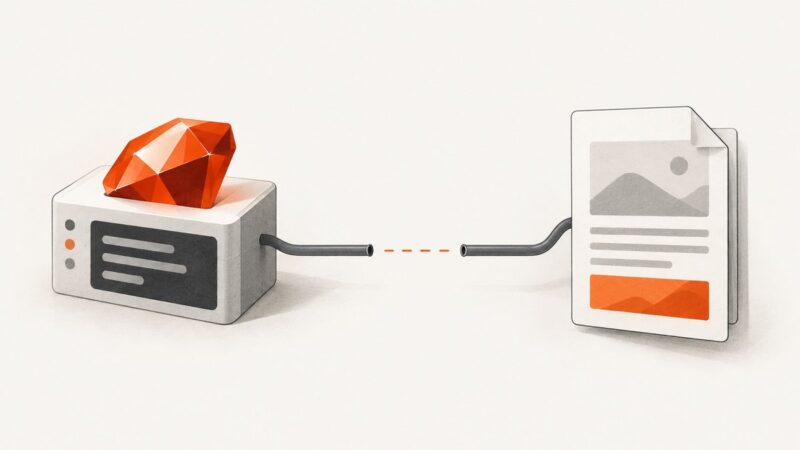
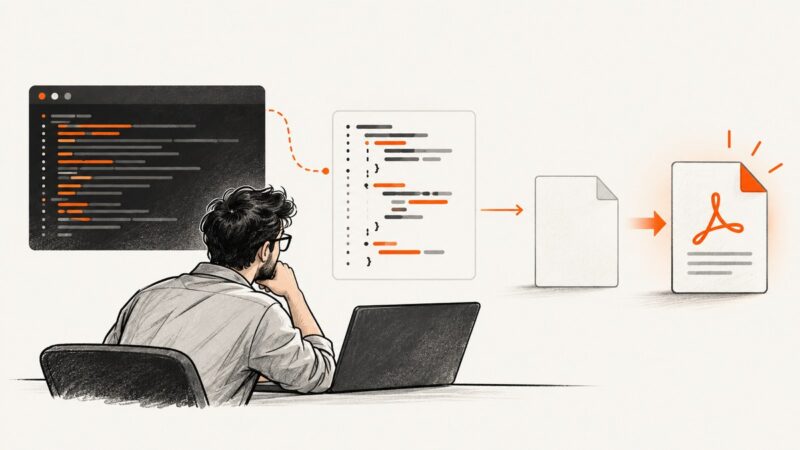
Set Wicked PDF's wkhtmltopdf path in Rails, verify production deployments, fix asset and permission errors, and compare hosted capture options.
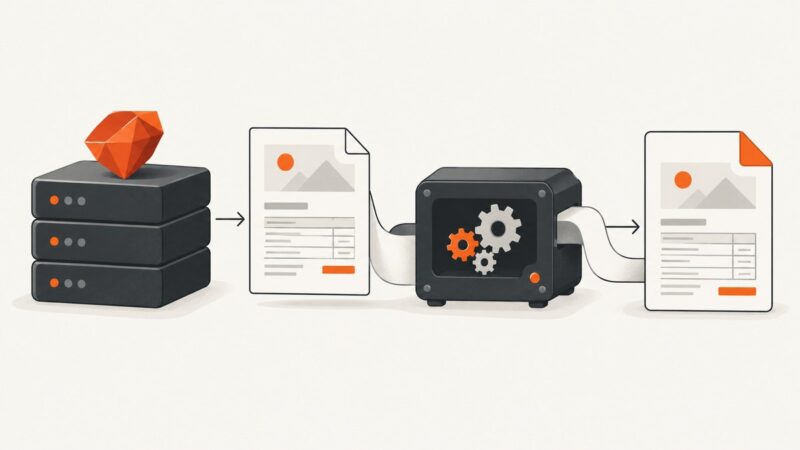
Set Wicked PDF's wkhtmltopdf path in Rails, verify production deployments, fix asset and permission errors, and compare hosted capture options.
Save an open PDF from Chrome, keep or discard viewer edits, download links directly, change default PDF behavior, and find missing files.
Cypress clears screenshots before each run by default. Preserve a rolling 30 days with a safe Node.js cleanup script and the right configuration.
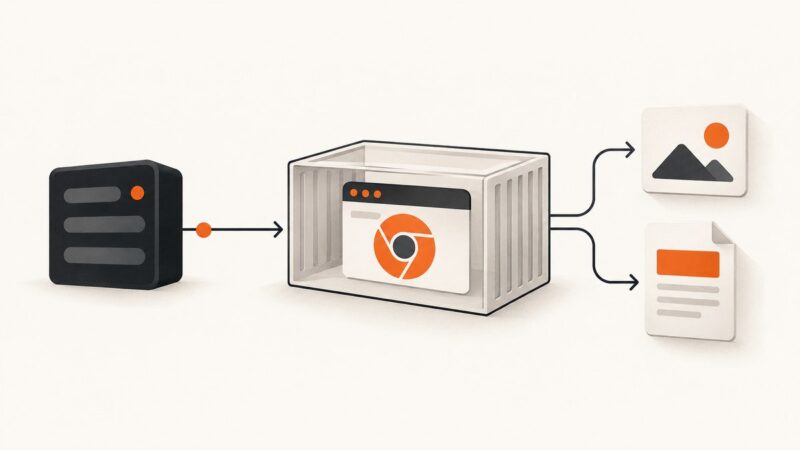
Run Puppeteer with Next.js in Docker: production Dockerfiles, readiness checks, screenshots, PDFs, troubleshooting, and a managed API option.
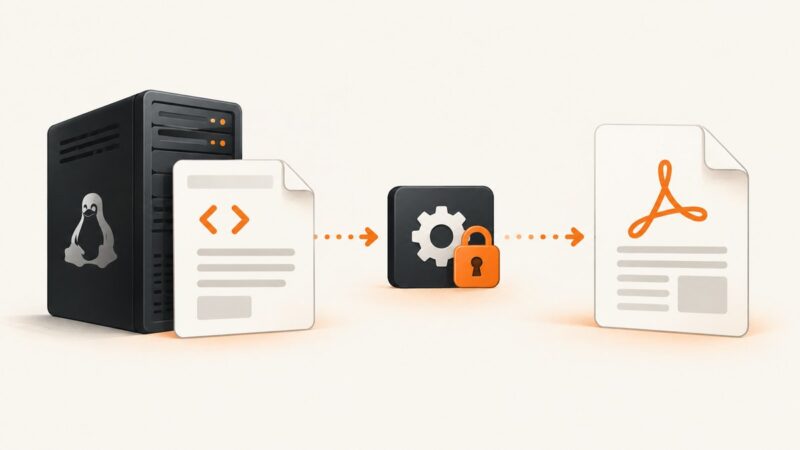
Fix wkhtmltopdf permission denied and exit 126 errors by checking execution rights, service users, paths, local assets, and integration settings.
PDFKit::NoExecutableError means Ruby PDFKit cannot find wkhtmltopdf. Install the binary in the app’s runtime or configure its full path.
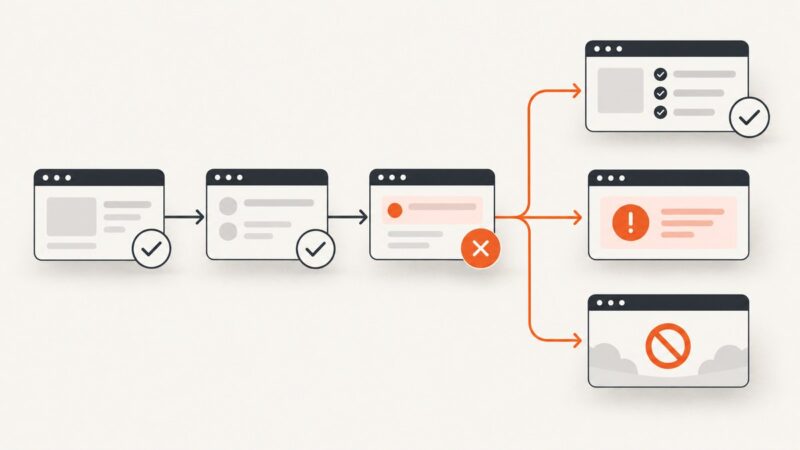
Learn when to return, throw, skip, or stop in Cypress, with queue-safe JavaScript patterns, troubleshooting, and reliable conditional tests.
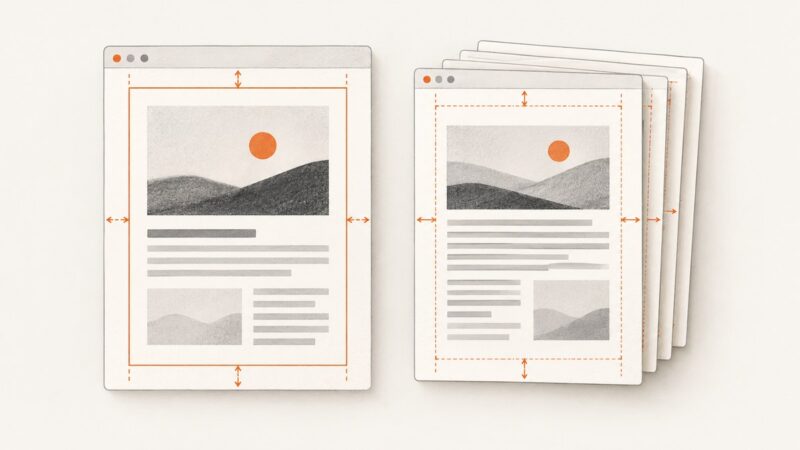
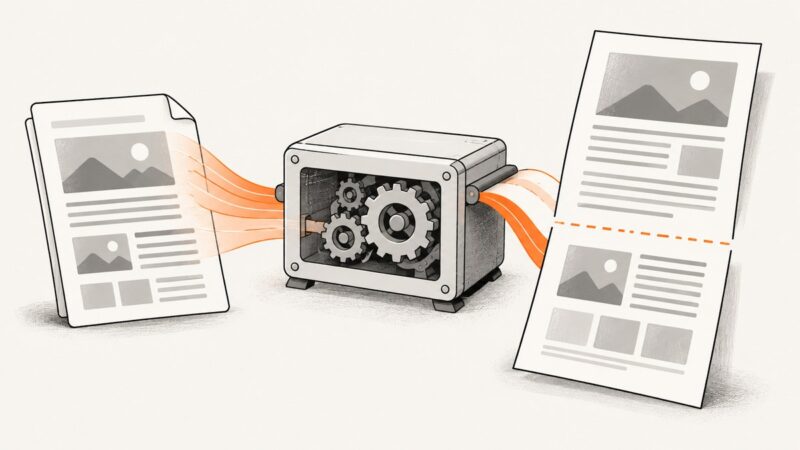
wkhtmltopdf applies CLI margins to the whole document. Learn how to simulate a different inset from page two, or create true page-specific margins with separate PDFs.
Use Puppeteer’s $eval, $$eval, or evaluate to read DOM text in headless Chrome. Learn how to wait for dynamic content, handle missing nodes, and troubleshoot extraction.
Puppeteer runs headless by default, so most background jobs do not need a minimized Chrome window. If you need headful mode, learn what to try and how to diagnose throttling.
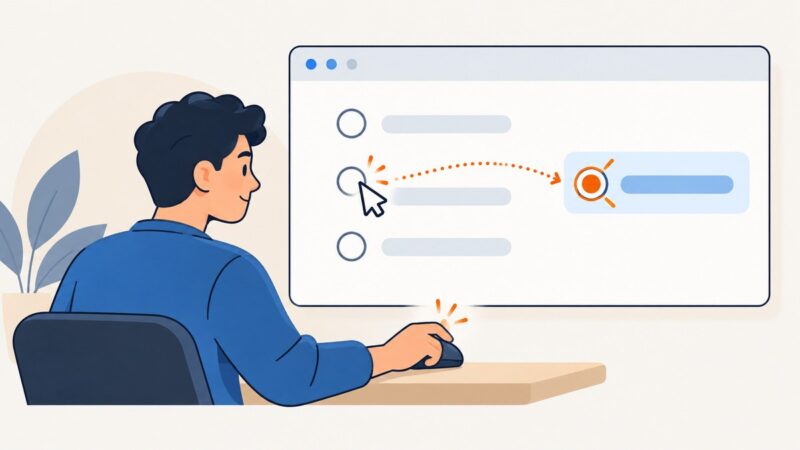
Use Cypress actionability checks to test whether a radio can be clicked, then assert its state. Learn when to use .click(), .check(), and enabled-state assertions.
A zero-byte PDF means the file was created without usable output. Compare the PHP run with the CLI, capture stderr and the exit code, then validate the artifact before serving it.
Use page-break-before, page-break-after, and page-break-inside in wkhtmltopdf, with practical CSS, runnable examples, and fixes for breaks that seem ignored.
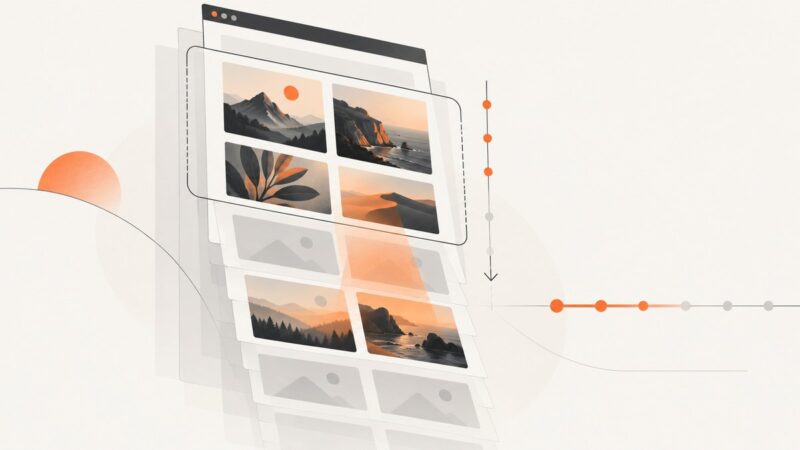
Verify that lazy images wait until needed, load before they appear, preserve layout, and remain discoverable—without delaying your LCP image.
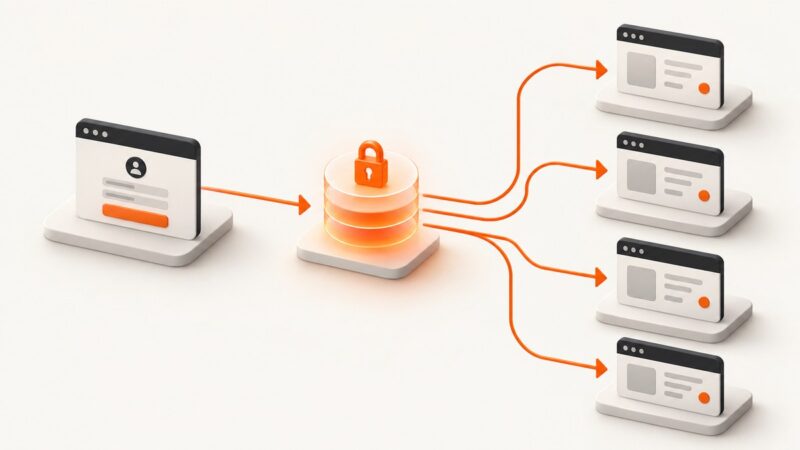
Learn why Cypress hooks still run, how cy.session caches authentication, and how to structure Cucumber hooks for fast, isolated scenarios.
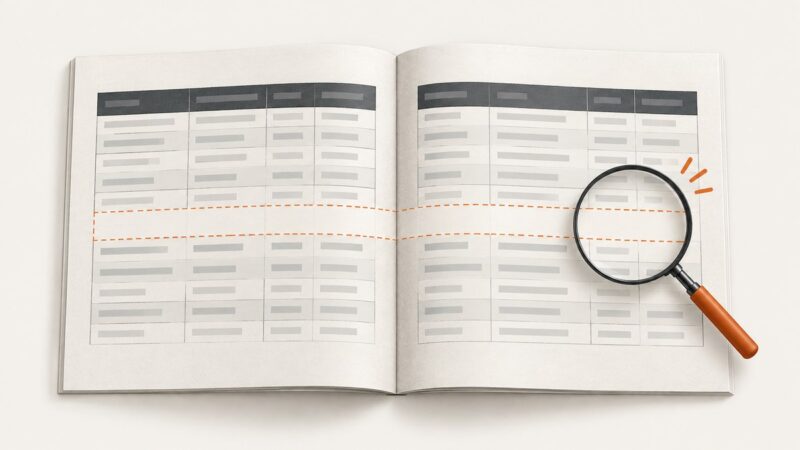
Extra white space around table page breaks can come from wkhtmltopdf’s limited pagination behavior. Try a targeted row-level CSS workaround, then diagnose the renderer and document if gaps remain.
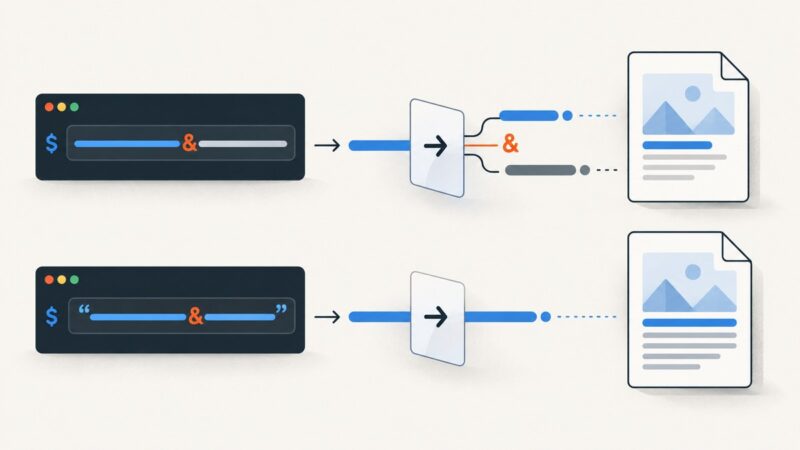
Fix wkhtmltopdf’s “Multiple parameters not allowed” error by tracing shell quoting, option placement, wrapper arguments, and URL query strings.
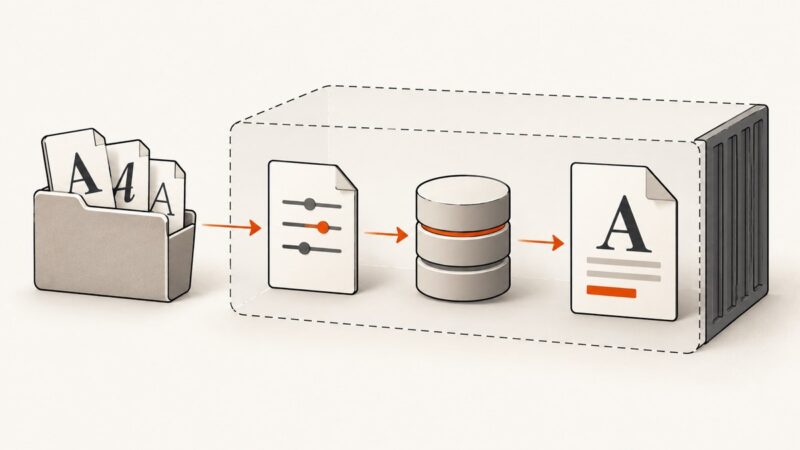
Make wkhtmltopdf find custom fonts by checking the process environment, configuring Fontconfig, refreshing its cache, and verifying family and glyph coverage.