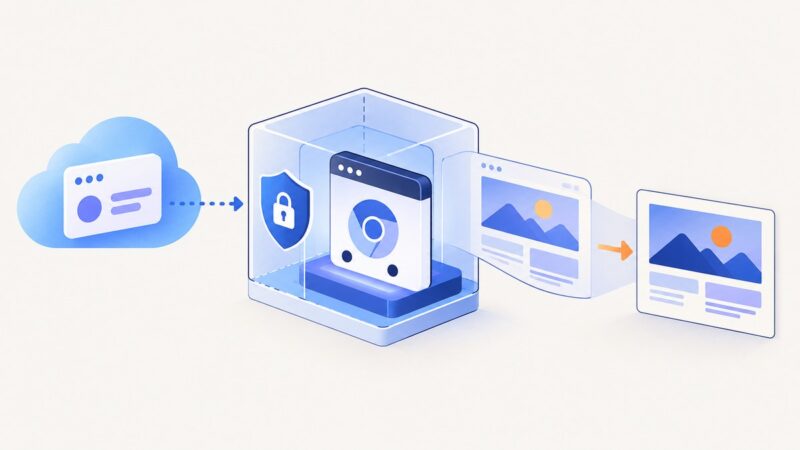
How to Run Headless Chrome in an Microsoft Azure Web App
Run Chromium reliably on Azure App Service: choose the right hosting model, build a custom container, deploy it, troubleshoot failures, and compare managed options.
Run Chromium reliably on Azure App Service: choose the right hosting model, build a custom container, deploy it, troubleshoot failures, and compare managed options.
Find which Playwright timeout is expiring, trace the stalled fixture work, and apply the narrowest fix for setup, teardown, assertions, or browser actions.
Playwright found zero tests? Follow this discovery checklist for testDir, testMatch, testIgnore, CLI filters, generated files, and empty collections.
Diagnose prerender.io Chrome startup failures by tracing the exact stage: executable, libraries, permissions, container storage, or page rendering.
Learn when to use CSS + and ~ combinators, how sibling matching works, common mistakes, :has(), debugging, and practical patterns.
Learn when to use selectText(), textContent(), innerText(), allTextContents(), and inputValue() in Playwright with runnable JavaScript examples.
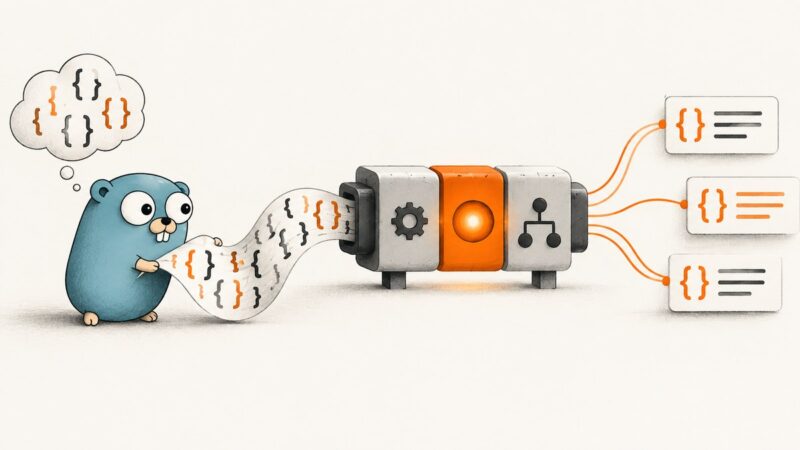
Parse CSS held in a Go string with a reader adapter or a direct string API. Learn how to choose a parser, handle errors, and tell parsing apart from browser rendering.
Save a rendered webpage as PNG in Firefox, capture a full page or element, or automate screenshots with Firefox DevTools and Playwright.
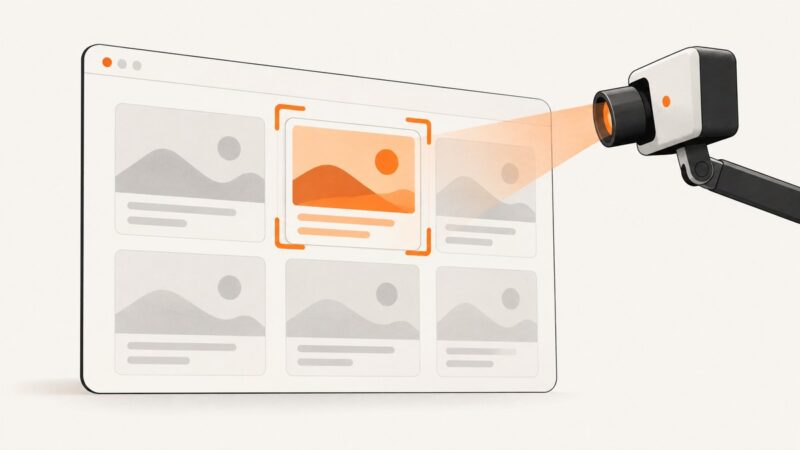
Capture one reliable DOM element with Puppeteer: selectors, waiting, dynamic pages, output options, troubleshooting, and a browser-free API alternative.
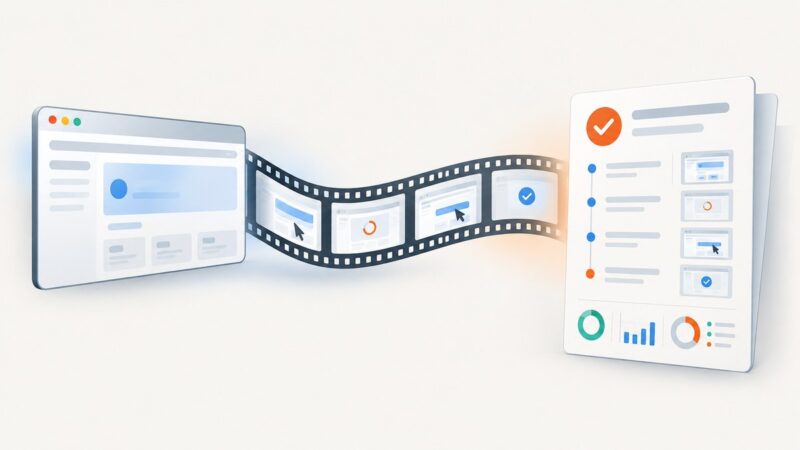
Record Playwright test videos and attach finalized files to Allure reports, with working TypeScript examples and fixes for missing or unplayable video.
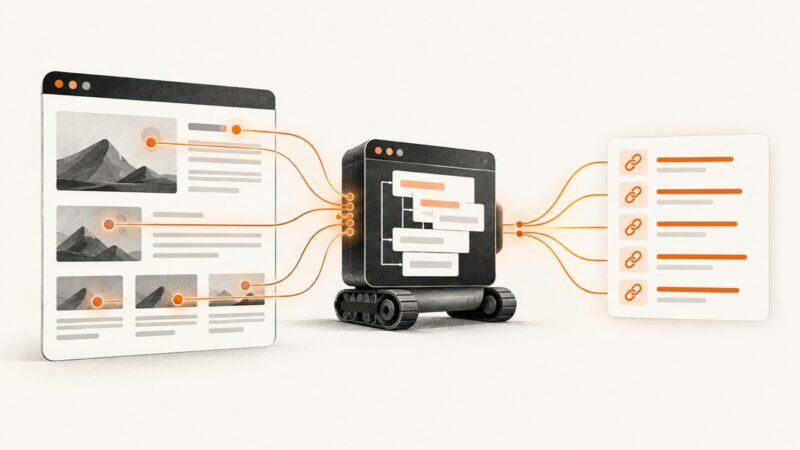
Extract links from JavaScript-rendered pages with Chrome Headless, Puppeteer, cURL, and ScreenshotNeo, including timing, filtering, errors, and production tips.
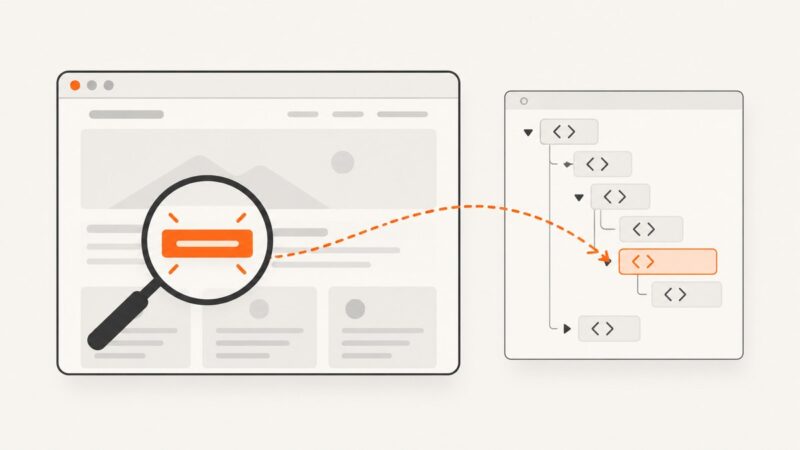
Standard CSS cannot match rendered text portably. Learn Playwright text locators, CSS extensions, XPath, stable selectors, and screenshot workflows.
Run Selenium 4 UI tests without a visible browser window. Configure Chrome, Firefox or Edge, then troubleshoot drivers, CI failures and screenshots.
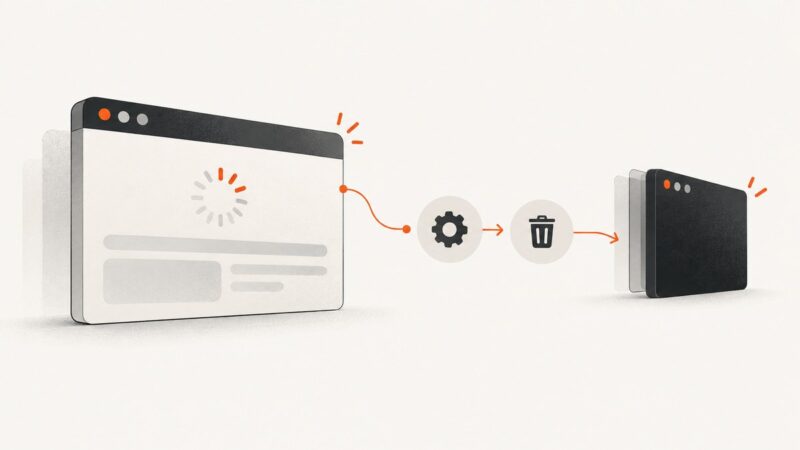
Put browser cleanup in a finally block so a failed Puppeteer navigation does not leave a launched browser running. Choose close, page close, or disconnect based on who owns the browser.
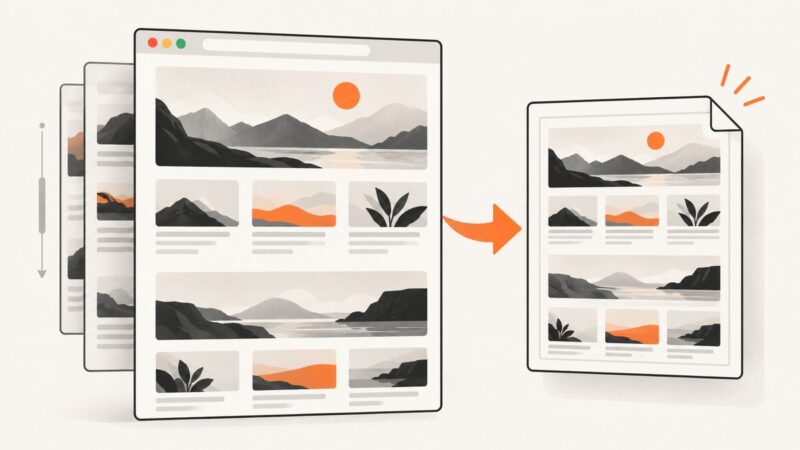
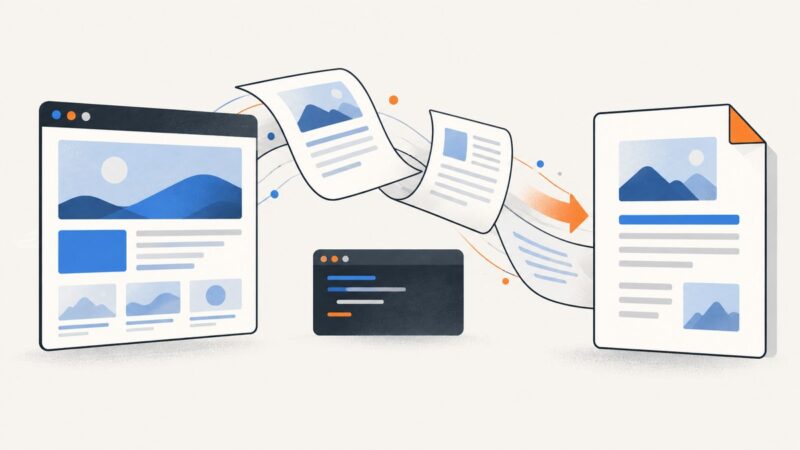
Save webpages or local HTML as PDFs for free with Chrome, Headless Chrome, WeasyPrint, and practical troubleshooting—no API key required.
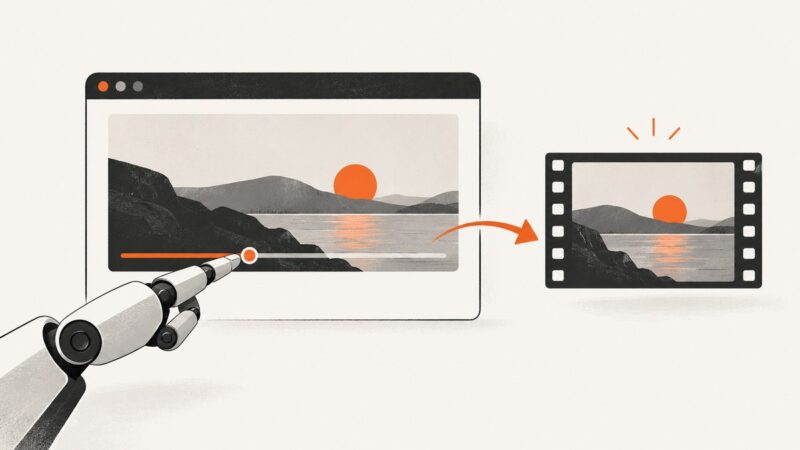
Capture a video frame at a precise time with Puppeteer or Playwright, handle media events and CORS, and avoid common screenshot failures.
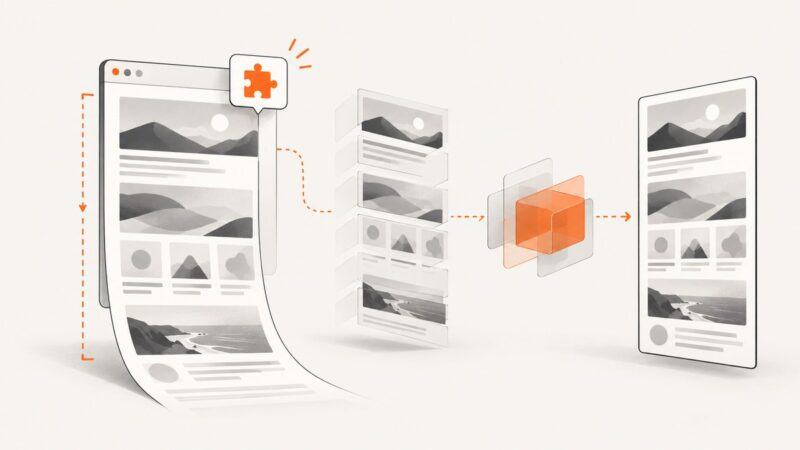
Capture an entire webpage from a Chrome extension with CDP, or build a scroll-and-stitch fallback when debugger access is unavailable.
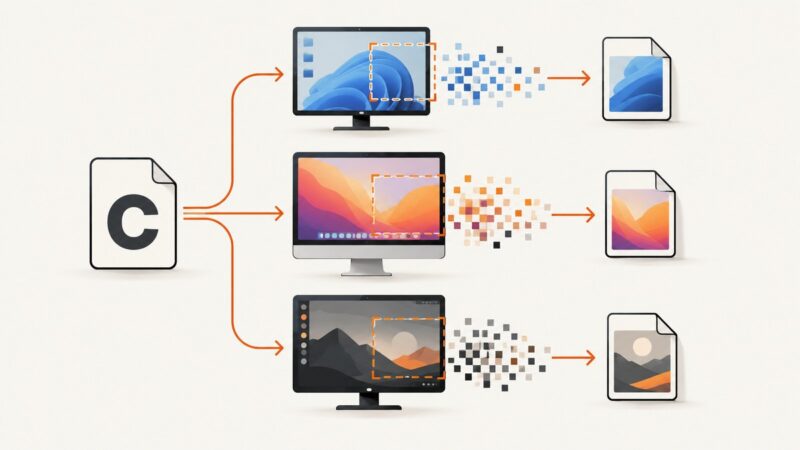
C has no portable screenshot function. Choose a capture API for your operating system, then save or encode the pixels it returns.