How to Convert HTML to Text in Python
Convert HTML into readable plain text with Python, from a quick Beautiful Soup call to a dependency-free parser, with practical handling for whitespace, entities, and malformed markup.
Convert HTML into readable plain text with Python, from a quick Beautiful Soup call to a dependency-free parser, with practical handling for whitespace, entities, and malformed markup.
Learn how to configure proxy rotation with Python Requests and Scrapy, preserve sessions when needed, and respond to throttling responsibly.
Turn a YouTube transcript into a searchable, printable PDF with timestamps, source details, and a workflow for captions that need cleanup.
Return plain objects from Puppeteer’s page context, collect repeated elements as arrays, and save the results as JSON without losing data at the browser boundary.
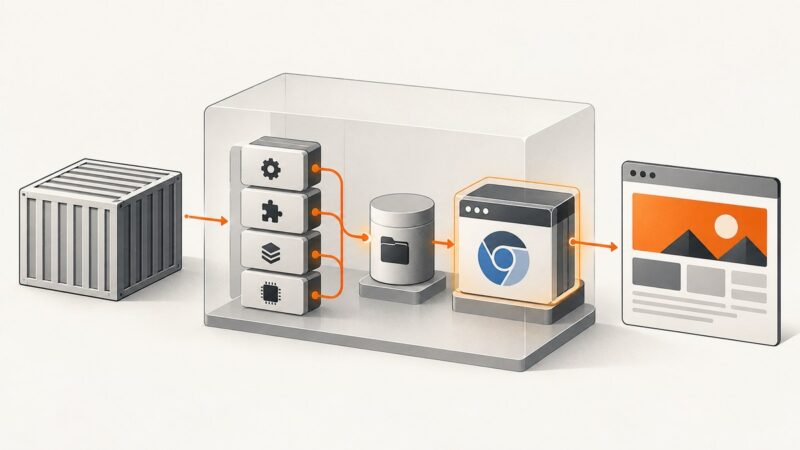
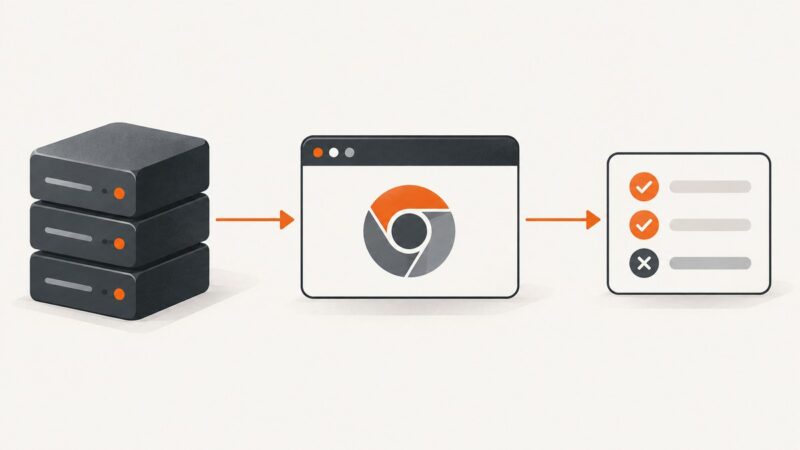
Fix Chromium startup failures in AWS Lambda containers by matching architecture and libraries, redirecting browser files to /tmp, and validating the Lambda entrypoint.
Connect Playwright MCP to your coding assistant, choose a browser and session model, and run browser tests with a practical setup guide.
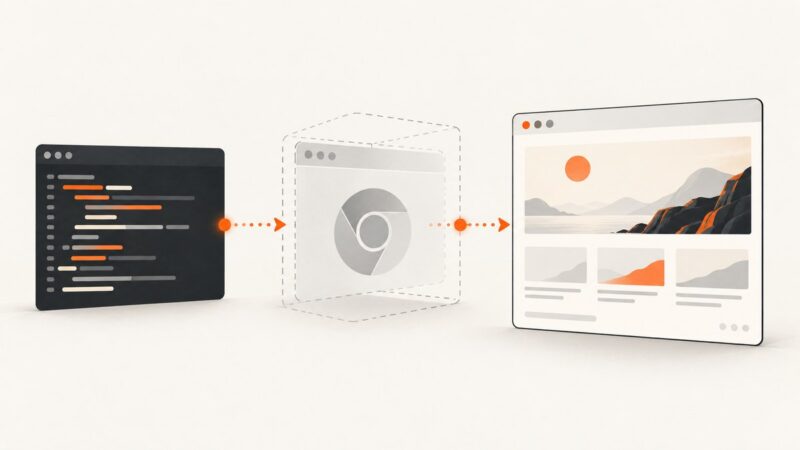
Learn why PHP needs a rendering step before WebP encoding, then build reliable HTML-to-WebP workflows with GD, browser automation, and ScreenshotNeo.
Fix Puppeteer ECONNREFUSED in Docker by choosing the right hostname, port mapping, network, and server bind address for your topology.
Preview a selected image before upload with URL.createObjectURL(), clean up object URLs, support drag and drop, and handle multiple files accessibly.
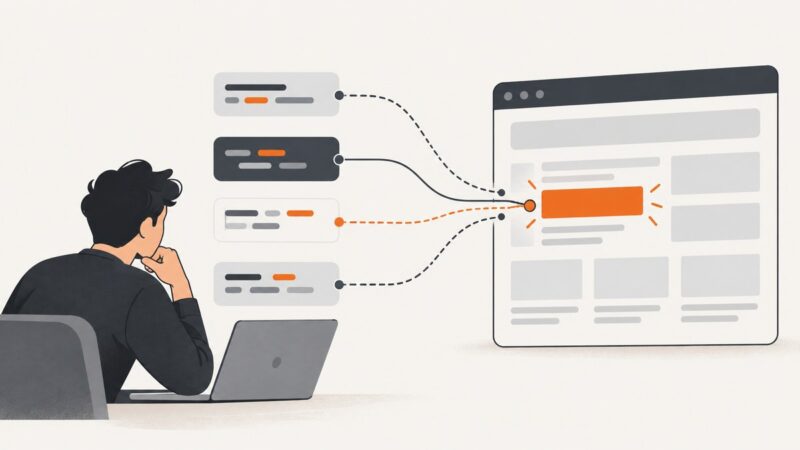
Learn how to try selector fallbacks, inspect every match, wait for late-rendered elements, and avoid confusing selectors with multi-select forms.
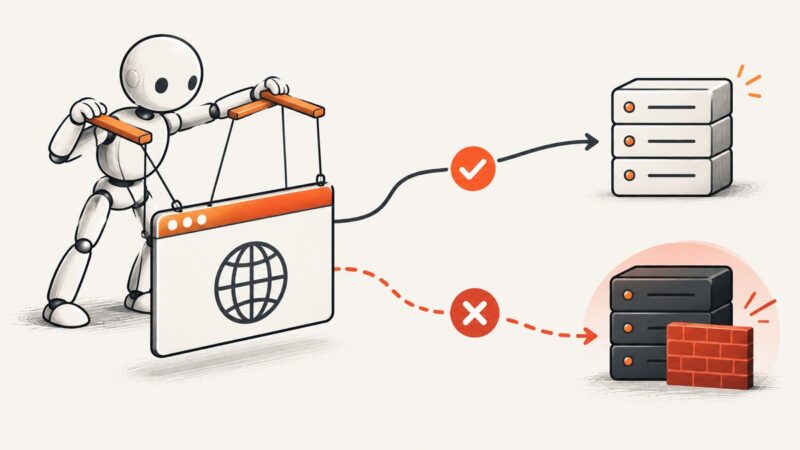
Diagnose Puppeteer CORS failures, fix preflight and credentials correctly, and choose safe server, proxy, or request-level solutions.
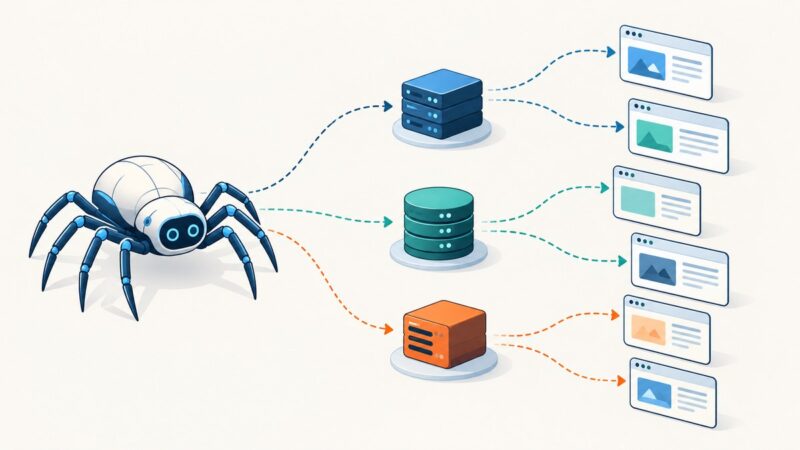
Learn how to assign, rotate, validate, and troubleshoot proxies in Scrapy with request metadata and custom downloader middleware.
Launch Chrome without a visible window using modern Selenium 4, automatic driver management, reliable waits, troubleshooting, and screenshot options.
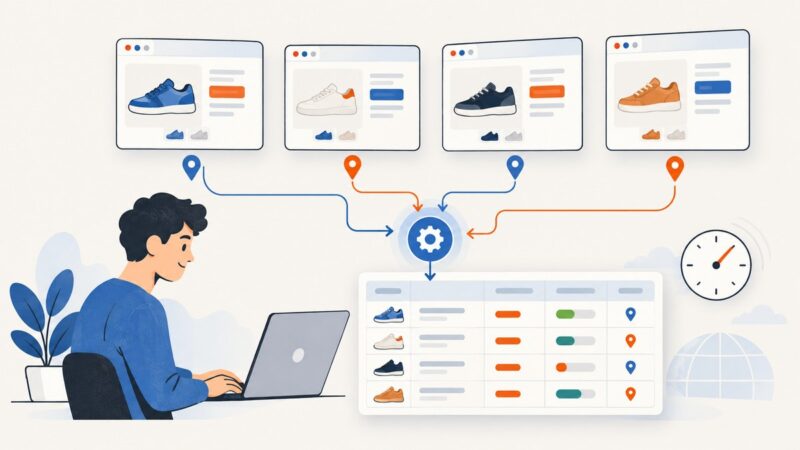
A permission-aware workflow for collecting retail prices, promotions, and store availability with reliable context, throttling, and freshness.
Set CHROME_BIN to the Chrome executable on the Jenkins agent that runs your tests. This guide covers Pipeline syntax, browser discovery, Selenium and Karma, and common CI failures.
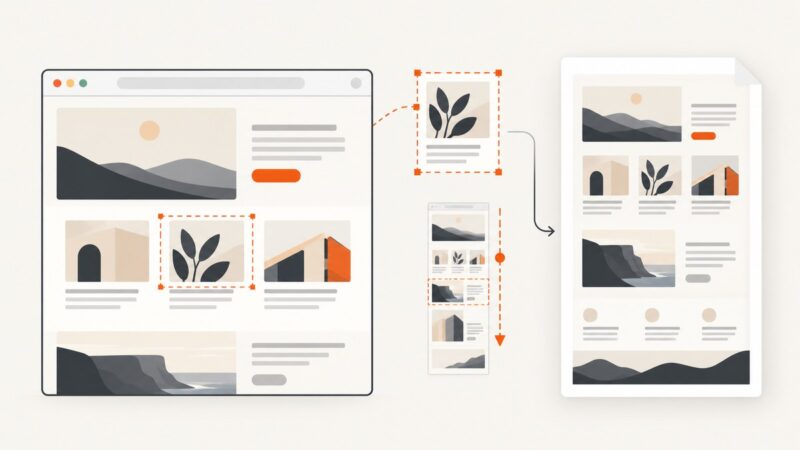
Capture website screenshots with Playwright or Puppeteer. Learn viewport, full-page and element capture, dynamic-page waits, visual tests and troubleshooting.
Learn which TikTok APIs support profile data, how authorization and research approval work, and how to avoid unsupported scraping methods.
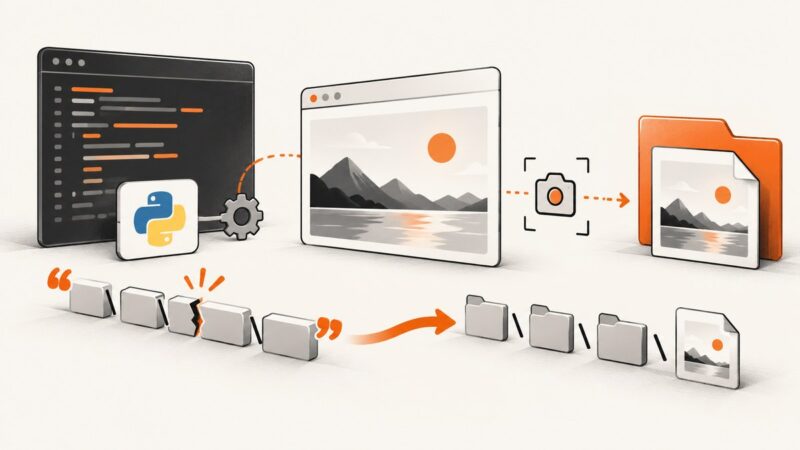
Fix Python end-of-line string errors in Selenium screenshot paths, with Windows-safe examples, troubleshooting, and a no-browser API option.