How to Capture Full-Page Screenshots with Selenium and Chrome
Capture Chrome pages beyond the viewport with Selenium, CDP, waits, clipping, troubleshooting, and a simpler ScreenshotNeo API option.
Capture Chrome pages beyond the viewport with Selenium, CDP, waits, clipping, troubleshooting, and a simpler ScreenshotNeo API option.
Learn how to capture full PDF pages or precise regions, keep every image consistent, and automate multi-page capture when Acrobat is not enough.
Capture a Playwright screenshot in memory and encode it as Base64 in JavaScript, Python, Java, or .NET, with options for full-page and element captures.
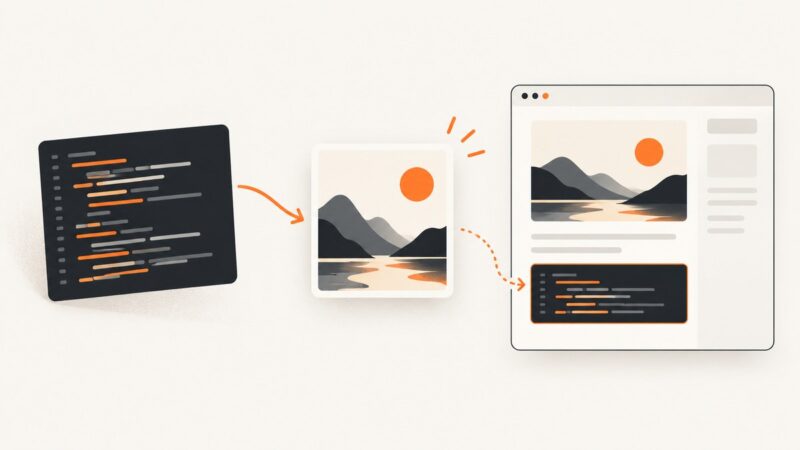
Turn source code into a polished image, capture a selection from your editor, or automate a screenshot of code rendered on a webpage.
Trace the connection between Claude Desktop, Kapture’s MCP server, and its Chrome extension to find where attachment is failing—and what to check next.
A practical guide to sizing, encoding, and loading website images without wasting bytes or causing layout shifts.
Learn how to make an image clickable with HTML or WordPress, write accessible alt text, avoid common URL mistakes, and test the destination.
Set a JPG as a CSS background, make it fill a section or page, and fix common sizing, path, contrast, and loading problems.
Save any webpage as a searchable PDF or faithful full-page snapshot on desktop, Android, iPhone, or with a screenshot API.
See how one Open Graph image appears on Facebook, X, LinkedIn, Slack, WhatsApp and more, with metadata, sizing and troubleshooting examples.
See the exact image a shared URL may use, validate Open Graph tags, diagnose wrong previews, and refresh platform caches.
Optimize website images by resizing, compressing, using modern formats, and serving responsive files without hurting visual quality or LCP.
Add an accessible image icon, decorative graphic, favicon, or app icon with the right HTML, CSS, SVG, and manifest setup.
Capture an entire webpage, including content below the screen. Follow the built-in steps for iPhone, Android, Edge, or Firefox, and learn when to use an API instead.
Automate Playwright screenshot checks in GitHub Actions, preserve failure evidence, and choose between native snapshots, hosted review, and ScreenshotNeo.
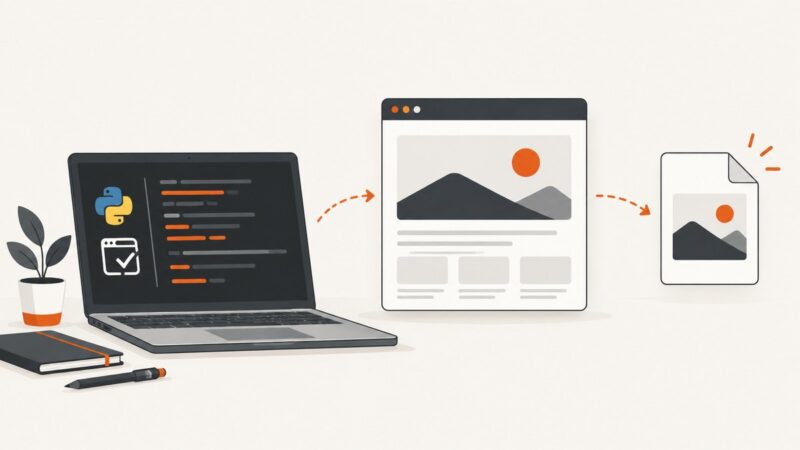
Save Selenium screenshots reliably with Python’s browser.save_screenshot, verify failures, handle paths, and choose full-page or API alternatives.
Capture an entire webpage without manual scrolling using Chrome, Firefox, Edge, automation code, or ScreenshotNeo’s screenshot API.
Learn why Full Page may be missing on iPhone, how to find the screenshot editor in iOS 26, and what to do for apps that do not support it.