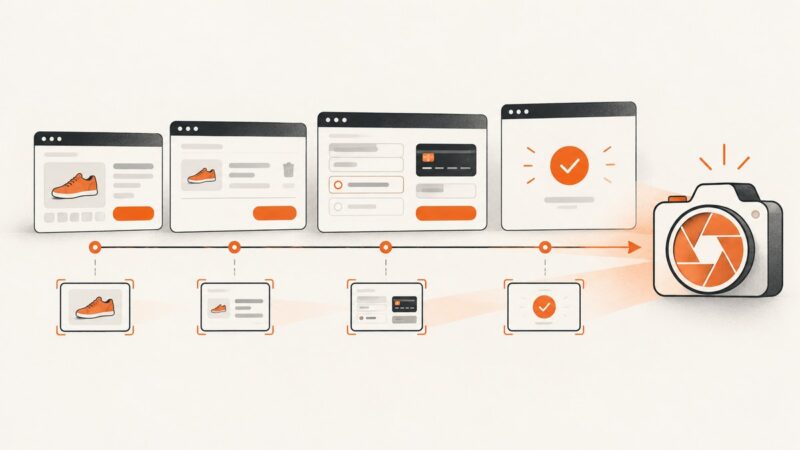
How to Take a Playwright Screenshot After Each Step
Capture a screenshot after every Playwright test step, attach it to reports, debug failures, and automate reliable visual evidence.
Capture a screenshot after every Playwright test step, attach it to reports, debug failures, and automate reliable visual evidence.
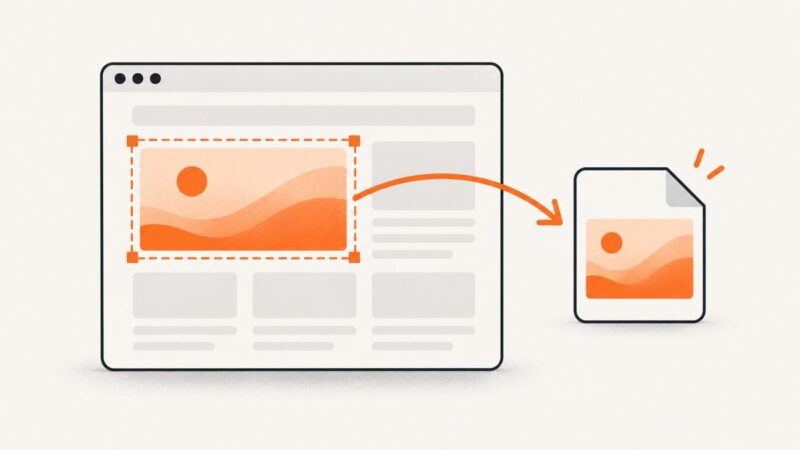
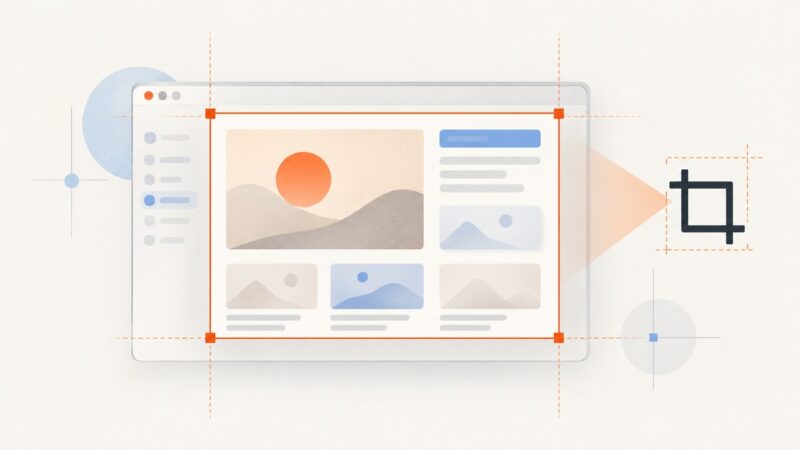
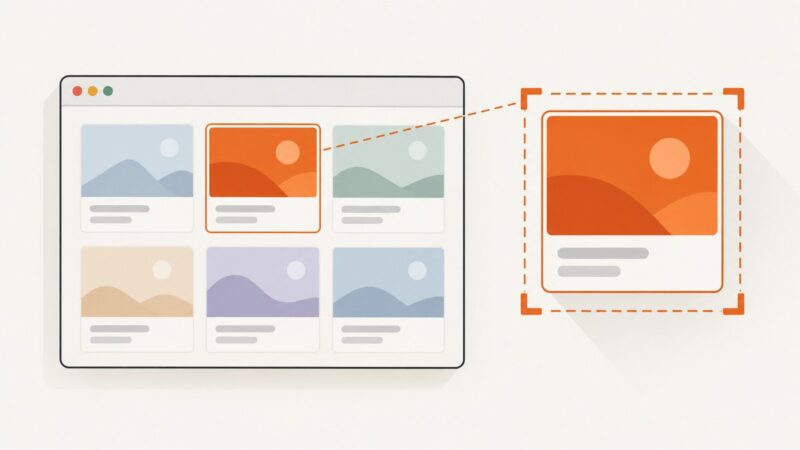
Capture a DOM element or coordinate rectangle in Playwright with reliable code, options, troubleshooting, and a browser-free API alternative.
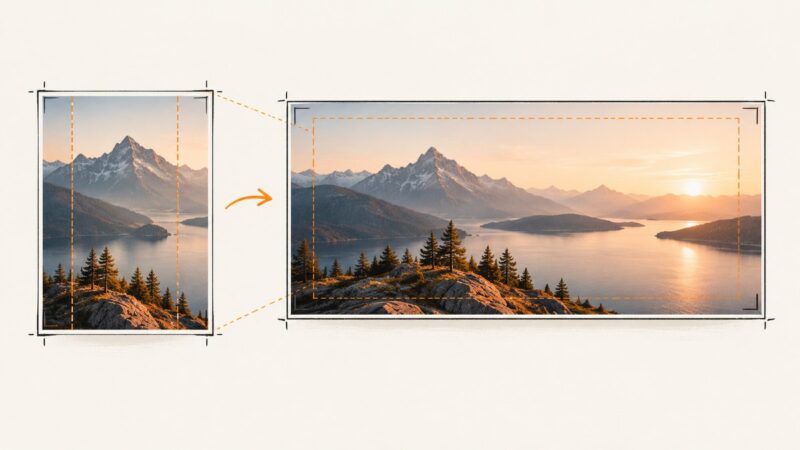
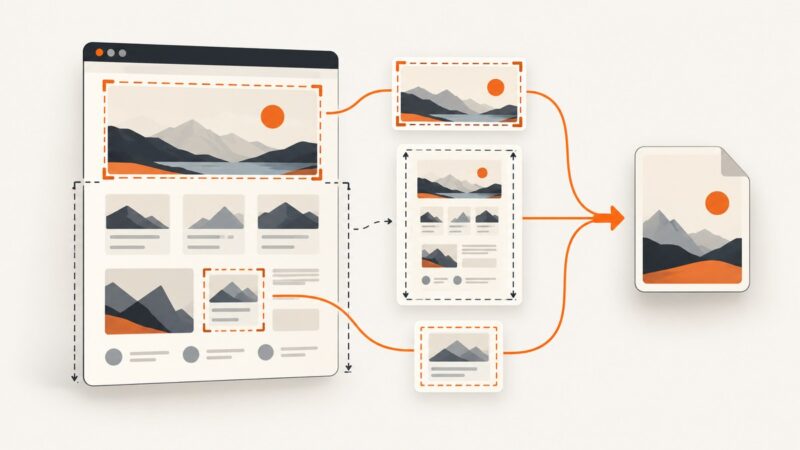
Clip a fixed region, screenshot a single element, or capture a full page with Playwright. Runnable JavaScript and Python examples cover sizing, output, and common errors.
Diagnose blurry Playwright screenshots by checking capture scale, image format, page state, and rendering environment—in that order.
Capture a full webpage, viewport, or design detail with Firefox or Chrome, then prepare the image and present it accurately in your portfolio.
Use Puppeteer’s page.screenshot() to save a viewport, full-page, clipped, or element screenshot in Node.js, with working examples and fixes for common capture problems.
Turn an existing photo or illustration into a reliable Open Graph share card. Learn how to crop, add text, export, automate, and verify the image.
Find out whether navigation, page readiness, or screenshot encoding is slowing Puppeteer, then tune capture size and options with a runnable diagnostic workflow.
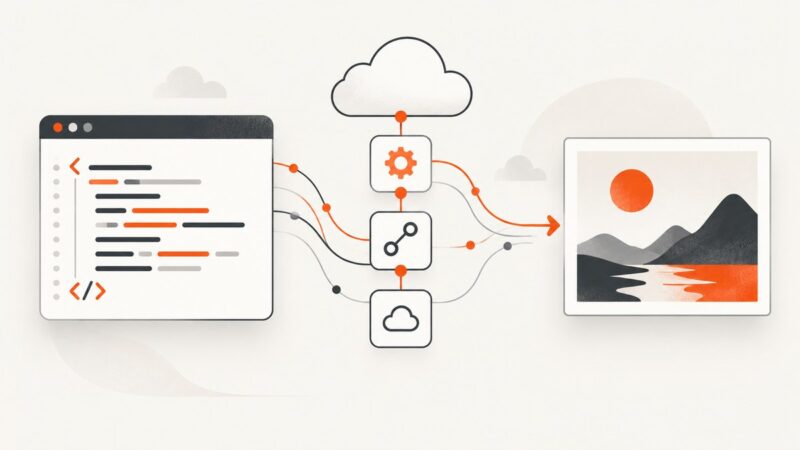
Convert HTML or a web page to PNG in Power Automate with desktop screenshots, cloud connectors, troubleshooting, and a simpler API route.
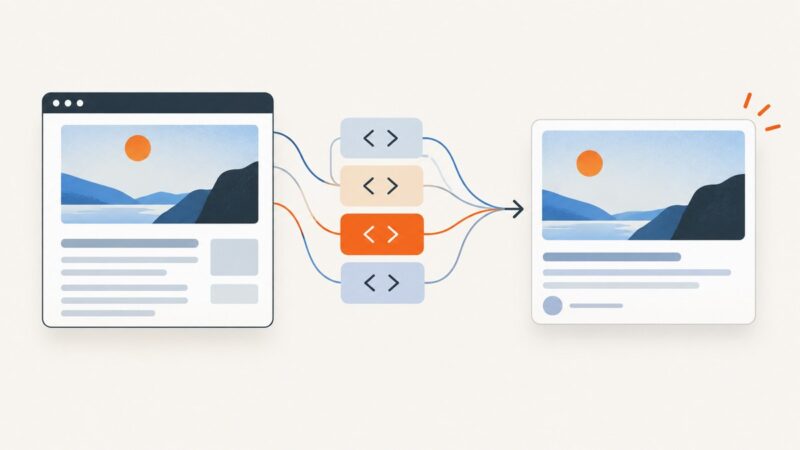
Add an absolute og:image URL to your page head, meet LinkedIn’s image limits, and fix previews that fail to update.
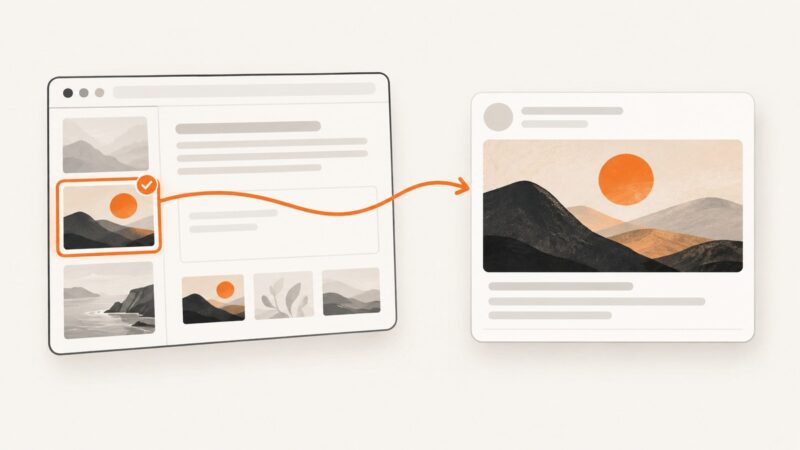
Set a page-specific Open Graph image in Elementor with Yoast, check the generated metadata, and troubleshoot the wrong social preview.
Learn how Urlbox renders HTML or URLs to PNG, what its documented request methods and capture options cover, and how to choose a reliable workflow.
Save a Puppeteer screenshot to disk, capture a full page, region, or element, and handle image formats, memory output, and common errors.
Learn how to capture viewport, full-page, clipped, and element screenshots with Puppeteer headless mode, with fixes for common failures.
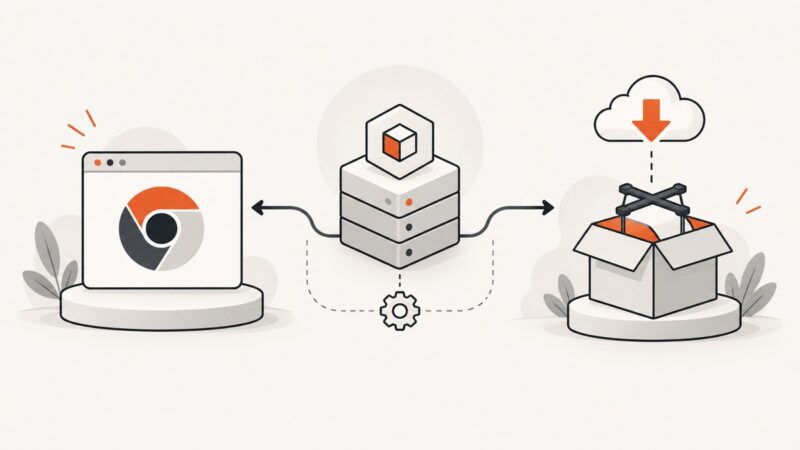
Learn what PUPPETEER_SKIP_DOWNLOAD does, when to use it, how to configure system Chrome, and how to fix missing-browser errors in CI and Docker.
Capture any div with Puppeteer using element screenshots, bounding boxes, reliable waits, and production troubleshooting.
Capture pages with Puppeteer, compare them with reviewed baselines, and make visual tests repeatable. Includes page and element examples, troubleshooting, and CI guidance.
Cypress automatically captures screenshots when tests fail in cypress run. Learn where they go, how to configure them, and how to keep them in CI.