How to Create Professional AI Headshots
Create a credible AI headshot with the right reference photo, prompt, review checklist, privacy checks and export settings.
Create a credible AI headshot with the right reference photo, prompt, review checklist, privacy checks and export settings.
Learn how XPath’s * wildcard selects any element, child, descendant, attribute, or namespace match with runnable browser and Selenium examples.
Learn where every HttpClient header belongs, how to add headers safely, and what “footer” can mean when you need HTTP trailers.
Turn a public webpage into an MP4 by recording its rendered layout and scroll. Choose a guided converter, Playwright, or OBS based on the control you need.
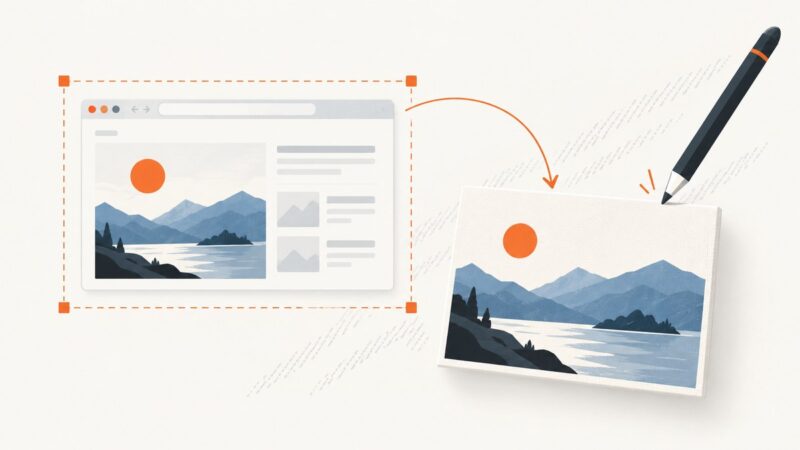
Turn any reachable webpage into a browser-frame mockup. Compare no-code tools with automated capture and composition workflows, plus runnable API examples.
Build reusable video templates with smooth keyframed movement, editable controls, replaceable media, and reliable timing in Premiere or After Effects.
Add reliable website screenshots to Clay with URL validation, HTTP API enrichment, automation, retries, and a ScreenshotNeo shortcut.
TikTok calls a thumbnail a video cover. Learn how to choose one before posting, when custom uploads may be available, and what to know about changing it later.
Capture defensible ad proof, preserve metadata, and automate client-ready tear sheets with browser automation, APIs, validation, and PDF workflows.
Build an aggregator that imports permissioned feeds and APIs, deduplicates items, preserves attribution, and publishes useful links.
Choose the right animation workflow for a prototype, preview, export, or live website. Then follow practical steps for Figma, Adobe Express, Canva, and Rive.
Learn how to create product ads automatically from a clean catalog using Google, Meta, or Adobe workflows—with review, tracking, and policy checks.
Add text to an existing screenshot or capture a page element, watermark it on a canvas, and export a downloadable image with JavaScript.
Build a GIF caption workflow with FFmpeg drawtext, palette generation, and palette use. Learn how to handle fonts, placement, transparency, looping, and common errors.
Build a job-posting pipeline that starts with permission, parses predictable fields with rules, and uses AI only for supported extraction.
Learn how to choose a truthful User-Agent, configure it in Python and other clients, follow robots.txt, and troubleshoot blocks without pretending to be a browser.
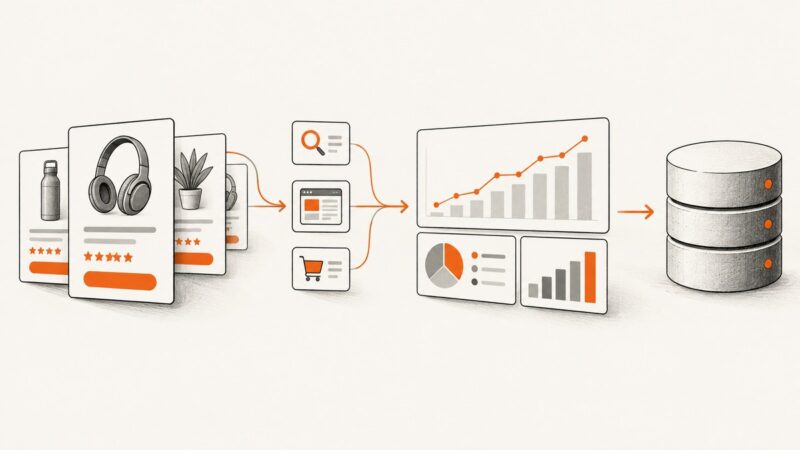
Learn the compliant way to collect Amazon Sponsored Products search-term, campaign, and placement data using reports, the Ads API, or browser automation.
Pass Authorization, API key, and other custom headers to the page a screenshot browser loads. Learn the GET and POST patterns, secure credentials, and fix common failures.