How to Take Selenium Screenshots While Keeping WebDriver Minimized
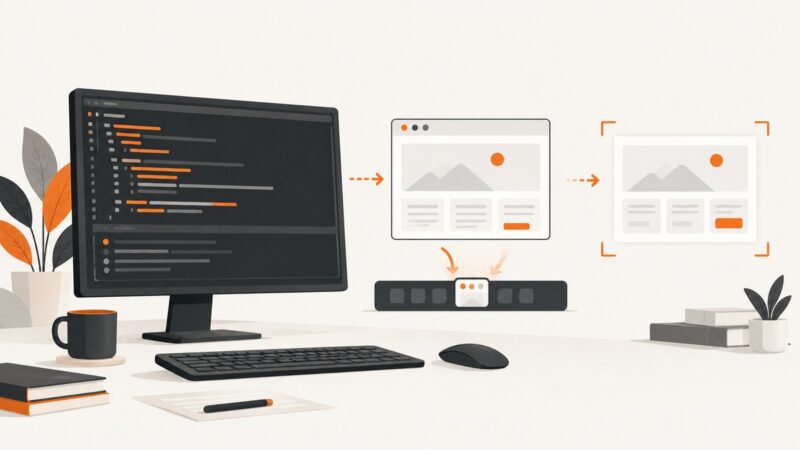
Capture reliable Selenium screenshots without a visible browser. Compare minimized headed sessions with headless mode, viewport control, fixes, and ScreenshotNeo.
Capture reliable Selenium screenshots without a visible browser. Compare minimized headed sessions with headless mode, viewport control, fixes, and ScreenshotNeo.
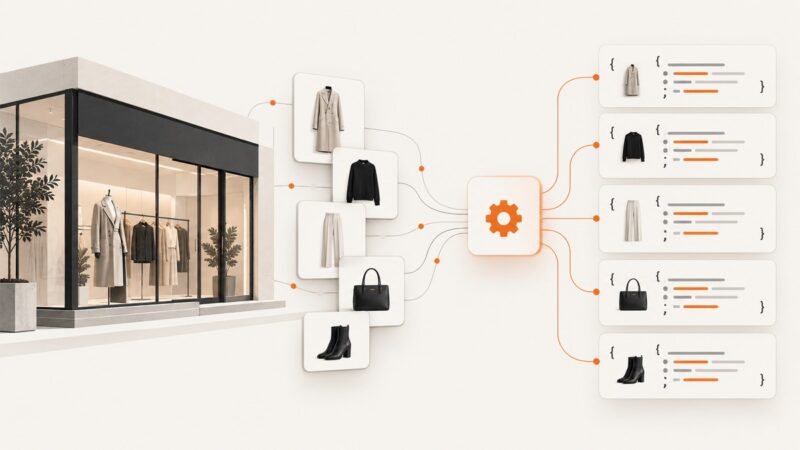
Learn the safe, practical ways to obtain structured Zara catalog data with third-party APIs or a careful self-managed scraper.
Diagnose headless-only Selenium failures with evidence, explicit waits, version checks, viewport comparisons, and repeatable fixes.
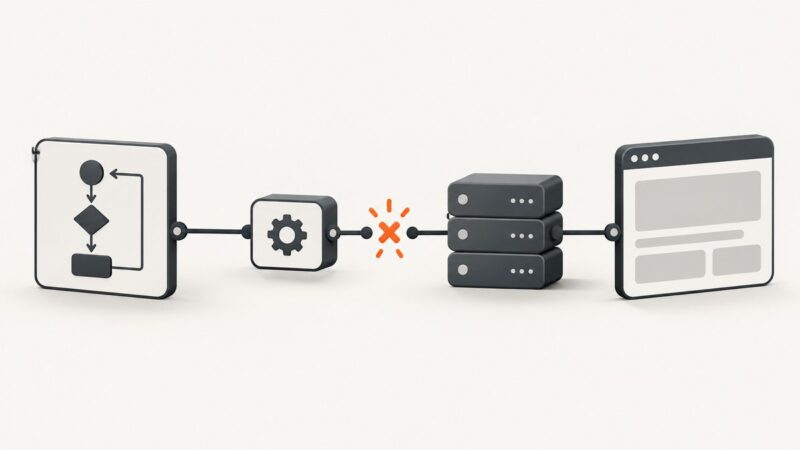
Diagnose Selenium UnreachableBrowserException by checking server reachability, browser processes, drivers, logs, and synchronization separately.
Learn how to clear cookies in Selenium Headless Chrome with RSpec, verify browser state, and understand why clearing is different from blocking future cookies.
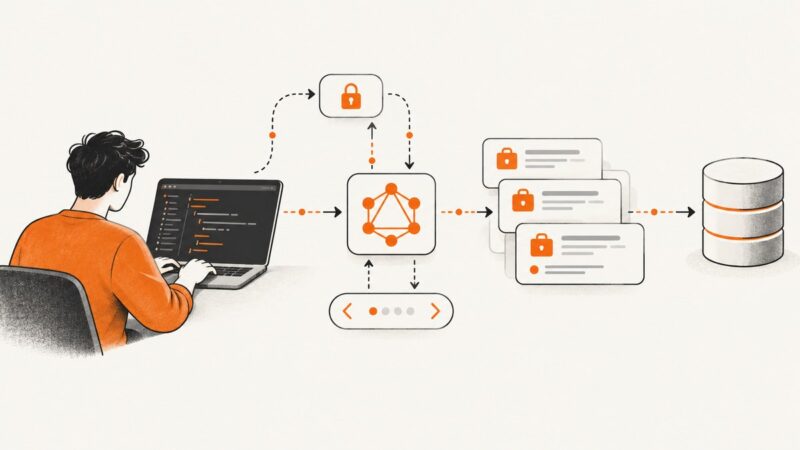
Search Upwork job postings through the approved API, with OAuth, GraphQL pagination, rate-limit handling, policy guidance, and working client examples.
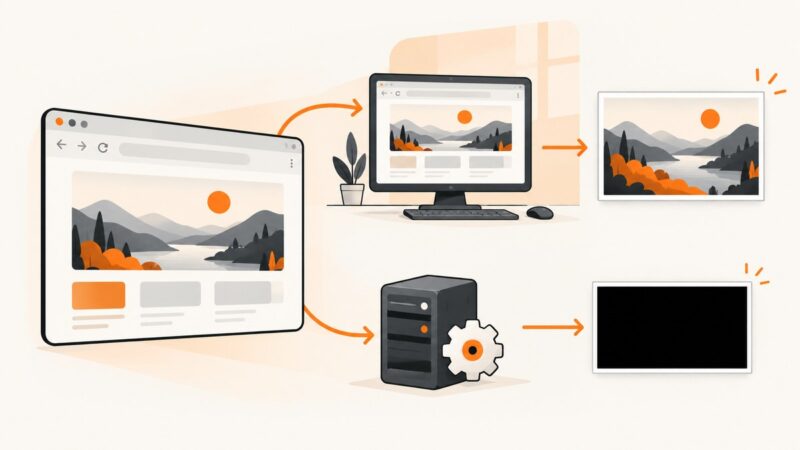
A black IE screenshot often points to how the browser runs, especially in Windows services or CI. Work through the desktop, IE mode, driver and configuration checks in order.
Keep Selenium IE popup sessions stable by managing window handles, cookies, IE isolation, and legacy driver settings.
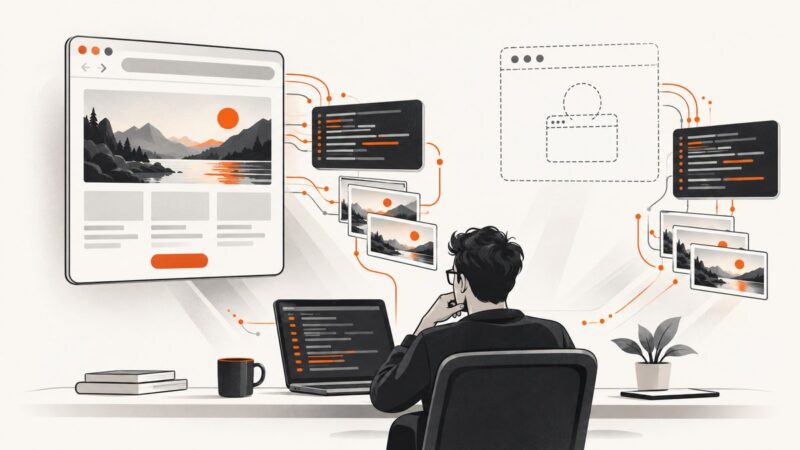
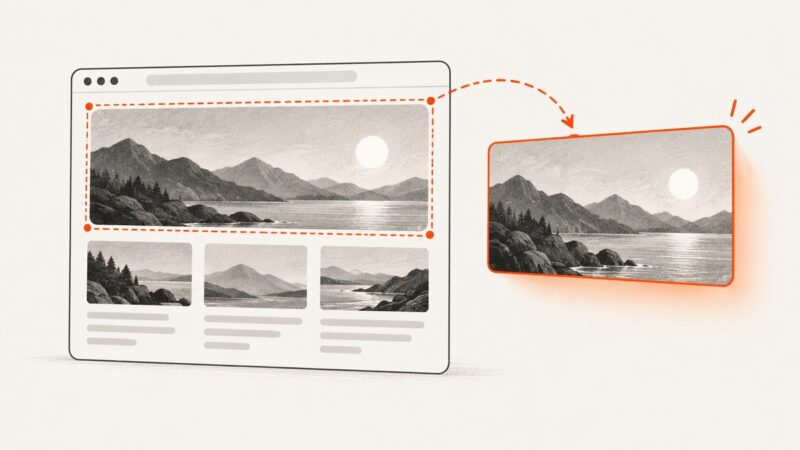
Use PhantomJS page.evaluate(), getBoundingClientRect(), and clipRect to render one DOM element instead of the entire page.
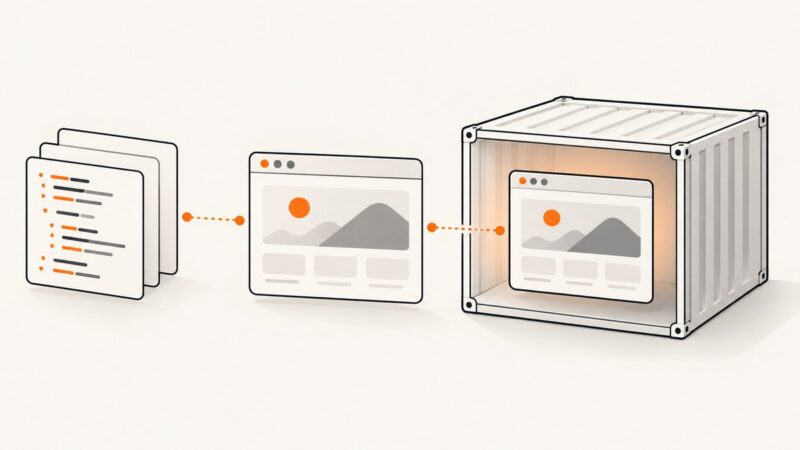
Run TestCafe and Chromium in one Docker container, or connect a separate Chrome instance through TestCafe’s remote-browser mode.
Capture a reliable New Relic dashboard image with CasperJS, choose the right viewport and wait conditions, and compare native export options.
Learn how to capture, export, inspect, and safely share HAR files from Chrome DevTools and Firefox Network Monitor.
Switch into an iframe with PhantomJS, query its document with page.evaluate(), handle nested frames, and avoid common serialization and timing errors.
Learn why PhantomJS load events are not enough, how to poll a React readiness signal, and how to diagnose timeouts reliably.
Use scoped CSS selectors, explicit waits, and the right browsing context to click the intended Selenium modal button reliably.
Learn the server-side Next.js patterns for Amazon search data, when to use the official Creators API, and why HTML scraping needs policy review.
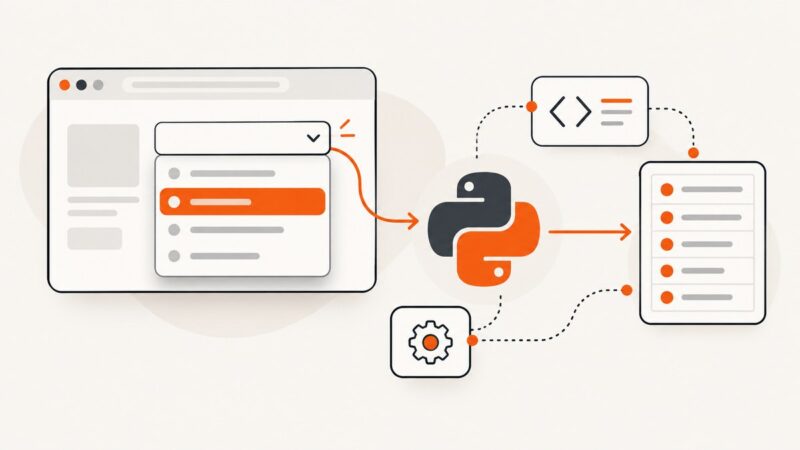
Use Selenium waits and the right DOM strategy to extract values from native and custom JavaScript dropdowns in Python.
WebdriverCSS can leave an empty screenshot folder when versions, paths, callbacks, or sessions are wrong. Use this diagnostic guide to find the cause.