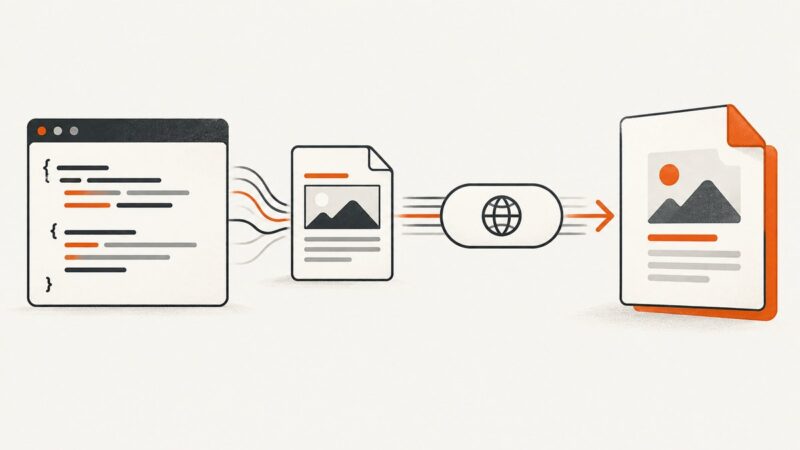
How to Convert HTML to PDF in Java with HttpClient
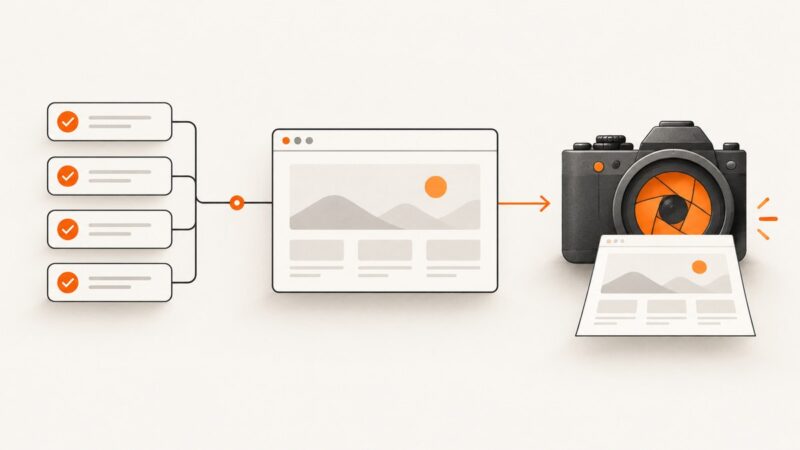
Use Java HttpClient with a local renderer or conversion service, handle PDF bytes safely, troubleshoot assets, and see a ScreenshotNeo shortcut.
Use Java HttpClient with a local renderer or conversion service, handle PDF bytes safely, troubleshoot assets, and see a ScreenshotNeo shortcut.
Learn how to find Amazon product image URLs, save authorized images locally, choose image sizes, and avoid common API and usage-policy mistakes.
Scroll pages, elements, and nested containers with Selenium, then migrate legacy PhantomJS tests to maintained headless Chrome or Firefox.
Use Playwright to render HTML in a real browser and save accurate PNG screenshots, with options for full pages, elements, HTML strings, and automation.
Save a Selenium screenshot only after an assertion succeeds, with Python and Java examples, pytest patterns, remote-driver handling, and troubleshooting.
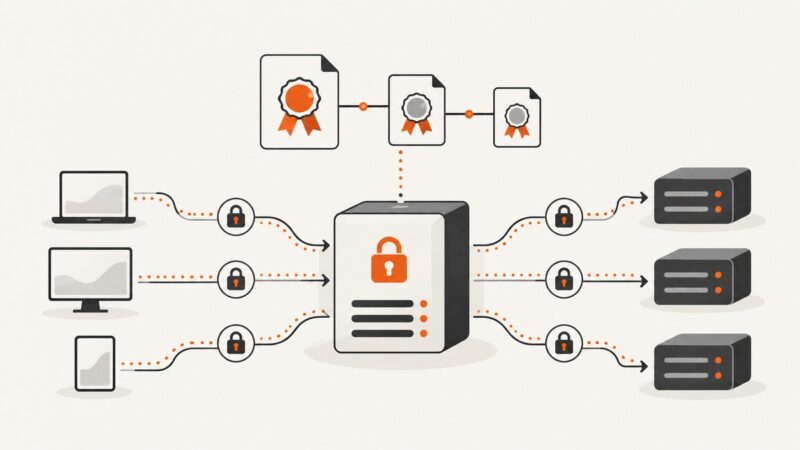
Configure TLS termination, mTLS, certificate chains, SNI, upstream trust, and automatic renewal for NGINX, HAProxy, and Envoy proxies.
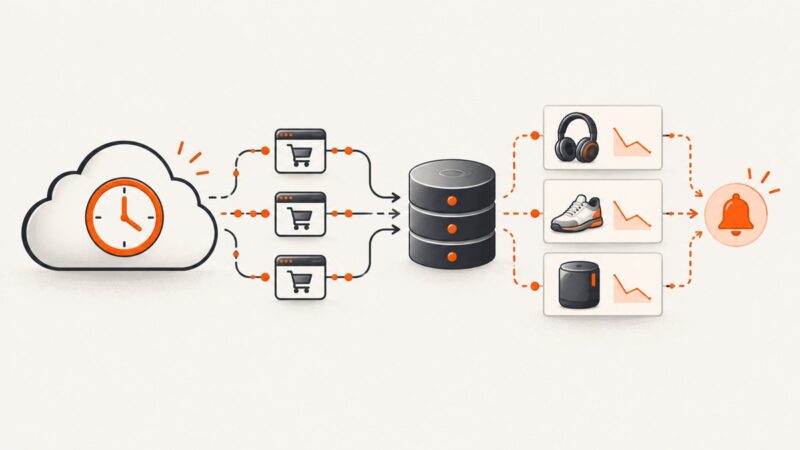
Automate scheduled Amazon product monitoring with authorized APIs, serverless jobs, change detection, retries, alerts, and compliance safeguards.
Fix Puppeteer flexbox screenshot mismatches by matching viewport inputs, checking headless screens, and inspecting computed layout before changing CSS.
Capture a div with html2canvas, download it as PNG, handle cross-origin images, sizing, CSS limits, and server-side alternatives.
Render a Blade view to HTML, capture it with Laravel Screenshot, and save a reliable PNG with correct assets, dimensions, and background jobs.
Make canvas exports sharper by increasing the backing bitmap, scaling for devicePixelRatio, and choosing the right export format.
Disable JavaScript in Selenium's headless Chrome session with a Chrome preference, verify it safely, and handle common version and profile issues.
Fix Selenium XPath link clicks in Firefox with explicit waits, overlay handling, frame checks, stale-element recovery, and reliable assertions.
Learn a reliable Selenium scraping workflow in Python: setup, selectors, explicit waits, pagination, troubleshooting, and cleaner alternatives.
A practical workflow to validate Open Graph tags, preview cards on real platforms, refresh stale caches, and diagnose missing images.
Learn why headless Chrome misses JavaScript-added elements and how to wait for, query, and serialize the live DOM reliably.
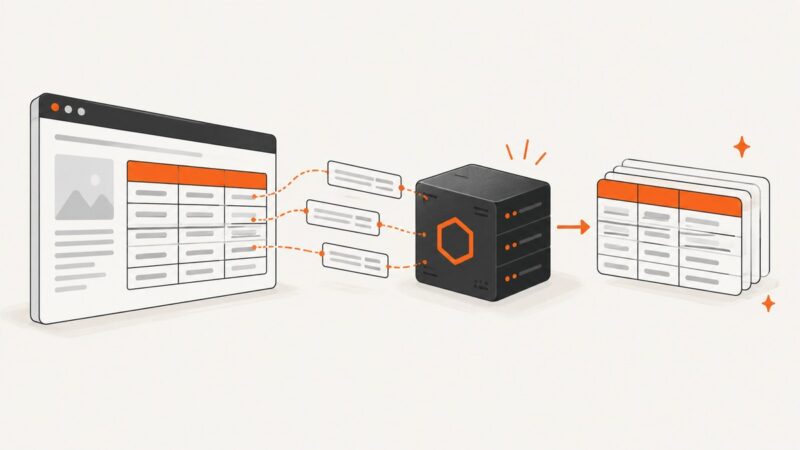
Learn when to use Cheerio or Puppeteer to capture HTML tables with Node.js, extract structured data, handle dynamic pages, and troubleshoot failures.
Copy a browser request as Fetch, translate it to Python, and capture live traffic with Selenium Wire when cookies or tokens change.