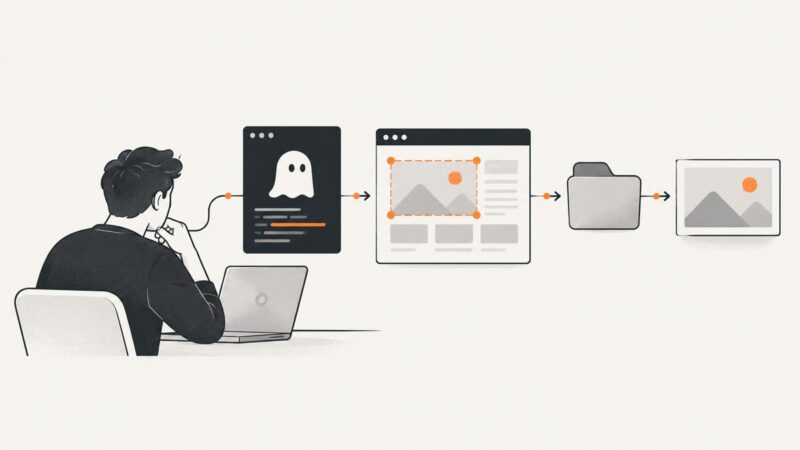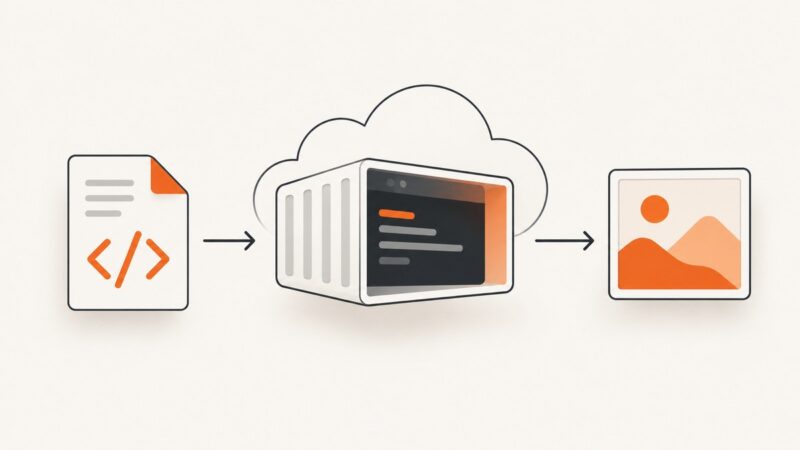
How to Convert HTML to an Image With wkhtmltopdf in Azure Functions
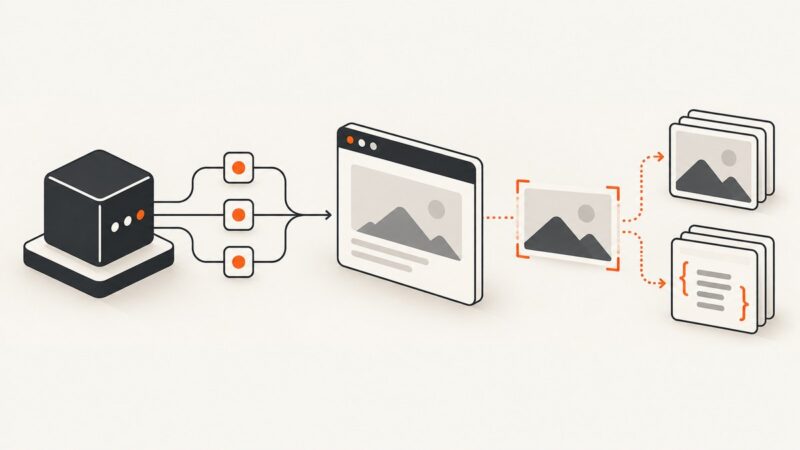
Use wkhtmltoimage—not wkhtmltopdf—to render HTML in Azure Functions with a maintained Linux container, explicit process handling, and tested output.
Use wkhtmltoimage—not wkhtmltopdf—to render HTML in Azure Functions with a maintained Linux container, explicit process handling, and tested output.
Diagnose blurry, offset, or missing text shadows in html2canvas by checking the CSS property, font readiness, render scale, and cloned DOM.
Learn when to use a page-side event handler, Selenium WebDriver BiDi, or prompt handling—and how to subscribe before navigation or tab closure.
Capture Selenium screenshots as PNG files, preserve runner results, avoid filename collisions, and keep artifacts reliable in local and CI runs.
Use CasperJS evaluate() to scroll a nested container, then captureSelector() to save the target. This guide covers selectors, timing, clipping, troubleshooting, and legacy compatibility.
Fix Selenium's “element could not be scrolled into view” error with reliable waits, overlay checks, iframe handling, scrolling code, and diagnostics.
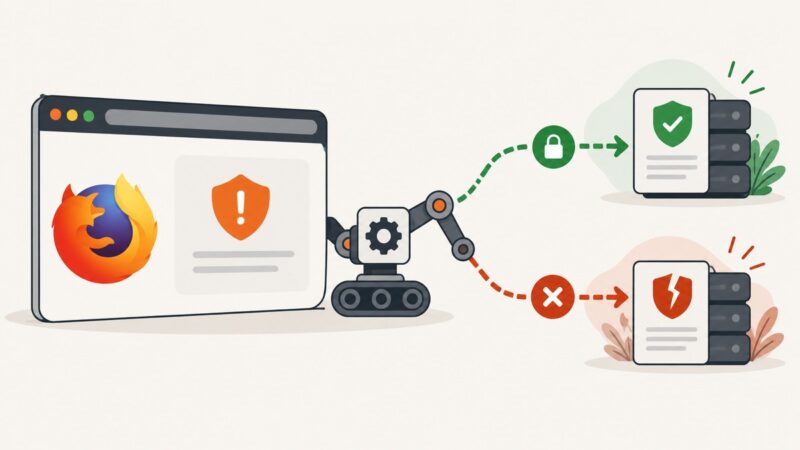
Diagnose Firefox certificate errors in Selenium, use acceptInsecureCerts safely, and fix trust, proxy, HSTS, and remote WebDriver problems.
Measure a page’s complete rendered height in PhantomJS with scrollHeight, diagnose responsive and nested scrolling layouts, and avoid viewport traps.
Set Selenium’s browser window dimensions before capture, then verify the viewport and output image. Includes runnable Python, Java, JavaScript, and C# examples.
Call a TypeScript method from Angular 2 HTML, capture an element with html2canvas, fix CORS and rendering issues, and explore a hosted API option.
Learn how to capture HTML pages with PhantomJS using viewport, clipping, timing, and PDF controls, plus a maintained API alternative.
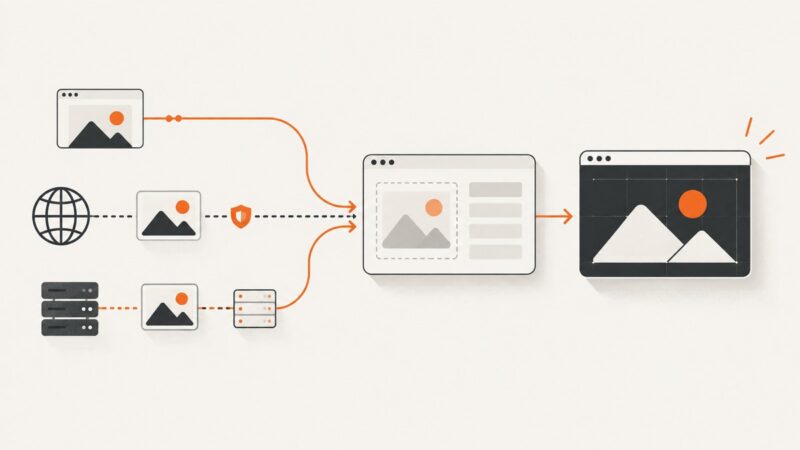
Images missing from an html2canvas capture? Diagnose CORS, loading, proxies, cloned DOM, CSS support, and reliable fixes with runnable code.
Follow redirects in SlimerJS, verify the final URL, handle frames and HTTP errors, and capture the settled page with a reproducible viewport.
Learn how to click Django links with Selenium, choose reliable locators, wait for navigation, and replace obsolete PhantomJS with maintained headless browsers.
Fix CasperJS captureSelector save errors by checking selectors, page readiness, paths, formats, viewport geometry, and PhantomJS limitations.
Fix wkhtmltopdf errors in Node.js by checking the separate executable, runtime libraries, network access, and page assets in the environment that runs your app.
Use Selenium to resolve lazy and protected image URLs, then stream the original bytes with Python Requests—plus validation, retries, and fixes.
Capture AndroidDriver screenshots on failure and attach them to ExtentReports with reliable Java patterns, file and Base64 options, and troubleshooting.