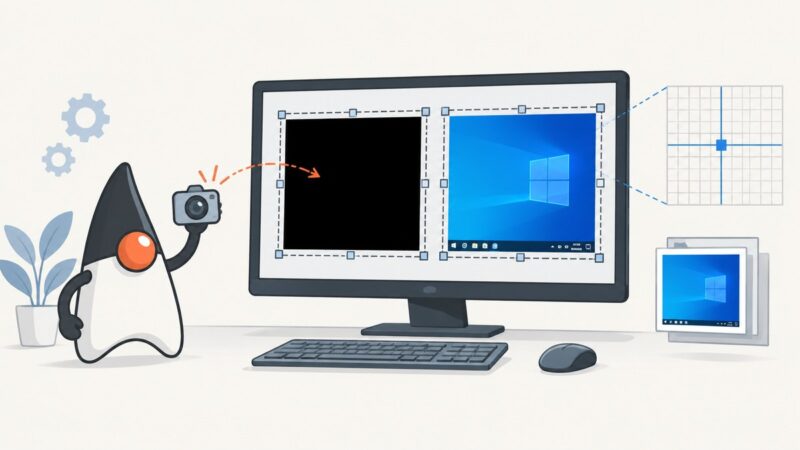
How to Fix Black Screens from Robot.createScreenCapture on Windows 8.1
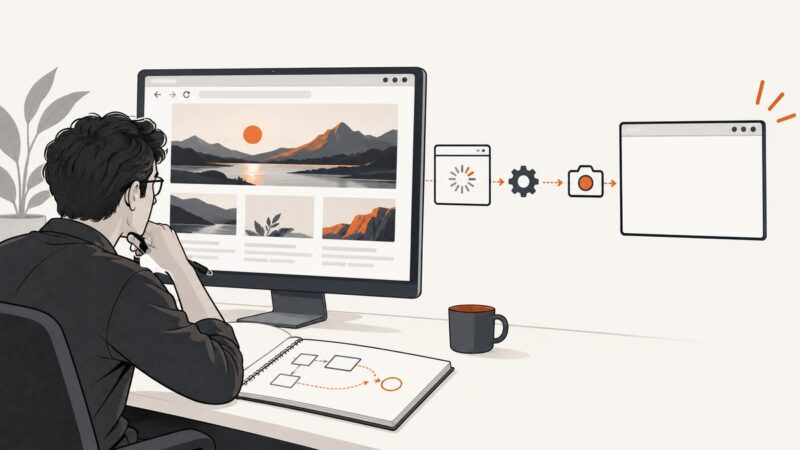
Diagnose black Robot.createScreenCapture images on Windows 8.1 by checking coordinates, desktop sessions, permissions, and runtime details.
Taking screenshots on Windows, Mac, iPhone, Android and in the browser.
Diagnose black Robot.createScreenCapture images on Windows 8.1 by checking coordinates, desktop sessions, permissions, and runtime details.
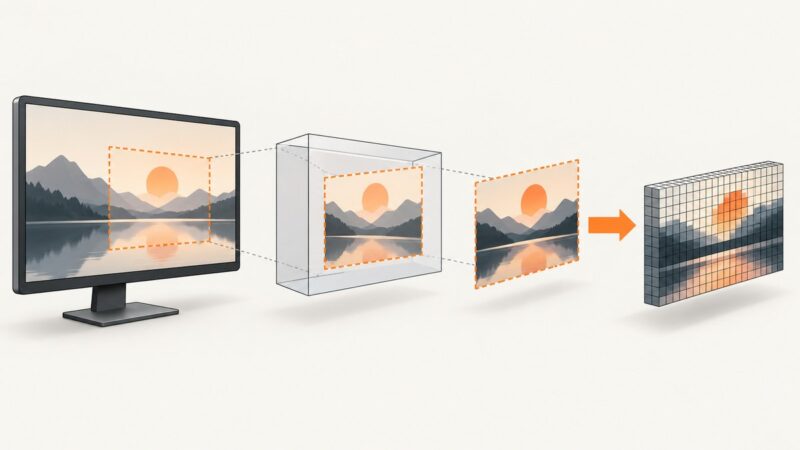
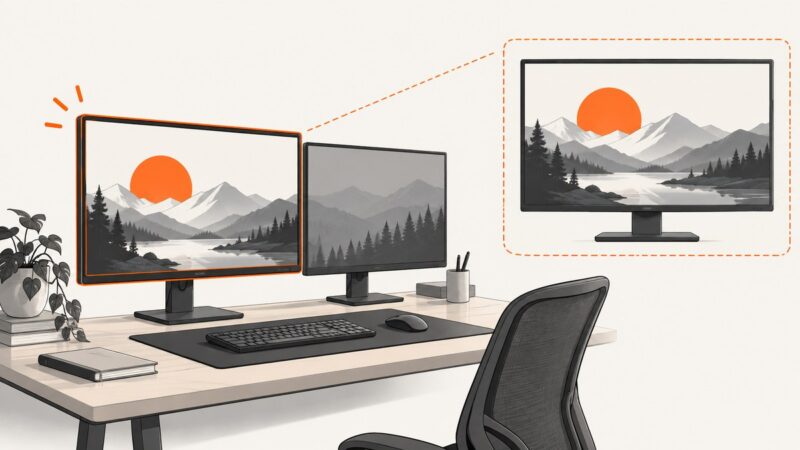
Capture a primary display or any monitor with Java Robot, handle HiDPI and headless systems, and save reliable PNG screenshots.
Use Java's Robot API to capture one monitor, every display, or high-DPI variants, with fixes for headless servers and permissions.
Capture Windows screenshots reliably with Java Robot by running capture code in the interactive user session, not isolated Session 0.
Record or capture a Microsoft Store app with the surrounding Windows desktop using Snipping Tool or Xbox Game Bar.
Chrome no longer plays Flash, so extensions cannot capture live Flash video. Learn the supported screenshot and recording workflows for modern web video.
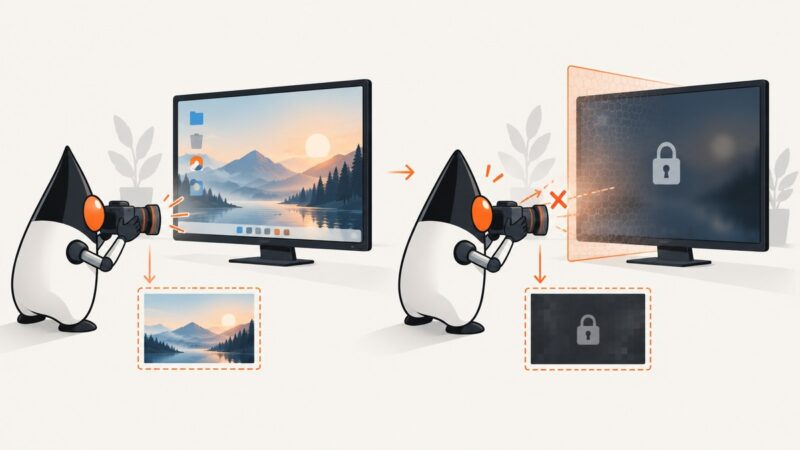
Java Robot reads the active desktop, so Windows locking switches it away. Learn why captures turn black and how to design reliable alternatives.
Capture a full Android display in Xamarin with MediaProjection, correct display sizing, stride-safe ImageReader code, lifecycle handling, and troubleshooting.
GetDIBits returns an int, not a boolean. Learn why repeated JNA screenshots fail, how to restore bitmap selection, and how to debug every GDI handle.
A blank bitmap may be caused by timing, but WebBrowser.DrawToBitmap is documented as unsupported. Diagnose readiness, then choose a capture path your control supports.
Capture repeatable website screenshots with a pinned browser, isolated context, stable rendering, and practical Playwright and ScreenshotNeo workflows.
WinAppDriver and WebDriver do not select one monitor directly. Capture the app or crop a full desktop screenshot using the primary display bounds.
Capture a full webpage, viewport, element, or browser window with Playwright, Firefox DevTools, and ScreenshotNeo.
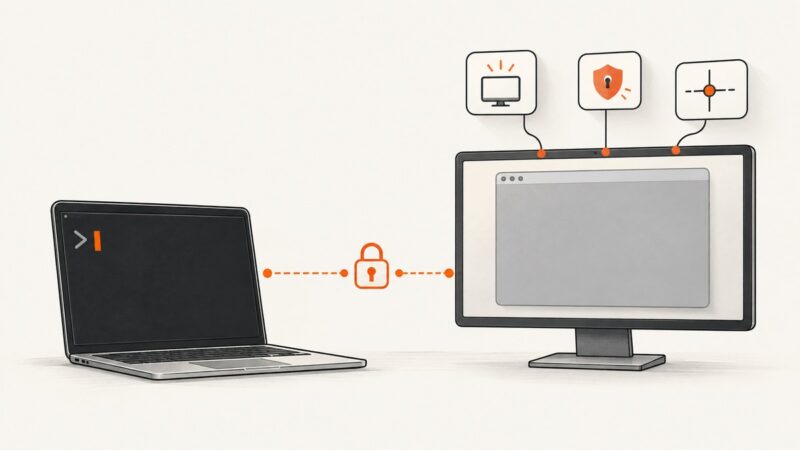
Diagnose blank or gray Java Robot screenshots over PuTTY by checking headless mode, display access, coordinates, permissions, and X11 compositing.
Fix ImageGrab screenshots that miss clicks, keystrokes, cursors, or the wrong monitor with a platform-aware diagnostic guide and working Python code.
A black JFrame screenshot usually means repainting, coordinates, or capture timing is wrong. Diagnose Swing and Robot step by step.
Capture a visible JFrame with Robot, save it with ImageIO, and handle client bounds, EDT safety, headless mode, DPI, and failures.
Capture a JOGL GLCanvas reliably from its OpenGL context, save it as PNG, and avoid the black or gray frames caused by JFrame.printAll().