How to Build a Website in Visual Studio Code
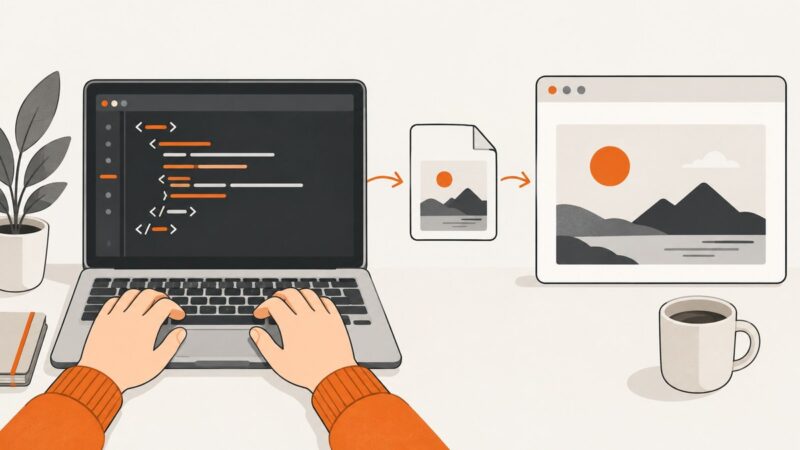
Build and preview a complete HTML, CSS, and JavaScript website in Visual Studio Code, with setup steps, debugging, extensions, and fixes for common errors.
Build and preview a complete HTML, CSS, and JavaScript website in Visual Studio Code, with setup steps, debugging, extensions, and fixes for common errors.
Learn how to add images to an HTML page in Notepad, use correct file paths, write useful alt text, and fix broken images.
Run Playwright in CI, containers, hosted browsers, or Cloudflare Workers with matching binaries, setup steps, code examples, and troubleshooting.
Learn how to turn a JPG into a share link or direct image URL using Google Drive, Imgur, or cloud storage, then test access safely.
Learn how to convert any web page to PNG with Playwright, Puppeteer, Chrome Headless, or ScreenshotNeo—including full-page and element captures.
Open a standalone HTML file in Visual Studio, choose a browser, troubleshoot missing commands, and run project pages with or without debugging.
Run Playwright from any terminal: install browsers, execute one file or project, debug failures, tune workers, and read reports.
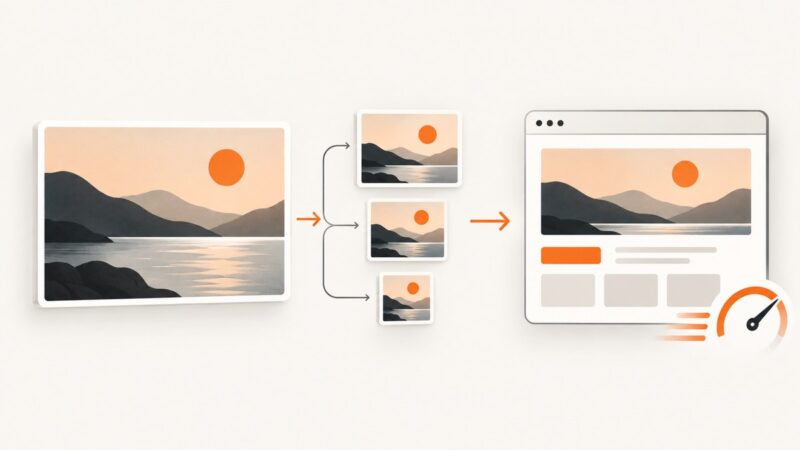
A practical guide to choosing formats, resizing, compressing, and serving responsive website images without slowing the page.
Capture a complete webpage as an image, PDF, or paper copy with browser-specific steps for Firefox, Chrome, Edge, Safari, and ScreenshotNeo.
Learn how to add, resize, optimize, and troubleshoot HTML images with responsive, accessible patterns you can use in production.
Learn how to add an HTML image tooltip, keep alt text accessible, build captions, and create keyboard-friendly custom tooltips.
Reduce website image bytes with the right dimensions, format, compression, responsive markup, and a repeatable delivery workflow.
Save a sharp frame from iPhone video, choose better recording settings, fix blur, and know when a screenshot is better than a saved frame.
Websites cannot guarantee screenshot prevention. Learn what JavaScript, browser policies, DRM, and watermarking can actually block.
Find an image’s real URL with browser DevTools, including responsive images, CSS backgrounds, Network tools, bulk extraction, and safer verification.
Add print CSS that keeps content readable, removes screen-only UI, controls page breaks, and produces cleaner paper or PDF output.
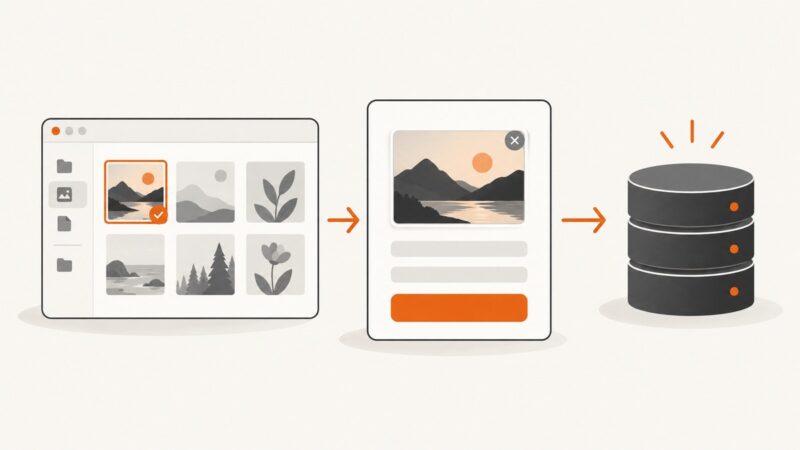
Learn how to let users choose an image in HTML, submit it with multipart/form-data, validate it on the server, and upload asynchronously with JavaScript.
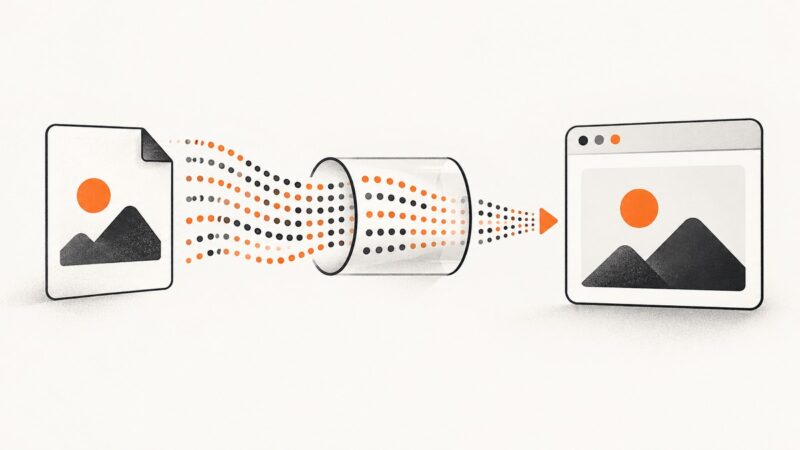
Create valid Base64 image URLs in JavaScript, the command line, Python and Node.js, with MIME rules, size limits, troubleshooting and security guidance.