How to Ignore Elements During html2canvas DOM Scanning
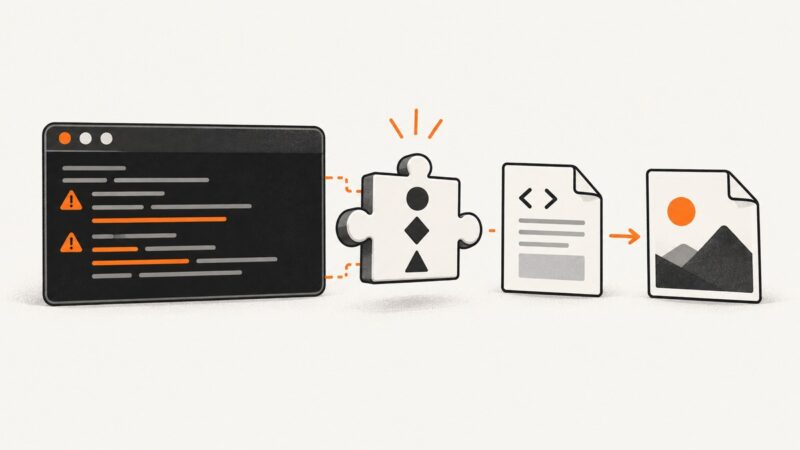
Hide banners, controls, and sensitive fields from html2canvas captures with data-html2canvas-ignore, ignoreElements, and onclone.
Hide banners, controls, and sensitive fields from html2canvas captures with data-html2canvas-ignore, ignoreElements, and onclone.
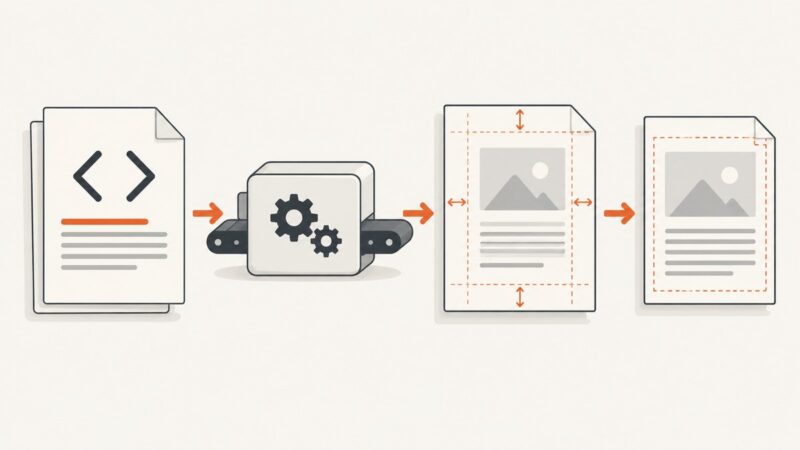
Set wkhtmltopdf top and bottom margins with CLI flags or API settings, reserve space for headers and footers, and fix common layout problems.
Launch Puppeteer’s chrome-headless-shell, install the matching binary, troubleshoot CI, and decide when shell mode or ScreenshotNeo fits your workflow.
Fix split lines, broken table rows, and right-edge clipping in wkhtmltopdf with targeted CSS, diagnostics, and practical renderer alternatives.
Set Puppeteer’s PDF timeout per call, change the page default, or disable it with 0. Learn which timeout applies and how to diagnose slow exports.
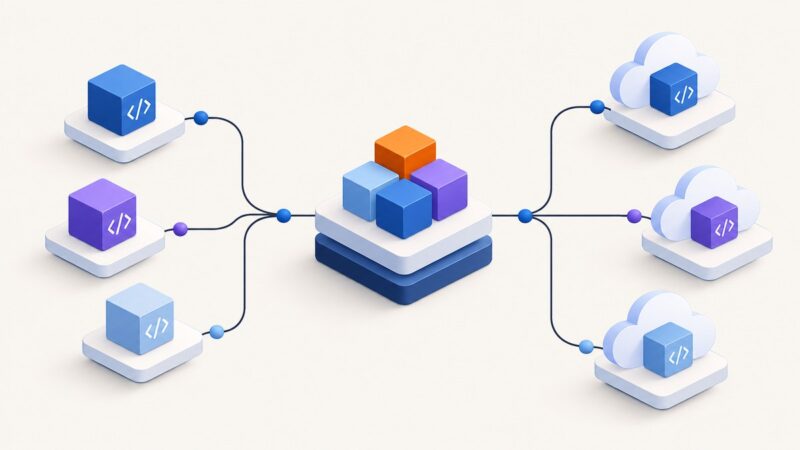
Share code and dependencies in Cloud Run functions with the right workflow for Go, Python, Node.js, or Java, plus local checks and fixes.
Find which PDF engine Pandoc uses, then set margins in the right place. This guide covers WeasyPrint, wkhtmltopdf, CSS padding, and common layout traps.
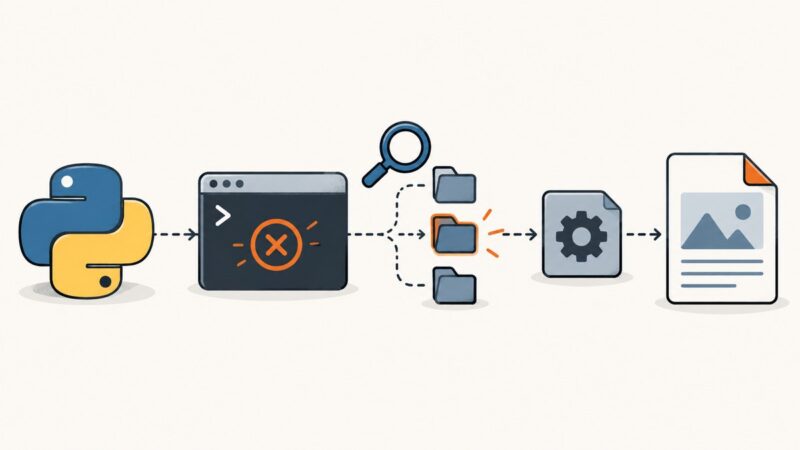
The pdfkit “which” error means Python cannot launch the command used to find wkhtmltopdf. Diagnose PATH, install dependencies, or configure an absolute binary path.
Download, install, verify, and package wkhtmltopdf across Linux, Windows, macOS, Docker, CI, and AWS Lambda—without confusing “static” for self-contained.
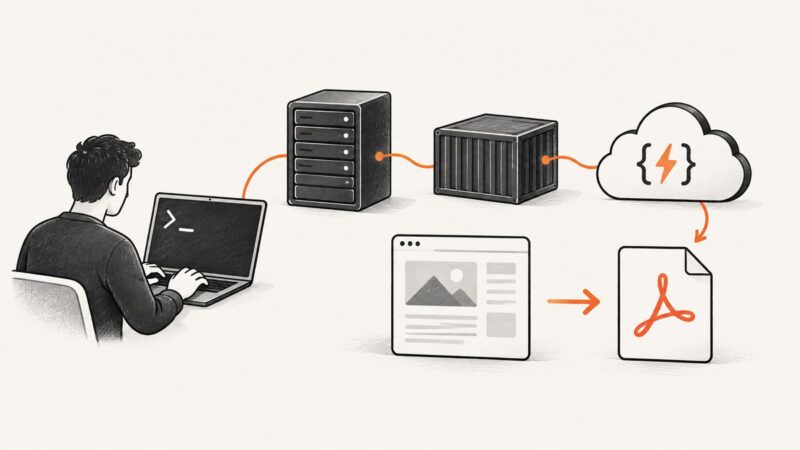
Use the authentication method your site expects: a bearer header, HTTP authentication, or a session cookie. See runnable Puppeteer examples, safer credential scoping, troubleshooting, and a screenshot API shortcut.
Set a narrow PhantomJS viewport, wait for the page, and render an iPhone-sized screenshot with clipping, user-agent options, and practical fixes.
Use jQuery, window.status, and wkhtmltopdf’s wait options to produce PDFs after AJAX, charts, images, and other asynchronous work finish.
Use PhantomJS’s `page.uploadFile()` to attach a local file to Facebook’s live file input, then verify the page-specific upload result.
Pin NReco.ImageGenerator to use its bundled wkhtmltoimage build, or use NReco.ImageGenerator.LT and deploy the exact executable you need.
Fix wkhtmltoimage’s missing libXrender.so.1 error with the right package, architecture checks, linker verification, Xvfb setup, and safer alternatives.
Configure format, crop, width, quality, transparency, JavaScript, loading and errors in phpwkhtmltoimage with runnable PHP examples.
Install Alpine’s Chromium, point Puppeteer to the right executable, and handle version compatibility, sandboxing, fonts, and common Docker failures.
Fix ERR_NAME_RESOLUTION_FAILED and getaddrinfo ENOTFOUND in Puppeteer on Firebase Cloud Functions with a practical networking and deployment checklist.