Render HTML to Image in C#/.NET Without WebBrowser
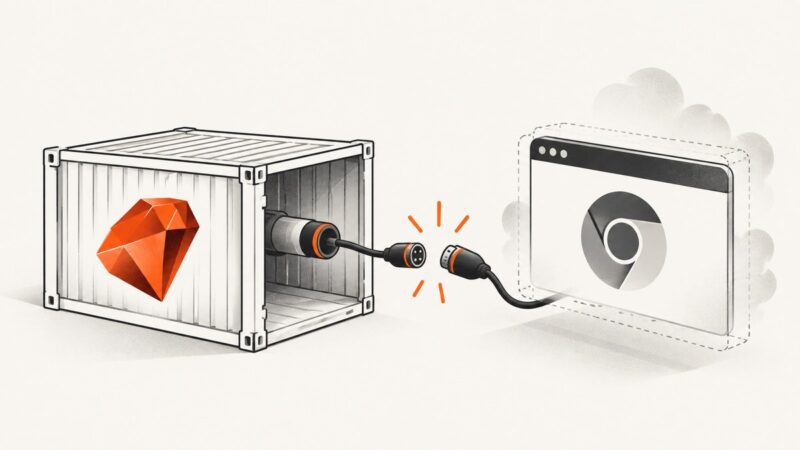
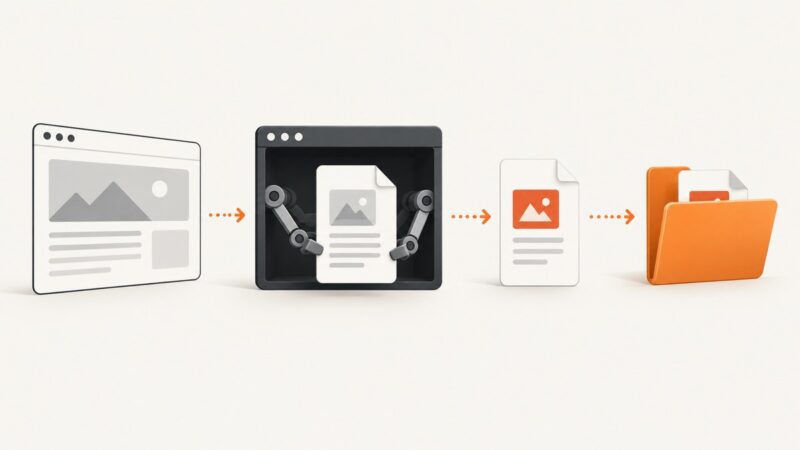
Render modern HTML as an image in C# without the legacy WebBrowser control. Use Playwright, PuppeteerSharp, or WebView2 based on where your app runs.
Render modern HTML as an image in C# without the legacy WebBrowser control. Use Playwright, PuppeteerSharp, or WebView2 based on where your app runs.
Fix missing SVGs in html2canvas by checking load timing, CORS, redirects, data URIs, and canvas limits—with runnable fixes and troubleshooting.
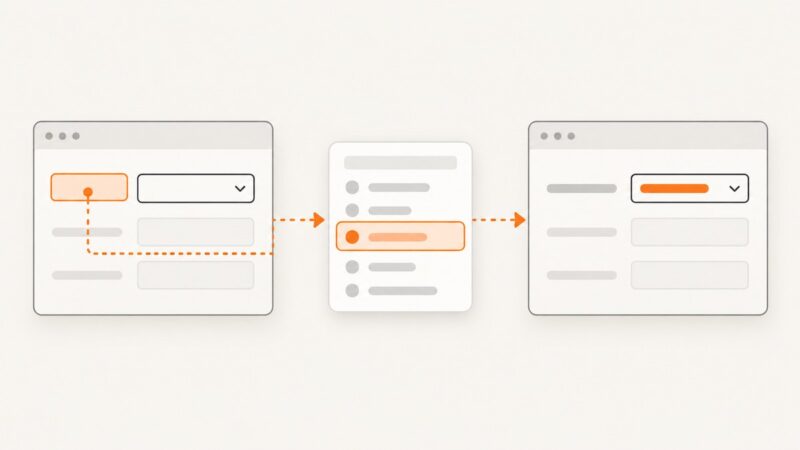
Select native and custom Puppeteer dropdowns by visible text, handle async updates, and avoid common value, timing, and locator errors.
Measure a named Puppeteer navigation milestone, inspect browser timing phases, and report results with enough context to make comparisons meaningful.
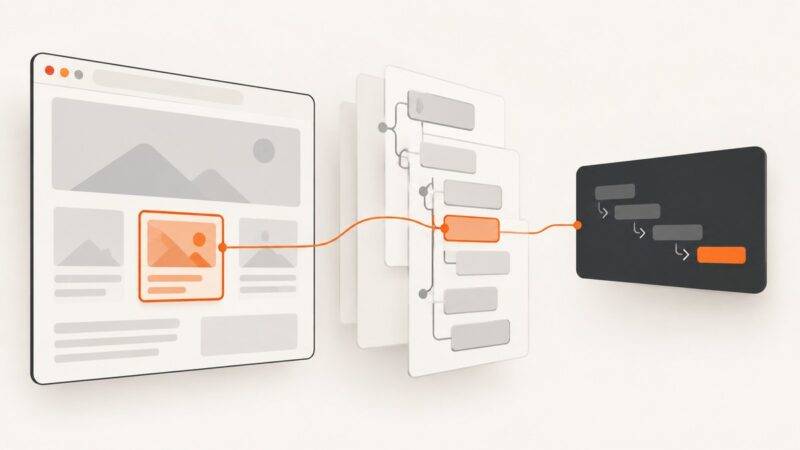
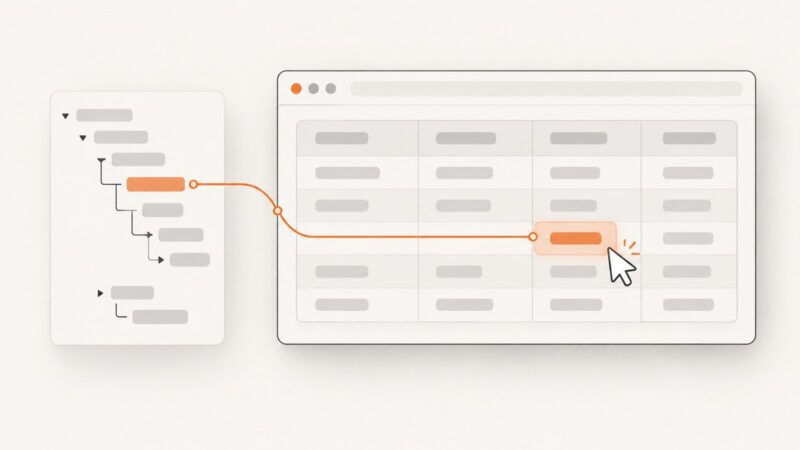
Build and validate a CSS selector from a Puppeteer ElementHandle with robust JavaScript patterns, escaping, frames, shadow DOM, and troubleshooting.
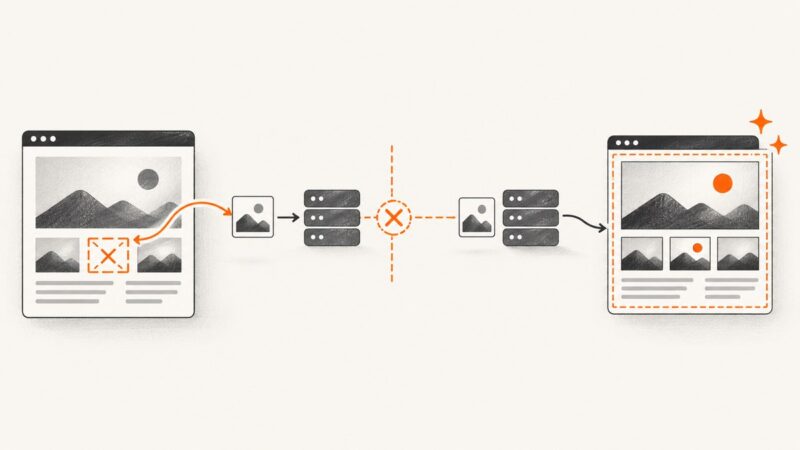
Find the real failing image, fix undefined URLs, handle CORS and proxies, and prevent html2canvas image-loading errors in production.
Fix Chrome’s DevToolsActivePort startup error in Capybara and Docker with a diagnostic workflow for users, versions, shared memory, and drivers.
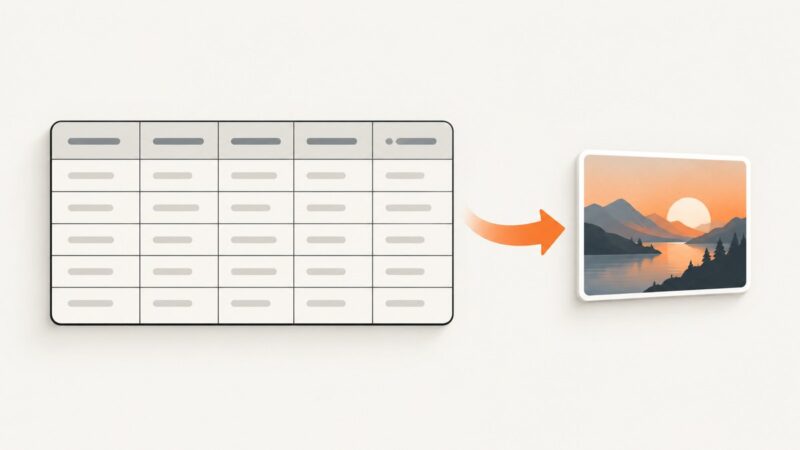
Convert an HTML table to a sharp JPG with html2canvas, handle long tables and cross-origin images, and choose a repeatable server-side workflow.
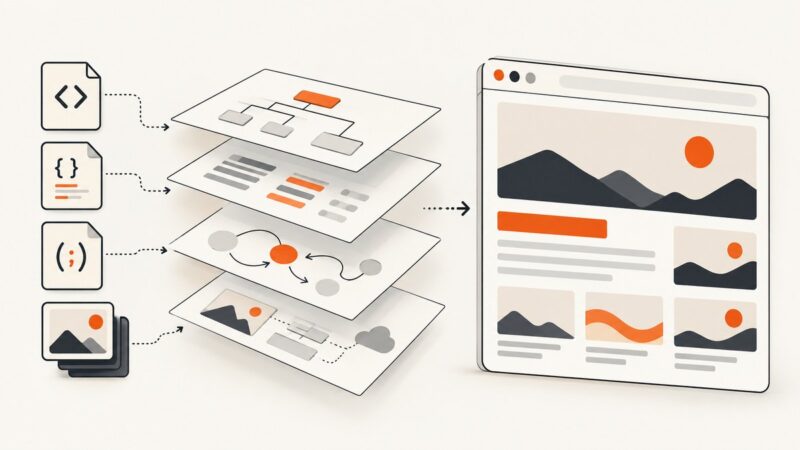
Choose the right way to save a rendered page: DOM dump, MHTML archive, HAR, DOM snapshot, screenshot, or PDF. Includes runnable browser automation examples.
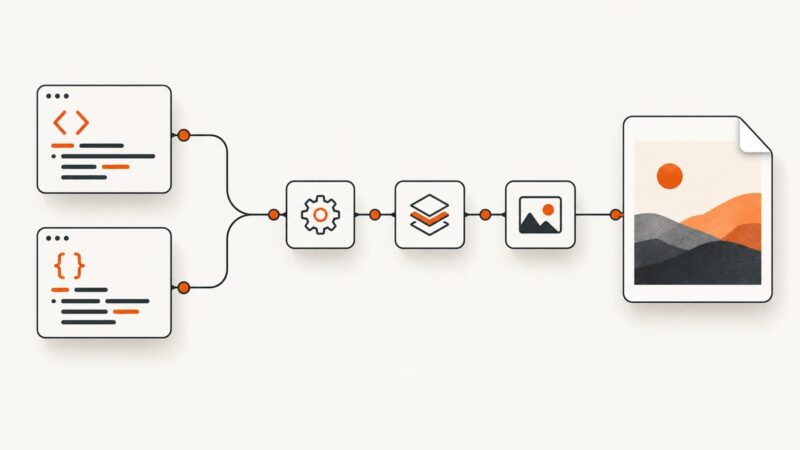
Build an n8n workflow that turns HTML or a webpage URL into a JPG, handles binary output, and avoids common rendering failures.
Chrome’s headless CLI writes PDFs as output.pdf in the current working directory. Learn how to rename that file safely or choose a path directly with Puppeteer.
Learn how to mutate JavaScript styles safely, inspect computed values, avoid layout shifts, and verify that the browser still renders the intended result.
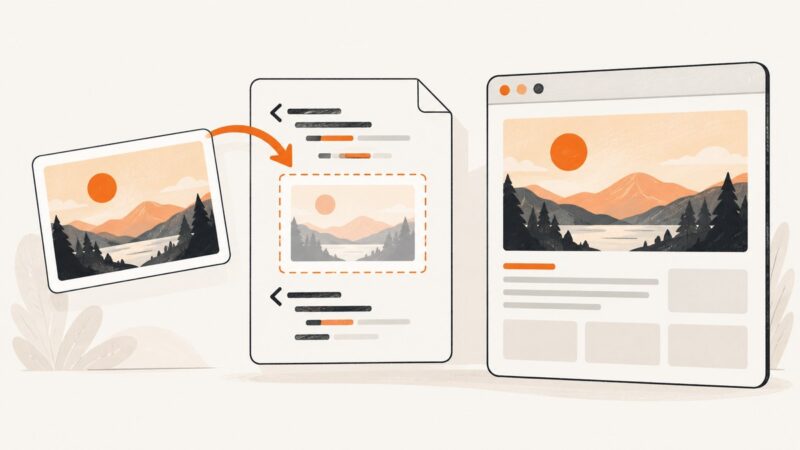
Embed a screenshot with HTML’s <img> element, choose useful alt text and dimensions, and make the image responsive when needed.
Use XPath and normalize-space() to locate exact table text in Selenium, scope repeated values, wait for dynamic rows, and avoid common lookup errors.
Run TestCafe with Chrome headless mode and custom switches. Learn the correct CLI, JavaScript API, local executable, and BrowserStack configurations.
Wait for a specific element to appear, become visible, or finish rendering before capturing it with Puppeteer. Includes runnable code, diagnostics, and a no-browser-setup option.
Run Selenide tests with headless Chrome using its built-in setting or ChromeOptions. Configure CI, fix common startup errors, and keep browser runs reproducible.
An empty html2canvas result usually points to oversized dimensions, blocked cross-origin images, or unsupported rendering. Diagnose the cause and choose the right fix.