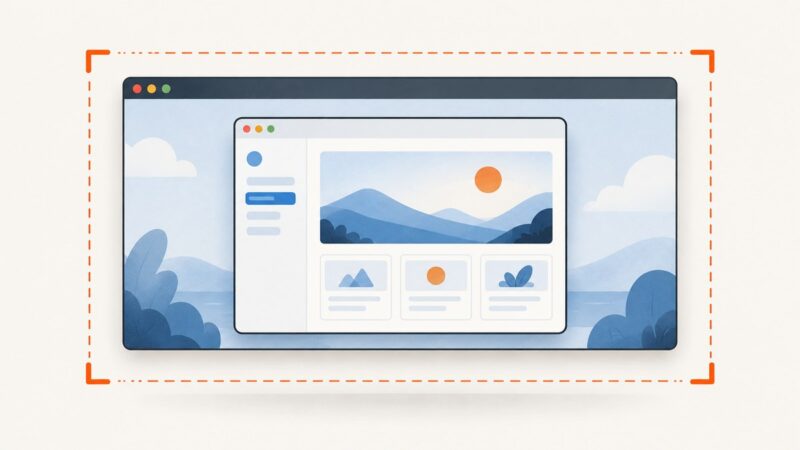
How to Configure Cypress and Headless Chrome Viewport Dimensions
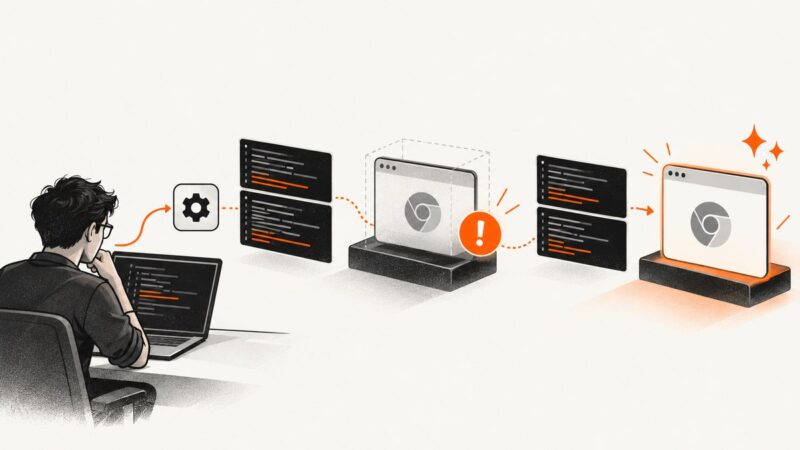
Set Cypress’s application viewport and headless Chrome’s screenshot dimensions independently. This guide covers project, test, CLI, and browser launch settings.
Set Cypress’s application viewport and headless Chrome’s screenshot dimensions independently. This guide covers project, test, CLI, and browser launch settings.
Design image uploads users can understand, access, and recover from. Learn how to handle selection, validation, previews, errors, and drag and drop.
Set Chrome’s language preference in Selenium, verify Accept-Language, handle remote sessions, and avoid common headless localization failures.
Learn why headless Chrome dumps only the body and how to serialize the complete live document, including frames, shadow DOM, and rendered content.
Fix wkhtmltoimage’s “argument list too long” error by moving HTML out of argv, safely batching files, and diagnosing ARG_MAX.
Capture Leaflet maps as PNGs with html2canvas, fix missing tiles and CORS, export overlays correctly, and compare browser capture with ScreenshotNeo.
Find the exact Puppeteer phase that stopped, then fix launch, navigation, protocol, Chrome runtime, or shutdown problems with evidence.
Make CSS background images appear in html2canvas exports. Learn the CORS, CSS support, and download steps that keep the result readable.
Learn why images download as WebP and how to save or convert them to JPG in Chrome, Firefox, desktop tools, Python, Node.js, and cURL.
Run Puppeteer in CodeBuild by matching your build image, browser, and Linux libraries, then installing and launching it from a repeatable buildspec.
Record headless Chrome sessions with Playwright or Puppeteer, finalize files reliably, tune dimensions, and troubleshoot failed or blurry videos.
Trace ContentNotFoundError to the resource that failed, then check its path, permissions, URL, and wkhtmltopdf loading settings.
Isolate Chrome from WebDriver, align versions, fix headless and Linux account issues, and capture logs that reveal the real startup failure.
Convert SVG files or inline HTML SVG to JPG with ImageMagick, Inkscape, browser canvas, and ScreenshotNeo, including sizing and troubleshooting.
Diagnose WebDriverException in Python Selenium by separating startup failures from page errors, then fix versions, paths, headless mode, and waits.
html2canvas can render some 2D CSS transforms, but it reconstructs the page and does not fully support 3D transforms. Learn how to capture, crop, troubleshoot, and choose a browser screenshot when accuracy matters.
Remove a logo background, preserve alpha transparency, and export a clean PNG with workflows for Canva, GIMP, Inkscape, and Photoshop.
Convert local HTML files or URLs to JPGs in batches with Playwright. Set image quality, capture full pages, name outputs safely, and handle failures.